
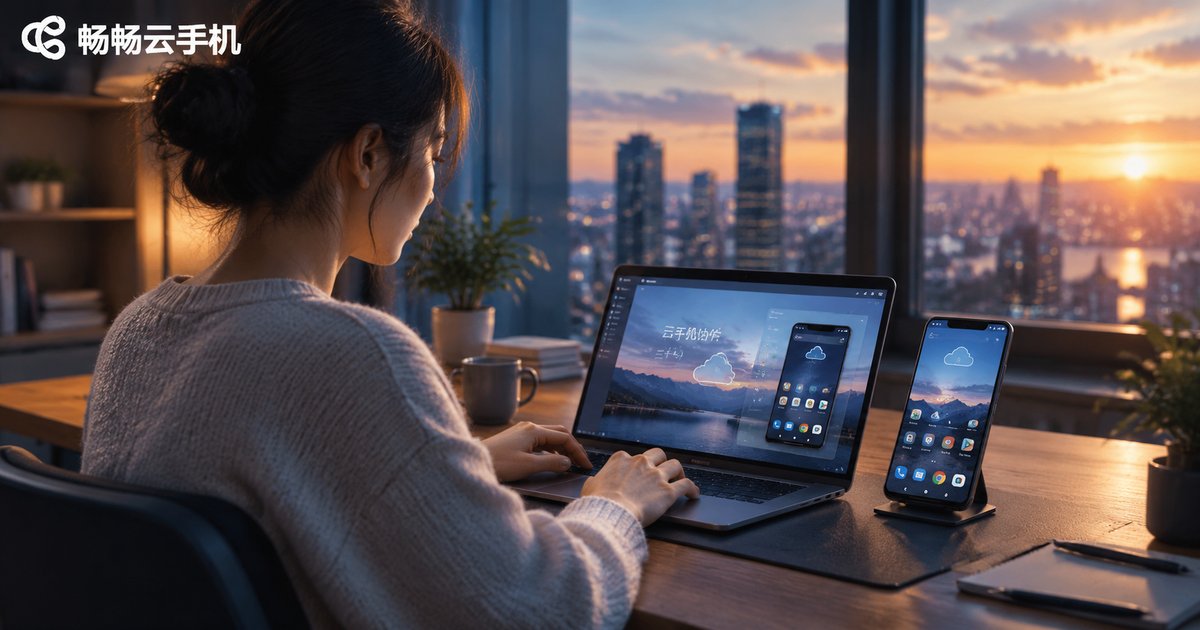
The Value of Cloud Phones in Remote Collaboration: Permissions, Data, and Communication Efficiency
What Makes Remote Collaboration Hard
Distributed teams have become the norm, but more collaboration tools also bring new problems: devices are hard to share, data is easy to leak, and communication relies on retelling. An operations colleague may need to log into a company account, yet there is only one physical phone, so it gets shipped back and forth. Demonstrating a workflow remotely often takes half an hour of verbal description and still leaves the other person confused.
Cloud phones address exactly these pain points. By moving the Android environment into the cloud, a phone stops being a piece of hardware and becomes a cloud resource that can be assigned, used, and revoked at any time. Below we look at the value of cloud phones for remote collaboration from three angles: permissions, data, and communication efficiency.
Permission Management: Everyone Only Manages Their Own Part
In traditional collaboration, sharing a device usually means sharing the risks. Account passwords get posted in group chats, verification codes get screenshotted for others, and nobody can trace who changed which setting.
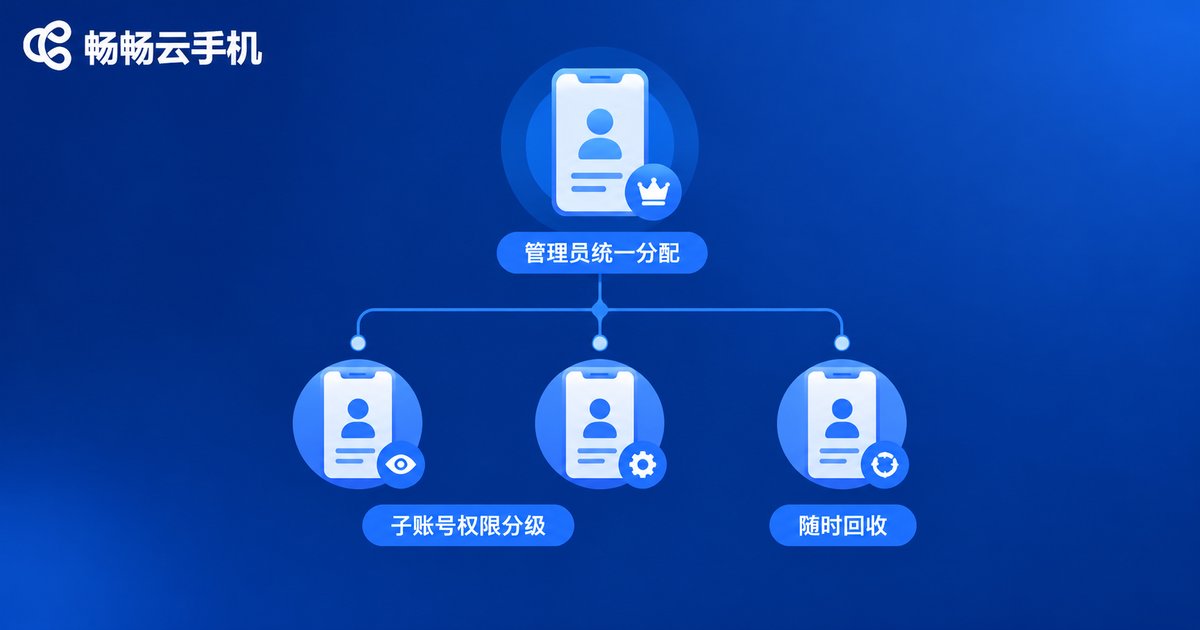
Cloud phones work differently: the device lives in the cloud, and the permissions live in the console. Administrators create and manage cloud phones centrally and assign them to members as needed. Each member logs in with an individual account and only sees the devices assigned to them, with a clearly defined scope of operation. When a project ends or staffing changes, the administrator simply revokes the device from the console — no chasing people to change passwords or hand over hardware. Granting and withdrawing permissions always stays in the team's own hands.
This tiered authorization model replaces personal trust with institutional safeguards, which is especially valuable for teams where multiple people take shifts operating the same set of accounts.
Data Security: Data Stays in the Cloud, Not on Personal Devices
The biggest fear in remote collaboration is data landing on personal devices: chat histories on one person's phone, client files on one laptop. When that person leaves or the device is lost, the data goes out of control.
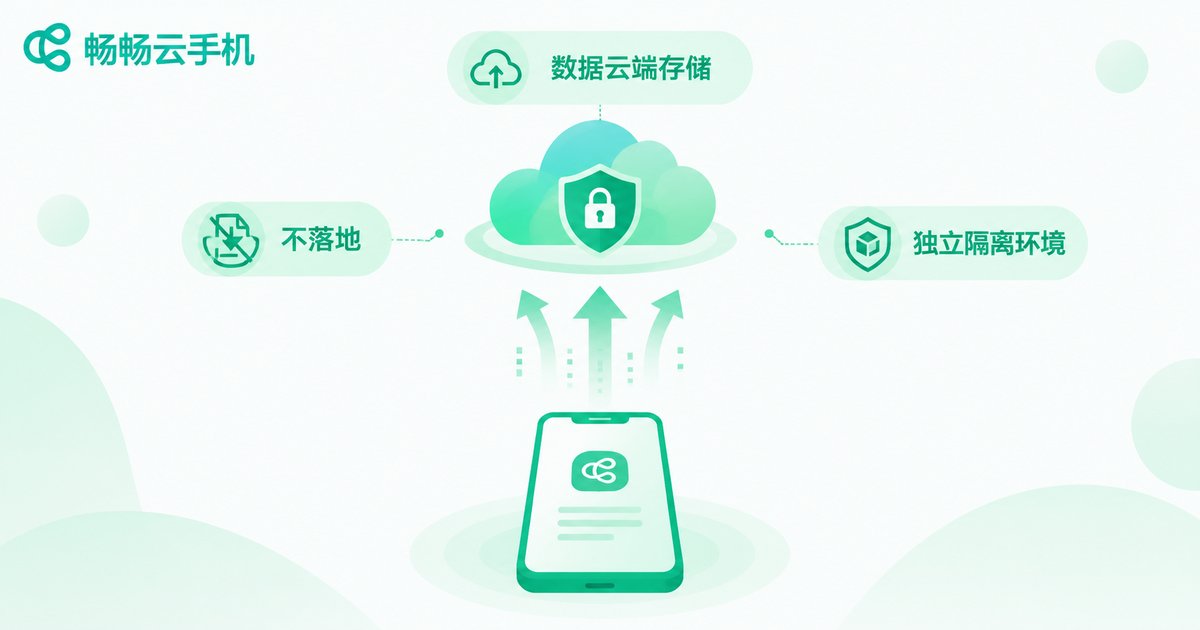
With a cloud phone, the running environment sits on cloud servers, so chat records, app data, and login states are all stored in the cloud, while the phone or computer in hand is merely an entrance. Log in from a different device and the workspace is restored exactly as it was. When a member leaves, the data remains intact in the team's cloud environment. Losing a device is no disaster, because nothing was stored on it; staff turnover is no threat, because the data never left the cloud.
In addition, every cloud phone is an isolated environment, so an issue on one device does not spread to others — far safer than passing files between personal phones.
Communication Efficiency: Everyone Looks at the Same Screen
The biggest cost of remote guidance is information getting distorted in retelling. Describing steps in text invites omissions; exchanging screenshots and recordings is slow and messy.
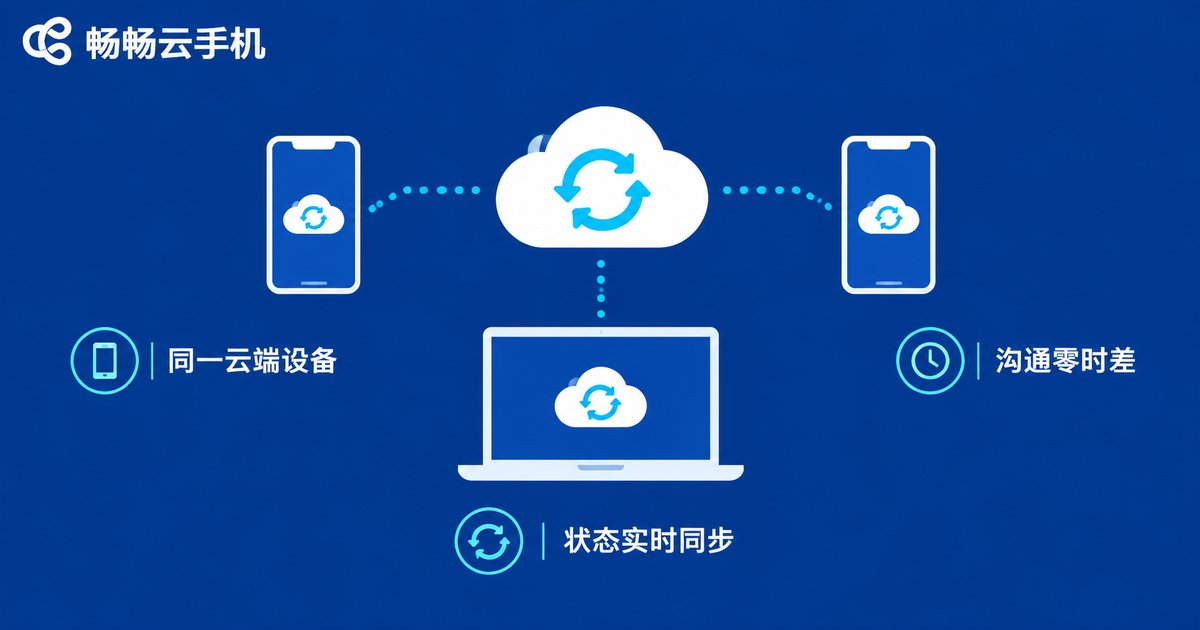
When a team collaborates through a cloud phone, members log into the same cloud device. Whatever you installed or configured, the other person sees the identical state after logging in. Instead of struggling to describe which button you tapped, you simply say: log into this device and take a look. For onboarding, new members can follow along step by step on the cloud device itself, learning faster and remembering better.
Real-time synchronization turns communication from retelling into shared visibility, dramatically cutting the time spent on back-and-forth confirmation.
The Three Capabilities at a Glance
| Collaboration Pain Point | Traditional Approach | Cloud Phone Approach |
|---|---|---|
| Permissions | Shared passwords, hard to trace | Tiered assignment, instant revocation |
| Data | Scattered on personal devices | Centralized cloud storage, no local copies |
| Communication | Screenshots and recordings | Same cloud device, real-time sync |
Choosing a Reliable Cloud Phone: ChangChang Cloud Phone
Once the value is clear, the next step is choosing the right provider. ChangChang Cloud Phone (ccloudphone) delivers a stable cloud-based Android environment that works right after logging in. Teams do not need to purchase extra hardware and can activate cloud phones on demand, moving their scattered collaboration needs into one centrally managed cloud workspace. Whether multiple members share a batch of accounts in shifts or a mentor trains a new hire remotely, it can be up and running quickly at a low cost.
For teams that collaborate remotely on a regular basis, a cloud phone is more than a tool — it is a more disciplined way of working: permissions with boundaries, data with continuity, communication with shared context. If device sharing and data security are giving you headaches, try ChangChang Cloud Phone on its official website.
FAQ
Q: Is a cloud phone suitable for multi-user sharing?
Yes. Centralized assignment and management is one of its core strengths. Administrators can assign different cloud phones to different members with clear permissions, and revoking access is just as easy — ideal for team collaboration.
Q: If a member leaves, does the cloud data remain?
Yes. Cloud phone data is stored in the cloud environment, not on any member's personal device. When staffing changes, the administrator reclaims the device or adjusts authorization, and the data stays intact with the team.
Q: Does remote collaboration via cloud phone require powerful hardware?
No. All the computing happens on cloud servers. As long as your local device can get online and log in, an ordinary phone or computer works smoothly.
Q: How is a cloud phone different from an emulator?
A cloud phone runs on real cloud servers with its own isolated Android environment, offering better stability and isolation. It also consumes no local computing resources, making it better suited for long-term, multi-device team collaboration.


