

Cloud Phones for Customer Service in 2026: Multi-Account Management and Service Efficiency
For customer service teams, the challenges of 2026 are more concrete than ever: more accounts, more platforms, and customers who expect instant replies. In many companies, a single agent still juggles five or six physical phones at once. Cloud phones are flipping that model—instead of people running around devices, devices now orbit around people.
In simple terms, a cloud phone is a virtual smartphone that runs on cloud servers. It has its own independent system environment and works like a real phone—you can install apps and log in to accounts—yet you never have to hold it. You control everything from a computer or tablet, anytime, anywhere. For service scenarios that involve managing large numbers of accounts, it is almost a purpose-built tool.
Why Customer Service Teams Are Adopting Cloud Phones First
The core of customer service is responding fast, but reality often looks like this: accounts scattered across devices, messages easily missed; devices that must stay powered on and connected, with any outage meaning going offline; and hardware costs that climb steeply as the team grows.
Cloud phones address each pain point directly: all accounts managed in one place, no more switching between devices; always-on in the cloud, independent of any single phone's battery or network; and elastic capacity—spin up extra cloud phones during peak seasons and release them afterward, keeping costs under control.
Multi-Account Management: From Chaos to One-Click Switching
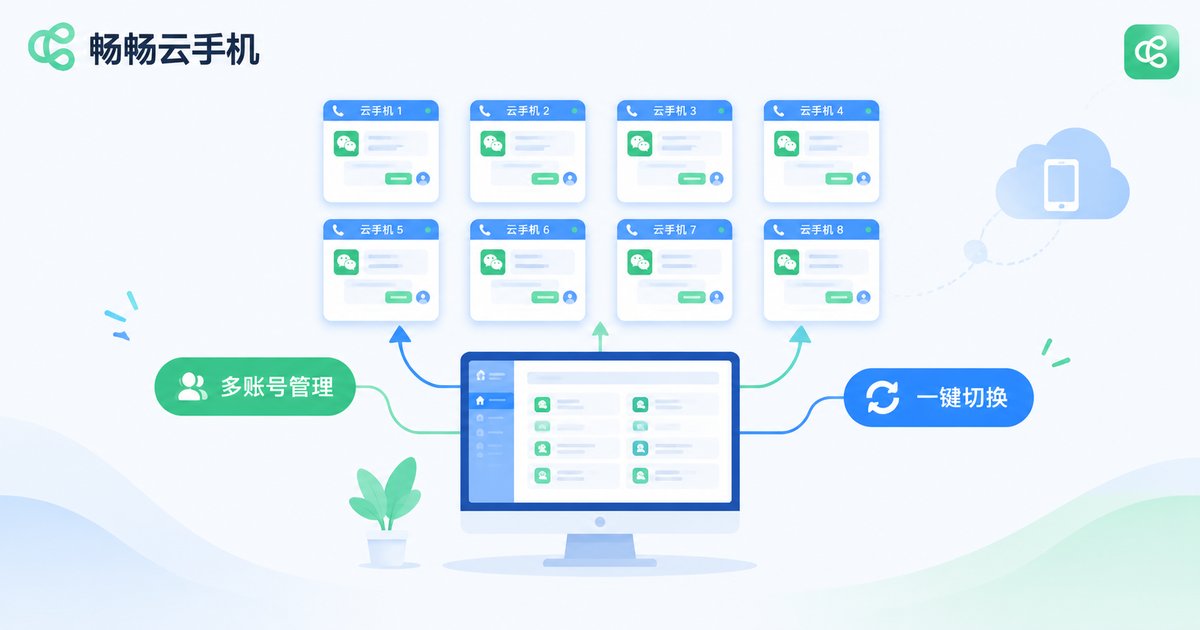
Multi-account management is the most immediate value cloud phones bring to customer service. In the past, an agent covering multiple platform accounts either lined up a row of physical phones or logged in and out repeatedly on one computer—slow and error-prone.
With cloud phones, all accounts live in a single unified console: agents can switch between account windows with one click, see unread messages across accounts at a glance, and prioritize VIP customers. Each cloud phone runs in an isolated environment, so accounts stay independent and the risk of unwanted association drops sharply.
Team managers benefit just as much: accounts can be assigned by business line or shift, and when an employee leaves, handover is as simple as transferring the cloud phones—customer data and chat history stay in the cloud instead of walking out the door with a personal device.
Three Typical Scenarios for Boosting Service Efficiency
Scenario 1: Unified coverage across platforms. During e-commerce promotions and holiday peaks, inquiry volume can multiply several times over. Migrating all service accounts onto cloud phones lets one agent cover multiple channels simultaneously, with centralized message alerts, fewer missed inquiries, and a noticeably shorter average response time.
Scenario 2: Staying online after hours. Cloud phones keep running in the cloud even when agents log off. Accounts remain online and keep receiving messages overnight; the next morning, agents handle the backlog first thing—and customers notice the difference.
Scenario 3: Training new agents and standardizing responses. Deploy standard scripts and FAQ libraries inside cloud phones so new hires practice in an environment identical to production. Proven replies from senior agents can be stored in the cloud for the whole team to reuse and learn from.
Traditional Multi-Device Setup vs. Cloud Phone Setup
| Dimension | Multiple Physical Phones | Cloud Phone Solution |
|---|---|---|
| Hardware cost | One new phone per added account | Provision on demand, scale anytime |
| Online stability | Depends on battery, network, environment | Runs 24/7 in cloud data centers |
| Account switching | Checking devices one by one, messages missed | One-click switching in a unified console |
| Staff handover | Accounts and data scattered on devices | Transfer cloud phones wholesale, no data loss |
| Maintenance | Frequent repairs, flashing, lag issues | Centrally maintained and upgraded in the cloud |
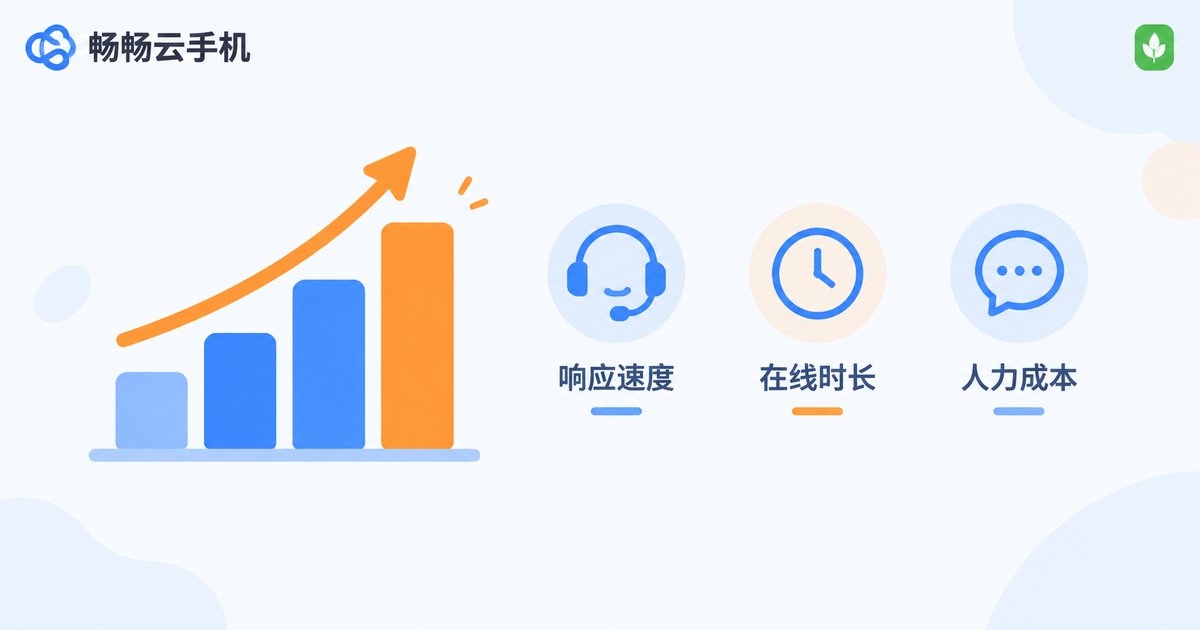
As the table shows, a cloud phone is not just a phone moved to the cloud. It takes over the device-management chores that drain service teams, freeing people to focus on the actual service.
ccloudphone: A Multi-Account Assistant for Service Teams
Among cloud phone providers, ccloudphone stands out with optimizations built for multi-account scenarios: unified group control of multiple cloud phones, a clean interface with a low learning curve, stable cloud operation that keeps accounts online long-term, and cloud-based data storage—switch devices or locations without losing any progress.
Whether you are a solo agent, a small studio, or an enterprise team managing dozens of accounts, you can start with a small number of cloud phones, validate the workflow, and scale up gradually. Visit the ccloudphone official website to learn more and get started.
FAQ
Q: How is a cloud phone different from an emulator?
A cloud phone runs on real cloud servers with its own isolated system environment. It does not consume local computer resources and does not depend on your local network. Emulators run on your local machine—running many instances causes lag, and environment isolation is weaker.
Q: How many accounts can one agent manage at once?
It depends on your workflow and each platform's rules. With a cloud phone group-control console, one agent commonly covers 5-10 accounts simultaneously; adjust based on peak inquiry volume.
Q: Is it safe to log in to service accounts on a cloud phone?
Reputable cloud phones give each device an independent system environment and network configuration, keeping accounts isolated. Used normally within platform rules, account security is well protected. Choose a stable provider such as ccloudphone.
Q: What equipment do agents need to use a cloud phone?
Just a computer or tablet with internet access—no high-end hardware required. All computing happens in the cloud; the local device only handles display and input, so even older computers work smoothly.
Q: Can we quickly add more cloud phones as the team grows?
Yes. Cloud phones are provisioned on demand—add capacity for peak seasons and release it afterward. It is far more flexible than buying physical devices, especially for teams with fluctuating inquiry volumes.


