
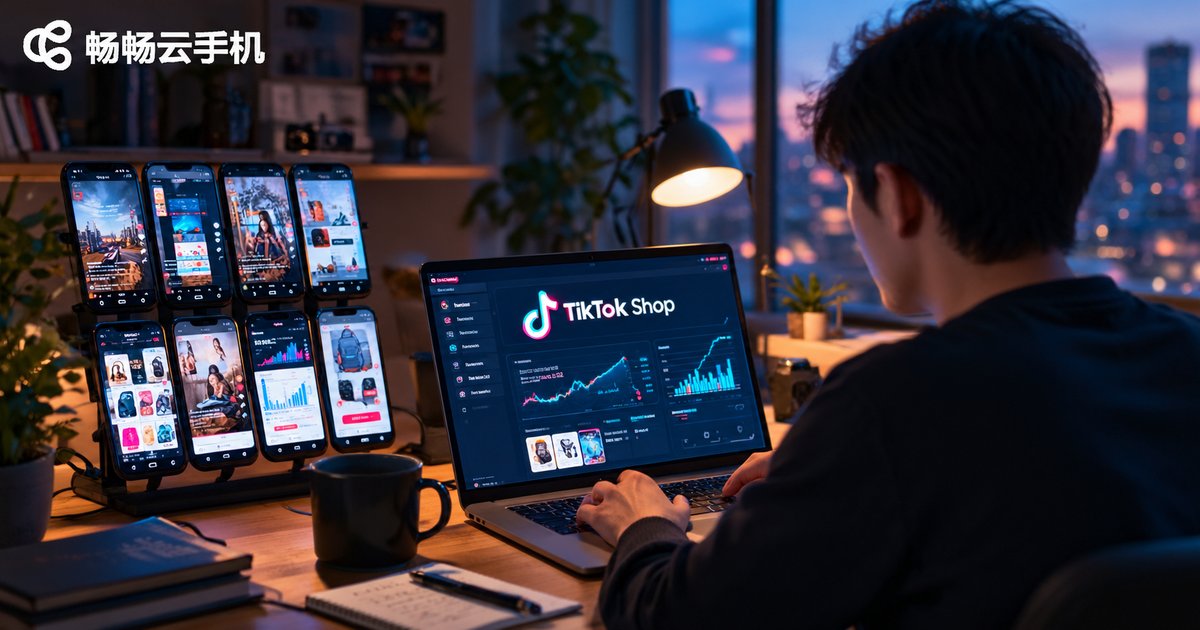
How to Use Cloud Phones for TikTok Shop Operations: Scenario Adaptation Analysis
Why TikTok Shop Operations Need a Cloud Phone
Every TikTok Shop seller knows the routine: listing products, replying to comments, watching livestreams, processing orders, maintaining accounts. Handling all of this manually on physical phones is costly and inefficient — and once you have more than a few accounts, it becomes chaos. A cloud phone is a virtual smartphone running on cloud servers. It has its own independent system environment and runs apps like TikTok just like a real device; you only need a computer or an ordinary phone to connect and control it anytime.
For cross-border sellers, the core value of cloud phones comes down to three things: lower hardware costs, batch management, and around-the-clock availability. Let us look at how it works in real operational scenarios.
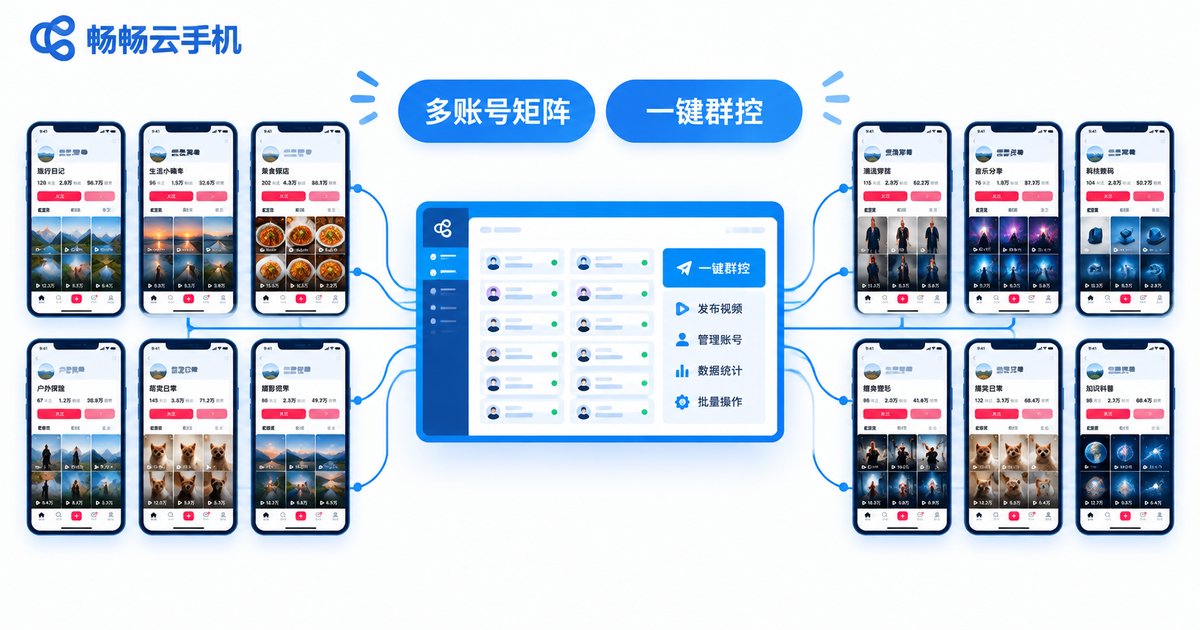
Scenario 1: Multi-Account Matrix Management
Many sellers run several accounts at once — a main shop account, creator collaboration accounts, and content accounts for traffic. Assigning one physical phone to each means constant purchasing, charging, and maintenance. With a cloud phone matrix, all devices are managed from a single dashboard: switch devices with one click, install apps in batches, and execute operations across accounts at once. One operator can comfortably look after dozens of accounts.
One tip: follow the one account per device principle. Keep each account environment independent and stable, and avoid frequent device switching — that is how account weight grows steadily.
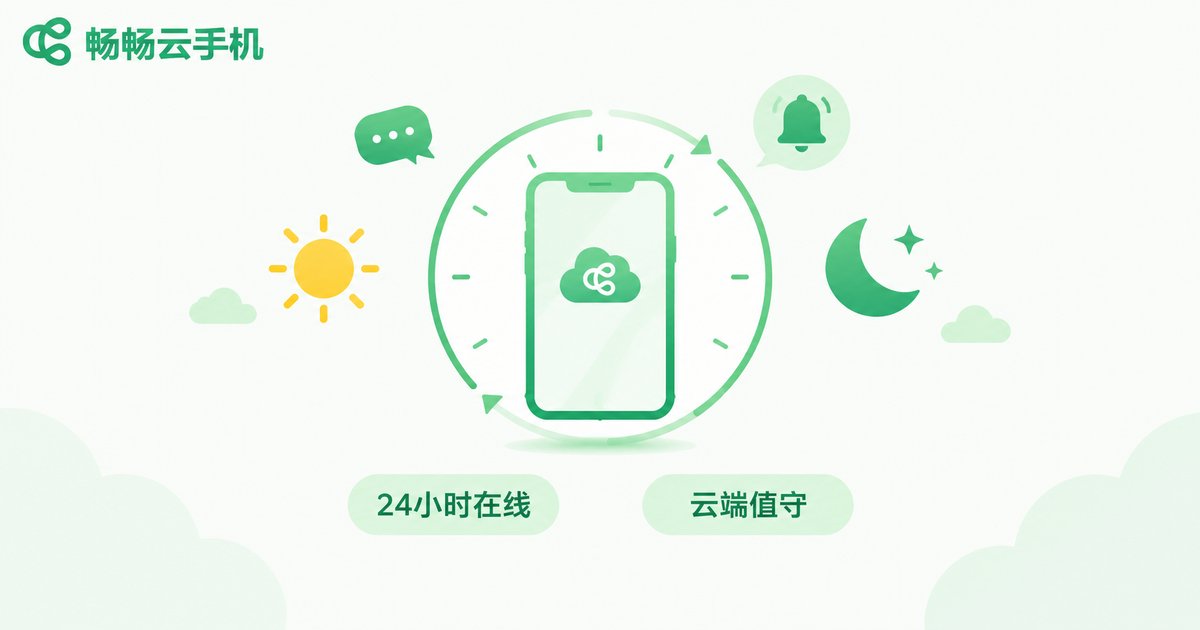
Scenario 2: Round-the-Clock Coverage for Livestreams and Stores
TikTok traffic never sleeps, but people do. Livestream standby, order alerts, comment replies, and inventory monitoring would require costly shift work if done manually. Cloud phones stay online around the clock: keep the apps that must run continuously on the cloud — livestream standby, real-time message alerts, continuous backend data sync. Your team focuses on important work during the day while cloud phones keep watch overnight, and a full picture of operations is ready the next morning.
Scenario 3: Batch Content Publishing and Engagement
Short videos and posts are the main traffic engines for a TikTok Shop. The account-warming phase demands a steady publishing rhythm; peak seasons demand volume. Doing this account by account by hand is exhausting. Cloud phones support batch operations: upload materials in bulk, schedule posts, and run batch likes and comments. Hand the repetitive work to the system so your team can focus on product selection, scripts, and livestreams — the things that actually drive revenue.
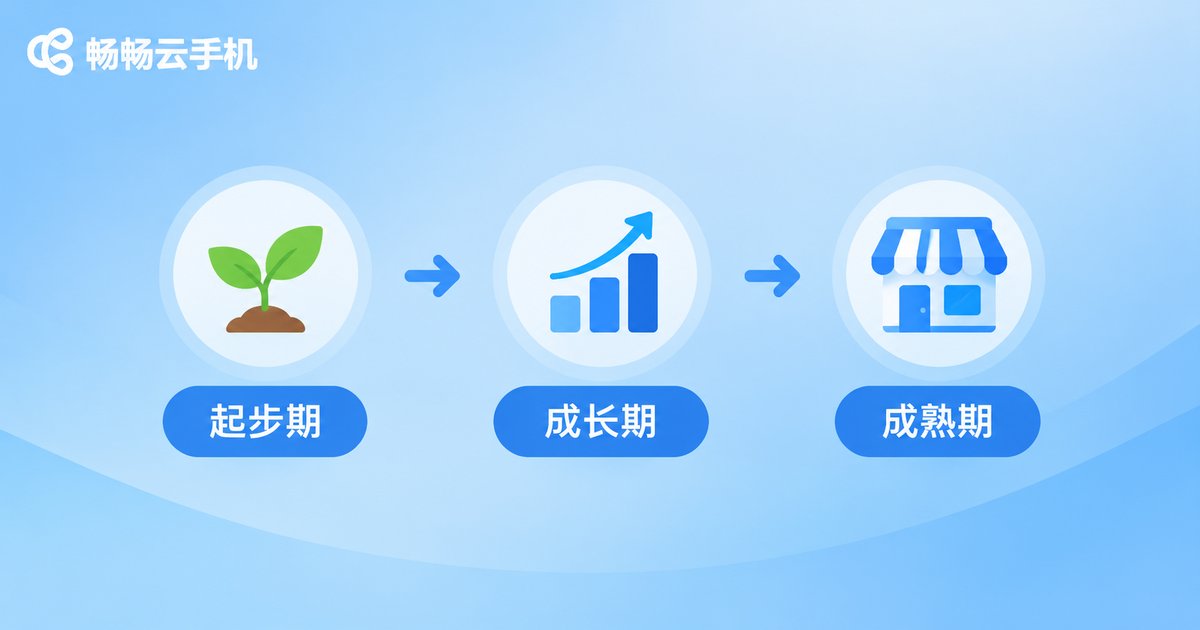
Scenario Adaptation by Growth Stage
| Stage | Core Need | How to Use Cloud Phones |
|---|---|---|
| Startup | Low-cost trial and error | A few devices to validate your workflow, products, and content direction |
| Growth | Matrix expansion | Add devices in batches and unify publishing and engagement rhythm |
| Maturity | Fine-tuned operations | Role-based collaboration, centralized data review, 24/7 coverage |
How to Choose a Cloud Phone? We Recommend ChangChang Cloud Phone
There are plenty of cloud phone products on the market. For TikTok Shop operations, evaluate four things: device smoothness, dashboard management capability, online stability, and after-sales responsiveness. ChangChang Cloud Phone (ccloudphone) delivers stable device performance and batch management, supporting unified multi-device operation and long-duration online sessions. Solo sellers can start small, and teams can scale as needed. For plan and service details, visit the official ChangChang Cloud Phone website — start with a small trial, get the workflow right, then scale up.
FAQ
Q: How is a cloud phone different from a PC emulator?
A cloud phone runs on real cloud servers with a complete, independent Android environment. App compatibility and stability are better than emulators, it does not consume local computer resources, and it is better suited to long sessions and batch management.
Q: How many TikTok accounts should run on one cloud phone?
Run one main account per device. Keeping each environment independent and stable reduces account risk; scale the matrix by adding devices.
Q: Do apps keep running after I disconnect?
Yes. Cloud phones run in the cloud, so tasks continue even when you disconnect. Reconnect anytime to pick up where you left off — ideal for round-the-clock coverage.
Q: Are cloud phones suitable for solo sellers?
Absolutely. Start with a few devices to validate your workflow at a cost far below buying multiple physical phones, then add more as the business grows.


