
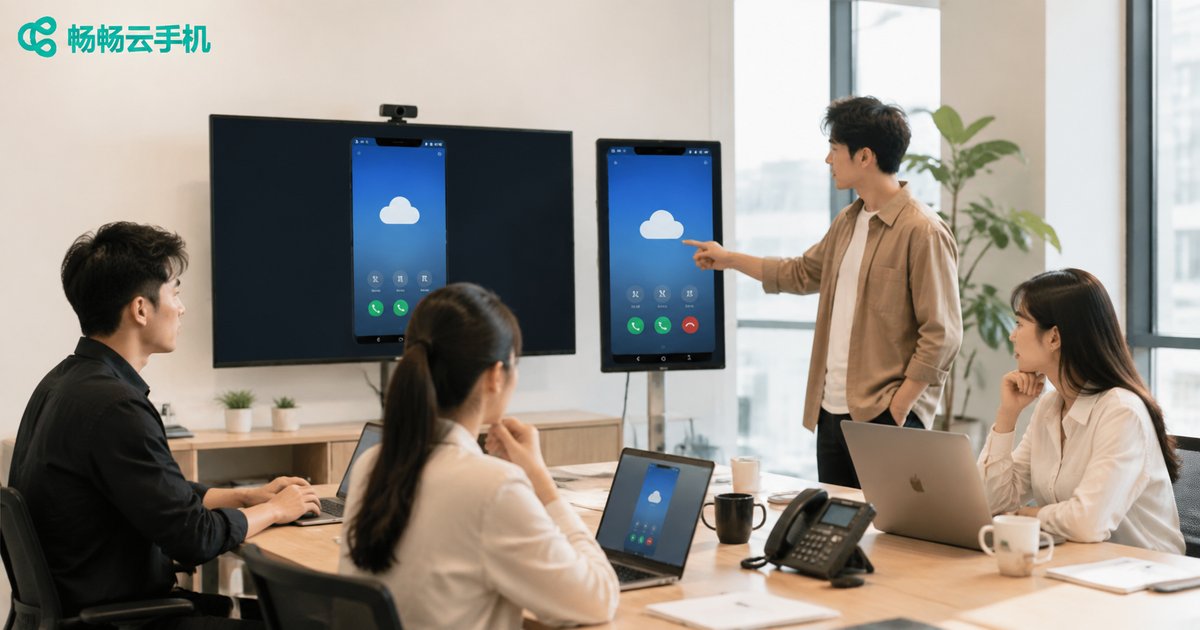
How to Divide Team Collaboration on Cloud Phones? Multi-Member Permission Management & Full Operation Logs
Pain Points and Division of Labor Needs in Cloud Phone Team Collaboration
With the popularization of cloud phones in marketing, game AFK, and e-commerce operations, more teams are using cloud phones for collaborative work. However, the biggest fear in team collaboration is unclear division of labor and uncontrollable operations. If everyone has the highest permissions, it can easily lead to misoperations or account security issues. Therefore, multi-member permission management and operation logs have become core needs for team cloud phone management.
Multi-Member Permission Management: The Foundation of Refined Division of Labor
Efficient team collaboration requires assigning different permissions based on members' roles. ccloudphone provides comprehensive multi-member permission management features, keeping team organization in perfect order.
Typically, team permissions can be divided into the following levels:
| Role | Permission Description | Applicable Scenarios |
|---|---|---|
| Administrator | Has all permissions, including adding members, assigning devices, setting permissions, etc. | Team leaders, project managers |
| Operator | Can perform daily operations on assigned cloud phones, such as installing apps and running tasks | Daily operations staff, executing employees |
| Observer | Can only view cloud phone screens and data, with no operation permissions | Data analysis, supervision and auditing |
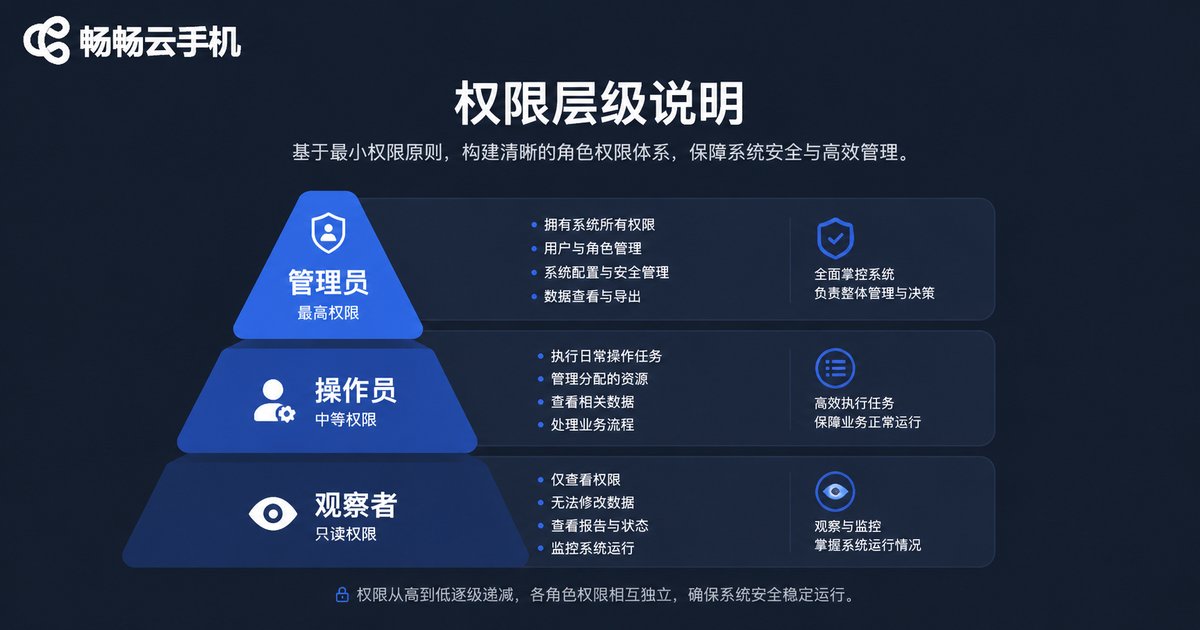
Through this refined permission allocation, team leaders can ensure that each member only accesses devices and functions within their scope of responsibility, greatly reducing internal risks.
Full Operation Logs: Making Every Action Traceable
In addition to permission management, full operation logs are another line of defense to ensure team collaboration security. When abnormal situations occur on cloud phones, it is difficult to hold people accountable and troubleshoot without logs.
ccloudphone's operation log feature can record in detail:
- Who logged into which cloud phone and when
- What specific operations were performed (e.g., install, uninstall, modify settings)
- The source IP and device information of the operation
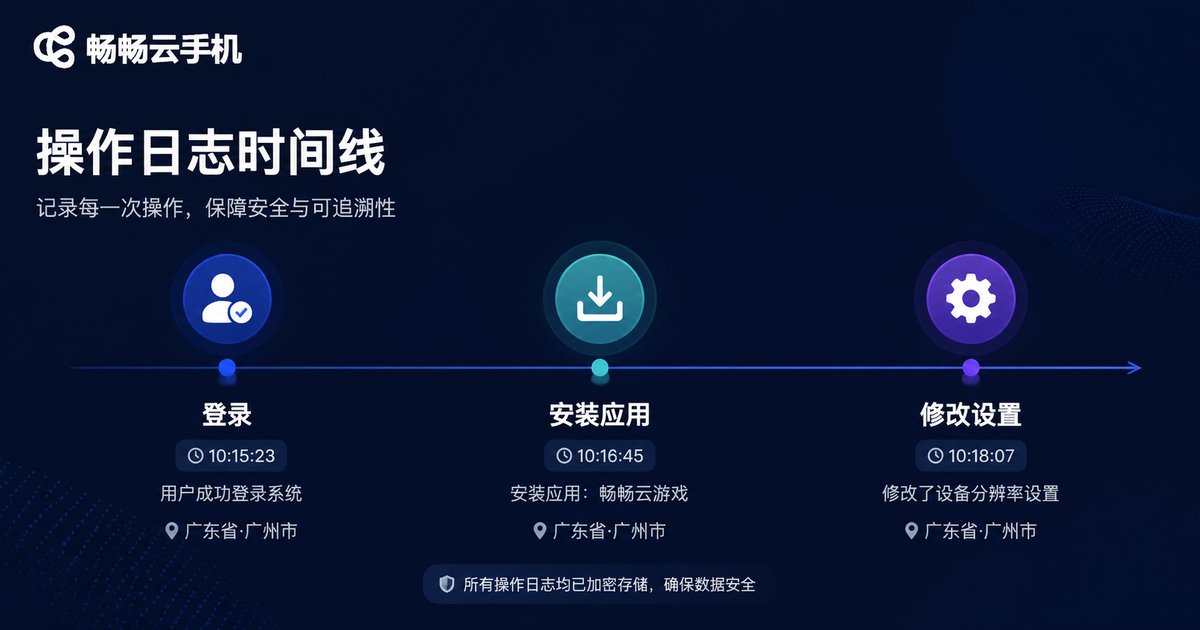
This full recording mechanism not only allows quick identification of responsible parties when problems arise but also supervises team members, standardizing operational behavior and preventing violations or data leaks.
Why Recommend ccloudphone for Team Collaboration?
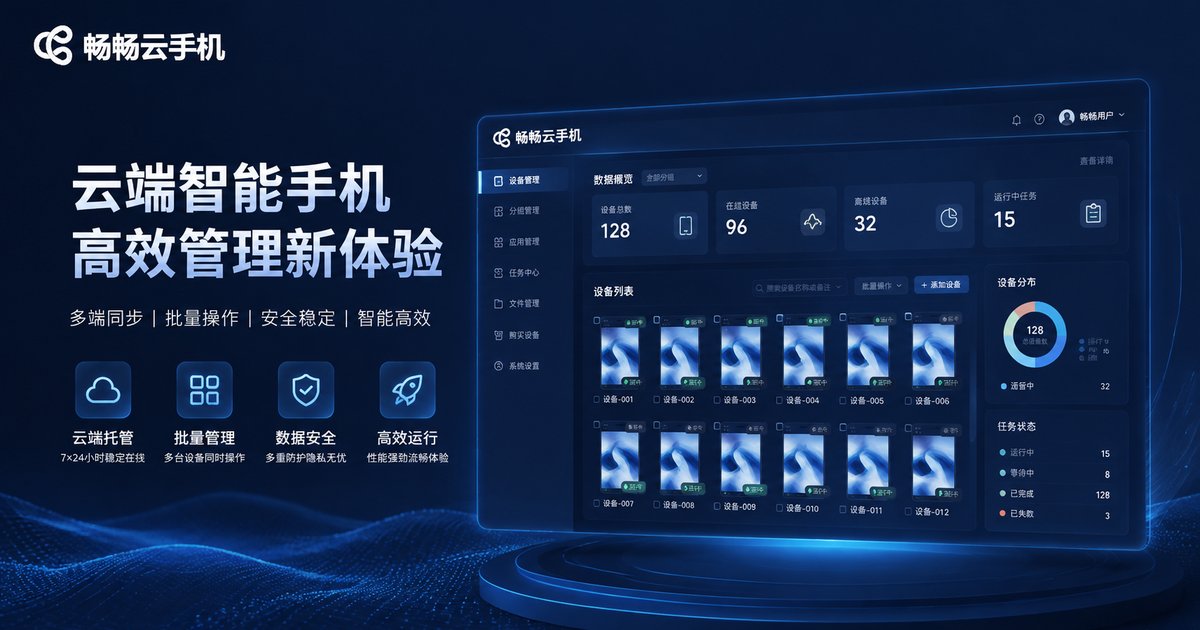
Among many cloud phone services, we recommend using ccloudphone. It not only provides stable and smooth cloud devices, but its powerful team management backend is specifically designed for multi-member collaboration. Whether it's the flexibility of permission allocation or the detail of operation logs, it meets the management needs of enterprise-level teams. Using ccloudphone, team managers can easily control the overall situation, and members can efficiently complete their respective tasks.
Frequently Asked Questions
Q: How many team members can collaborate simultaneously on ccloudphone?
A: ccloudphone supports flexibly adding members according to team size. The specific number can be adjusted based on your plan and backend settings, meeting collaboration needs from small teams to large enterprises.
Q: If an operator accidentally deletes an important app, can it be found in the logs?
A: Yes. ccloudphone's operation logs will record every operation action and timestamp of members in detail, making it convenient for administrators to trace and handle abnormal situations at any time.
Q: Can permissions be adjusted at any time?
A: Administrators can adjust member roles and permissions in the backend at any time, flexibly responding to team personnel changes or project requirement adjustments.


