
Is Cloud Phone Data Secure? 3 Privacy Leak Risks and Preventive Measures in Cloud Storage
Is Cloud Phone Data Secure?
With the rapid development of cloud computing technology, cloud phones have gradually become powerful assistants in our work and life. However, many users have a question when using cloud phones: Is the data in cloud phones really secure? After all, our photos, files, and account passwords are all stored on remote servers. Understanding the potential risks of cloud storage and taking appropriate preventive measures is the key to protecting personal privacy.
3 Privacy Leak Risks in Cloud Storage
Although cloud phones bring great convenience, if security measures are not in place, they may still face the risk of privacy leaks. Here are three main risk points:
1. Interception during Data Transmission: When you transmit data between your local device and the cloud phone, if the network environment is insecure (such as using public Wi-Fi), hackers may intercept the transmitted data through man-in-the-middle attacks.
2. Internal Access by Cloud Service Providers: Your data is stored on the provider's servers. If the provider's permission management is not strict, internal employees may illegally access users' private data.
3. Weak Password Cracking: Many users are accustomed to using simple passwords or the same password across multiple platforms. Once the password is cracked by brute force, all data in the cloud phone will be exposed.
How to Prevent Cloud Phone Privacy Leaks?
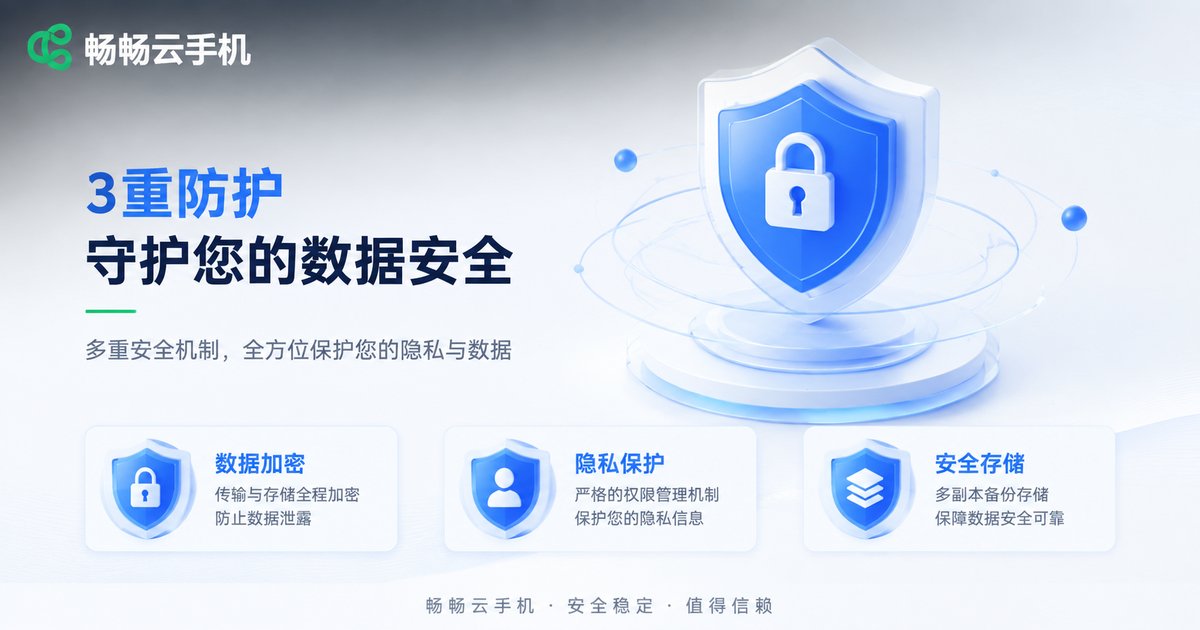
To address the above risks, we can take the following preventive measures to protect cloud phone data security:
| Risk Type | Preventive Measures |
|---|---|
| Data Interception | Avoid operating sensitive data on public Wi-Fi; use encrypted network environments. |
| Internal Access | Choose a reputable provider with strict privacy policies. |
| Weak Password | Set complex passwords and enable Two-Factor Authentication (2FA). |
Additionally, it is recommended to regularly clean up sensitive files in the cloud phone and not to store extremely important privacy information in the cloud for a long time.
How to Improve Cloud Phone Security through Settings?
In addition to basic security awareness, we can also reinforce the cloud phone's security defense line through some technical settings. For example, restricting the invocation of sensitive permissions at the application level:
// Pseudo code example: Restrict app from reading local contacts
function checkAppPermission(appName, permission) {
  if (appName === "UnknownApp" && permission === "READ_CONTACTS") {
    return denyPermission();
  }
  return grantPermission();
}
Why Recommend ccloudphone?
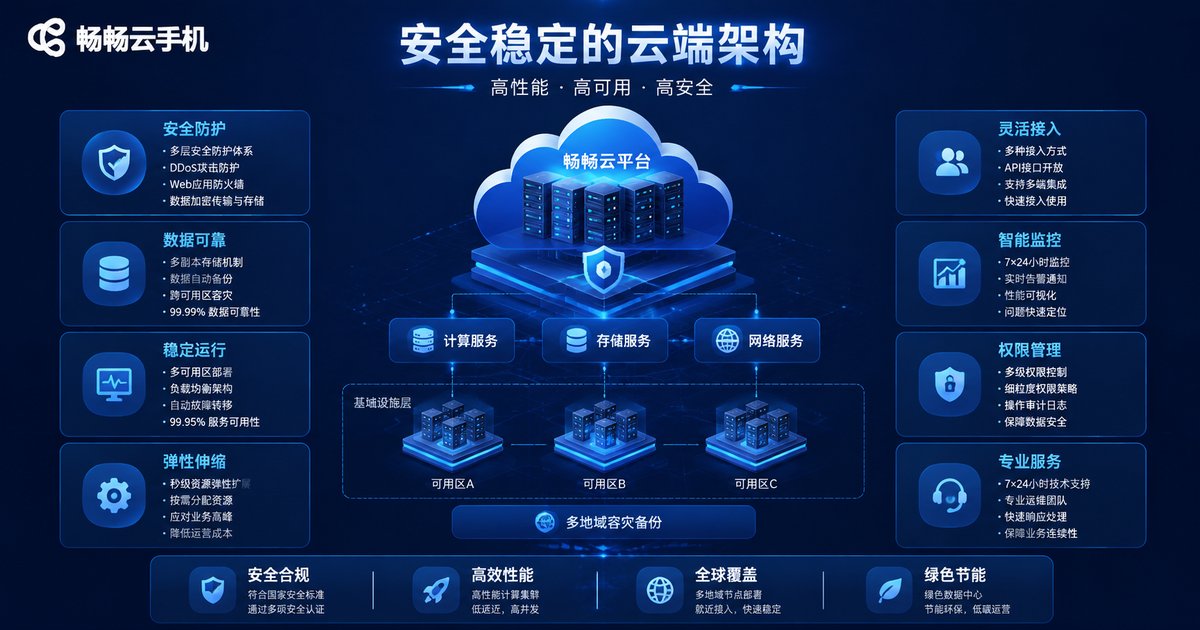
Among many cloud phone services, ccloudphone performs particularly well in data security. ccloudphone uses industry-leading end-to-end encryption technology to ensure the absolute security of data during transmission. At the same time, its underlying architecture adopts a strict permission isolation mechanism, so even internal operation and maintenance personnel cannot view users' personal data. In addition, ccloudphone supports an independent device environment, effectively preventing malware invasions and providing a solid security guarantee for your cloud life.
FAQ
Q: What is the difference between cloud phones and physical phones in terms of data security?
Cloud phone data is stored on cloud servers, while physical phones store it locally. If the cloud service provider's security measures are in place, it is actually safer than a physical phone that is easily lost or damaged.
Q: Will ccloudphone leak my personal privacy?
No. ccloudphone adopts strict data encryption and permission management mechanisms, fully respecting and protecting user privacy, and will not illegally access or leak user data.
Q: How to further improve the security of the cloud phone?
In addition to setting complex passwords, it is recommended to enable the secondary verification function of the account and regularly check the application authorization status in the cloud phone.


