

What to Do About High Cloud Phone Latency? 4 Practical Tips for Optimizing Network Paths
Why Does Cloud Phone Control Experience Latency?
When using a cloud phone, all rendering and data processing occur on remote servers before being transmitted to your local device via the network. When you touch the screen, the command travels to the cloud, and the updated image is sent back. The time taken for this round trip is network latency. If the network path is not optimized, you will noticeably feel lag during operation.
Tip 1: Select the Nearest Cloud Server Node
Physical distance is a critical factor affecting network latency. Data transmission takes time; the further the distance, the more routing nodes the data passes through, naturally increasing latency. Therefore, when using a cloud phone, always choose the server node closest to your physical location.
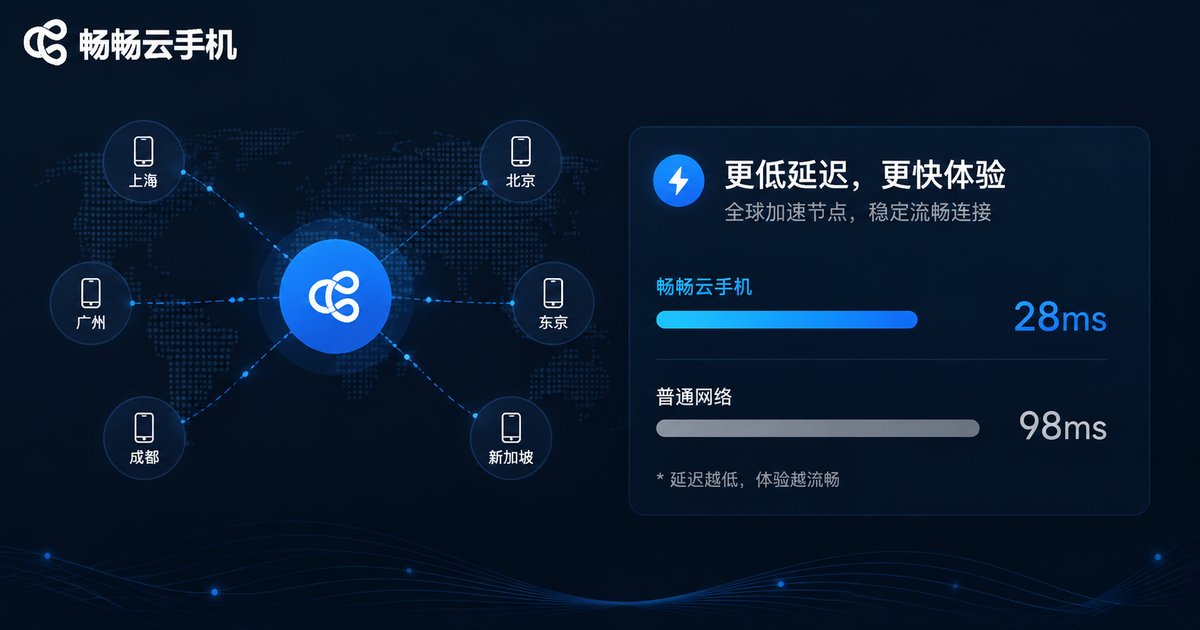
For example, if you are in South China, choosing a node in Guangzhou or Shenzhen usually results in lower latency than choosing one in Beijing. Most high-quality cloud phone services offer multiple node options and can intelligently match the optimal route based on your ISP (Telecom, Unicom, Mobile), significantly reducing latency.
Tip 2: Optimize Your Local Network Environment
Unstable local networks are another common cause of cloud phone latency. Wireless networks are susceptible to interference, whereas wired connections are much more stable.
| Network Type | Stability | Expected Latency |
|---|---|---|
| 5GHz Wi-Fi | High | 20-50ms |
| 2.4GHz Wi-Fi | Low | 50-100ms |
| Wired Network | Very High | <10ms |
It is recommended to prioritize using the 5GHz Wi-Fi band or directly connecting your router with an Ethernet cable. Also, avoid downloading large files or watching high-definition videos while using the cloud phone to ensure it has sufficient bandwidth priority.
Tip 3: Adjust Cloud Phone Quality and Frame Rate Rationally
The higher the image quality, the larger the data volume that needs to be transmitted. If your network bandwidth is limited, excessively high image quality will cause delayed image transmission, resulting in a sense of lag.
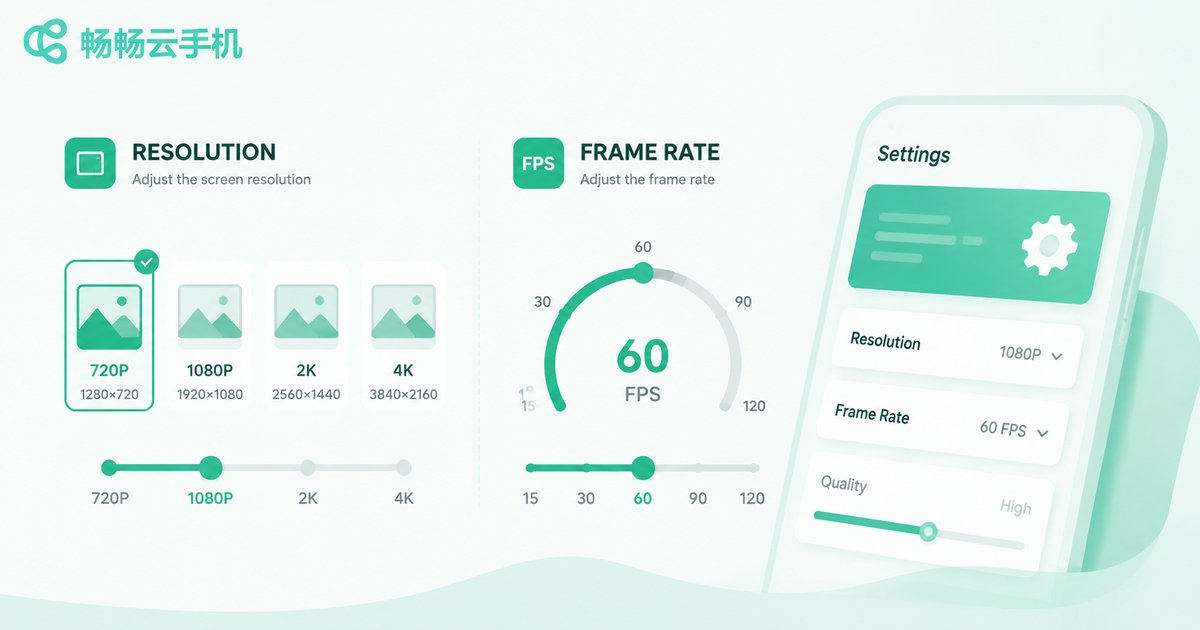
In the cloud phone settings, you can adjust the resolution and frame rate based on your network conditions. If you feel high operational latency, try switching the quality from "HD" to "Smooth," or lock the frame rate at 30fps. Reducing the size of data packets allows for smoother network transmission, thereby reducing operational latency.
Tip 4: Choose a Professional Cloud Phone with Built-in Network Optimization
Personal network optimization often has its limits. Choosing a cloud phone product with an excellent underlying architecture is the fundamental solution. Professional cloud phones optimize transmission paths through proprietary protocols and dedicated lines.

Here we recommend using ccloudphone. ccloudphone utilizes advanced underlying transmission protocols to intelligently plan the optimal network path, effectively bypassing congested nodes. Whether for game AFK (away from keyboard) or daily app operations, ccloudphone provides an extremely low-latency control experience, making cloud operations as smooth as a local real device.
FAQ
Q: Why is the latency still high even though I selected the nearest node?
A: This might be due to fluctuations in your local network, or congestion on the route between your ISP and the cloud phone server. It is recommended to switch networks (e.g., from Wi-Fi to mobile data) for testing, or use ccloudphone's smart node matching feature.
Q: What advantages does ccloudphone have in reducing latency?
A: ccloudphone uses a self-developed transmission protocol and optimized network path planning to reduce intermediate steps in data transmission, thereby significantly lowering remote control latency and ensuring real-time screen synchronization.
Q: Will lowering the image quality affect the use of the cloud phone?
A: Lowering the image quality mainly reduces the amount of data transmitted over the network. For operations requiring quick responses (like gaming), it can actually improve fluency. In daily use, a smooth picture is often better than a high-quality but laggy experience.


