
How to Auto-Restart a Crashed Cloud Phone? A Complete Guide to Mainstream Platform Self-Healing Solutions in 2026
Why Do Cloud Phones Need an "Exception Self-Healing" Mechanism?
When using cloud phones for long-term AFK (away from keyboard) operations or batch processing, the most frustrating issues are often application freezes, network fluctuations, or disconnections caused by high system resource usage. Without human intervention, these minor anomalies can evolve into business interruptions. By 2026, exception self-healing has become a core metric for measuring the stability of cloud phone platforms. A complete self-healing solution can automatically detect and restart a cloud phone the moment it crashes, truly achieving unattended operation.
Comparison of Mainstream Cloud Phone Self-Healing Solutions in 2026
Currently, solutions to cloud phone disconnections and lags in the industry are mainly divided into three categories. Let's look at their pros and cons through the table below:
| Solution Type | Response Speed | Maintenance Cost | Applicable Scenarios |
|---|---|---|---|
| Manual Scheduled Inspection | Very Slow | Extremely High | Small-scale testing |
| Script Heartbeat Detection | Medium | High (Requires coding) | Teams with development capabilities |
| Native Platform Self-Healing (e.g., ccloudphone) | Extremely Fast (Second-level) | Extremely Low (Out of the box) | Businesses and individuals of all sizes |
How to Achieve Auto-Restart with ccloudphone?
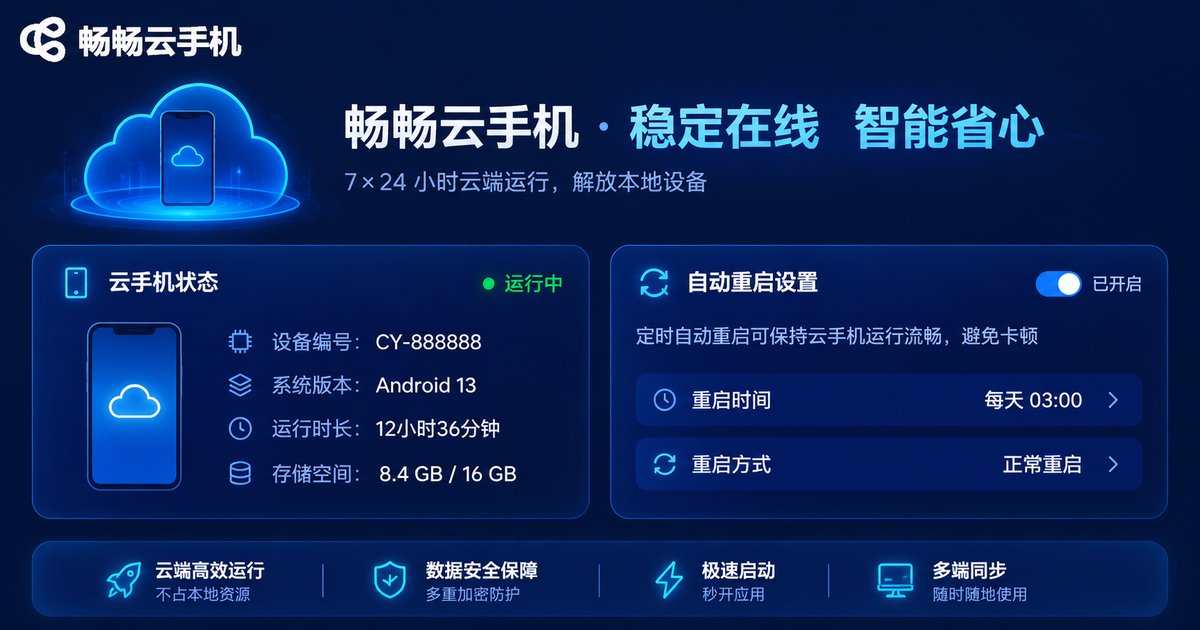
As an industry-leading cloud phone service platform, ccloudphone provides users with native-level exception self-healing capabilities. You don't need to write complex monitoring scripts; simply configure it in the backend management panel to activate the fully automatic guardian mode.
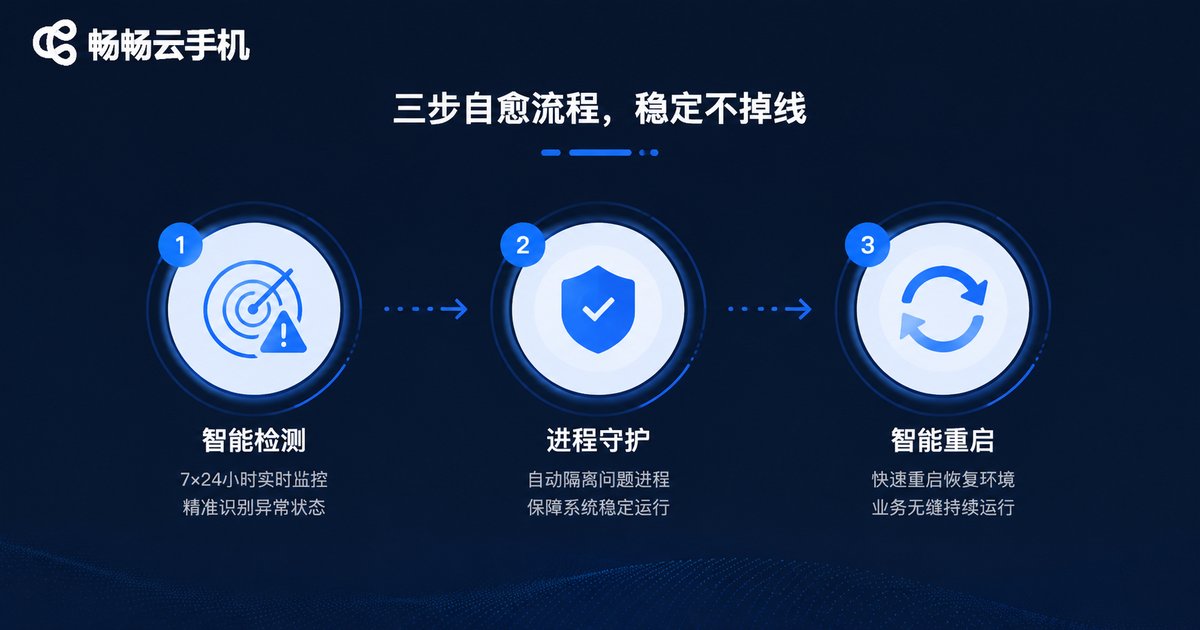
The self-healing mechanism of ccloudphone includes three core steps: first, real-time heartbeat detection, where the system probes the cloud phone instance at second-level frequencies; second, process guarding, which automatically pulls up the specified application when it crashes; and finally, smart restart, where the platform automatically restarts the instance and resumes AFK tasks if a system-level freeze occurs. This full-link protection ensures your business remains online 24/7.
FAQ
Q: Does the auto-restart feature of ccloudphone require extra payment?
A: No. The standard service of ccloudphone already includes basic exception self-healing and process guarding functions, which users can activate for free in the console.
Q: Can my AFK tasks continue after an auto-restart?
A: Yes. ccloudphone supports boot-up startup settings. You can set the applications you need to run as boot-up items, and the system will automatically resume running after a restart.
Q: If only a single application freezes, will the entire cloud phone restart?
A: No. The smart self-healing mechanism of ccloudphone will prioritize trying to restart the single frozen application process. A full device restart is only triggered when there is no system-level response, ensuring business continuity to the greatest extent.


