
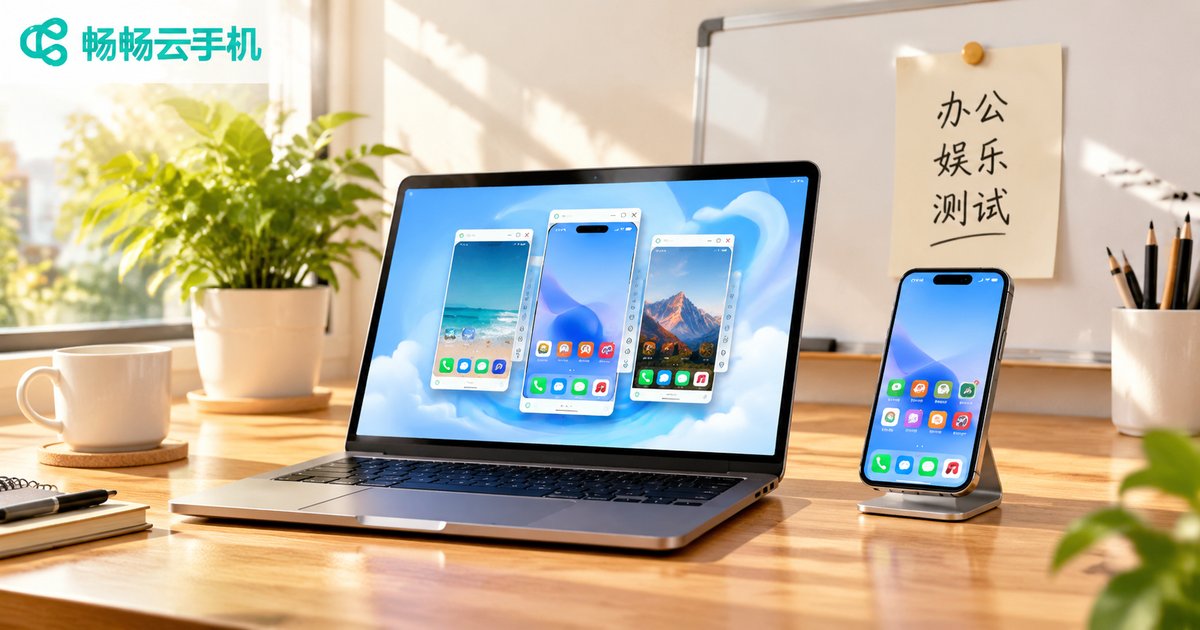
How to Match Cloud Phone Specs to Your Scenario: Office, Entertainment, and Testing Needs
The Real Nature of Cloud Phone Specs: Balancing Compute, Instance Count, and Stability
People new to cloud phones tend to compare them with physical handsets on paper specs: how many CPU cores, how much memory, how much storage. But a cloud phone is really a virtual Android instance running on a cloud server. What you are actually buying comes down to three things: compute quota, the number of concurrent instances, and network stability. With the same budget, you can either stack one high-end instance or spread it across three mid-range ones, and the experience can be very different. The deciding factor is what you plan to do with it.
Below we break down how cloud phone specs should be matched across the three most common scenarios: office work, entertainment, and testing.
Office Scenarios: Stability and Peace of Mind Beat Raw Performance
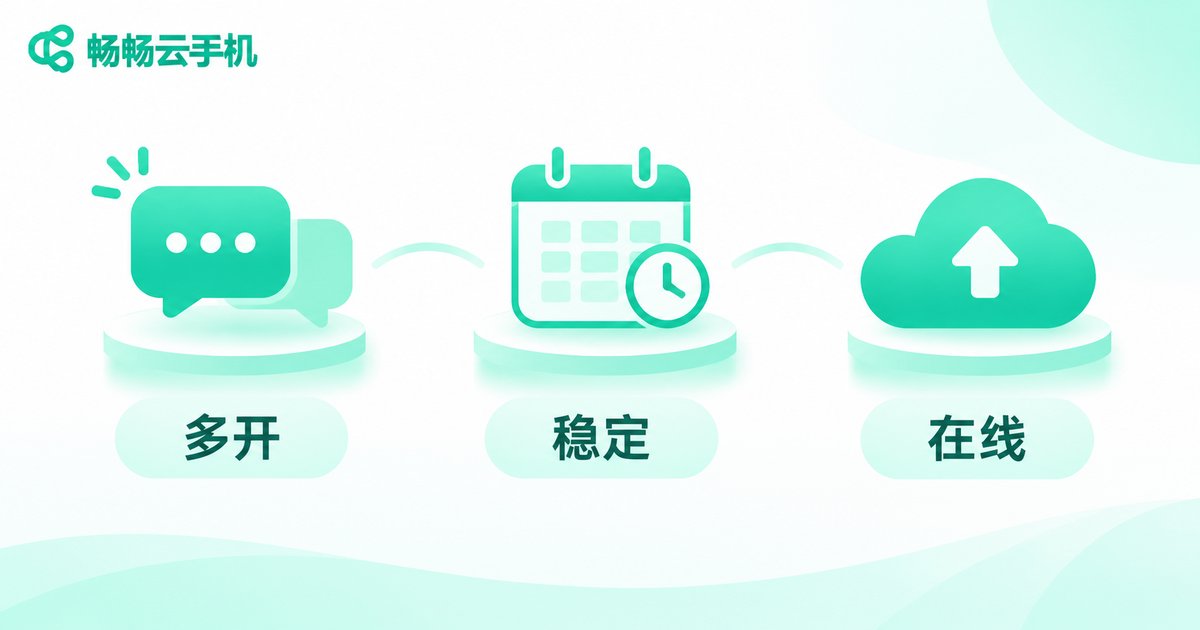
Office use cases cluster around daily social media account maintenance, customer service replies, keeping internal apps online around the clock, and syncing files across devices. Their common traits are long uptime, low interaction frequency, and low sensitivity to frame rate.
What hurts most in these scenarios is not lag, it is disconnection. So the configuration logic should be: take a mid-range CPU and memory, and put your budget toward uptime stability, recovery speed after a drop, and batch management capability.
- Instance count: plan by account or staff count. Several mid-range instances usually serve you better than one top-tier instance.
- Memory: enough to keep your everyday apps resident, no need to chase the maximum.
- Key metrics: uptime, drop rate, remote operation responsiveness, and how smooth batch operations feel.
Entertainment Scenarios: Performance Sets the Ceiling of the Experience
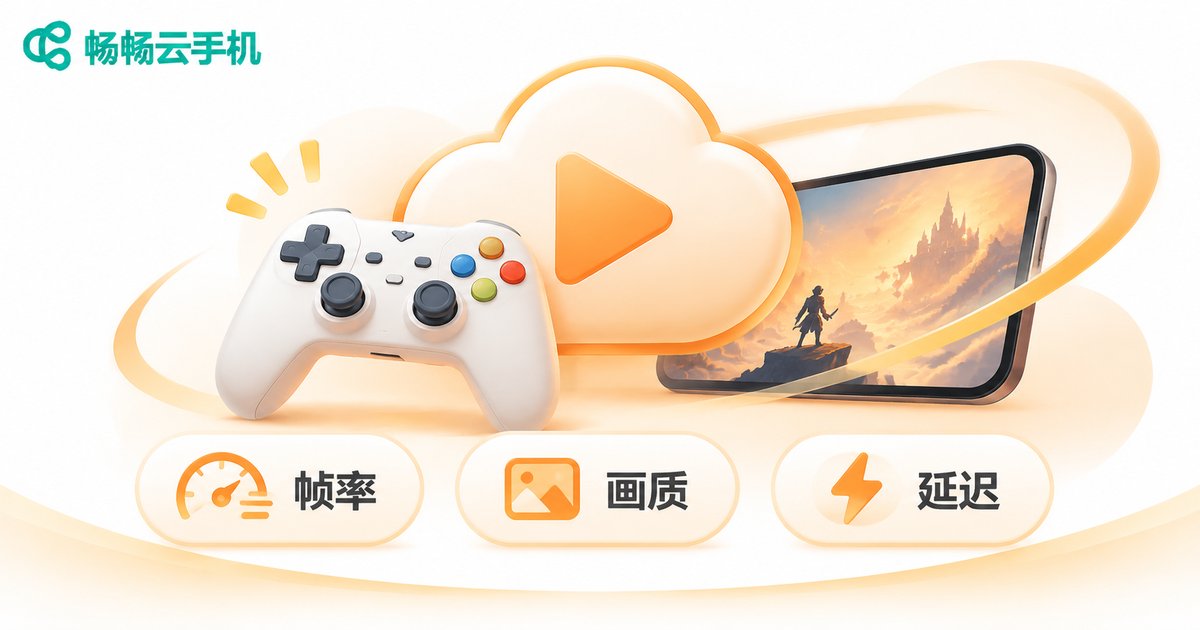
Gaming, short-video browsing, and livestream idling fall into the entertainment category, and they are far more sensitive to GPU rendering power, frame rate stability, and touch latency. The same demanding mobile game might merely 'run' on a mid-range instance but only become genuinely playable on a high-end one.
Start by checking how graphically demanding the game is, then pick the tier. If you are just idling for rewards or running daily tasks, mid-range is more cost effective. If you are in real-time matches, frame drops and touch delay become obvious, and the high-end tier earns its price.
| Entertainment Sub-Case | Spec Focus | Notes |
|---|---|---|
| Idle play and daily tasks | Mid-range CPU and memory | Values long uptime over frame rate |
| Mid-to-heavy real-time games | Strong GPU and more memory | Stable frame rate and touch response are the core |
| Livestreaming and short video | Higher memory and upload bandwidth | Encoding and streaming consume both compute and bandwidth |
Testing Scenarios: Device Coverage and Batch Management Come First
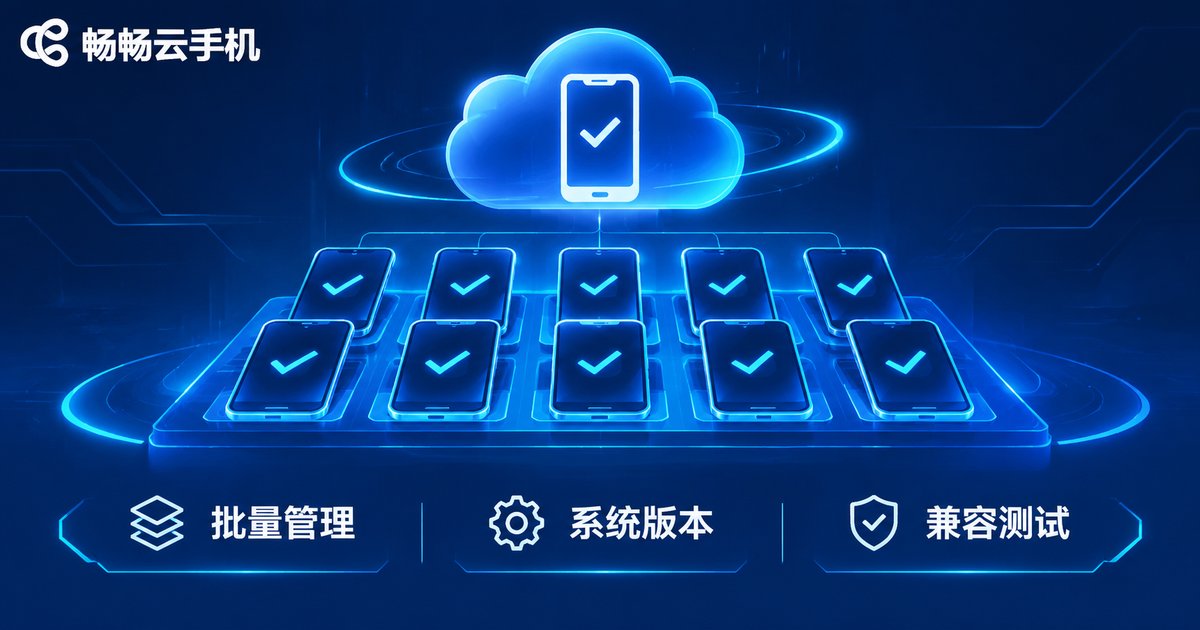
App compatibility validation, automated script regression, and multi-version Android adaptation are the three classic testing tasks. The configuration logic here is the exact opposite of the previous two: you do not need one instance to be stronger, you need dozens of them to spin up at once and be scheduled together.
So for testing, prioritize four capabilities: the maximum number of instances you can create, whether system versions are selectable, whether batch app installation and batch script deployment are supported, and how convenient snapshots and restores are. Per-instance performance only needs to be enough to complete the business flow. Converting the saved budget into more instances and broader device combinations delivers far more testing value.
- Compatibility validation: more device models and system versions, lower per-instance specs
- Automated regression: stability and batch execution efficiency, so dropped connections do not break scripts
- Version adaptation: fast environment resets, where snapshot restore saves more time than reinstalling apps
Side-by-Side Spec Comparison for the Three Scenarios
Here is the analysis compressed into one table you can check against when choosing:
| Scenario | Core Need | Spec Focus | Suggested Instance Count |
|---|---|---|---|
| Office | Long uptime, no drops | Mid-range CPU and memory, stability and batch management | Scale by account count, several mid-range instances |
| Entertainment | Stable frame rate, good visuals, low latency | Strong GPU and large memory | Fewer high-end instances |
| Testing | Device and system version coverage | Multiple system versions, batch scheduling, snapshot restore | Large numbers of mid-to-entry instances |
A Three-Step Method to Choose the Right Configuration
Step one: define the task type. Sort what you want to do into office, entertainment, or testing. Mixing categories is the most common source of waste, such as running customer service chats on a top-tier instance or playing real-time matches on an entry-level one.
Step two: estimate concurrent instance count. Work out how many instances must be online at the same time, then allocate your total budget as instance count multiplied by per-instance specs, rather than picking the highest tier first and cutting quantity afterward.
Step three: run a small pilot, then scale. Run a few instances on real business for a week and watch for disconnections, operation latency, and resource usage before deciding whether to raise specs or add instances. This prevents discovering the wrong direction after a large purchase.

ccloudphone: Choose Instances by Scenario, Not by Marketing Numbers
ccloudphone provides Android instances running in the cloud, with support for multiple instances, batch management, and long-term online operation, so office, entertainment, and testing scenarios can each find a matching tier. For office needs, you can spread the budget across more instances to keep accounts online; for entertainment, you can pick higher-performance instances to protect frame rate and responsiveness; for testing, you can create instances in bulk by device model and system version and manage them together.
For the specific instance specifications, system versions, and plans available, check the official ccloudphone website for the latest details before deciding, and match them against your actual workload.
Frequently Asked Questions
Q: Do I need a high-end cloud phone for office work?
Generally no. Office tasks center on long uptime and stability and are not frame-rate sensitive. Mid-range specs are sufficient, and your budget is better spent on instance count and stability.
Q: Can cloud phones run demanding mobile games?
Yes, but pick the right tier. Mid-to-heavy real-time games need strong GPU and memory, so choose higher-performance instances. If you are only idling for daily rewards, mid-range is enough.
Q: How many instances do I need for app testing?
It depends on how many device and system version combinations you need to cover. List the combinations first, then plan instances by that number. This is usually cheaper and easier to manage than opening instances blindly.
Q: Will a cloud phone drop offline during long sessions?
Drop rate depends on the instance environment and network quality. Treat uptime stability as a key selection criterion and validate real-world performance over a period with a small pilot first.
Q: How do I know whether my current specs are enough?
Watch for three signals: noticeably delayed responses, apps being repeatedly killed in the background, and lag after long runs. Occasional slowness can often be fixed by optimizing usage; if it persists, it is time to raise specs or split the workload across more instances.


