

Cloud Phone Solves Storage Anxiety Once and for All! Say Goodbye to 256GB Limits with Unlimited Cloud Expansion
Why Is Your Phone Storage Always "Not Enough"?
Have you ever been in this situation: you finally capture a set of photos you're really happy with, and your phone pops up a "storage space insufficient" warning; you want to download a new game, only to find that even your 256GB is nearly packed to the brim; video caches, social apps, app data... before you know it, your storage is wiped out.
This is the most real storage anxiety of our generation. Phone specs keep upgrading year after year, but our digital lives are expanding too — 4K videos, high-res photos, AAA games, all kinds of app caches. 256GB was considered "large storage" three years ago, but today it's barely the starting point.
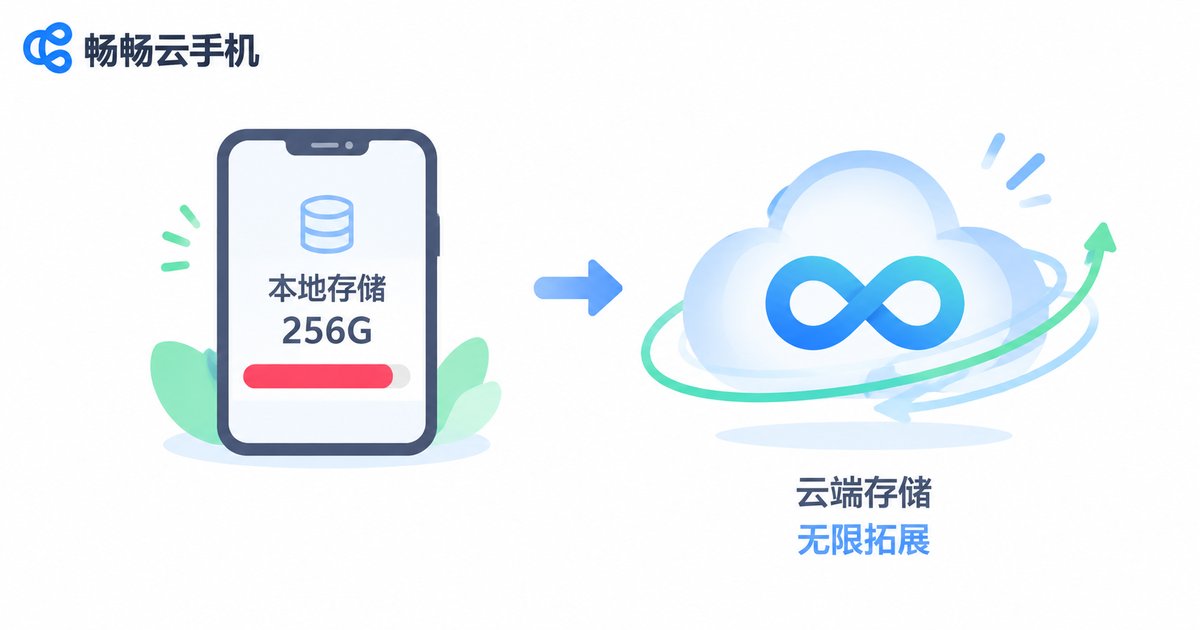
What Does 256GB Actually Hold? Do the Math
Let's do a simple estimate:
| Item | Space Used |
|---|---|
| OS + pre-installed apps | ~40-60 GB |
| Social apps (WeChat, QQ, etc.) | ~20-40 GB |
| Photos and videos | ~50-100 GB |
| Games (2-3 large titles) | ~30-50 GB |
| App data + cache | ~20-30 GB |
| Total | ~160-280 GB |
See the problem? A typical 256GB phone user will hit the storage ceiling within six months to a year. And 512GB or even 1TB flagships cost hundreds or even thousands of dollars more.
What makes things worse is that insufficient storage directly impacts phone performance — the system slows down, apps crash, photos lag, and the entire experience takes a hit. You're stuck in an endless loop of clearing caches, uninstalling apps, and deleting photos.
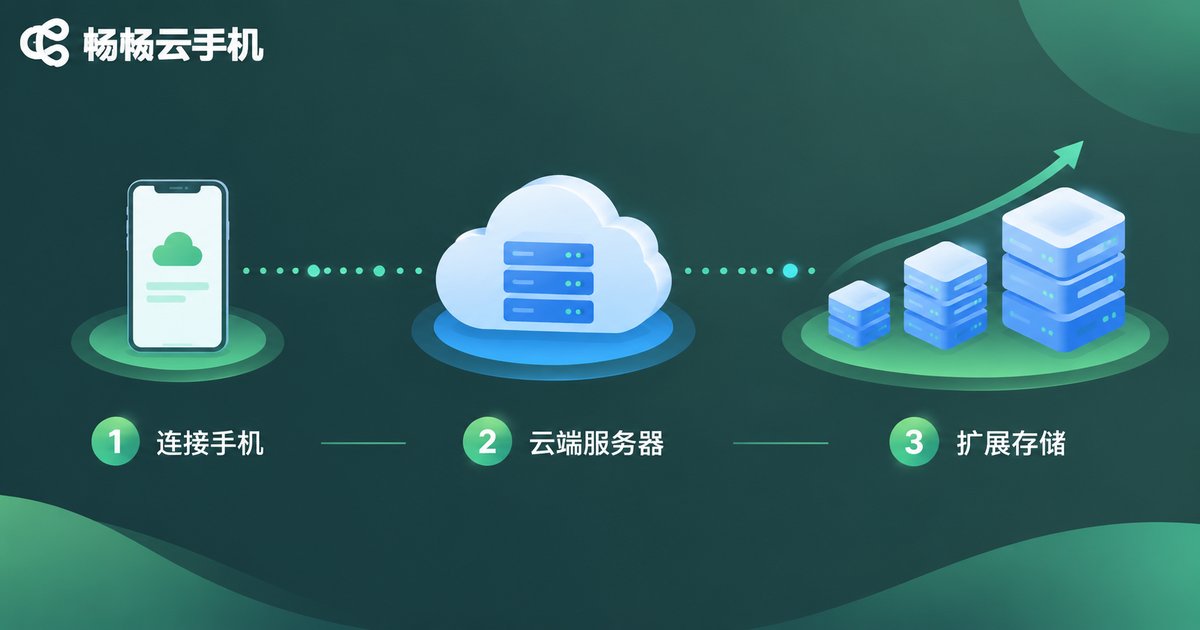
Cloud Phones: Hand Your Storage Problem to the Cloud
Actually, there's a smarter way to solve storage anxiety: why cram everything into your phone in the first place?
The core logic of a cloud phone is simple — your phone is just a "remote control," while the real runtime environment lives on cloud servers. This means:
1. Storage is no longer limited by phone hardware. Cloud server storage can flexibly scale up as needed. 256GB, 512GB, 1TB — these limits simply don't exist in the cloud. You get as much space as you need.
2. Large files, big games, and heavy apps all run in the cloud. You only need a lightweight client locally, which may take up less than 100MB. Those games and large apps that gobble up dozens of GB on your phone? They all run in the cloud.
3. Multiple devices share the same cloud space. Phone, tablet, computer — access your cloud data anytime, anywhere, without copying files back and forth or wondering "which device is this file actually on?"
In short, cloud phones move the entire "storage" problem out of your phone and into the cloud, letting your local device run completely light.
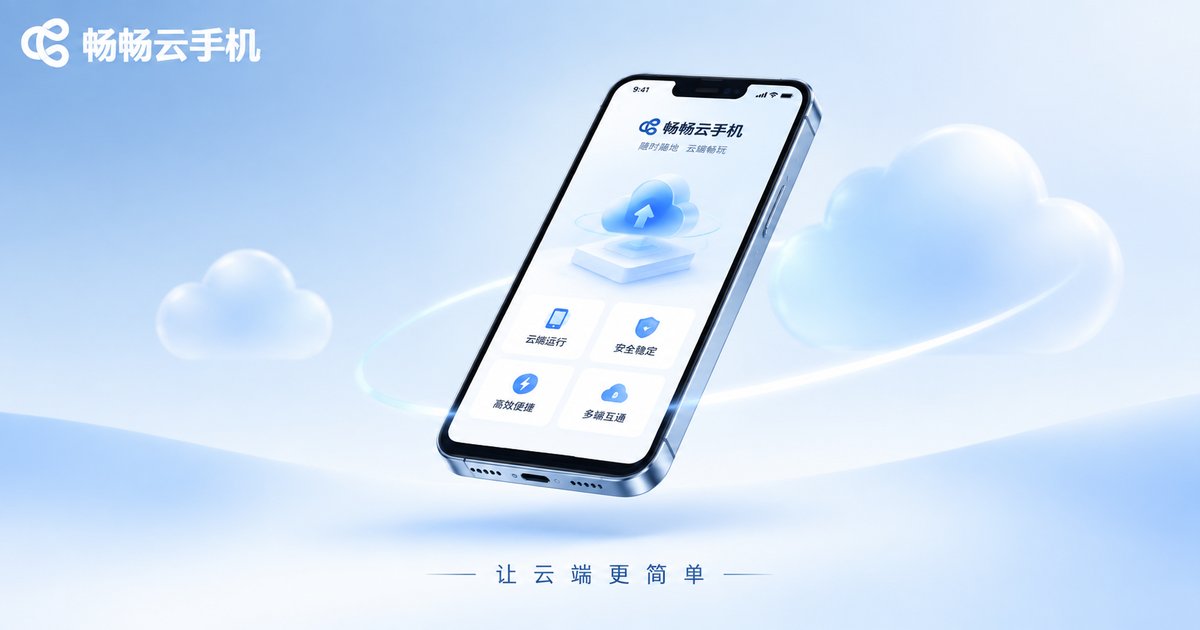
CCloudPhone: Making Cloud Storage Actually Work
There are plenty of cloud phone products on the market, but the ones that truly make people say "I can't go back" need to meet a few key criteria:
Low latency, high smoothness. The cloud-rendered screen must be transmitted to your phone in real time with minimal delay, or the experience will feel disjointed. CCloudPhone (ccloudphone) has deeply optimized its transmission protocol to ensure smooth visuals and responsive controls, making the day-to-day experience virtually indistinguishable from local operation.
Stable and reliable cloud environment. The server can't keep dropping connections or stuttering. CCloudPhone provides a stable cloud runtime environment available around the clock, so you can open it and start using it anytime without worrying.
Flexible storage configuration. Choose different storage options based on your use case. No need to pay for space you'll never use, and no need to worry about running out. Scale up or down as needed — truly on-demand expansion.
Simple and easy to get started. No complex network configuration required. Download the client, log in, start using it — done in three steps. Even if you've never touched a cloud phone before, you'll be up and running in minutes.
For users who regularly run large games, handle massive files, or run multiple apps simultaneously, CCloudPhone provides elastic space that no local phone can match.
Which Scenarios Can Cloud Phones Save You Massive Space?
Mobile gamers: Large mobile games can easily take up dozens of GB. Install 2-3 and your phone is full. Run games on a cloud phone and your local device barely uses any space. You can even keep multiple accounts online simultaneously in the cloud without switching back and forth.
Short video / live stream creators: 4K footage, editing project files, cache data... all these "space killers" are handled in the cloud. Your local phone only keeps finished products and essential tools — light and fast.
Multi-device users: Tired of shuttling files between phone, tablet, and computer? A cloud phone lets you manage everything in one cloud space, with all devices sharing the same data. No more "where did I save that file?" confusion.
Enterprise / team workflows: App deployment, data sync, multi-account management — all handled in the cloud. Local devices are just for display and input, dramatically reducing management overhead.
Frequently Asked Questions
Q: Does a cloud phone still need storage on my actual phone?
Yes, but very little. You only need to install a lightweight client locally (usually under 100MB). All app execution and data storage happen in the cloud. So even if your phone only has a few dozen GB of free space, it won't affect your cloud phone usage at all.
Q: Is there noticeable lag when gaming on a cloud phone?
CCloudPhone has deeply optimized its transmission layer. Under normal network conditions, input latency is kept at a very low level, making the gaming, office, and video-watching experience virtually indistinguishable from local operation.
Q: Is my data safe in the cloud?
CCloudPhone uses cloud data isolation and encrypted transmission. Your personal data is stored independently in the cloud and is never shared with other users. You can also export or wipe your cloud data at any time — data sovereignty always stays in your hands.
Q: I've never used a cloud phone before. Is it hard to get started?
Very simple. Download the client, register and log in, pick your configuration, and start using it — the whole process takes just a few minutes. The interface looks and feels like a regular phone app. No technical background needed; just follow the on-screen prompts.
Q: How is a cloud phone different from built-in cloud storage (like iCloud or Huawei Cloud Space)?
Built-in phone cloud storage mainly solves "backup and sync" — it still stores files in the cloud, but apps run locally. A cloud phone moves the entire runtime environment to the cloud: apps, games, and files all run and are stored in the cloud, while your local device is just a "window." These are two different dimensions of solutions, and cloud phones are far more thorough when it comes to freeing up local storage space.


