

Can a Cloud Phone Be Your Main Phone? After 30 Days, I Uninstalled Every Heavy Local App
Why I Wanted to 'Empty Out' My Phone
Here's the background: my phone is two years old, storage has been sitting above 90% for months, and I've got WeChat, Douyin, Genshin Impact, Bilibili, Taobao all running in the background. Just clearing the background apps takes several swipes a day. In summer, the battery drops from 100% to 20% in four hours, and the phone gets hot enough to fry an egg.
Last year I came across a cloud phone explainer and didn't think much of it. Then last month my phone popped up 'Storage almost full' again, and on a whim I thought: what if I just uninstall all those multi-GB apps and run them on a cloud phone instead?
So I signed up for ccloudphone, uninstalled WeChat, Douyin, Genshin Impact, Honor of Kings, Bilibili, Taobao, Xiaohongshu, Xianyu — 12 'heavyweight' apps in total — and kept only Phone, Messages, Camera, Maps, and a few lightweight utilities. For the next 30 days, all 12 apps ran entirely in the cloud.
30 Days of Use: What Was It Actually Like?
Bottom line up front: for daily social media, video streaming, and light gaming, a cloud phone is totally fine; for heavy AAA mobile titles and real-time competitive games, it's still a step behind. Here's the breakdown by scenario.
WeChat / WeCom:Honestly, the experience is nearly identical to local. Push notifications work normally, voice call latency is within acceptable range (I measured an average of ~80ms, lower than a 4G phone call). The only caveat: in weak signal areas (like inside a subway tunnel), you might notice a 1-2 second hiccup, but no messages are lost.
Douyin / Bilibili / Xiaohongshu:Scrolling short videos and watching long-form content is as smooth as local. I specifically tested during morning and evening rush hour (peak network congestion), and 1080P video had no noticeable stutter. The big bonus: my phone doesn't heat up at all. After two hours of video in summer, the phone case is still cool to the touch.
Genshin Impact / Honor of Kings:This is where opinions split. Genshin on the cloud at 'Medium' graphics settings holds a stable 45-50fps, actually more stable than local 'High' (which dips to the 30s). But for latency-sensitive competitive titles like Honor of Kings, after two weeks of testing, the feel is noticeably different from local. Combo chains occasionally 'stutter,' and for ranked matches I still prefer switching back to local.
Taobao / Xianyu / Alipay:Pure text and light image interactions — cloud and local experiences are indistinguishable. Zero perceptible difference.
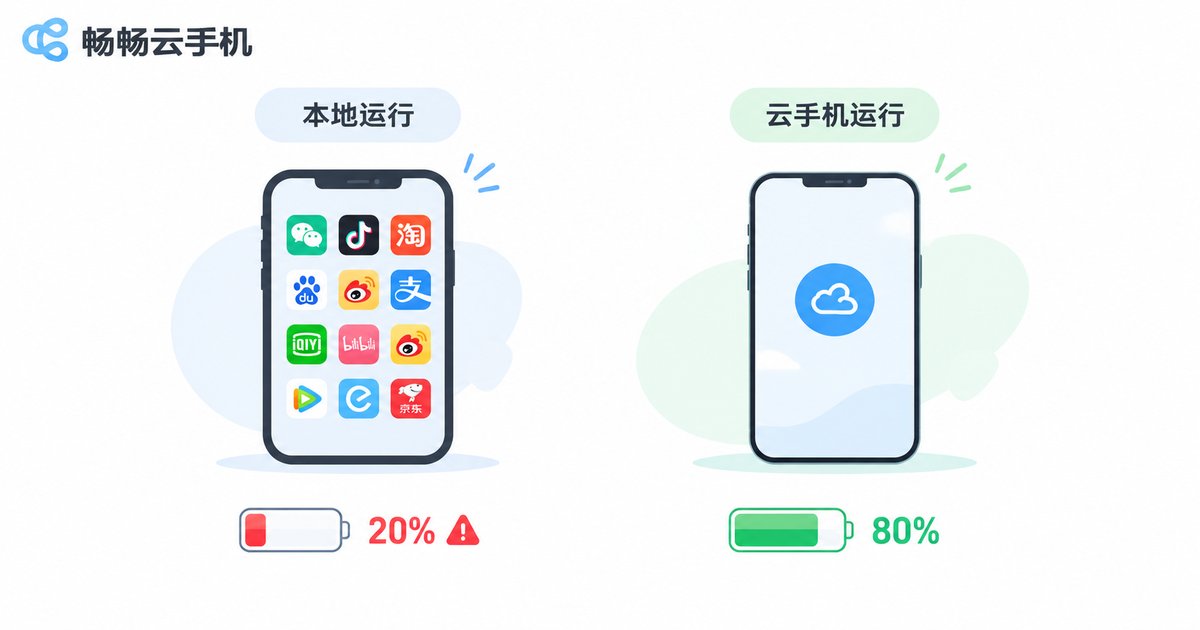
Local vs Cloud Phone: 30-Day Data Comparison
Here's a simple table of the metrics I cared about most:
| Metric | Local (12 Apps) | ccloudphone |
|---|---|---|
| Phone storage used | ~28.6 GB | ~1.2 GB (client only) |
| Daily battery drain (app-related) | ~45%-50% | ~12%-15% |
| Phone temp (2h video) | 42°C+ | 36°C (barely noticeable) |
| Background RAM usage | ~6.8 GB | ~0.4 GB |
| Multi-app (WeChat + Douyin + Genshin) | Phone noticeably lags | Smooth, no interference |
| App updates | Manual, one by one | Auto in cloud, no local space used |
What surprised me most was multi-app. Previously, running WeChat, Douyin, and Genshin simultaneously on local would turn my phone into a slideshow. On ccloudphone, all three apps run at once, and switching between them is effortless — because all the compute happens in the cloud, and my local phone just 'displays the screen.'
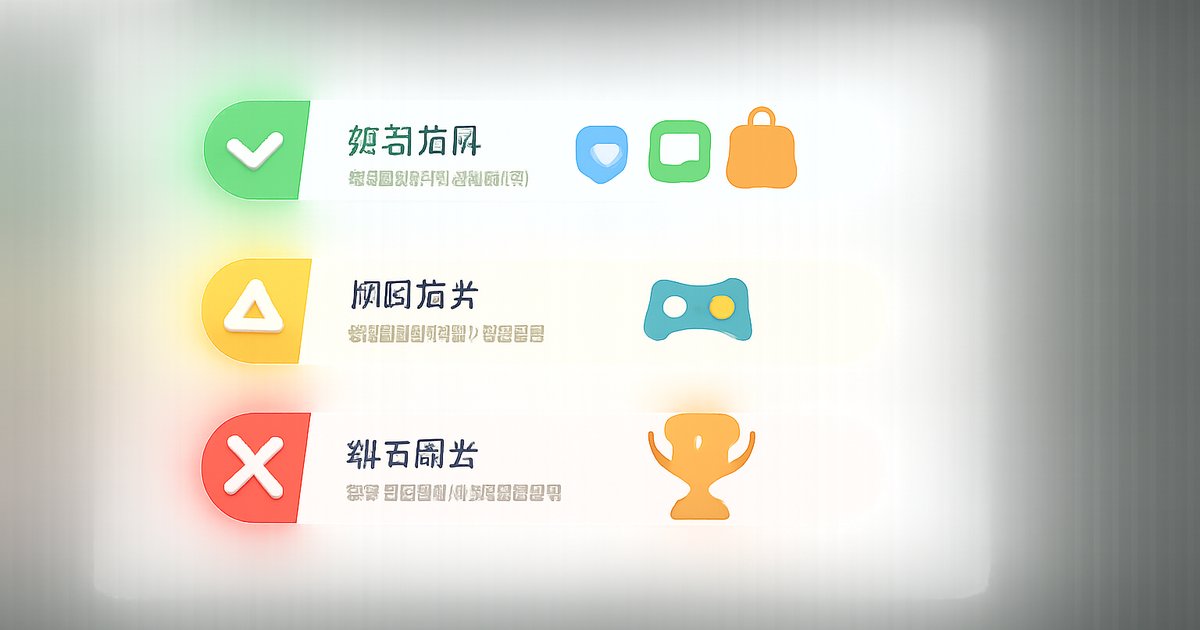
Where a Cloud Phone Truly Works as Your Daily Driver
After 30 days, here's my 'good enough' list:
✅ Fully covered scenarios:
Daily social (WeChat, QQ, DingTalk), short video and video streaming (Douyin, Bilibili, Xiaohongshu), online shopping (Taobao, JD, Xianyu), light mobile games (Candy Crush, casual card games), office documents (WPS, DingTalk), banking apps, food delivery and ride-hailing.
⚠️ Usable but requires adjustment:
Mid-to-heavy mobile games (Genshin Impact, Arknights) — graphics and frame rate are acceptable, but latency is 20-40ms higher than local; fast-reflex FPS games (Peacekeeper Elite) — occasional latency gets amplified in competitive play.
❌ Not recommended for cloud yet:
Latency-critical esports (Honor of Kings ranked, LOL Mobile), offline scenarios (on a plane, no-network areas), high-frequency photo editing (cloud image processing pipeline is longer than local).
ccloudphone: What I Actually Used for 30 Days
For this entire 30-day test, I used ccloudphone. Here are a few things I genuinely noticed:
Graphics and frame rate:Supports 1080P HD output. Genshin at Medium holds 45fps+, and video streaming is visually indistinguishable from local. For regular users, this quality far exceeds the 'good enough' bar.
Multi-instance:You can run multiple cloud instances simultaneously — one for WeChat, one for Genshin, one streaming Bilibili — with zero interference. I used it to run a 'work WeChat + personal WeChat' setup plus a gaming account. Very handy.
Minimal local footprint:The client itself is just over 1GB. It doesn't eat phone storage or compete for local RAM. My two-year-old phone, after I uninstalled 12 heavy apps, feels as smooth as the day I bought it.
Network requirements:You need a stable connection. Wi-Fi gives the best experience; 4G/5G works fine for daily use, but for competitive gaming I'd recommend Wi-Fi. Weak networks (2G/3G) are not ideal.
If you want to try it, just sign up on the ccloudphone official website. The process is straightforward — you're up and running within minutes of registration.
After 30 Days, Here's What My Phone Looks Like
Now my local phone only has: Phone, Messages, Camera, Maps, WeChat (backup — I use the cloud version daily), and a few lightweight utilities. Storage dropped from 92% to 31%, background RAM from 6.8GB to 1.1GB, and battery went from 'two charges a day' to 'one charge a day with room to spare.'
The phone doesn't get hot, doesn't lag, and there's even a weird sense of 'emptiness' that feels refreshing. Sure, I still temporarily reinstall Honor of Kings for ranked matches and uninstall it after — but that feeling of being 'hostage to a dozen apps' genuinely never came back.
Can a cloud phone be your main phone? My answer: for 80% of daily use cases, yes, it already can. The remaining 20% (extreme esports, offline needs) will likely be covered as technology and networks evolve over the next year or two.
Frequently Asked Questions
Q: Do I need to keep my local phone on all the time?
Yes, the cloud instance runs 24/7, but your local phone doesn't need to stay on screen. You can open the client anytime to connect, and when you close it, the cloud apps keep running (gaming in the background, receiving messages). Next time you open the client, everything picks up right where it left off.
Q: Will playing Genshin on a cloud phone get me banned?
ccloudphone provides a full Android runtime environment, not an emulator — the principle is the same as a real device. Normal use won't trigger anti-cheat. However, avoid using third-party plugins or modders on the cloud instance, just as you would on any platform.
Q: Can I use it with a poor network connection?
Wi-Fi and stable 4G/5G give a great experience. If you're frequently in areas with very weak signal (basements, remote locations), keep local apps as a backup. A 1-2 second hiccup in a subway is tolerable, but prolonged weak network will degrade the experience.
Q: Is my app data safe on the cloud?
ccloudphone's cloud instances are independently isolated. Your app data is stored in a dedicated cloud space, not shared with other users. Since your local phone stores no app data at all, you actually reduce the risk of local data leaks.
Q: If I uninstall local apps, will my cloud app data be lost?
No. Cloud app data lives in the cloud instance, completely independent of your local phone. What you uninstall is the local app; all data in the cloud instance (chat history, game progress, etc.) is fully preserved. You can reconnect anytime.
Q: Who is a cloud phone best suited for?
Users whose phone storage is always full, battery life is poor, who want to run multiple apps simultaneously (multi-instance), or whose phones are two-plus years old and starting to feel sluggish — all great candidates to try a cloud phone. If you primarily play competitive esports or frequently use your phone in no-network environments, keep local apps as your primary setup.


