

Cloud Phone Short Video Matrix Management: Batch Operations and Account Security Tips
The Short Video Matrix: From Working Alone to Operating at Scale
Once you are running 5, 10, or even dozens of short video accounts at the same time, the problems pile up fast: not enough devices, chaotic account switching, posts that keep missing peak traffic hours, and one troubled account potentially dragging others down. The essence of a short video matrix is using multiple accounts to cover the same audience from different angles, stacking traffic while spreading risk. But the bigger the matrix, the higher the management cost. Without a systematic approach, the matrix quickly turns from an asset into a burden.
Why Cloud Phones Are the Ideal Vehicle for Matrix Management
The traditional approach is to buy a batch of physical phones, one account per device. The drawbacks are obvious: high hardware costs, daily charging and maintenance, tedious system cleanup and updates, and zero remote operability. Cloud phones move all of that to the cloud—each cloud phone is an independent Android environment with its own device parameters and app data, and you can view and operate dozens of 'phones' from a web dashboard on your computer.
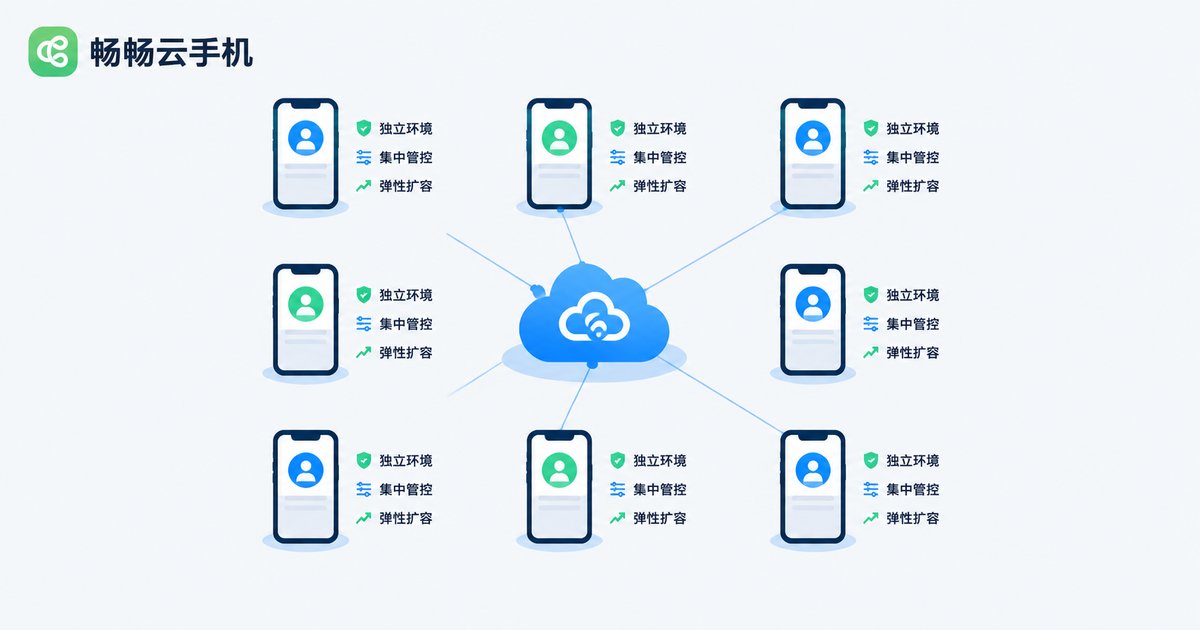
For matrix operations, the value of cloud phones boils down to three things: environment isolation, centralized control, and elastic scaling. Isolation lets every account live inside its own independent 'device'; centralized control lets you push commands and schedule tasks in bulk; elastic scaling means that when your account count grows, you simply add more cloud devices instead of buying new hardware.
Batch Operations: Hand the Repetitive Work to the System
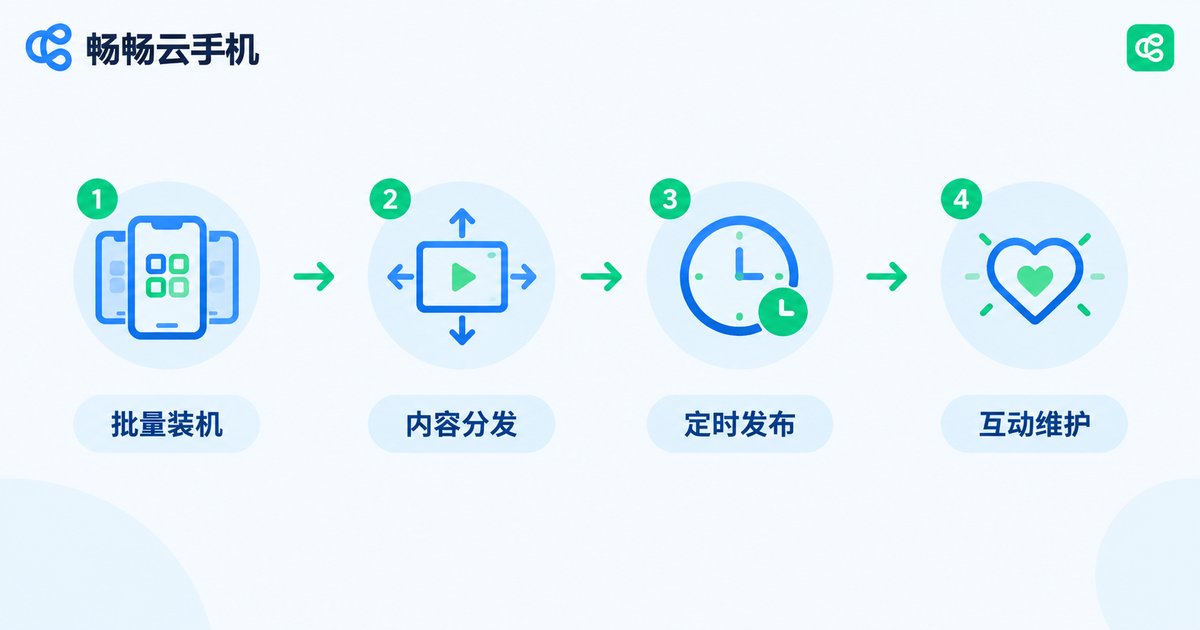
Roughly 80% of daily matrix work is repetitive, which is exactly where batch operations pay off. With the group-control and scheduling capabilities of cloud phones, four key processes can be standardized:
1. Batch setup and environment configuration
When onboarding new accounts, use batch installation to deploy the video editor, keyboard, and other common apps to all cloud phones at once, and unify resolution, language, and time zone so every device starts from a consistent baseline.
2. Batch content distribution
Manage your material library centrally. Before publishing, differentiate each account's version—cover, title, and opening rhythm—stagger the posting times, then distribute through group control or scheduled tasks. Never let identical material go live on multiple accounts at the same moment.
3. Batch engagement maintenance
During the account-warming phase, break actions such as liking, commenting, and watching videos in full into a daily task list, and let each account complete them in natural, scattered time windows that mimic real user behavior.
4. Scheduled publishing aligned with traffic peaks
Queue up a week of content in advance and bind it to scheduled publishing tasks, so accounts update automatically during morning and evening peaks—no more manually babysitting the publish button.
Account Security: The Lifeline of Matrix Operations
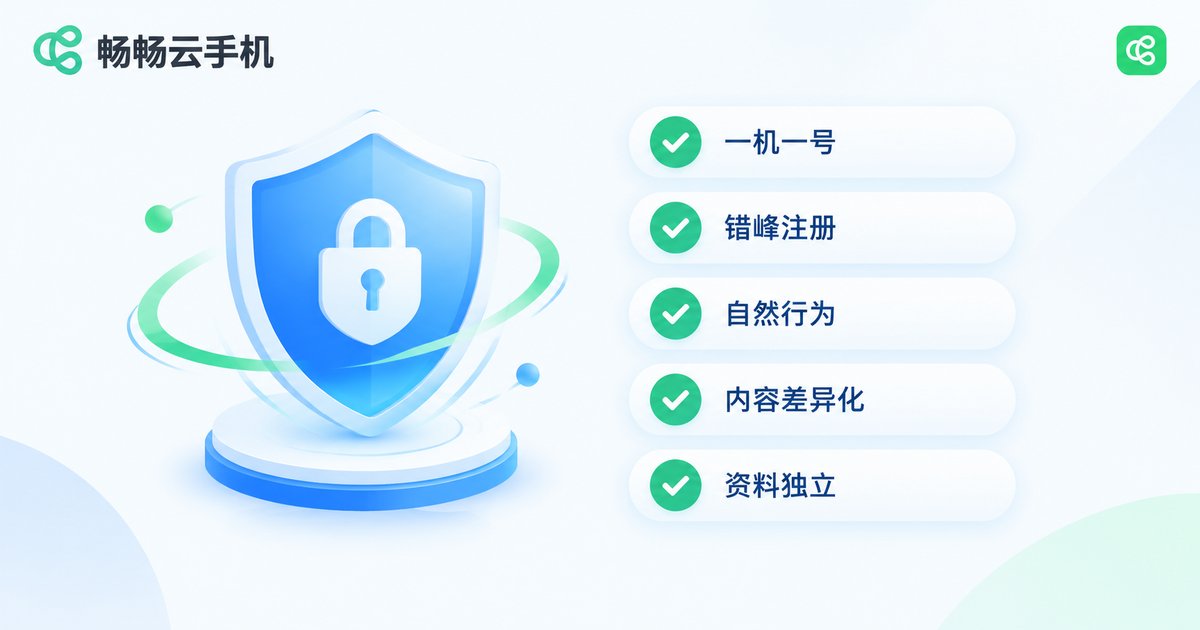
No matter how large your matrix grows, a security failure resets everything to zero. These five rules are the most important safety baseline in practice:
One account, one device, long-term fixed
Bind each account to a fixed cloud phone and avoid frequently switching login devices. Platform risk control records device characteristics—the more stable the account-device relationship, the more stable the account weight.
Stagger registration and profile setup
Do not register new accounts, change names, or swap avatars in bulk on the same day. Spread out registration times and the pace of completing verification and binding details, so every account looks like an independent, organic user.
Behave like a real person
In the first few days, focus on browsing, liking, and watching videos in full before gradually increasing posting frequency. Spread actions across different times of day and avoid mechanical, fixed-interval patterns.
Differentiate your content
A matrix is not copy-paste. When the same material goes to multiple accounts, adjust the title, cover, and editing rhythm, and keep distinct personas and content angles between accounts. This lowers the risk of being flagged as bulk marketing and helps the platform tag each account independently.
Keep logins and credentials independent
Beyond one-account-one-device, avoid logging the same account in and out across multiple cloud phones. Keep each account's phone number and binding relationships separate and traceable for easy management and auditing.
A Daily SOP You Can Put to Work Right Away
Combine the ideas above into a single daily workflow table that your team can follow:
| Time | Core Action | Key Points |
|---|---|---|
| Morning | Account health check | Review yesterday's views, comments, DMs, and violation notices |
| Noon | Material prep and differentiation | Adjust covers, titles, and openings per account |
| Afternoon | Scheduling and timed tasks | Bind content to scheduled publishing on the matching cloud phones |
| Evening peak | Engagement and warming | Reply to comments, browse peer content, finish daily engagement tasks |
Manage Your Matrix with ChangChang Cloud Phone
When choosing a tool, prioritize a cloud phone service built for multi-account scenarios. ChangChang Cloud Phone (ccloudphone) provides independent Android cloud device environments with centralized multi-device management and batch operations, so you can coordinate every device from a web dashboard—well suited to short video matrices and multi-account operations. Its on-demand model lets you validate the workflow at small scale first, then add cloud devices as the matrix grows, avoiding a heavy upfront hardware investment. For current features and plans, refer to the official ChangChang Cloud Phone website.

FAQ
Q: How many short video accounts can run on one cloud phone?
One account per cloud phone is the safest setup. Mixing multiple accounts on a single device increases association risks and hurts account weight accumulation.
Q: Will platforms detect that I am using cloud phones?
Cloud phones provide independent device environments. As long as account-device bindings stay stable, behavior rhythms look natural, and content is differentiated, there is no essential difference from an ordinary user on a physical phone. The real risk comes from mechanical bulk operations, not from cloud phones themselves.
Q: How many accounts should I start with?
Start with 3-5 accounts. Run the full loop of content production and publishing first, validate your monetization path, then scale up gradually—expanding too fast usually sacrifices content quality.
Q: Do batch operations conflict with account warming?
No. Batch operations solve efficiency; warming solves authenticity. The key is designing batch commands that resemble human behavior: staggered timing, varied actions, and reasonable frequency.
Q: Can accounts in the matrix funnel traffic to each other?
Yes, but with restraint. Constantly tagging each other in comments or inflating each other's metrics can be flagged as abnormal interaction. A more natural approach is using consistent content tone and profile information to guide viewers toward your other accounts.


