
2026 Cloud Phone Scenario Matching Guide: Choosing Configurations That Fit Different Needs
Configuration Anxiety Usually Comes From a Mismatch With Your Scenario
People new to cloud phones tend to ask one question first: which configuration is the best? There is no universal answer. A cloud phone is essentially an Android device running in a data center that you operate remotely over the network. Its ceiling is set by compute power, but how good your experience feels depends on whether compute, storage, online hours and concurrency actually match the way you use it.
Here is a simple example. One person only wants a cloud phone to run a game routine in the background. Another needs to manage twenty social accounts and distribute content every day. The first does not need much compute per device but needs very high stability. The second does not need top-tier compute either, but is extremely sensitive to the number of instances and batch management.Both are called cloud phones, yet the requirements point in opposite directions.
Break Down Your Needs First: Four Dimensions
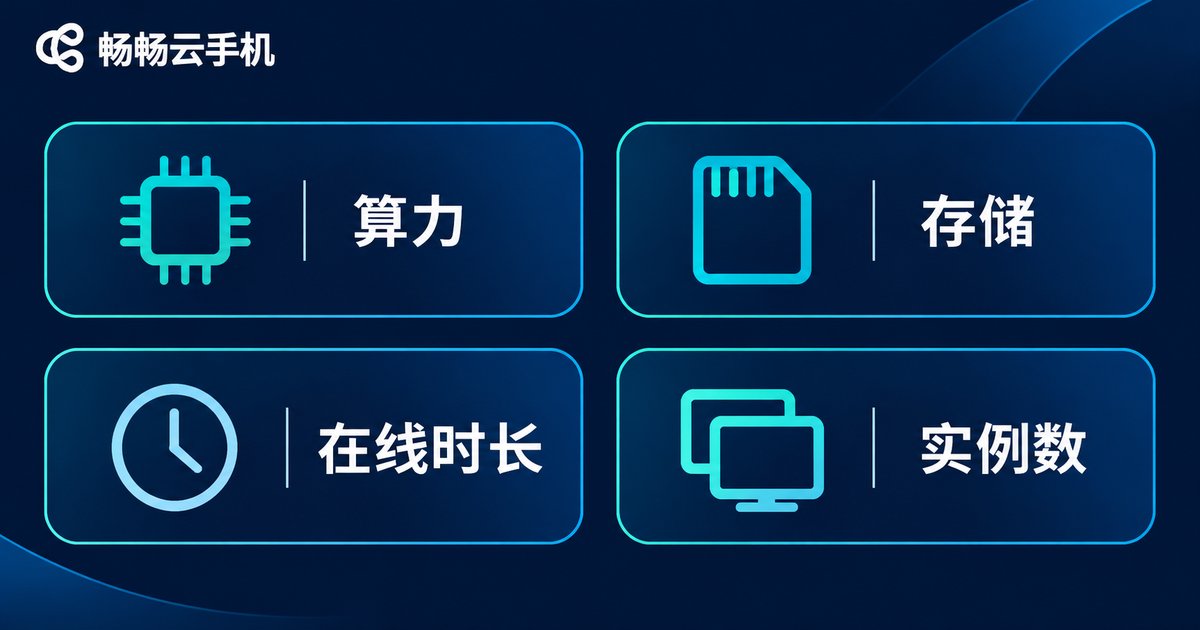
Before picking a configuration, split your usage into four questions. Once the answers are clear, the configuration logic follows naturally.
1. How much compute do you need? Games with complex scenes and high frame rate demands need more processing power. Pure idle running, script execution and light office work are fine with mid-range compute.
2. How much memory and storage? Running several apps at once and caching large amounts of material makes memory and storage hard requirements. One or two apps can live with smaller capacity.
3. How long must it stay online? Running nearly around the clock is a very different requirement from a two-hour test session each day, both in stability and in how you pay for it.
4. How many instances do you need? A single well-used device and a multi-instance matrix are two completely different cost structures. Decide the count before you discuss specs.
Scenario One: Mobile Game Idle Running and Multi-Instance
This is the classic cloud phone use case. A game needs to stay online for daily tasks and resource farming, while a local phone struggles with heat and battery drain. Moving it to the cloud solves that.
The priorities here are stable online time and a reliable floor for smoothness. Choose a mid-to-high compute spec per device so it does not drop frames during long sessions. Storage does not need to be huge, but leave room for the game client and update packages. If you run multiple accounts, weigh multi-instance count and batch operation convenience more heavily than pushing every device to the maximum spec.
A common mistake is maxing out every instance just to be safe. Cost doubles while the real frame rate gain is limited. Idle-running workloads care about stability, not peak performance.
Scenario Two: Short Video and Social Matrix Operation
Matrix operation means many accounts, fragmented tasks and material that eats storage. Clips need uploading, publishing and comment replies. The workload per device is light, but the number of devices is high and switching is constant.
The priorities here are instance count, storage and batch management efficiency. Mid-range compute per device is enough, storage can be a bit larger so you are not constantly cleaning up files, and smooth overall management matters more than raw power, for example whether you can push the same operation to many devices at once.
If you only post a few pieces of content a day but open ten top-spec instances, most of that compute sits idle. Conversely, if you open too few devices and keep switching accounts between them, the efficiency loss usually outweighs the cost you saved.
Scenario Three: App Testing and Debugging
Developers and testers use cloud phones for clean environments and elastic capacity. Today you verify compatibility on an older Android version, tomorrow you check features on a newer one. Device demand fluctuates by project.
A mid-range configuration is usually the right base. The real value lies in creating, resetting and releasing devices quickly. Testing rarely needs around-the-clock online time, but it does need frequent changes of system version and resolution, so flexibility is worth more than raw horsepower.
Scenario Four: Light Remote Work and Terminal Replacement
Another group treats a cloud phone as an always-available Android terminal: checking documents on a tablet while travelling, running a few mobile office apps, replying to messages on the go.
This scenario has the lowest compute demand. The priorities are stable connectivity and data that stays in the cloud rather than on the local device. A basic configuration is enough, and the budget is better spent on network experience and account security than on hardware numbers.
One Table to See the Configuration Priorities
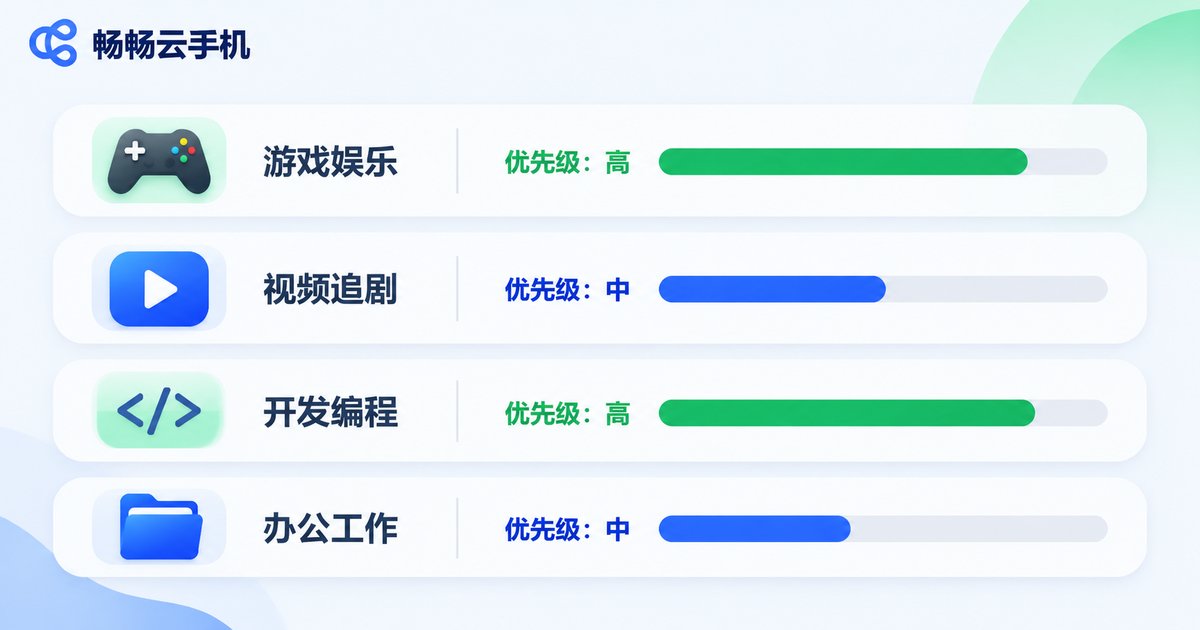
| Scenario | Compute priority | Memory and storage | Online hours | Instance count |
|---|---|---|---|---|
| Game idle running and multi-instance | High | Medium | Long, near full day | Medium to many |
| Short video and social matrix | Medium | Medium to large | Long | Many |
| App testing and debugging | Medium | Medium | Short and fluctuating | Scales with projects |
| Light remote work | Low | Small to medium | Mostly workdays | Few |
The pattern is clear: compute is the one item you can compress downward, while stability and concurrency can hardly be cut. Set the number of instances and the online hours first, then choose compute and storage, and you will rarely pick wrong.

How to Apply This on CcloudPhone
CcloudPhone (ccloudphone) provides Android instances that run in the cloud. You operate those devices remotely from a client, and you can choose different instance specifications based on your own usage scenario. Compared with buying a spare physical phone outright, matching capacity to demand suits users whose requirements change over time.
Before ordering, follow this order: decide how many instances you need, then how long each must stay online, and only then choose compute and storage. This sequence puts your budget where it actually affects the experience, instead of on the most eye-catching line of a spec sheet. For the specific specifications and billing options currently available, refer to the information shown on the official CcloudPhone website at the time of purchase.
Frequently Asked Questions
Q1: Is a higher configuration always better?
Not necessarily. A high configuration only raises the performance ceiling. If your work is idle running, content posting or testing, compute beyond your needs goes unused while cost goes up. The right choice is a configuration that just covers your peak demand.
Q2: Do I need multiple instances to run one game?
No. A single account needs a single device. Multi-instance is for multi-account scenarios. Decide your account count first, then the number of instances.
Q3: Will running many instances slow each other down?
Each cloud instance is a relatively independent runtime environment, so opening more elsewhere generally does not slow one particular instance. What really affects your experience is that instance own specification and network quality.
Q4: Can a cloud phone replace a spare physical phone?
In many cases yes. It saves local battery and storage, scales up or down on demand, and keeps running when the device is not in your hand. The trade-off is dependence on the network. If your work is mostly long online sessions and batch management, a cloud phone is usually the easier option.
Q5: How do I decide which tier fits me?
Track three numbers for a week: hours actually online per day, how many apps run at once, and how many instances you need. Those three figures usually point to a clear range, and you can then balance it against your budget.


