

Cloud Phone Experience Evaluation Checklist: Visual Quality, Latency, Stability, and Ease of Use
Why Build an Evaluation Checklist First
Most people pick a cloud phone by looking at price first and spec numbers second. The problems only show up after real use: blurry visuals, input that does not follow your finger, random disconnections in the middle of the night, and having to reinstall everything when you switch devices. All of these experiences can be quantified. Prepare an evaluation checklist in advance, split the experience into four dimensions — visual quality, latency, stability, and ease of use — and score each one. Suddenly “it feels okay” becomes “the data says so.”
A useful checklist does not need lab equipment. One ordinary phone, one computer, twenty minutes, and a fixed test routine are enough. The key is to run the same steps every time so results can be compared side by side.
Dimension 1: Visual Quality — Clarity Beats Saturation
Visual quality is not about how many “P” the resolution claims. It is about three things: whether text edges stay sharp, whether color gradients band, and whether moving images smear into a blur.
- Static test: open a spreadsheet or web page at 100% zoom and check small digits for fringing.
- Color test: view a gradient image and look for visible banding.
- Motion test: play fast-moving footage and watch for ghosting and tearing.
- Small text test: read thin fonts on a dark background and check for softness.
- Zoom test: pinch to zoom and see whether the screen repaints promptly.
Suggested scoring: 0–2 points per test, 10 points total. Below 6, the device will struggle even with plain documents.
Dimension 2: Latency — The Real Divide in Feel
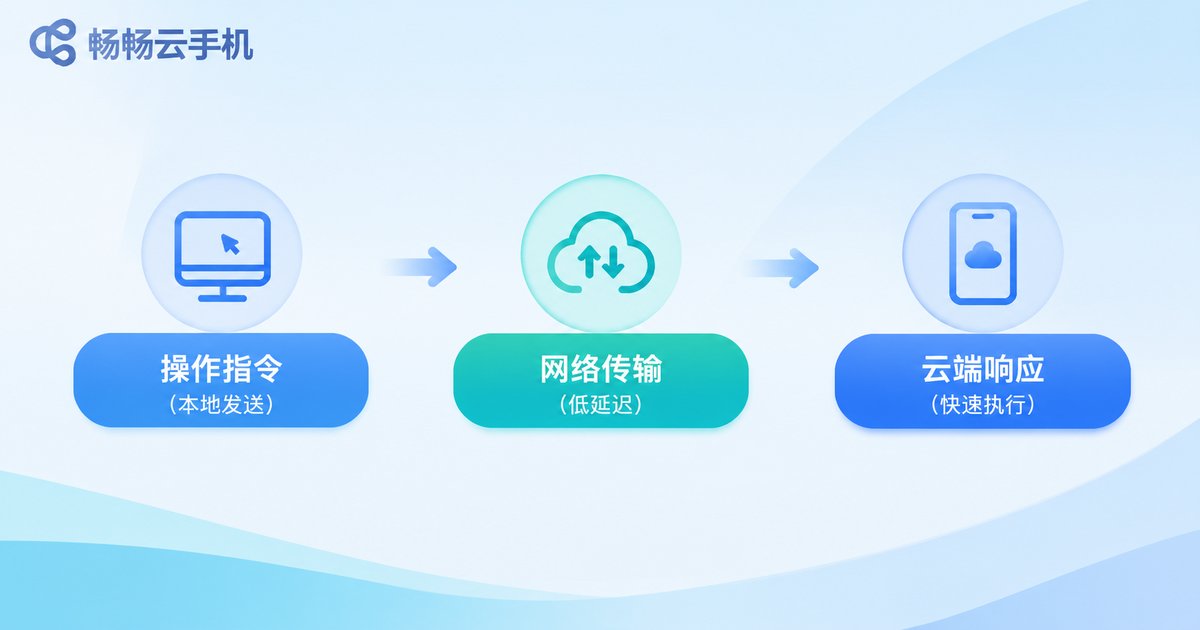
Latency is the most overlooked dimension and the one that shapes the experience most. It has three stages: network round trip, server-side rendering, and video encoding and transmission. What your finger perceives is the sum of all three.
Testing is simple: open a page inside the cloud phone that displays a millisecond counter, then use a second device to capture the moment your finger presses and the moment the screen responds, and review the gap in slow motion. A continuous-tap mini game works too. Many people confuse “stutter” with “lag” — stutter is a stability problem, lag is a latency problem, so record them separately.
Rules of thumb: under 60 ms total feels immediate; 80–120 ms is fine for chatting and browsing; above 150 ms produces noticeable drag when swiping.
Dimension 3: Stability — Can You Actually Rely On It?
Stability is not about whether it opens. It is about how long it runs without trouble. Run at least one 2-hour idle test and one 8-hour overnight test.
| Test | How to run it | Pass line |
|---|---|---|
| Long idle run | Keep a background app running for 8 hours | No dropout, no restart |
| Network recovery | Cut the connection for 30 seconds, then restore | Reconnects automatically, no black screen |
| Multi-instance switching | Run 3 instances and switch back and forth | Renders correctly, no freeze |
| Data retention | Close the client, then log in again | Apps and files remain in place |
One failure here drags down every other score. That is why stability should carry at least 30% of the weight in your checklist.
Dimension 4: Ease of Use — Details Decide Long-Term Comfort
Ease of use is made of things you only appreciate after weeks of use:
- Can key mappings be customized, and can common actions be triggered in one tap?
- Does file upload and download support drag and drop and batch operations?
- Is multi-instance management clear, with grouping and batch start?
- Are resolution and frame rate adjustable, and can they downgrade automatically on weak networks?
- Are the interface language, shortcuts, and orientation switching comfortable?
You cannot test all of this in one sitting. Keep notes as you go, and review them after two weeks — you will clearly see which item affects your efficiency most.
Combine the Four into a 100-Point Scorecard
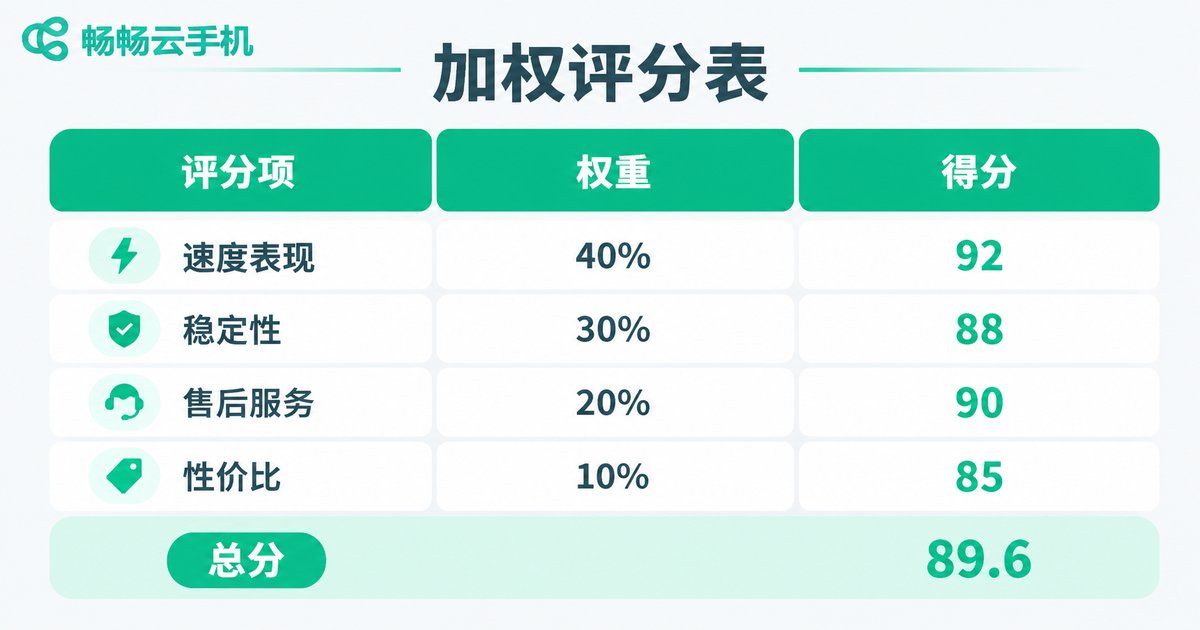
Assign weights by use case, multiply by each dimension score, and you get a total that can be compared across services. The same service can rank very differently depending on the scenario.
| Dimension | Idle / multi-instance | Gaming / streaming | Office / demo |
|---|---|---|---|
| Visual quality | 15% | 25% | 30% |
| Latency | 20% | 40% | 20% |
| Stability | 40% | 20% | 25% |
| Ease of use | 25% | 15% | 25% |
Weights are not fixed — adjust them to your real usage, but lock them in before testing. Otherwise your results will drift toward subjective impressions.
Putting the Checklist to Work: ccloudphone as an Example
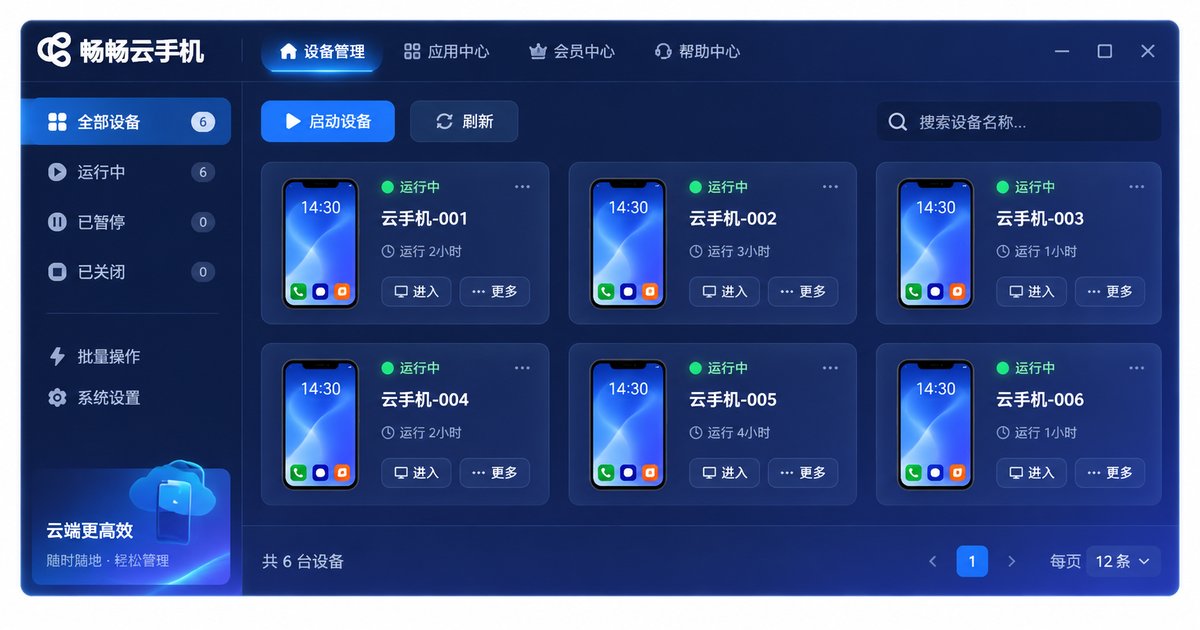
Running the checklist against ccloudphone makes the method concrete. It provides Android instances that run in the cloud and are accessed through a client, with capabilities that map onto the same four dimensions:
- Visual quality: clarity and resolution levels are adjustable, text-heavy content keeps clean edges at common settings, and you can trade sharpness for smoothness depending on your network.
- Latency: the client shows connection status and network quality so you can judge whether the current link suits high-frequency input, and you can switch to a more bandwidth-efficient mode on weak networks.
- Stability: instances keep running in the cloud, so local disconnections or closing the client do not interrupt tasks — reconnect and you are back where you left off.
- Ease of use: multi-instance management, quick access to common actions, and file transfer cover everyday needs, with a deliberately simple interface and a low learning curve.
Score it item by item with the routine above and you will have your own conclusion instead of someone else’s “it feels smooth.”
A Test Routine You Can Copy Directly
- Prepare two devices: one runs the cloud phone, one captures response times.
- Fix your network conditions and record a bandwidth and latency baseline first.
- Run the five visual quality tests, three latency tests, four stability tests, and five usability checks in order.
- Score each 0–2, fill in the table, and apply the weights for your scenario.
- Repeat for three consecutive days at the same hour and watch the variance.
Three days of data beats a single run. A genuinely stable service usually varies by less than 5 points; a sudden 15-point drop means the link or the instance carries uncertainty and deserves another round.
FAQ
Q: Can I measure latency without professional tools?
Yes. Use a second device in slow-motion mode to film the finger press and the screen change, then review the frame gap. Precision is limited, but it is enough for side-by-side comparison.
Q: Does a higher visual quality score always mean better?
No. Higher quality consumes more bandwidth and can stutter on weak networks. Read visual quality and latency together and find the balance point.
Q: Do I have to run an overnight stability test?
At least one long run is strongly recommended, because many issues only appear after hours of continuous operation. If time is tight, replace it with a 2-hour idle run plus a network recovery test.
Q: How often should the checklist be updated?
Review it quarterly, or re-test whenever you change networks or your main use case. When the scenario changes, the weights should change with it.
Q: Do I need to test all four dimensions fully?
No. If you only view documents remotely now and then, focus on visual quality and ease of use. For long-running multi-instance work, stability and latency matter most.


