
How to Renew a Cloud Phone: Package Renewal and Plan Switching Guide
What Happens When Your Cloud Phone Package Expires?
Almost every cloud phone user runs into package expiration at some point. If you don't renew in time, your cloud phone enters a suspended state: remote connections fail, and any game automation or running apps stop. Suspension, however, doesn't mean immediate data loss. Most platforms keep your data for a grace period, but once that window passes, the instance may be reclaimed and the data becomes unrecoverable.
That's why understanding renewal rules and mastering the renewal and plan-switching process is a must for every cloud phone user.
The Standard Four Steps to Renew a Cloud Phone
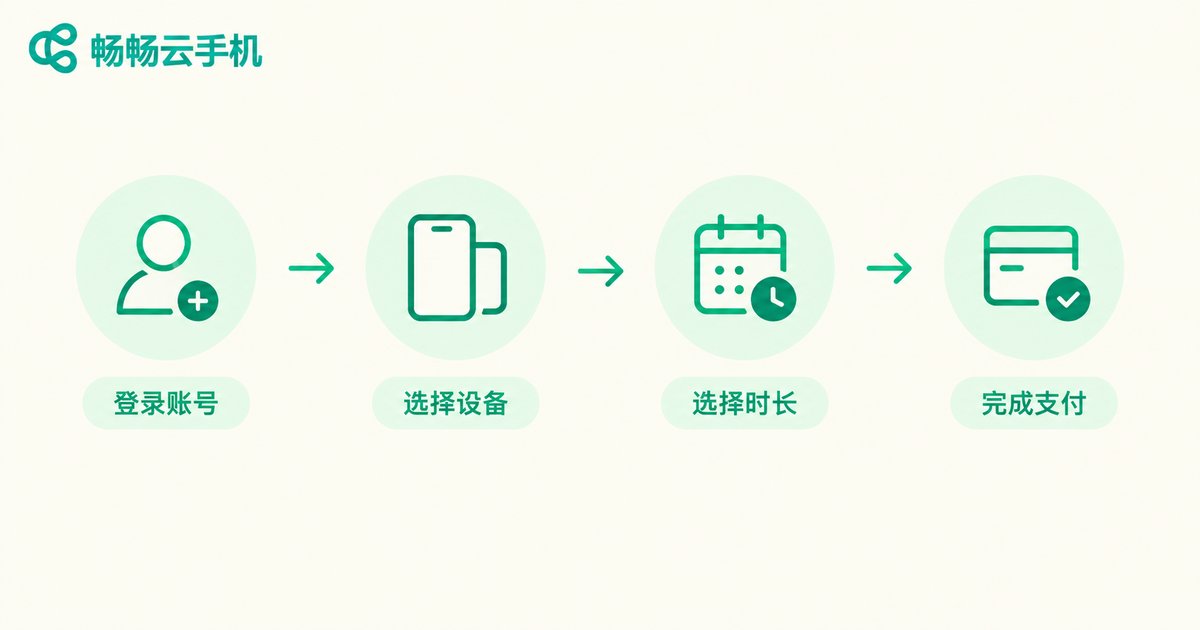
Interfaces vary across platforms, but the renewal process is basically the same, summarized in four steps:
Step 1: Sign in. Open the cloud phone website or app, log in to your account, and go to the “My Cloud Phones” or console page.
Step 2: Find the renewal entry. Locate the target device in your device list and click “Renew”; you can also handle renewals from the package management page.
Step 3: Choose a renewal period. Pick monthly, quarterly, or yearly billing based on your needs. Generally, the longer the period, the lower the average monthly cost.
Step 4: Complete the payment. Confirm the order and pay. Once renewed, the device resumes normal use immediately and the expiration date extends automatically.
Two Common Ways to Switch Plans
If your current plan no longer fits, or you want to control costs, you can switch plans along with your renewal. There are two common approaches:
Option 1: Switch before expiration. Before the package expires, open the package management page to select a new plan, or contact customer support for assistance. This usually allows a seamless switch with no impact on your data.
Option 2: Switch while renewing. Some platforms let you pick a new plan directly when placing a renewal order—just pay the new plan's price. It's the most convenient option.
Keep in mind that backing up important data before switching plans is recommended, especially when downgrading from a high-spec configuration, to avoid data issues caused by configuration changes.
When Is the Best Time to Renew?
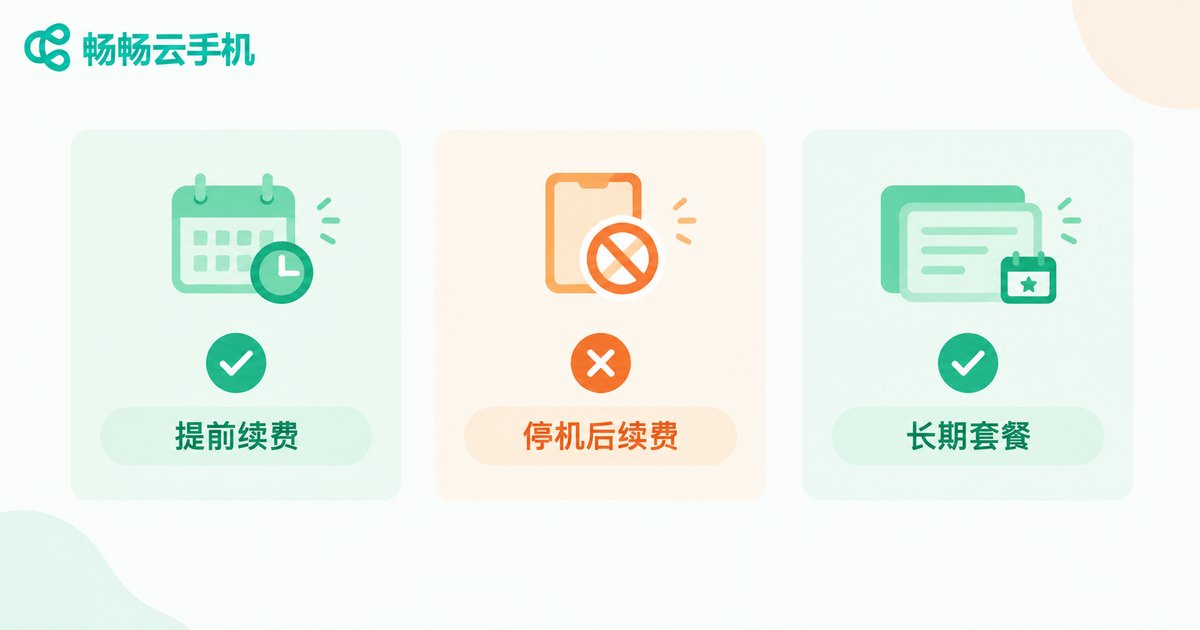
Renewal timing directly affects both cost and experience. This table helps you decide quickly:
| Timing | Pros | Cons |
|---|---|---|
| Renew before expiration | No service interruption, zero data risk | Need to track expiration dates |
| Renew after suspension | Flexible, pay as needed | May miss the data retention window |
| Long-period package renewal | Lower average monthly price | Higher upfront cost |
For scenarios that require long-term stable operation—such as game automation or multi-instance farming—choosing a long-period package and keeping an eye on expiration reminders is both worry-free and cost-effective.
ccloudphone: Making Renewal Hassle-Free
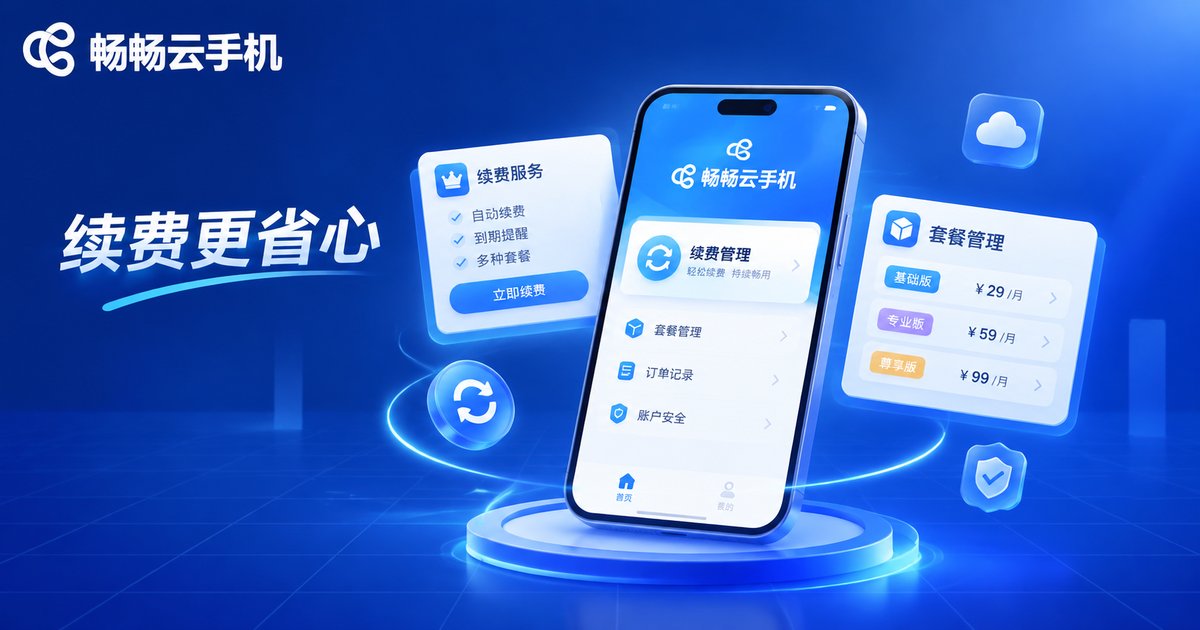
If complicated renewal flows frustrate you, give ccloudphone a try. Its management interface is intuitive: package expiration dates are visible at a glance, the renewal entry sits right in the device list, and a few taps complete the process. Plan options cover needs from lightweight use to high-performance multi-instance setups, so whether you're automating games or running multiple instances, there's a fitting configuration.
For users running several cloud phones at once, ccloudphone's unified management page also makes batch renewals and plan changes far more efficient—no need to repeat the process device by device.
FAQ
Q: How long is data retained after a package expires?
Retention policies differ by platform, typically ranging from a few days to several weeks. Renewing before expiration is recommended to avoid data reclamation. Check the platform's documentation or contact support for exact durations.
Q: Will my data still be there after renewal?
Yes. As long as you renew within the data retention window, all apps, accounts, and data in your cloud phone remain intact for seamless use.
Q: Do I need to set up my cloud phone again after switching plans?
In most cases, no. Upgrades or same-tier switches usually keep your data; for downgrades or device type changes, backing up in advance is recommended.
Q: Can I switch from monthly to quarterly or yearly billing?
Yes. Simply choose the new billing cycle during renewal, and the expiration date will extend accordingly.
Q: What if my cloud phone was suspended because I forgot to renew?
Log in and complete the renewal as soon as possible. As long as you're within the data retention window, the device will resume right after payment, with no data loss.


