
Can Cloud Phones Support Multiple Simultaneous Logins? Shared Account Risks Explained
First, Get One Thing Straight: Which Login Are You Talking About?
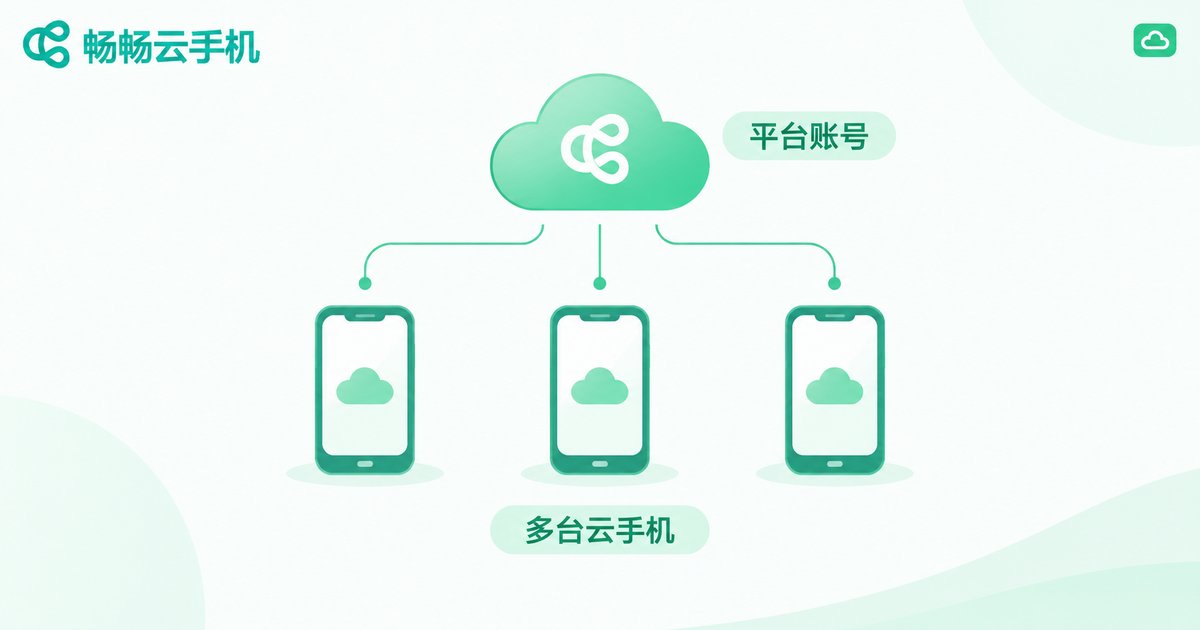
When people ask whether a cloud phone can be logged in by multiple people at the same time, two different concepts are hiding in the question: the cloud phone platform account and the app accounts inside the cloud phone. Multiple simultaneous logins mean very different things for each layer, and confusing them is where the trouble starts.
In short: the platform account manages your devices in the cloud, while app accounts run inside each device. Let's break it down layer by layer.
Layer 1: What Happens When Multiple People Log Into the Platform Account?
Your cloud phone platform account is what you use to purchase and manage cloud phone instances. Generally, you can sign in to the same account from a mobile app, a desktop client, or a web browser to manage your cloud phones.
As for whether multiple devices can stay online at the same time, policies vary by platform: some support simultaneous sessions on multiple devices, while others kick the old device offline when a new one logs in. If you plan to share one platform account among several people, check the platform's login policy first, or you may get abruptly signed out mid-task.
More importantly: the platform account equals full control of all your cloud phones. Sharing it is like handing someone a copy of your house key — they can enter every phone you keep in the cloud.
Layer 2: Can Multiple People Operate the Same Cloud Phone at Once?
A cloud phone is essentially an independent Android system running in the cloud. It has its own system and its own app data, but at any given moment it has only one active screen.
That means even if two people both connect to the same cloud phone, they see the same display: you tap, and the screen moves on the other person's side too; they type a password, and you can watch every character. This is not independent use — it is sharing a single screen.
So if you and a friend expect to log in at the same time and each do your own thing, a single cloud phone cannot deliver that. The right approach is one separate instance per person — which is exactly what the multi-instance capability of cloud phones is for.
Five Real Risks of Sharing Accounts
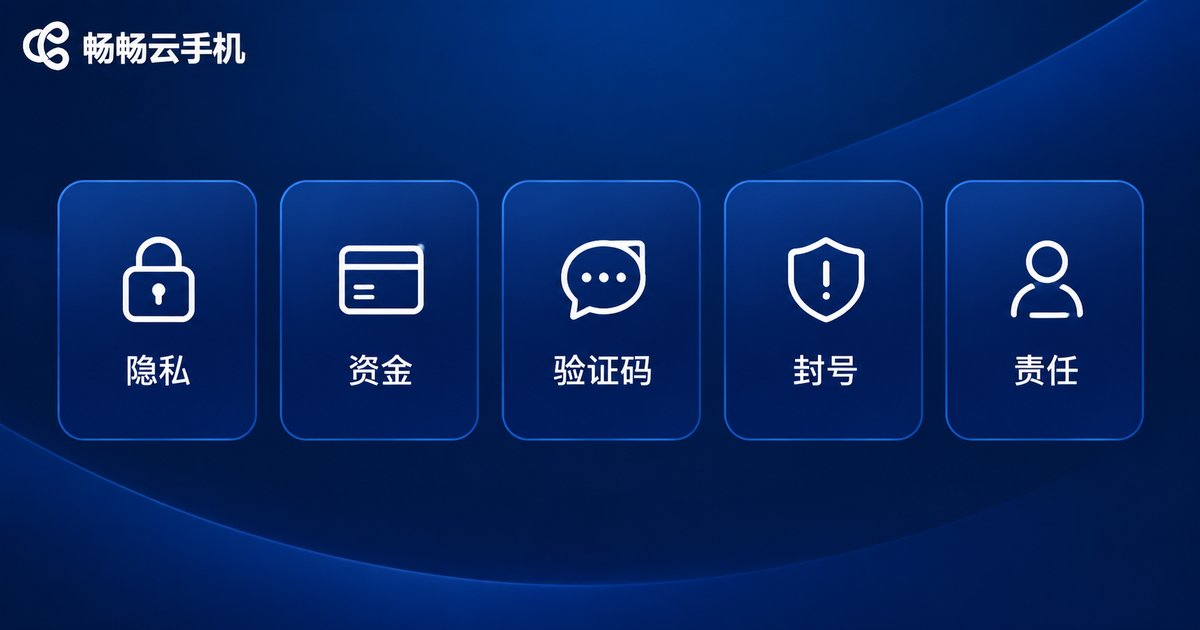
Whether it is the cloud phone platform account or the game and social accounts inside it, sharing carries more risk than most people expect:
1. Zero privacy: chat history, photos, cloud drive files, and browsing records inside the cloud phone are all visible to the other person. People forget that a cloud phone, like a real one, holds their most personal data.
2. Financial exposure: if payment accounts are logged in, cards are linked, or password-free payment stays active inside the cloud phone, one careless tap by someone else can cause real losses.
3. Leaked verification codes: SMS codes received in the cloud phone are visible to anyone sharing it. With a verification code, an outsider holds the temporary key to your account.
4. Ban risk: game and social platforms monitor login environments. An account that constantly switches between networks, regions, and users can easily be flagged as abnormal — triggering extra verification at best, a ban at worst. And the ban hits your account.
5. Unclear responsibility: if the other person posts inappropriate content, uses cheats, or breaks the rules with your account, the platform holds the account owner responsible. Between friends, that bill is hard to settle.
| Aspect | Shared device / account | Independent instance per person |
|---|---|---|
| Privacy | Data visible to each other, high risk | Fully isolated |
| Experience | One shared screen, conflicting taps | Independent, no interference |
| Account safety | Unusual logins trigger risk control | Stable, risk-control friendly |
| Responsibility | Hard to assign when issues arise | Own device, own responsibility |
The Safer Way: Don't Share — Use Multiple Instances
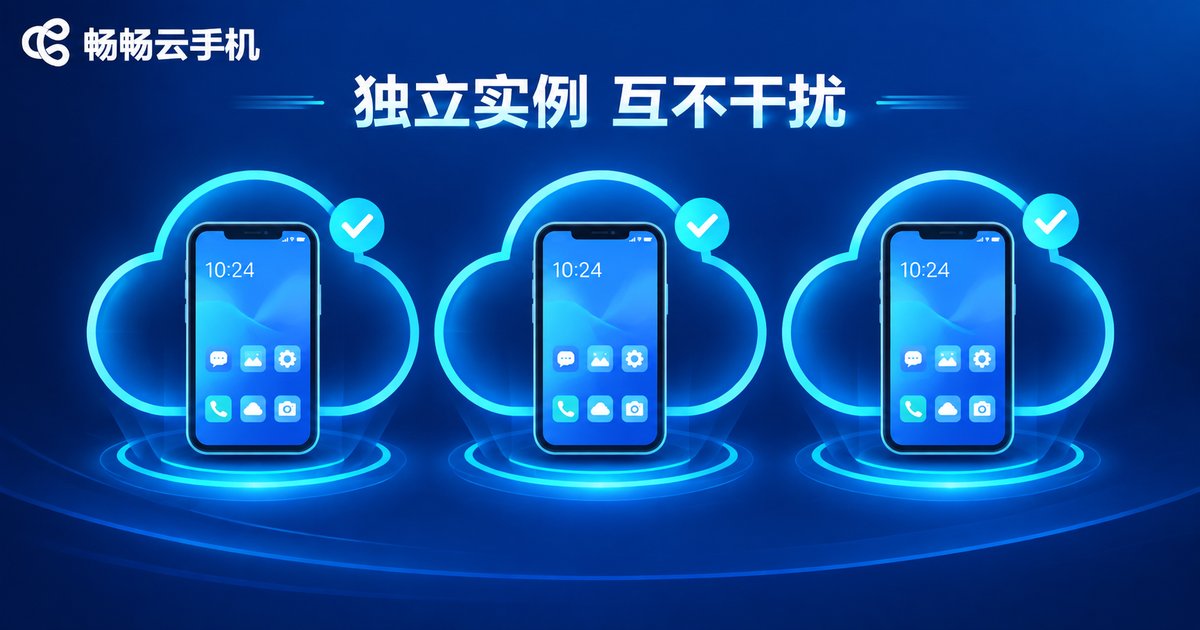
Instead of several people crowding into one account, give everyone their own environment. This is one of the biggest advantages of cloud phones over physical handsets: one cloud phone service can run multiple instances, each an independent Android system with fully isolated data.
Take ChangChang Cloud Phone (ccloudphone) as an example: you can open a separate cloud phone instance for each purpose or each team member — one for a work account, one for gaming, one for family — completely isolated from one another. Nobody needs to hand over passwords, and nobody accidentally disrupts someone else's screen. For the number of instances and plan details, refer to the official ccloudphone website.
If you truly need temporary sharing (say, having a friend clear daily quests for a day), at least do the following:
1. Change the password immediately after sharing ends; 2. Enable two-factor authentication on important accounts; 3. Remove payment credentials and disable password-free payment on the shared device; 4. Grant minimal access — share only the specific app account needed, never full control of the cloud phone.
FAQ
Q: Can two people use the same cloud phone simultaneously?
Technically both may connect, but they share one screen and their taps conflict — it is screen sharing, not independent use. For true parallel use, each person needs a separate instance.
Q: Can a cloud phone platform account stay logged in on several devices?
Most platforms allow multi-device management, but concurrent-session policies differ, and some kick older sessions offline. Always follow the official documentation of your provider, such as ChangChang Cloud Phone (ccloudphone).
Q: Will sharing my game account on a cloud phone get it banned?
It is a real risk. Frequent changes in login environment and user behavior can trigger platform risk control. Review the game's terms of service and secure the account before sharing.
Q: What does multi-instance mean?
It means running several independent Android instances under one service, each with its own system, apps, and data — ideal for separating work, gaming, and personal use, and the best alternative to account sharing.
Q: What is the safest setup for a small team?
Give each member an independent cloud phone instance with isolated accounts and data. Even if one person pays for everything, nobody should operate inside another person's instance.


