

Cloud Phone Mobile vs Desktop Fingerprint: Understanding Device Signal Differences
First, Understand: What Is a Device Fingerprint?
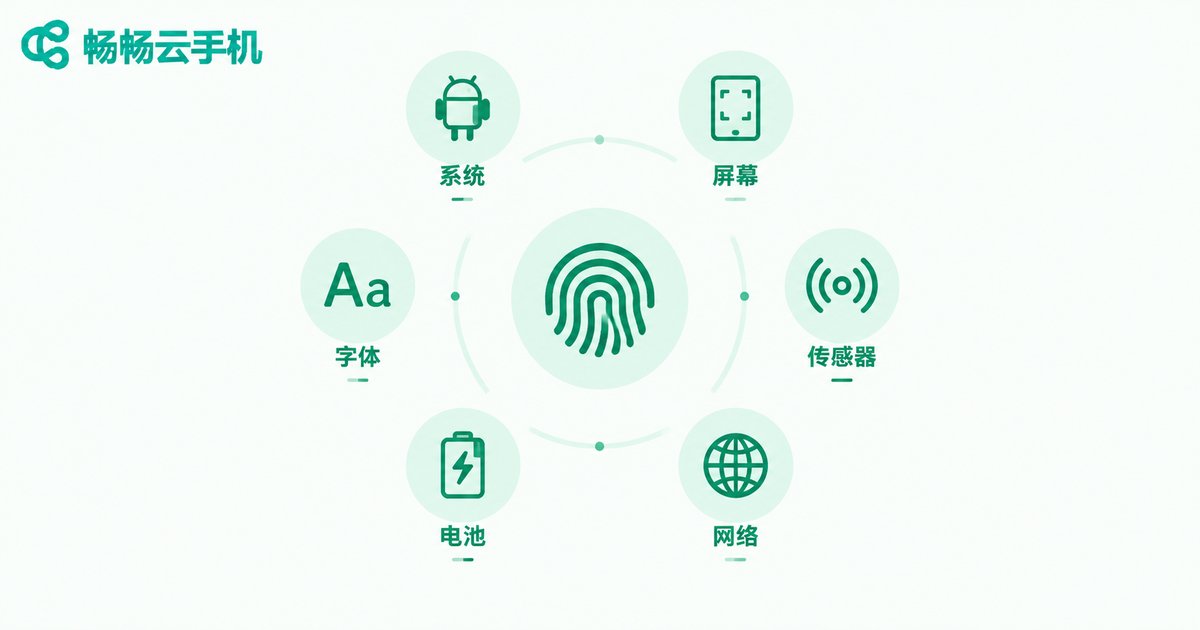
When you open an app or a web page, the platform quietly collects a stream of device signals in the background: OS type, screen parameters, font list, battery status, network type, and even whether you are tapping with a finger or clicking a mouse. Combined together, these signals are as unique as a human fingerprint, which is why they are called a device fingerprint.
Platforms rely on device fingerprints to judge who you are and what device you are using. When the fingerprint looks natural and consistent, everything runs smoothly; once the signals become messy or contradictory, the account may be flagged as an abnormal environment — at best frequent verifications, at worst restricted features.
Mobile Fingerprint vs Desktop Fingerprint: What Is the Difference?
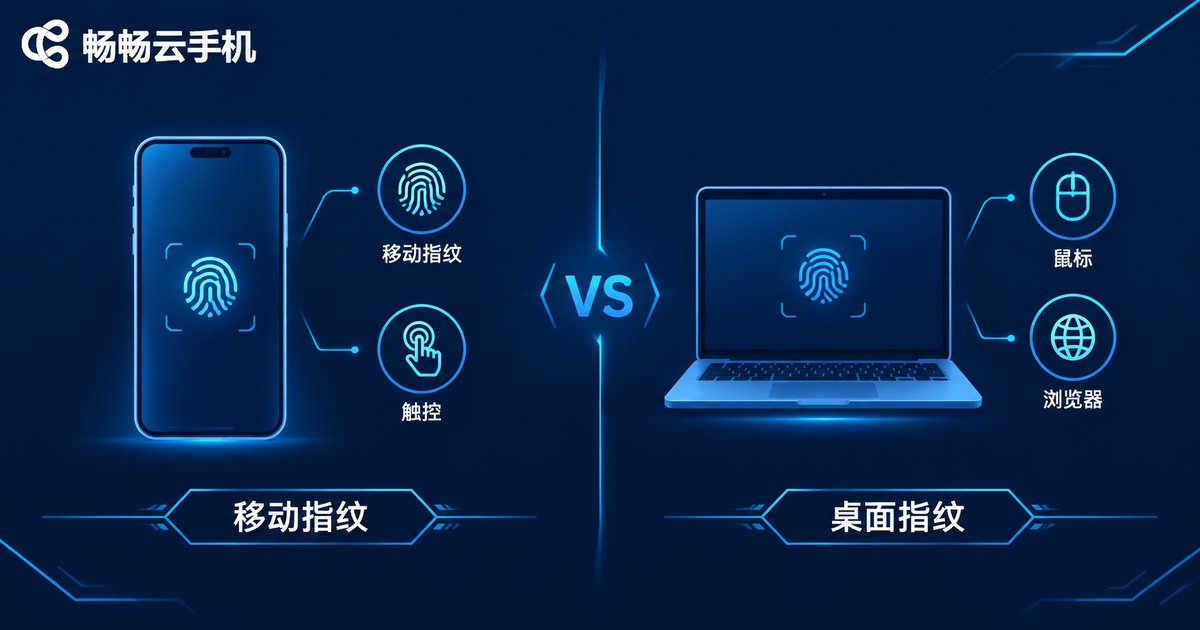
Although both are simply going online, phones and computers expose two entirely different systems of device signals. One table to see the core differences:
| Signal Dimension | Mobile Fingerprint (Phone / Cloud Phone) | Desktop Fingerprint (PC Browser) |
|---|---|---|
| OS identity | Android / iOS, mobile-marked UA | Windows / macOS, desktop-marked UA |
| Screen | Portrait resolution, high pixel density | Landscape large resolution, low pixel density |
| Interaction | Touch, swipe, multi-touch events | Mouse, keyboard, scroll wheel |
| Sensors | Accelerometer, gyroscope and more | Usually no sensor data |
| Network | Cellular and Wi-Fi switching is common | Basically fixed broadband only |
| App ecosystem | Runs apps natively, signals fully consistent | Web versions only, mobile signals missing |
The most intuitive example is the browser UA — the two part ways from the very first line:
Mobile UA: Mozilla/5.0 (Linux; Android 13) ... Chrome/120.0 Mobile Safari/537.36
Desktop UA: Mozilla/5.0 (Windows NT 10.0; Win64; x64) ... Chrome/120.0 Safari/537.36
In short, a mobile fingerprint is built around touch, sensors, and apps, while a desktop fingerprint is built around a mouse, a large screen, and a browser — the two signal systems are separate at the foundational level.
Why Do Mixed Fingerprints Cause Problems?
Many people operate accounts through the web version on a computer while also logging in on their phone. It seems harmless, but to the platform these are two completely different device environments: an account that has long been active on mobile suddenly logging in frequently from a desktop browser — with different screen parameters and interaction methods — makes the platform ask whether this is still the same person. Verification or even risk control follows.
Conversely, when an account consistently stays within the same type of device signal, the environment is stable and the risk is naturally lower.
Why Is a Cloud Phone Fingerprint Purely Mobile?
A cloud phone is not a fake phone simulated on a PC — it is a real Android system running in a cloud data center. Take ChangChang Cloud Phone (ccloudphone) as an example: each cloud phone is an independently running Android environment, and the system version, screen parameters, and touch behavior that apps read inside are all native mobile device signals — a complete and self-consistent mobile fingerprint from the very source.
This is fundamentally different from posing as a phone in a PC window: in that case the system is Windows while the interface pretends to be a phone, so the signals contradict each other. With a cloud phone, every signal comes from the same real Android system and is naturally consistent.
How ChangChang Cloud Phone Helps You Keep Device Signals Stable
For anyone who needs to run multiple accounts and operate long term, ChangChang Cloud Phone offers several features directly tied to fingerprint stability:
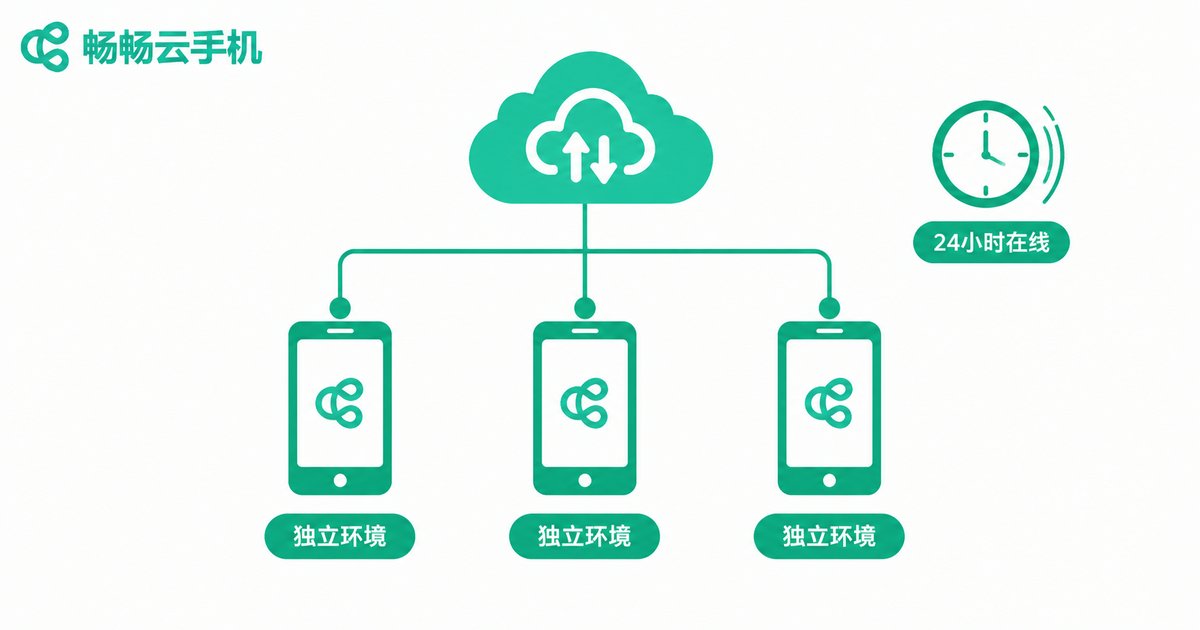
1. Independent environment per device: parameters are isolated between cloud phones — one device, one identity, no signal crossover.
2. Always on in the cloud: the device environment keeps running in the cloud and is not interrupted or changed because you shut down your computer or switch devices.
3. Change devices without changing the environment: no matter which computer or phone you use to control it, the fingerprint of that cloud Android device stays the same — signals do not drift.
If you often face verification every time you log in from a new device, or an unstable account environment, visit the ChangChang Cloud Phone official website to learn more. Fixing your device environment in the cloud is a common practice among long-term operators.
Practical Tips: How to Choose and Use
1. Match one type of account to one type of device: keep mobile accounts in a mobile environment the whole time instead of jumping between a phone and a desktop web version.
2. Separate environments for multiple accounts: avoid stacking all accounts on one device; open multiple cloud phones and keep one account per device for better stability.
3. Reduce frequent switching: the more stable the device environment, the more consistent the account signals, and the fewer doubts the platform has.
FAQ
Q: Is a cloud phone fingerprint the same as a real phone?
A: A cloud phone runs a real Android system, so the system, screen, and touch signals that apps read are native mobile signals — the same class of mobile fingerprint as a physical phone.
Q: Does operating an account through the desktop web version count as a desktop fingerprint?
A: Yes. The web version in a desktop browser exposes desktop signals such as Windows or macOS, mouse interaction, and large-screen parameters — a separate system from mobile signals.
Q: Can one cloud phone hold multiple accounts?
A: Technically yes, but for a clean environment, one account per device is recommended. When you need more accounts, open additional cloud phones in ChangChang Cloud Phone, each running independently.
Q: If I switch computers to control my cloud phone, does the fingerprint change?
A: No. The cloud phone device environment is stored in the cloud, so no matter which computer you use to control it, the signals of that cloud Android device remain unchanged.


