
Cloud Phone + LLM: How AI Agents Automatically Operate Apps to Complete Complex Tasks
From Talking to Doing: The Leap of AI Agents
Over the past two years, the most impressive ability of large language models has been 'talking' — writing, answering, summarizing. But the real productivity revolution begins the moment AI starts 'doing'. An AI Agent no longer just answers questions: it understands a fuzzy goal, breaks it into steps, uses tools and executes operations until the task is done.
The question is: where are AI's hands? Most real-world business happens inside mobile apps — gathering information, publishing content, managing accounts, running workflows. To enter these scenarios, AI needs a real, stable and replicable Android environment. The cloud phone is the ideal 'digital body' for exactly this purpose.
Why the Cloud Phone Is the Ideal Body for LLMs
To operate apps, an AI Agent needs a runtime environment. Physical devices hit three pain points immediately: limited device count, manual maintenance, and no guarantee of around-the-clock availability. Cloud phones run full Android systems on cloud servers, naturally removing these limits:
- Massive parallelism: manage dozens of cloud phones from a single computer so agents can run many tasks in parallel;
- Always online: cloud instances run continuously, so long-running tasks are never interrupted by a sleeping device;
- Environment isolation: every cloud phone is independent; a failed task can be reset alone without affecting others or your local devices;
- Controllable cost: no need to stockpile phones — create instances on demand and cut trial-and-error costs dramatically.
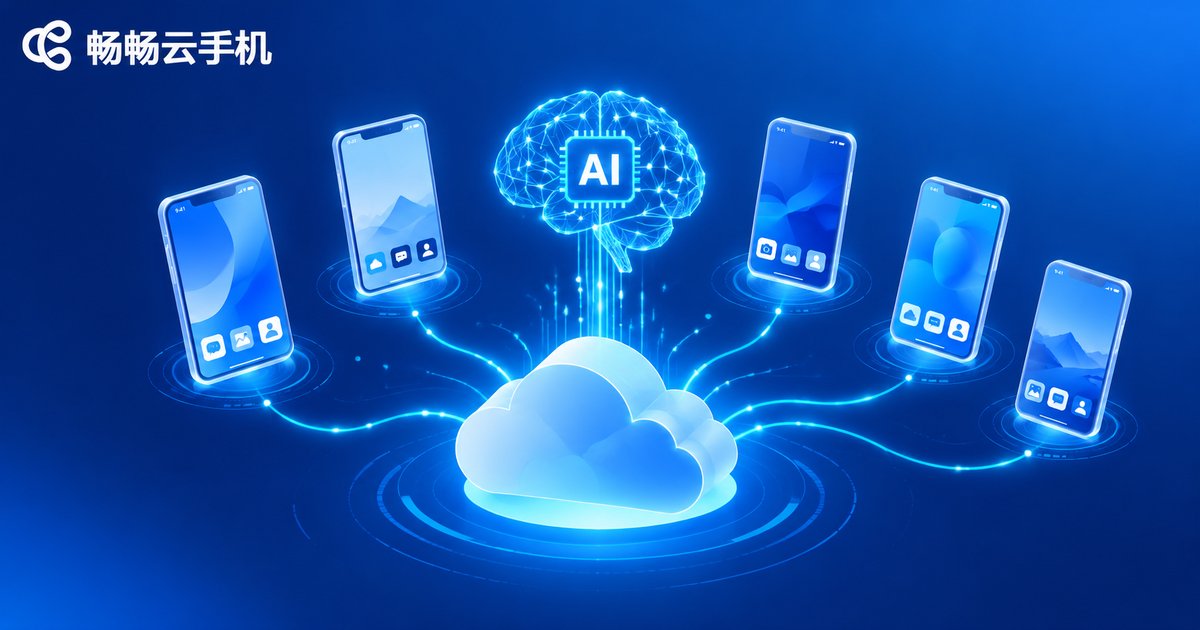
In short: the LLM does the thinking, the cloud phone does the acting, and together they form a complete agent.
Perceive, Decide, Execute: The Technical Loop
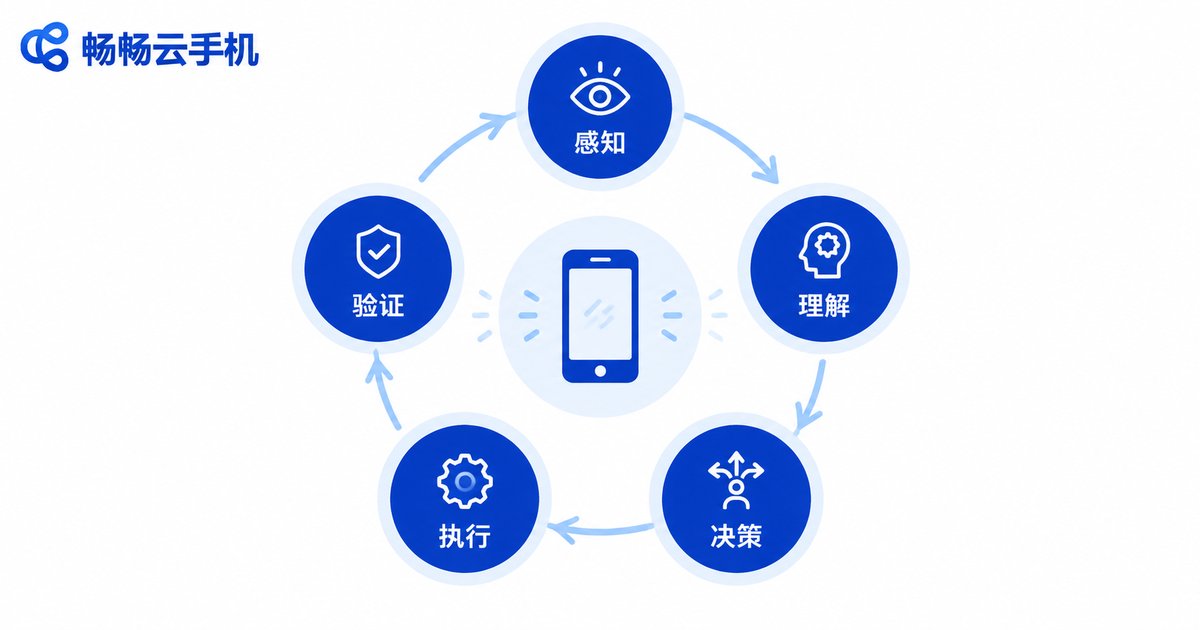
The core of AI-driven app operation is a continuously running loop:
- Perceive: capture a screenshot of the cloud phone screen or read the UI structure of the current page;
- Understand: a multimodal LLM reads the screen — is this a product page or a login page? Where is the button?
- Decide: the model reasons about the next action based on the goal, such as 'tap the search box and type the keyword';
- Execute: automation commands are sent to the cloud phone to perform taps, swipes and text input;
- Verify: take another screenshot to confirm the result; if the goal is not yet achieved, loop again with fresh screen information.
This loop can run at high frequency. Like a tireless operator who never loses focus, the AI advances the task step by step inside the cloud phone. Unlike traditional record-and-replay scripts, an AI Agent can adapt when the interface changes or unexpected pop-ups appear.
What Complex Tasks Can It Handle?
Once a thinking model is equipped with hands in the cloud, many workflows that used to require manual, device-by-device operation can be delegated to AI Agents:
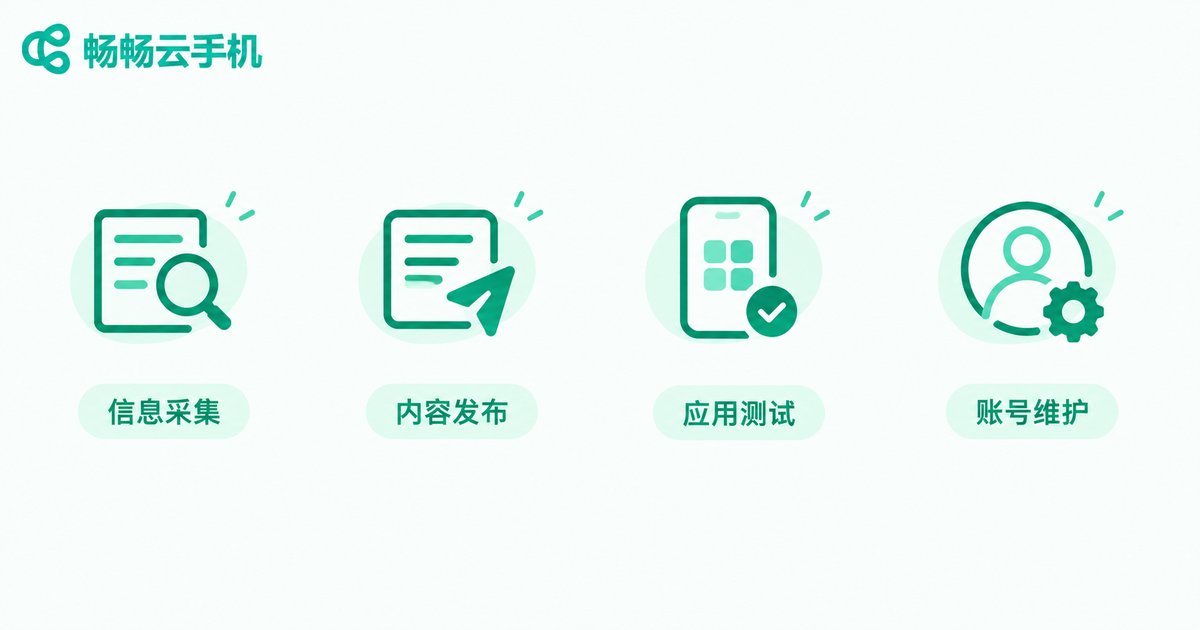
- Information gathering: let the AI search and compare information across multiple apps, then compile it into tables or reports automatically;
- Bulk content publishing: after a media team prepares the material, agents complete the publishing workflow on multiple cloud phones on schedule;
- Automated app testing: before a release, let the AI act as a real user, walk through core paths and log anomalies, greatly reducing repetitive QA work;
- Daily account maintenance: run check-in and browsing routines across account matrices to keep accounts active;
- E-commerce and local-life operations: scheduled listing, price updates and standard inquiry replies all follow agent-defined rules.
Manual vs. Scripts vs. AI Agents
| Dimension | Manual | Traditional Scripts | AI Agent + Cloud Phone |
|---|---|---|---|
| Adaptability to UI changes | Strong but slow | Weak, breaks on redesign | Strong, re-plans on its own |
| Parallel scale | One person, one phone | Batch but fixed logic | Dozens of phones deciding independently |
| Exception handling | Depends on experience | Almost none | Recognizes pop-ups and reacts |
| Setup barrier | None | Requires coding | Describe the goal in natural language |
| Running time | Limited by working hours | Can run long | 7x24 in the cloud |
ccloudphone: A Stable Foundation for AI Automation
For developers and teams eager to experiment with AI Agents, choosing a reliable cloud phone platform is step one. ChangChang Cloud Phone (ccloudphone) provides cloud-based Android environments with always-on operation and batch management of multiple devices. Its clean interface and low learning curve make it a solid vehicle for AI automation experiments.
Whether you are an individual developer validating an agent prototype or a studio that needs batch environments for repetitive workflows, start small on ccloudphone: run the perceive-decide-execute loop on a single app and a single task, then scale up gradually as your agent matures in real-world conditions.
A Sober Look at the Challenges
Beyond the excitement, AI Agents operating apps still face real challenges:
- Recognition accuracy: complex pages and dynamic pop-ups can still cause mis-taps; critical tasks should keep a human review step;
- Compliance and platform rules: automation must respect app terms of service and applicable laws — never use it for fake traffic or cheating;
- Cost and efficiency: LLM calls cost money; the more complex the task and the more loops, the higher the spend, so task boundaries must be designed carefully;
- Security and privacy: when accounts and credentials are involved, apply strict permission isolation and data protection.
The pragmatic mindset: treat the AI Agent as a highly efficient junior assistant. Humans set goals and accept results; AI executes. Human-AI collaboration is the most reliable path to production today.
FAQ
Q: Do AI Agents have to run on cloud phones?
Not mandatory, but cloud phones are currently the most cost-effective option. Physical devices are limited and costly to maintain, while cloud phones can be provisioned on demand, managed in batches and kept online around the clock — a natural fit for large-scale parallel AI operations.
Q: Do I need programming skills to get started?
Not for basic usage. With mature automation frameworks, you can describe the task in natural language and let the AI generate an execution plan; deeper customization benefits from some coding ability.
Q: Will the AI tap the wrong thing or fail?
Yes, it can. Recognition accuracy depends on page complexity. Start with low-risk tasks, add human confirmation at key checkpoints, and increase complexity gradually.
Q: What can ccloudphone be used for?
ccloudphone offers cloud Android environments with always-on app operation and batch device management, suitable for app testing, multi-account operations and automation experiments. Visit the official website for details.


