
How to Play International Server Games on a Cloud Phone: Solutions for Running Foreign Server Mobile Games
Why More Players Are Choosing International Server Games
International server versions of popular mobile games often update faster than their local counterparts — new characters, new gameplay features, and new events frequently launch weeks or even months earlier. Some games are only available as international versions with no local release at all. For players who want to experience new content first, international servers are almost a must.
Even better, international server communities are truly global. You can compete and team up with players from around the world — an experience local servers simply can't offer.
Three Pain Points You Can't Avoid with a Local Phone
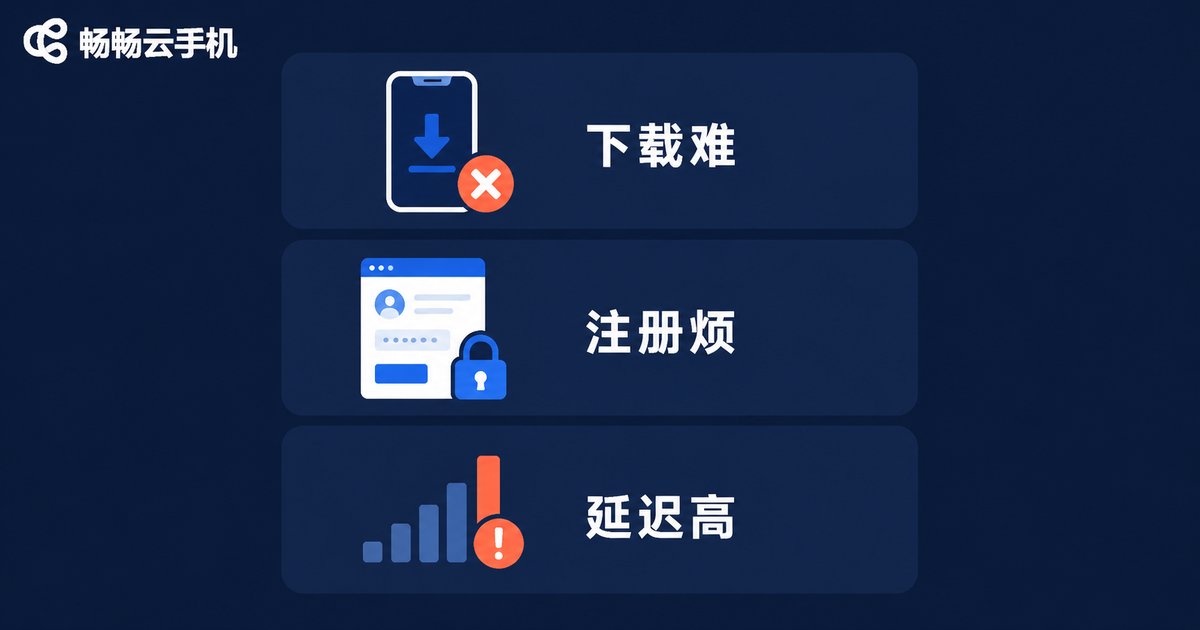
Playing international server games isn't always smooth sailing, though. Most people trying with a local phone get stuck in one of three places:
Pain point 1: Difficult downloads. Overseas app stores have regional restrictions. Many international server games never appear in local stores, forcing players to hunt for installers — a tedious process prone to wrong versions.
Pain point 2: Complicated registration. Many international games require account systems from the corresponding region, and the process is far from beginner-friendly, especially with a language barrier on top.
Pain point 3: Network and device strain. Connecting directly to overseas servers means high latency and frequent disconnects. Meanwhile, demanding games push older phones into overheating and throttling, ruining the experience.
Why a Cloud Phone Is the Best Solution for Foreign Server Games
A cloud phone is essentially a real Android phone running in a remote data center. You control it through your local device's screen, while all computing, storage, and networking happen in the cloud. For international server gaming, this brings natural advantages:
| Comparison | Local Phone Direct | Cloud Phone Solution |
|---|---|---|
| Network | Direct overseas connection, unstable latency | Deployed in overseas data centers, local network access to game servers |
| Device requirements | High-end phone needed | Any device works smoothly |
| Online time | Limited by phone staying on | 24/7 cloud uptime |
| Multiple accounts | Multiple physical devices | One cloud phone per account, scale freely |
Overseas nodes — enter the game like a local player. A cloud phone deployed in an overseas data center has a local network environment. Logging into an international server game feels just as natural as it does for players there, with zero complex setup on your end.
24/7 online without disconnects. Cloud phones keep running even after you close the local app. Daily quests, stamina recovery, and idle farming all continue automatically.
Zero local resource usage. Games run in the cloud, so your local phone stays cool and charged. Old phones, tablets, and even computer browsers can control everything smoothly.
Complete Workflow: Playing International Servers on a Cloud Phone
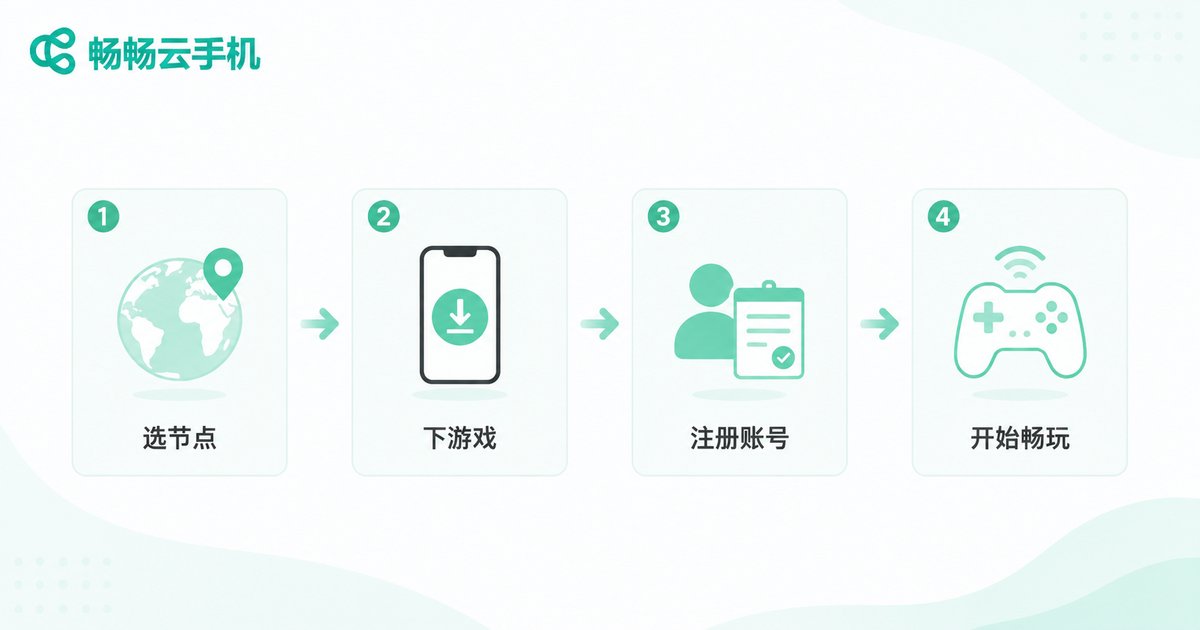
The whole process is simpler than you might think — four steps to start playing:
Step 1: Choose a cloud phone node in the matching region. Pick the node region based on your game's server — wherever the game server is, that's where your node should be, for the shortest network path.
Step 2: Download the game. Inside the cloud phone, open the browser, visit the game's official website for the installer, or use the local app store — exactly what overseas players do.
Step 3: Register and log in. Complete account registration as the game requires, then log in and you're in.
Step 4: Play by day, delegate by night. Play actively during the day, then let the cloud phone keep farming overnight — no daily quest left behind.
Why We Recommend ChangChang Cloud Phone
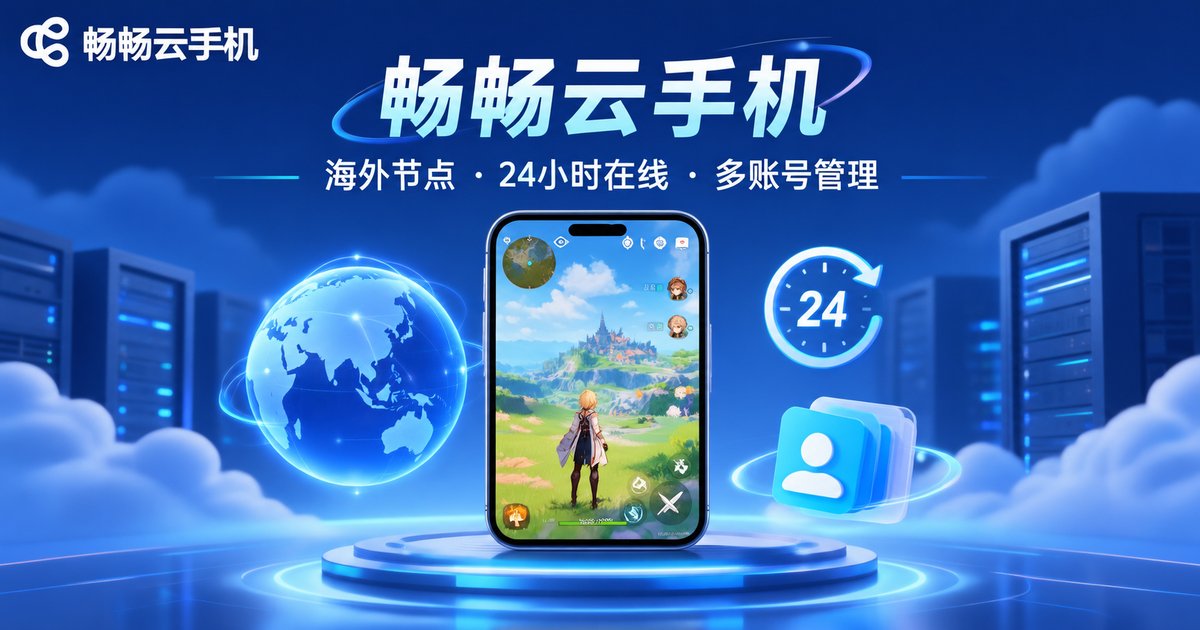
Among cloud phone products, ChangChang Cloud Phone (ccloudphone) is a worry-free choice for international server gaming:
Multiple overseas nodes. ChangChang Cloud Phone offers a variety of overseas nodes covering common regions for mainstream foreign server games, letting you choose flexibly based on your game.
Real-device environment, stable and reliable. The cloud runs a genuine Android environment with excellent game compatibility — long idle sessions without crashes or disconnects.
Effortless to start. Sign up and use it right away. The clean interface takes beginners from setup to in-game within minutes.
Convenient multi-instance management. Want to run several foreign server accounts at once? Just open multiple cloud phones — unified management, zero interference.
FAQ
Q: Will playing international servers on a cloud phone get my account banned?
A cloud phone is a real Android device environment, no different from an ordinary phone. As long as you follow game rules and avoid prohibited tools, normal play carries no extra risk.
Q: Is cloud phone latency high? Will it lag?
Game data travels between the overseas node and the game server over a very short link. Controlling the cloud phone from your local device adds slight latency, but it's nearly imperceptible for turn-based, card, and idle games. For action-heavy games, choose a node region closer to you.
Q: Will game data be lost if the cloud phone restarts?
No. Cloud phone data is stored in the cloud. After a restart, your data is retained — reconnect and your game progress is exactly where you left it.
Q: What specs does my local device need?
Almost none. All computing happens in the cloud, so your local device only needs to play video smoothly — old phones, tablets, and computer browsers all work.


