
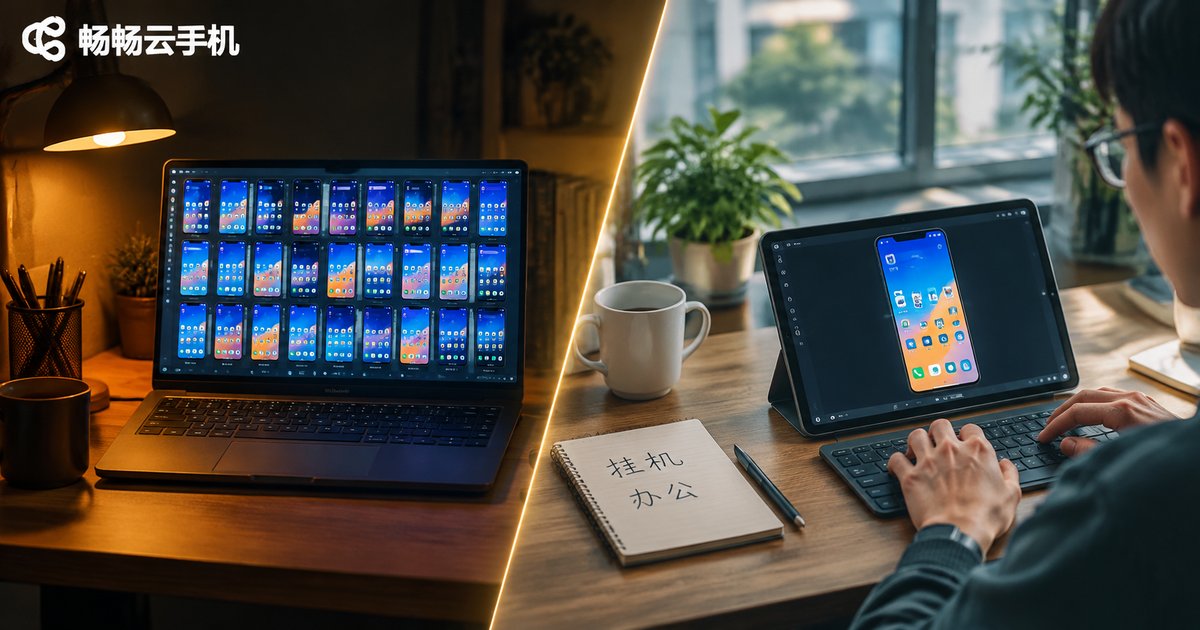
Which Cloud Phone Is Good? First Decide Whether You Need Idle-Running or Office Work — The Answer Is Completely Different
Why There Is No Single Answer to “Which Cloud Phone Is Good”
Most people searching this question just want a name. But anyone who has actually used a cloud phone knows that whether a cloud phone is good depends entirely on what you use it for. A cloud phone tuned for long unattended sessions can feel sluggish when you switch to office work; a cloud phone built for low-latency interaction can feel overpriced when all you need is to keep tasks running in the background.
So before comparing specs, ask yourself one question: am I an idle-runner or an office user? Once that is clear, your shortlist shrinks by more than half.
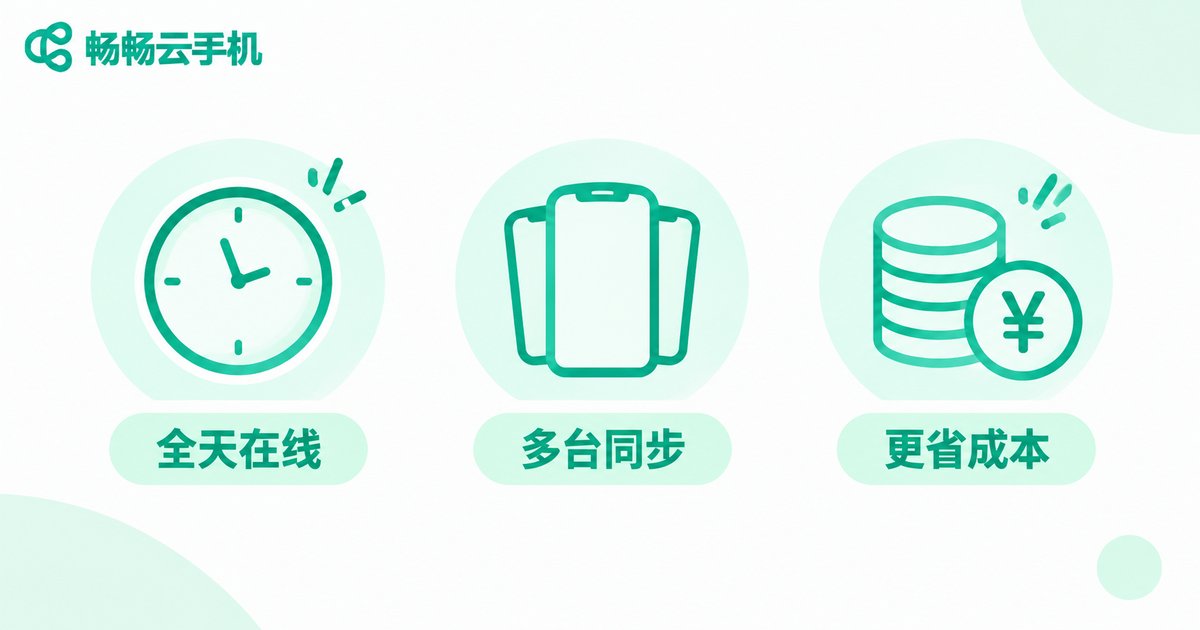
Idle-Runners: You Need “Stable” and “Cheap”
The typical idle-running scenario is simple — nobody is watching the screen, but the device must stay online. Think game dailies, app check-ins, keeping a livestream room open, data collection, or automated scripts running tasks.
There are really only three key metrics here:
- Long-term online stability: can it run for days without disconnecting, restarting, or being killed in the background?
- Multi-instance and batch management: can you manage several cloud phone instances from one device and push one action to all of them?
- Cost per instance: because it runs long-term, the monthly cost per instance gets multiplied by time, so value matters more than peak performance.
Conversely, idle-runners do not really care how smooth the visuals are or how responsive the touch input feels — nobody is staring at it. That is why spending budget on “more instances” usually beats spending it on “maxed-out specs for one instance.”
Office Users: You Need “Responsive” and “Convenient”
Office scenarios are the exact opposite. You are right in front of the screen, and every click needs instant feedback. Typical uses include remotely accessing internal company apps, using lightweight devices on business trips to reach a fixed office software environment, testing how an app behaves on different Android versions, and completely separating work from personal environments.
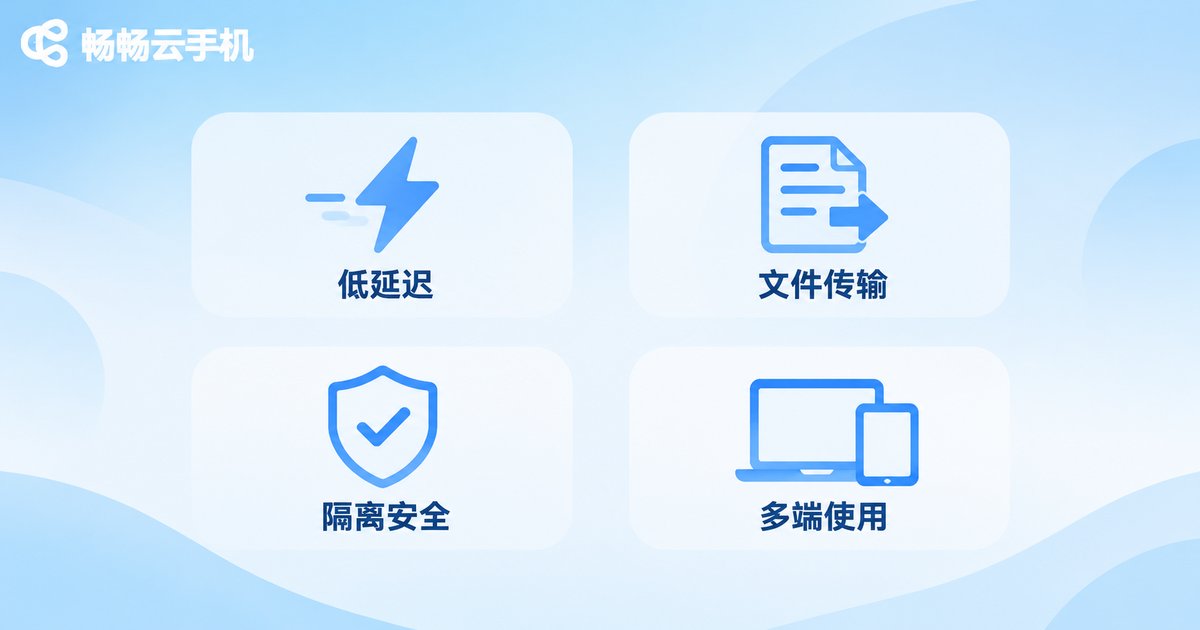
The key metrics here are:
- Interaction latency: how fast swiping, typing and app switching respond — high latency directly hurts productivity.
- File exchange: can you easily upload and download documents and images, and move them between the cloud phone and your local computer?
- Environment isolation and data safety: work data stays in the cloud and leaves no trace on the local device.
- Cross-device consistency: switching between computer, tablet and phone keeps the same cloud environment intact.
For office users, lag and clumsy file transfer are the two least tolerable problems. It is better to run fewer instances and keep each one smooth.
The Differences at a Glance
| Dimension | Idle-Runner | Office User |
|---|---|---|
| Watching the screen | Rarely | Constantly |
| Most critical metric | Stability, uptime | Latency, responsiveness |
| Multi-instance need | High, often batch managed | Low, usually one or two |
| Cost sensitivity | High, looks at long-term monthly cost | Medium, looks at efficiency return |
| File transfer frequency | Occasional | Frequent |
| Biggest fear | Disconnects, background kills | Lag, clumsy file transfer |
Choose Specs by Use Case, Not by Benchmark Scores
Once you know which group you belong to, the selection logic becomes obvious.
If you are an idle-runner, prioritize uptime guarantees, batch management capability and long-term cost. Specs that are “good enough” will do — there is no need to chase the top tier. Being able to run more instances is where the real efficiency gain comes from.
If you are an office user, prioritize connection quality and input responsiveness. Run fewer instances if necessary, but keep each one smooth. Also confirm that the file transfer channel works well — this is the most overlooked part of office scenarios and the one that affects experience the most.
Who 畅畅云手机 (ccloudphone) Fits
畅畅云手机 (ccloudphone) is a solution that runs the Android system in the cloud: the handset itself does no computing, apps run in the cloud, and you connect through a client on your computer or phone. This form factor naturally suits two kinds of people — idle-running users who need long online hours, and office users who need a fixed, isolated working environment.
For idle-runners, cloud execution means turning off your local device, losing your connection, or locking the screen does not stop cloud tasks, and your local hardware neither heats up nor drains battery. For office users, work and personal environments are fully separated, and logging in from a different device restores the cloud environment exactly as it was — no reconfiguration needed.
For the specific Android versions supported, instance specifications and usage methods, check the latest information on the official 畅畅云手机 website and pick according to your actual use case rather than blindly choosing the highest configuration.
Three-Question Self-Check: Which One Are You?
Still unsure? Use these three questions to decide quickly:
- Do you spend more than half an hour a day actively operating the cloud phone screen? Yes → office user; No → idle-runner.
- Do you need to manage more than three instances at the same time? Yes → idle-runner.
- What bothers you more: lag or disconnection? Lag → office user; Disconnection → idle-runner.
If two of the three answers point the same way, you have your answer.
FAQ
Q: What is the difference between a cloud phone and a phone emulator on a PC?
An emulator still consumes your local computer's CPU and power, and it stops the moment the computer shuts down. A cloud phone runs on cloud servers, so your local device is more like a display — tasks keep running after you shut down.
Q: If I use a cloud phone for idle-running, will the system recycle it after long periods without interaction?
That depends on the provider's instance keep-alive policy. When choosing, focus on uptime guarantees and background keep-alive mechanisms — this is the single most important thing to confirm for idle-running use.
Q: Will office use on a cloud phone feel noticeably laggy?
Latency mainly depends on your network conditions and connection node. For everyday document work and internal system operations, the experience on a normal network is close to local; only high-frame-rate gaming really demands extra attention to latency.
Q: Can one cloud phone serve both idle-running and office work?
Technically yes, but it is usually not cost-effective. The two needs pull specs and cost in different directions, so choosing a specification that matches your actual use case gives you a better overall experience and a better price.
Q: Is data stored in the cloud safe?
It depends on the provider's isolation mechanisms and account system. Keeping work data in the cloud with no local trace is itself a major advantage of cloud phones for office scenarios — provided you choose a legitimate provider and safeguard your account properly.


