
Which Cloud Phone Is Best? Three Budget Tiers, Straight Answers, No Beating Around the Bush
First, the Conclusion: Talking About Quality Without Budget Is Pointless
Asking "which cloud phone is best" is a lot like asking "which car is best to drive." Some people just need a cheap machine that can run a background task, while others need to run thirty windows at once for a social media matrix. The requirements are worlds apart, so forcing a single ranking is meaningless.
So this article won't beat around the bush: three budget tiers, one direct conclusion for each. Match your wallet and your use case to a tier and you're done — no need to read a thousand words and still feel lost.
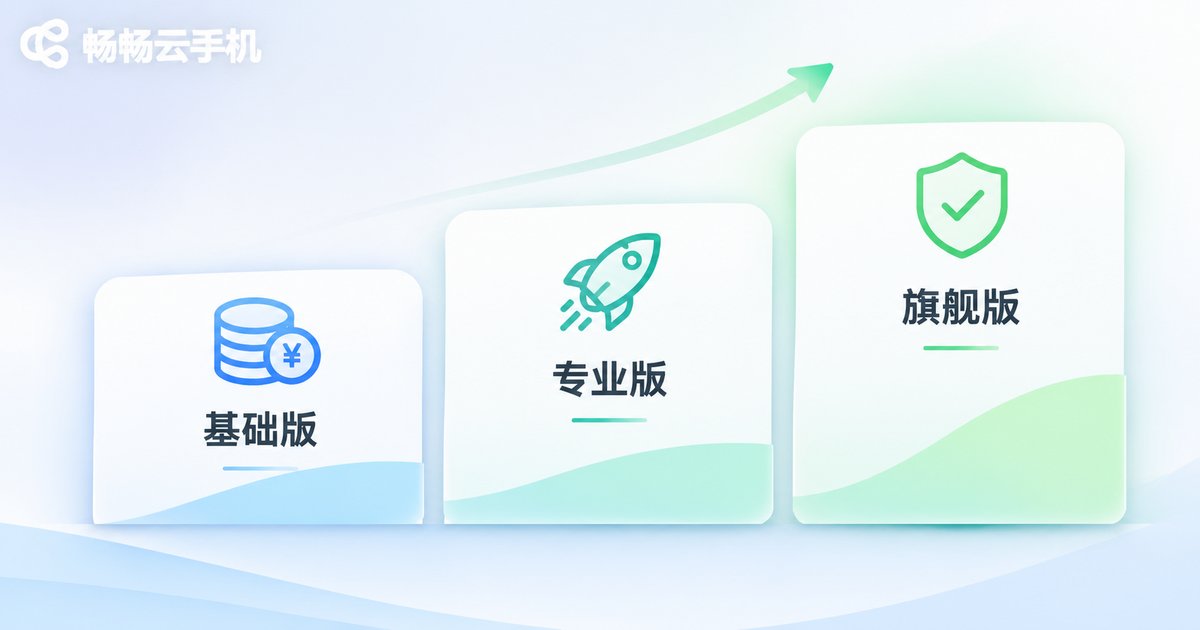
Tier 1: Entry Budget — Good for Trying Things Out and Light Background Tasks
The core demands here come down to three words: cheap, functional, hassle-free. The typical user is someone new to cloud phones who wants to try running a game in the background, handle daily check-ins, or simply open one or two extra apps on their computer without a big upfront investment.
The most common trap in this price range is "low-price bait plus hidden cutbacks." Some products look great in the first month, but the specs are slashed — only 2GB of RAM, so two apps in and everything starts spinning. Others cap your daily online hours, so your background task drops halfway through and the whole night is wasted.
The conclusion for this tier: don't stare at the price tag. Check three things first — whether RAM is at least 4GB, whether it supports true 24/7 offline cloud running, and whether there's a trial you can actually test. The base configuration of ccloudphone covers everyday background tasks and light multi-instance use; please refer to the official website for exact specs and pricing.
Tier 2: Mainstream Budget — Good for Game Multi-Instance and Social Media Matrices
This is the tier most people should actually be looking at. The budget is moderate, but there are real requirements around stability, instance count and group control — this is the sweet spot where spending a little more saves you a lot of time.
To judge whether a product in this tier is any good, don't just stare at CPU core counts — that's the easiest spec to dress up. What really determines your experience are three hidden metrics:
- Long-session online stability: does it stay connected for 72 hours straight, or does it drop and get its instance recycled? This matters far more than benchmark scores.
- Multi-instance ceiling and resource isolation: when you run 10 instances at once, is each one smooth, or does everything slow down as instances compete for resources?
- Group control and batch operations: can you sync actions with one click, install apps in bulk and change device parameters across the board? This directly determines your working efficiency.
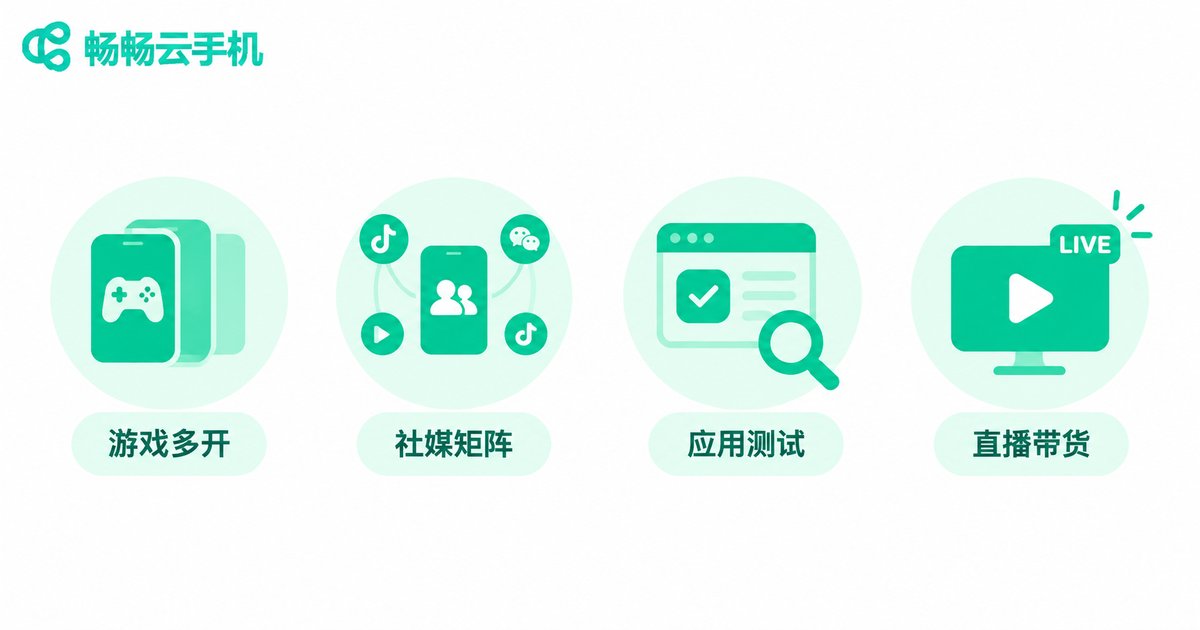
The conclusion for this tier: if your use case is game multi-instance, social account management or e-commerce store operations, prioritize this tier rather than dropping back to entry level to save a few dozen bucks and ending up stuck in lag hell. ccloudphone offers multi-instance and group control support in this tier for users who need long-term uptime; refer to the official website for specific instance specs and plans.
Tier 3: Professional Budget — Good for Teams and Studios at Scale
At this tier you're no longer buying "a cloud phone" — you're buying a runtime environment that can reliably stay up. Typical scenarios include studio-scale batch operations, app compatibility testing, live-streaming support and high-volume automation workflows.
The priorities here change completely:
- Batch management capability: can you manage a hundred instances the way you manage one? Are grouping, bulk deployment and unified monitoring actually convenient?
- Failure recovery speed: when an instance misbehaves, can you restart or migrate it quickly, and will data be lost?
- Technical support responsiveness: when something breaks, is there someone to talk to, or are you left digging through a help center on your own?
The conclusion for this tier: don't just look at the unit price — calculate the "cost per stable instance." A cheap machine that drops every few days costs far more in practice than a slightly pricier one that runs reliably for a full month.
Three-Tier Side-by-Side Comparison
| Dimension | Entry Tier | Mainstream Tier | Professional Tier |
|---|---|---|---|
| Typical use | Trying it out, single-app background tasks | Game multi-instance, social media matrices | Studio batching, testing, live streaming |
| Recommended RAM | 4GB and up | 6GB and up | 8GB and up |
| Concurrent instances | 1–3 | 5–15 | 20+ |
| Group control / batch ops | Barely needed | Strongly recommended | Essential |
| Uptime requirement | Just needs to stay alive | Stable 24/7 | 24/7 plus fast failure recovery |
| What to watch | Don't get burned by cut-rate specs | Stability and instance ceiling | Batch management and support |
Why Many People Eventually Choose ccloudphone
Once you've worked through all three tiers, you realize the hard part isn't "who's cheapest" — it's "who doesn't drop the ball in the tier you actually need." The reasons ccloudphone keeps coming up are pretty down to earth:
- Offline cloud running: instances run in the cloud, so local shutdowns or network outages don't stop your tasks — essential for anyone running long background jobs.
- Multi-instance and group control: designed for users who need batch operations, cutting down repetitive manual work.
- Choose what you need: configurations exist across budget tiers, so you're not forced into the top tier just to get one feature.
One caveat: actual cloud phone performance depends heavily on your network environment and use case. Please refer to the official ccloudphone website for specific configurations, pricing and features, and don't rely on third-party retellings of plan details.

Pitfall Checklist: Ask These Five Questions Before You Buy
Whichever tier you land in, run through these five questions before placing an order — they'll help you dodge most of the traps:
- How much RAM exactly? If it only says "high-spec" without a number, assume it's been cut down.
- Is it genuinely 24/7? Are there daily hour limits, and will it auto-sleep?
- Can it "open" multiple instances or "run them smoothly"? Those two statements are worlds apart.
- Where is the data, and can you export it? If you can't take your data when you switch devices, you're locked in.
- Who do you contact when something breaks? Is there a usable support channel, and roughly how fast is the response?
FAQ
Q: On a tight budget, can I just start with the lowest tier?
Yes, but define your use case first. If you're only handling check-ins or a single app, the entry tier is plenty. If you plan to run five or more instances, go straight to the mainstream tier — otherwise the money you save comes back to you in the form of lag and dropped sessions.
Q: Cloud phones versus multiple physical phones — which is more cost-effective?
For short-term, small-scale needs, physical phones are more intuitive. For long-term, batch needs, cloud phones usually save on electricity, device depreciation, space and management costs, and they don't eat up your local device's performance.
Q: Is more instances always better?
No. Instance count has to match RAM and CPU resources. Running more instances than the machine can carry just slows every one of them down and lowers overall efficiency.
Q: Do cloud phones suddenly drop offline?
Stability depends on the provider's resource scheduling and your network conditions. Focus on whether offline running is supported and how quickly an instance can recover after an anomaly — not on the word "stable" printed on a marketing page.
Q: How do I know which tier is right for me?
Test yourself with one sentence: how many instances at once, and how many hours per day. Running 1–3 instances for a few hours a day? Entry tier. Running 5–15 and needing long-term uptime? Mainstream tier. Running 20+ with team collaboration? Professional tier.


