

What Hidden Fees Lurk in Cloud Phones? Group Control and IP Extra Charges Explained
Cheap Sticker Price, Doubled Bill: The Two-Layer Pricing of Cloud Phones
Most first-time buyers are drawn in by the low monthly price on a cloud phone homepage: a few dollars a month for an Android phone that stays online around the clock. Once you actually start using it, however, you discover that the headline price is often just the entry ticket. What really determines your monthly bill is a list of add-ons tucked away in feature pages and checkout screens.
In short, cloud phone pricing has two layers: the visible base plan fee and optional value-added charges. Group control, dedicated IPs, traffic, storage, multi-account slots — each one can add a plus sign to your invoice. This article walks through these hidden-fee traps one by one so you can calculate the true cost.
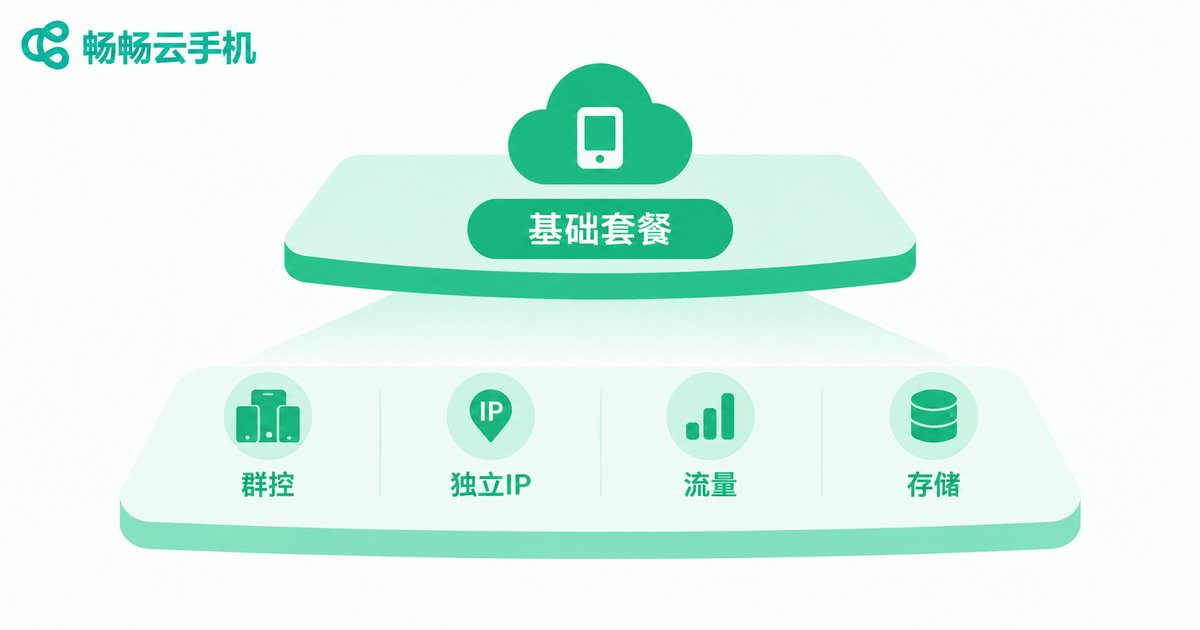
Trap 1: Group Control Often Runs on a Separate Price System
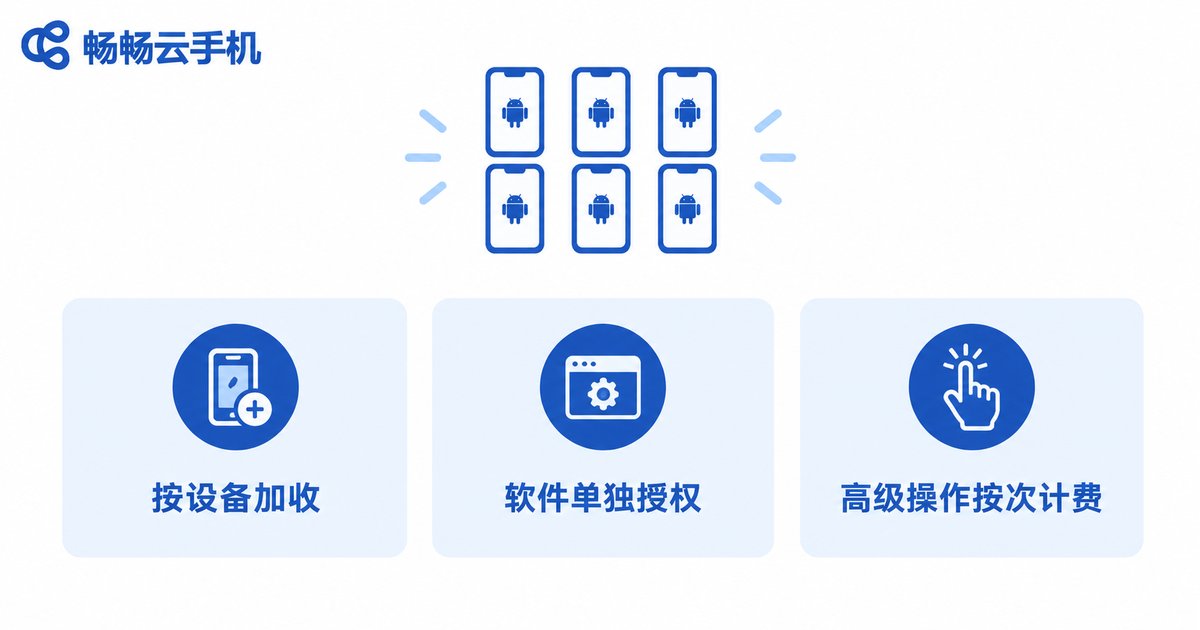
Anyone running account matrices or batch nurturing will eventually need group control — driving dozens or hundreds of cloud phones from one computer. The catch: many providers package group control as a standalone paid module, with three common tricks:
First, charging extra per controlled device. The base plan covers normal use of one or a few devices, but once you push batch commands, anything beyond the limit is billed per device — controlled devices and plan devices are two separate ledgers.
Second, separate licensing for the control software. You rent the cloud phones, but the companion group control client or batch scripting tool requires its own license, paid monthly or yearly.
Third, pay-per-use advanced actions. Batch install, batch check-in, scheduled tasks and other automation features are split into finer paid items — the more you use, the more you pay.
Before ordering, ask two questions: How many devices can my plan actually control? Does group control need a separate license? Write the answers down, then compare prices.
Trap 2: IP Charges — the Most Underestimated Line Item
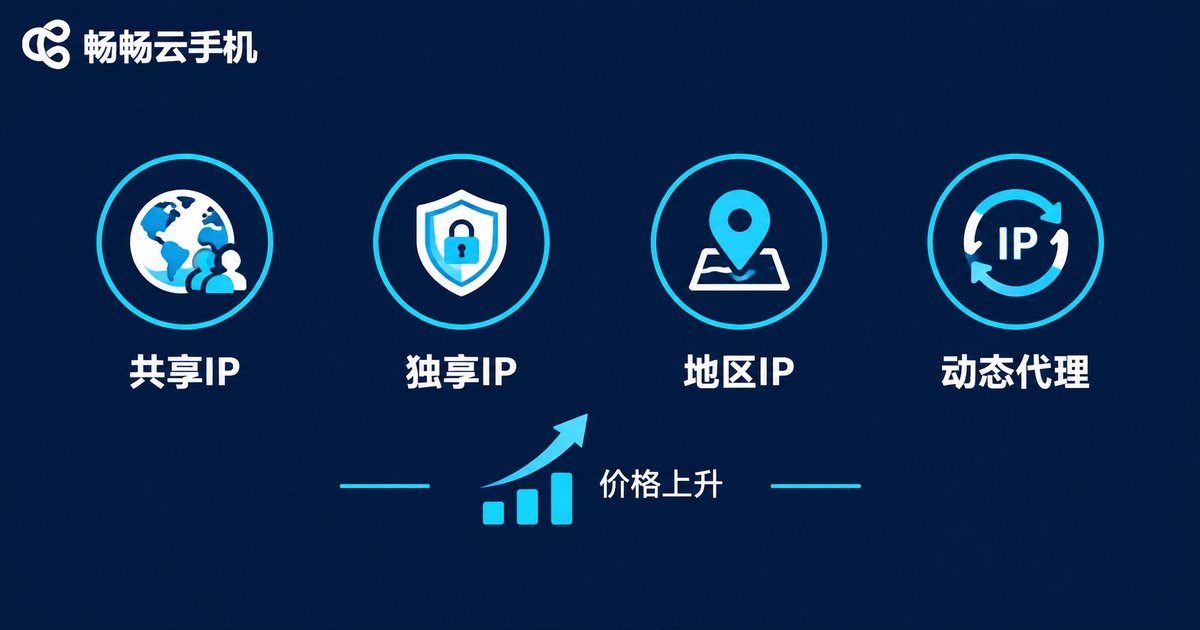
Cloud phones run in data centers and share the facility's outbound IPs by default. Fine for casual use, but anyone doing account operations or multi-store management quickly hits the IP wall — and IP services are the disaster zone of hidden fees:
Upgrading from shared to dedicated IP costs extra. The default IP is shared by many users; assigning one cloud phone its own exclusive IP usually means a per-device, per-month surcharge.
Region-specific IPs cost even more. Want an exit IP in a specific city or carrier? Expect another price tier above standard dedicated IPs.
IP changes may be capped. Some plans advertise IP switching support but limit free switches per month, charging per switch beyond the quota.
Rotating proxy traffic is billed separately. If your workflow needs a fresh IP per request, that traffic goes through proxy billing — a completely separate account from your cloud phone plan. At high volumes, this line can exceed the rent itself.
Trap 3: Small Add-Ons That Quietly Pile Up
Beyond group control and IP, invoices often carry assorted small items. Each looks cheap; together they add up:
| Fee Item | Common Trick | How to Avoid It |
|---|---|---|
| Device count | Low-cost plans include only 1 device; extra devices climb in price tiers | Compare total cost of ownership, not per-device price |
| Traffic | Unlimited apps advertised but total quota capped; throttled or billed beyond it | Confirm whether overage means throttling or charges |
| Storage / cloud disk | Screenshots, APKs and backups fill the quota, then paid expansion prompts appear | Check how much storage the plan includes |
| Renewal price | First-month teaser rate; renewal reverts to a higher list price | Calculate long-term cost at the renewal rate |
| Feature unlocks | Multi-open, ROOT, ADB debugging listed as paid premium features | List must-have features and confirm each one |
A Quick Math Check: A 30-Dollar Sticker, How Much in Reality?
Suppose you need 10 cloud phones for batch operations, and a provider advertises devices from 30 dollars per month — apparently 300 dollars in total. The actual checkout may look like this: the 10-device base plan costs about 300 dollars; the group control module license adds a fee; 4 devices need dedicated IPs, billed per device; batch scheduled tasks fall under premium automation, charged by usage; at month end, over-quota traffic triggers another top-up. Stacked together, doubling your expected bill is not unusual.
So when comparing prices, ignore the lowest per-device price. List your real scenario instead — how many devices, whether you need group control, whether you need dedicated IPs, how much traffic you burn — and ask each provider's sales team to spell out exactly what is included and what is not in one go.
Choosing the Right Provider: Transparent Pricing Beats Low Pricing
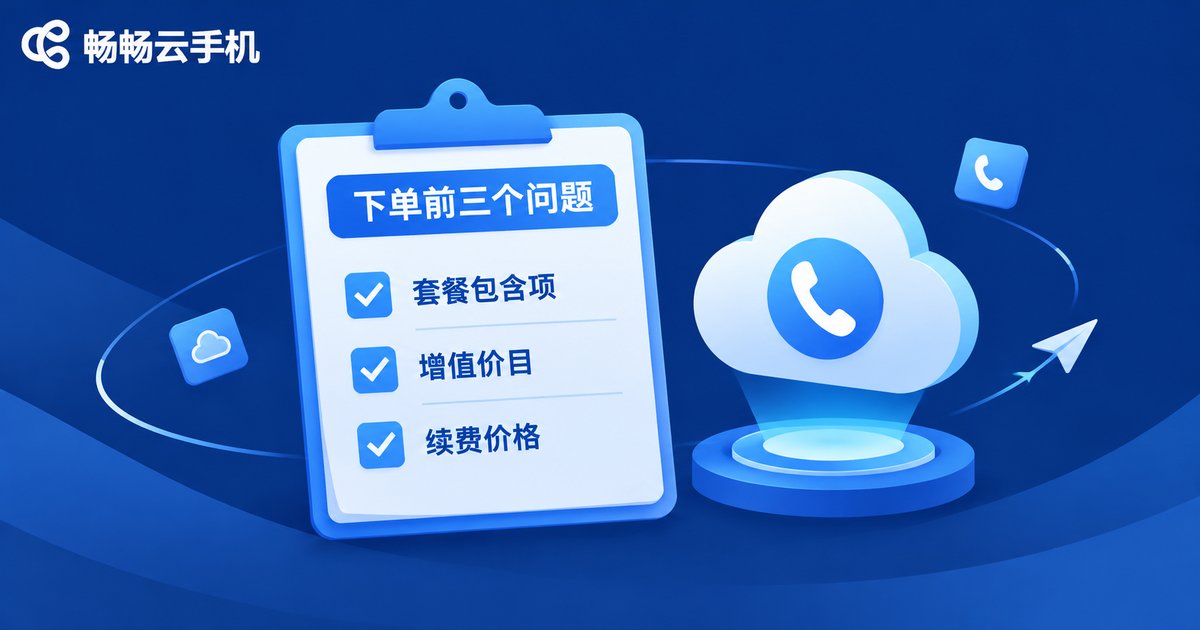
The best way to dodge hidden fees is to pick a transparently priced provider from the start. Take ccloudphone as an example: it offers cloud-based Android phones, and you can review plan details and feature coverage directly on its official website. When evaluating, focus on three things:
First, whether plan inclusions are clearly stated: device count, group control capability, IP type and traffic quota should be listed on the plan page. Second, whether add-ons have a published price list: dedicated IPs, storage expansion and other extras should show public prices instead of a vague contact-sales answer. Third, whether the renewal price matches the first purchase, so you are not locked into a hike after the teaser month.
Use these three points as a uniform question checklist for every candidate provider. The one with the clearest answers and the simplest price structure gives you the most controllable true cost. In the cloud phone category, a bill you can actually understand is a competitive edge in itself.
FAQ
Q: Is it normal for the homepage price to differ so much from the actual bill?
Quite common. Homepages usually show only the base plan price, while group control, dedicated IPs and traffic overages are add-ons. List your full use case before ordering and confirm item by item what the plan includes — that alone prevents most surprises.
Q: Does group control always cost extra?
Not necessarily. Models differ: some providers include it in multi-device plans, some charge per controlled device, some license the control software separately. The key is confirming before purchase how many devices your plan can control and whether a separate license is needed.
Q: Why does changing an IP cost more?
By default, cloud phones share the data center's outbound IPs, which is the cheapest setup. Dedicated IPs and region-specific IPs require the provider to allocate and maintain resources exclusively, hence the per-device monthly surcharge. If your business depends on IPs, budget for this line in advance.
Q: How do I avoid a price hike at renewal?
Ask directly whether the renewal price matches the first-purchase price, and screenshot the plan page's pricing terms. For long-term use, always evaluate cost at the renewal rate, not the first-month promo.
Q: Where can I check ccloudphone's fee items?
Visit the official ccloudphone website to review plan details and feature coverage. For specifics on group control, IPs and other inclusions, confirm through official channels — the official published terms prevail.


