

How to Spot False Cloud Phone Specs: A Verification Checklist Before You Buy
Why Fake Specs Are Everywhere in Cloud Phone Ads
The cloud phone market is fiercely competitive, and some vendors polish their spec sheets instead of their service: shared resources marketed as dedicated configurations, downclocked chips dressed up as flagship hardware, peak-hour lag described as all-day smoothness. Only after you pay and launch a device do you discover the gap between the ad and reality. The essence of fake specs is selling paper numbers instead of promising a real experience. Learning to verify metrics is the first lesson every buyer should take to avoid pitfalls and save money.
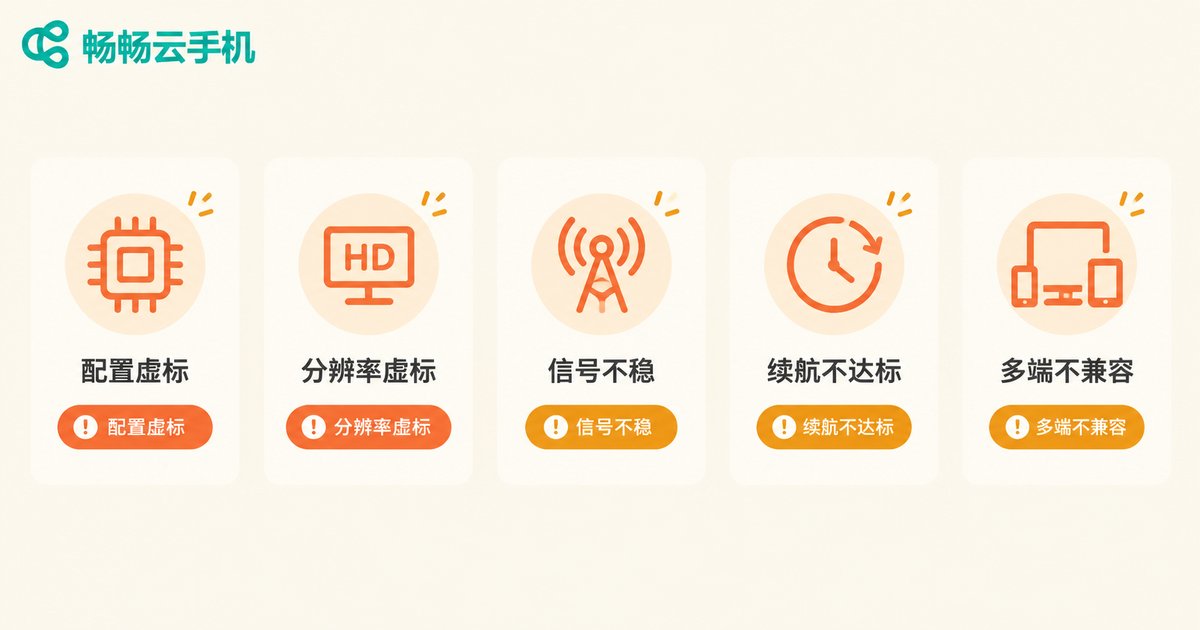
The Five Most Common False Advertising Tricks
1. Inflated hardware specs: The ad page says 'octa-core CPU, 12GB RAM', but you may actually get shared server resources that stutter on everyday apps during peak hours. Never judge by numbers alone — test inside the device.
2. Fake resolution and image quality: 'HD quality' is claimed, yet screenshots come out at 720P or lower. One screenshot reveals the truth.
3. Inflated network claims: 'Dedicated high-speed bandwidth' sounds great, but it may be a line shared among many users, with latency spiking and disconnects multiplying at night.
4. Fake uptime claims: '99.9% online stability' without third-party monitoring may mean several disconnects a day, killing your idle tasks without warning.
5. Exaggerated multi-instance claims: 'Unlimited multi-opening' often hides a cap on how many devices run smoothly at once, and group control may cost extra.
The Verification Checklist: One Table to Understand It All
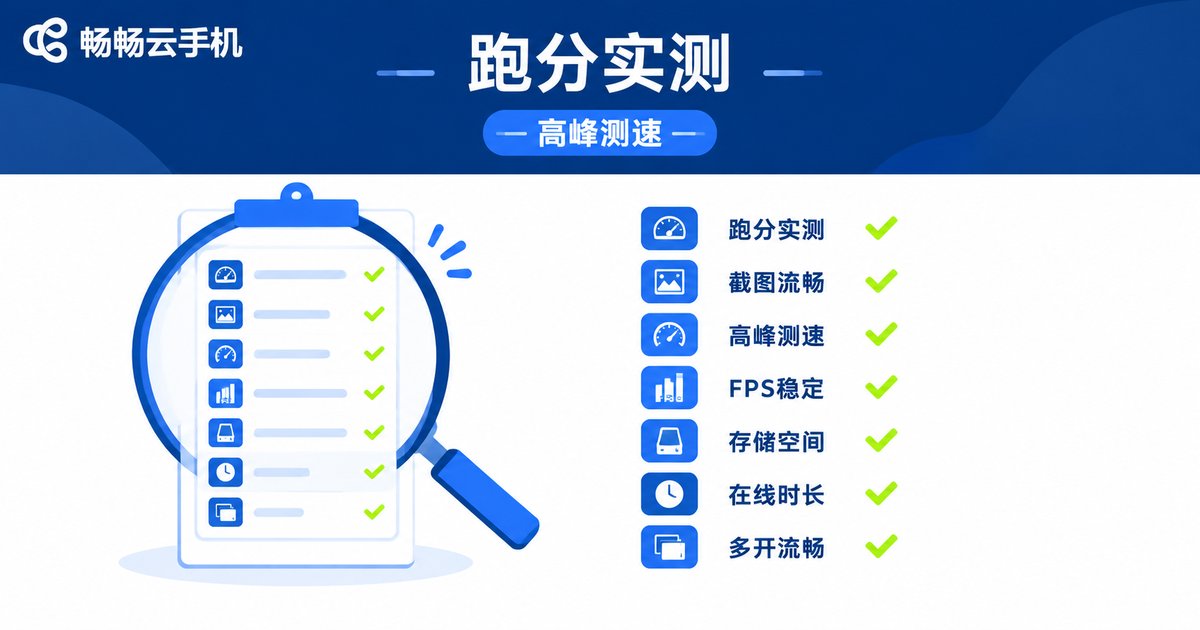
| Metric | How to Verify | Red Flag |
|---|---|---|
| Real performance | Run a benchmark app inside the device and compare with a real phone of the same specs | Score far below a comparable real phone |
| Actual resolution | Take a screenshot inside the cloud phone and check the image's native resolution | Advertised 1080P, screenshot only 720P |
| Network latency | Run a speed test inside the device, then repeat during evening peak hours | Smooth by day, laggy and unstable at night |
| Frame rate stability | Enable the in-game FPS counter and play for 30 minutes straight | Wild FPS swings and frequent drops |
| Real storage | Check system storage info and install a large app to confirm | 64GB advertised, only half actually usable |
| Uptime | Run idle tasks for 48 hours and log disconnects and reconnection speed | Frequent drops and manual reconnections |
| Multi-instance capability | Run multiple devices and apps simultaneously and watch for throttling | Obvious lag once every instance is open |
The Trial Period: A Four-Step Testing Method
Always try to experience before paying; if the platform offers a trial, that is your golden window for verification. Follow these four steps:
Step 1, benchmark: Run a benchmark app right after entering the device, screenshot the result, and compare it item by item with the advertised specs.
Step 2, real scenarios: Run your actual paid use case — gaming, idle farming, livestreaming, or multi-opening — instead of relying on official demos.
Step 3, peak hours: Test between 8 PM and 11 PM when network traffic peaks; performance in this window reflects true quality.
Step 4, endurance: Leave tasks running overnight, then check disconnect logs and background survival the next morning.
Verify the Contract Terms Too
Beyond specs, read the service terms carefully: Are device configurations written into the order? Is there an uptime commitment with compensation? How long is your data retained after expiration? Any parameter loudly advertised but absent from the order deserves a question mark.

Choose a Transparent Platform and Skip the Hassle
If you would rather not spend hours testing every candidate, pick a platform with transparent specs that can stand up to hands-on testing. For example, ccloudphone lets you review device configurations and service details on its official website, and its real-world performance, network nodes, and multi-instance management welcome direct testing. For specific plans and the latest information, always refer to the official website.
FAQ
Q: Which specs are most often faked in cloud phone ads?
CPU and RAM configurations, resolution, bandwidth, and uptime. The first three can be verified on the spot with benchmark apps, screenshots, and speed tests; uptime requires a period of idle-running observation.
Q: Does a high benchmark score guarantee a good experience?
Not necessarily. Benchmarks reflect the hardware ceiling, while real experience also depends on network latency, node quality, and scheduling. Combine benchmarks with real-scenario testing.
Q: What should I test first during a trial?
Test the core scenario you are paying for. Gamers should watch FPS and latency, idle users should watch online stability, and multi-instance users should watch full-load performance. If your core scenario fails, nothing else matters.
Q: Are 'unlimited data' claims trustworthy?
Watch for throttling clauses. Many 'unlimited' plans carry speed caps or peak-hour limits. Test download speeds inside the device and read the fair-use terms carefully.
Q: Is there a one-step way to avoid fake specs?
Yes — choose a platform that publishes specs openly and supports hands-on verification. A service like ccloudphone, where configurations are viewable on the official site, combined with the checklist above, will keep you clear of most traps.


