
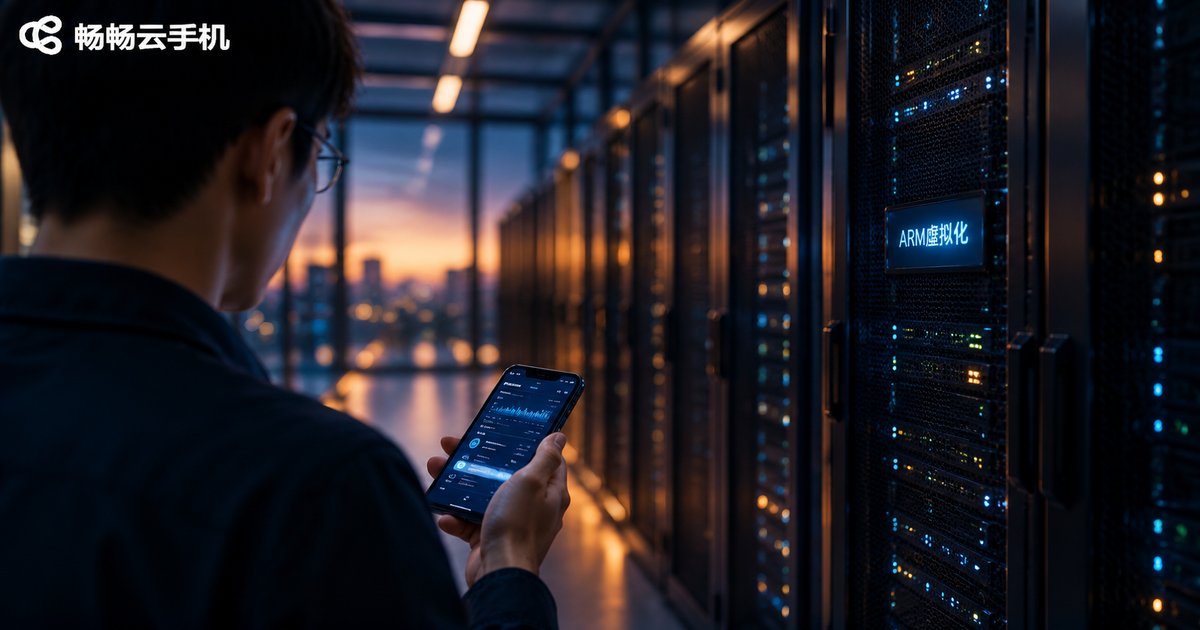
How to Quickly Understand Cloud Phone Basics: ARM Virtualization Explained
What Is a Cloud Phone? One Sentence Explains It
In plain terms, a cloud phone is an Android phone that lives in a data center. It has no physical body—what you see on your own phone or computer screen is its live display, while all computing and storage happen in the cloud. Because cloud devices use real ARM chips, a cloud phone behaves almost exactly like a physical Android handset: you can install apps, sign in to accounts and play games, and it stays online 24/7 with no battery or shutdown worries.
Think of it as rows of phones sitting in a server room that you control remotely through screen streaming. Thanks to virtualization, one physical server can host many cloud phones at once—that is exactly why the approach is so flexible and cost-efficient.
ARM Virtualization: The Foundation of Cloud Phones
The term sounds technical, but it breaks down into two simple ideas.
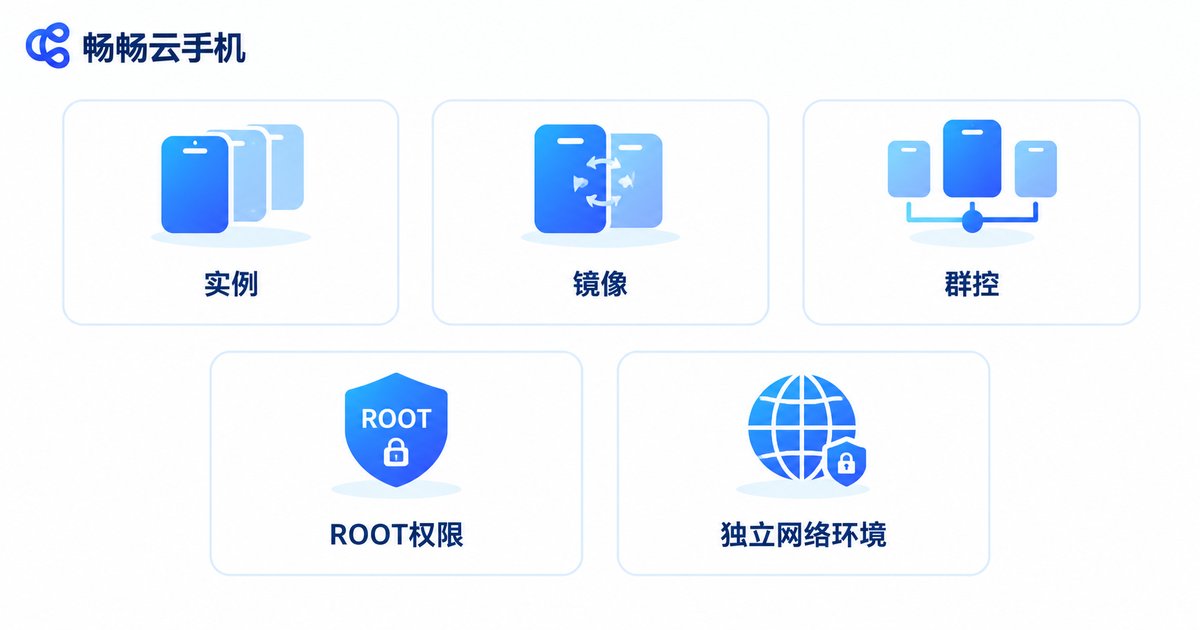
Idea one: ARM is the chip architecture of mobile phones. Nearly every smartphone processor is built on the ARM architecture. For a cloud phone to feel like a real device, the cloud hardware must be ARM-based too, so Android apps run natively and smoothly.
Idea two: virtualization is the technology that turns one into many. With ARM virtualization, a powerful ARM server is partitioned into multiple isolated cloud phones, each with its own system, storage and network identity. Picture separate rooms in one building: they share the foundation and the plumbing, yet every room can be occupied and locked independently.
Essential Cloud Phone Terms at a Glance
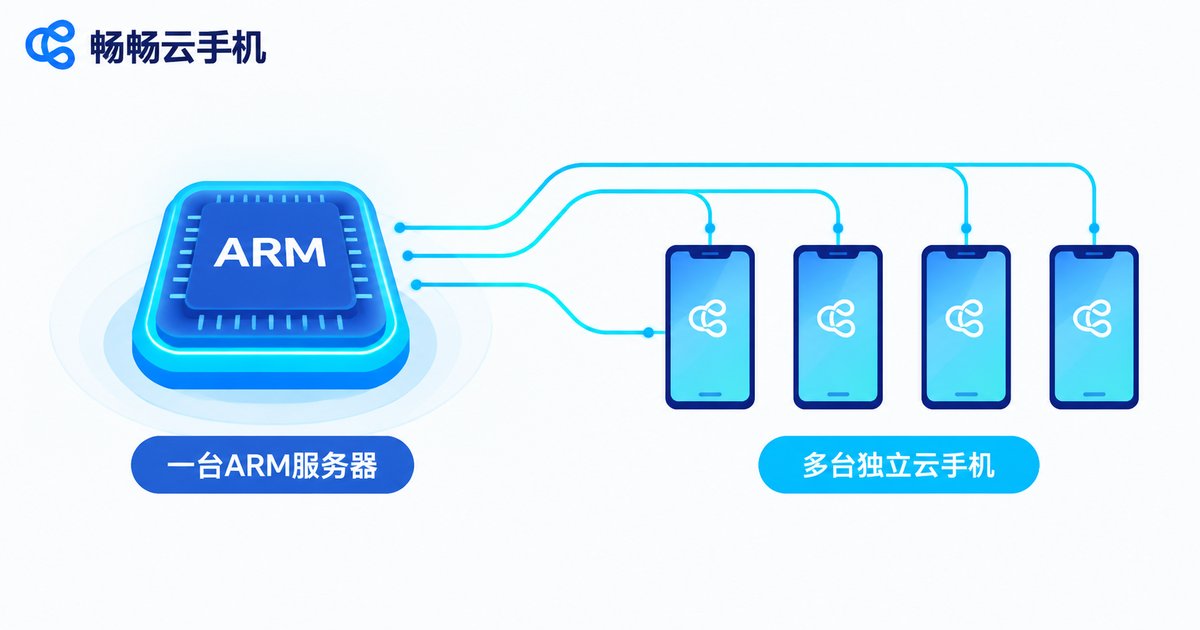
Learn these high-frequency words first and no product page will ever confuse you again:
| Term | Meaning | Plain-language version |
|---|---|---|
| Instance | One independent cloud phone | A 'room' in the server building |
| Image | A template of system and environment | A blueprint for cloning setups fast |
| Group control | Operating many cloud phones at once | One remote for many devices |
| ROOT access | Highest system permission | Holding the key to remodel the room |
| Isolated network | Independent network identity per device | A separate door number per room |
Cloud Phone vs Real Phone vs Emulator
Beginners often mix these up—here is the difference in one table:
| Aspect | Cloud phone | Physical phone | PC emulator |
|---|---|---|---|
| Where it runs | Data center | In your hand | On your computer |
| Chip architecture | Real ARM | ARM | Mostly x86 translation |
| Uptime | 24/7 | Limited by battery | Requires PC to stay on |
| App compatibility | Close to real device | Perfect | Some apps misbehave |
| Batch management | Hundreds with ease | Costly to manage | Eats local performance |
What Do People Use Cloud Phones For?
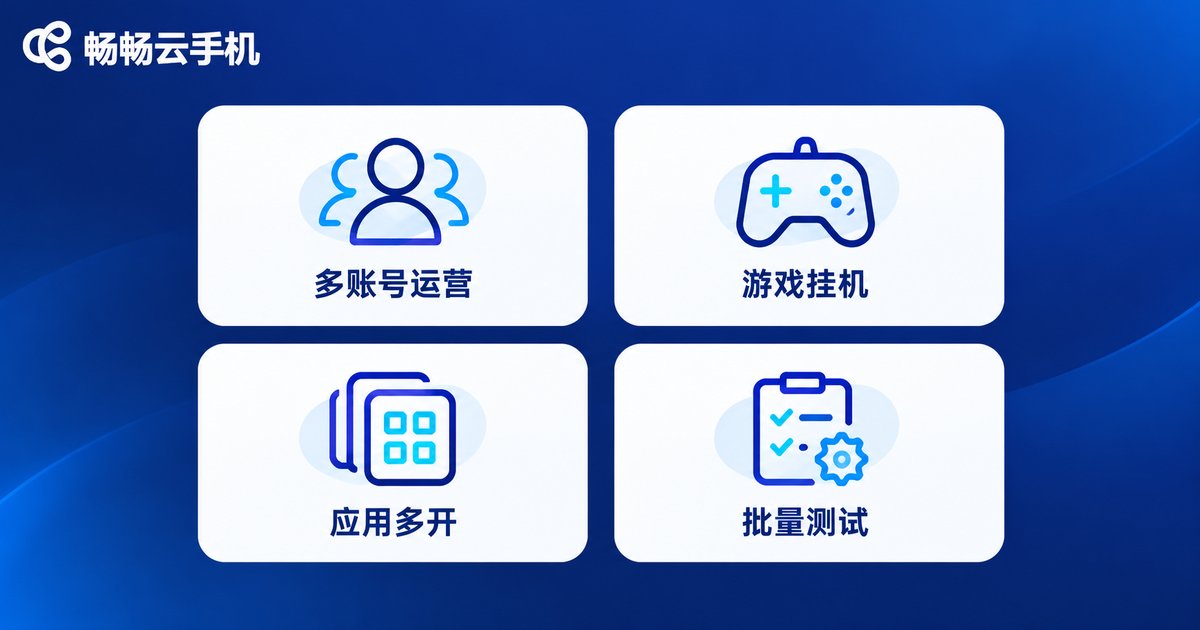
Once the concepts are clear, the typical use cases fall into place:
1. Multi-account operation: every cloud phone is an isolated environment, ideal for users who manage several accounts at once—cleaner separation, less worry.
2. Idle gaming and task running: cloud phones stay online around the clock, so grinding tasks never drops, and your own phone's battery and data stay untouched.
3. Running multiple app copies: each cloud phone counts as one independent device; spin up as many as you need while your own phone stays smooth.
4. Batch testing: developers and studios can verify how an app behaves across many environments using fleets of cloud phones.
How to Pick a Reliable Cloud Phone
Focus on four things: whether it is built on real ARM architecture (this decides compatibility and smoothness), stability (high uptime makes idle tasks worry-free), ease of use (being able to connect from both web and mobile is ideal), and responsive support when issues come up.
If you want an option that works out of the box, take a look at ChangChang Cloud Phone (ccloudphone). Built on a real ARM architecture, it lets you sign in from both the mobile app and the web, and supports unified management of multiple cloud phones—easy to pick up for daily multi-account use as well as idle gaming. For the latest features and plans, check the official ccloudphone website.
FAQ
Q: Does a cloud phone look and feel like a real phone?
The screen is streamed in real time over the network; with a stable connection it is smooth and sharp, very close to a physical device.
Q: If I close the web page or app, do tasks on the cloud phone stop?
No. The cloud phone keeps running in the data center; it stays online after you disconnect, and you can pick up where you left off by reconnecting.
Q: Can I use a cloud phone without technical skills?
Yes. Mainstream products work like ordinary apps: register, pick a configuration, tap to start.
Q: How many accounts can one cloud phone hold?
Best practice is one environment per cloud phone; for more accounts, run more instances for cleaner isolation.
Q: Is ARM virtualization the same as a PC virtual machine?
No. ARM virtualization runs on ARM chips and delivers a native Android environment, far more compatible than emulators that translate x86 instructions on a PC.


