
Does a Cloud Phone Have Hardware Requirements? The Truth About Smooth Performance on Low-End Devices
Where Does a Cloud Phone Actually Run?
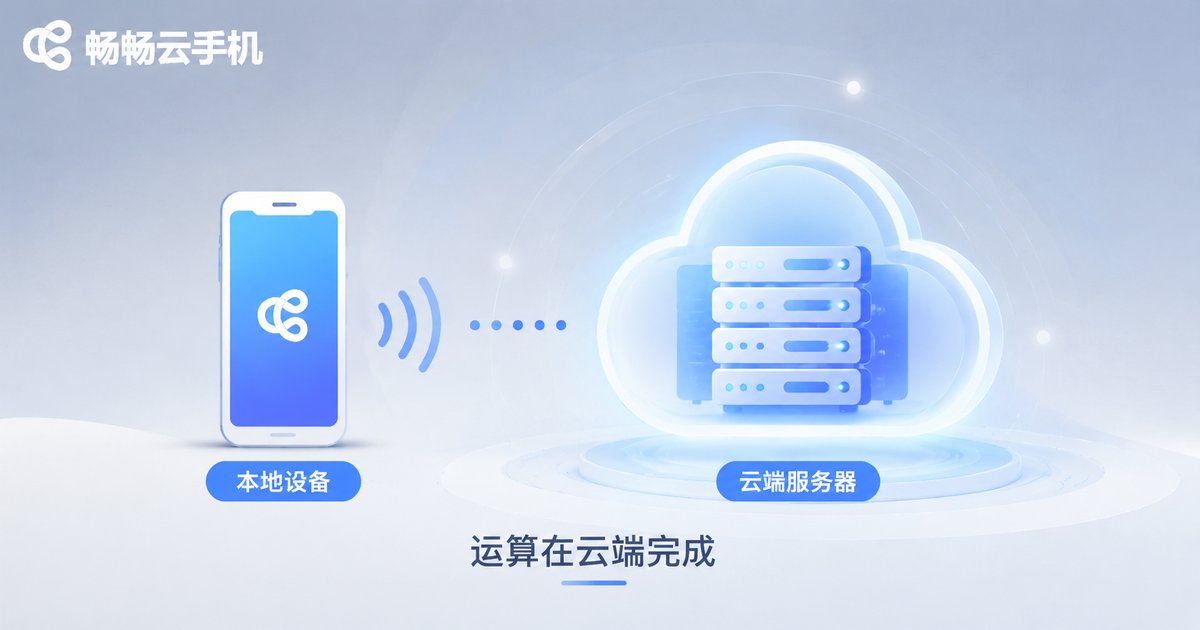
When people first hear about cloud phones, many instinctively glance at their old handset and wonder: can my aging device handle this? In fact, that question has it backwards. The core computing of a cloud phone does not happen on your local device—it happens in a remote data center.
Think of it this way: the client app installed on your local phone is essentially a remote control. It streams the cloud screen to you in real time and sends your taps and swipes back. The apps, games, and multi-instance tasks actually run on powerful server clusters in the data center. Your local phone only plays the role of display plus controller, while the cloud is the real host.
What Does Your Local Device Actually Need?
Since all the computing happens in the cloud, the requirements for your local device are far lower. What truly affects your experience comes down to three things:
1. A stable network connection: This is the most critical factor. Cloud phone screens are delivered as video streams, so moderate bandwidth is enough. 4G/5G or Wi-Fi all work fine—the key is low latency and a stable connection.
2. A working screen: If your phone can play online videos smoothly, it can display the cloud phone screen without any issue. There are no extra demands on display quality.
3. A system that can install the client app: Any Android or iOS device capable of installing apps will do, and the system version requirements are very lenient.
In other words, a budget phone from several years ago, or an old flagship with a worn battery, can deliver nearly the same cloud phone experience as the latest flagship—as long as the network is fine.
Local Running vs. Cloud Phone: Hardware Requirements Compared
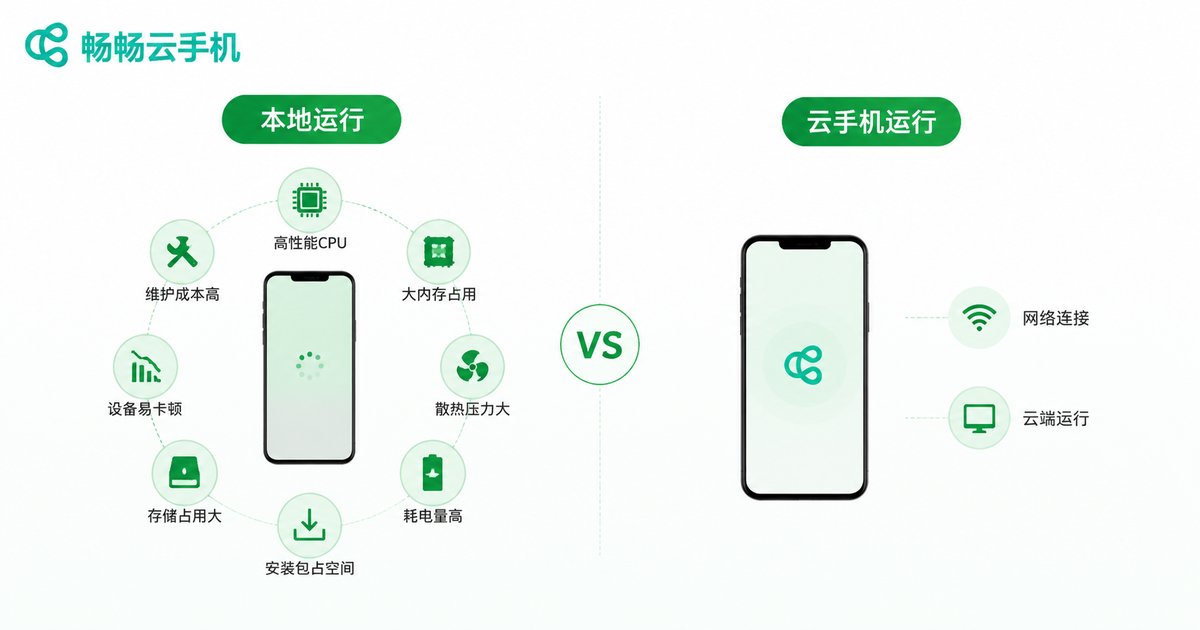
To make the gap more intuitive, here is a comparison of the hardware needed to run the same demanding mobile game locally versus through a cloud phone:
| Factor | Running Locally | Running on a Cloud Phone |
|---|---|---|
| Processor | Flagship-level chip required | Almost no requirement |
| RAM | 8GB or more recommended | 1-2GB is enough |
| Storage | Often tens of GB | Only a small client app |
| Heat and battery drain | Heavy load, obvious heat | Only video decoding, minimal heat |
| Multi-instance | Limited by hardware | Scalable in the cloud |
As you can see, a cloud phone shifts the hardware burden from your local device to the cloud—that is the real truth behind why low-end devices can run smoothly.
Three Typical Scenarios for Low-End Devices
Scenario 1: Giving old phones a second life. That old phone gathering dust in your drawer can become a high-performance cloud terminal once the client is installed—perfect for big games and idle farming.
Scenario 2: Game multi-instance and idle farming. Running two games locally turns your phone into a slideshow? With a cloud phone, multi-instance runs in the cloud, and your local device is just a viewing window—no matter how many windows you open, local performance stays untouched.
Scenario 3: Emergency use on temporary devices. When traveling with only a backup phone, you can connect to the cloud anytime and continue where you left off, with no data loss.
Want an Even Better Experience on a Low-End Device?
Although cloud phones have almost no hardware requirements, a few details can help you get the best experience:
Prefer a stable Wi-Fi connection: Stability matters more than raw bandwidth, and Wi-Fi is usually steadier than mobile networks.
Close unnecessary background apps: Free up resources for the client so the screen streaming stays smooth.
Choose the right quality preset: If your network is mediocre, lowering the quality preset can reduce latency and make operations more responsive.
Why We Recommend CCPhone
Among cloud phone products, CCPhone (畅畅云手机) is especially friendly to low-end local devices. Its client is lightweight with a small installation package, and it has been extensively optimized for compatibility with older models, running stably even on devices from years ago.
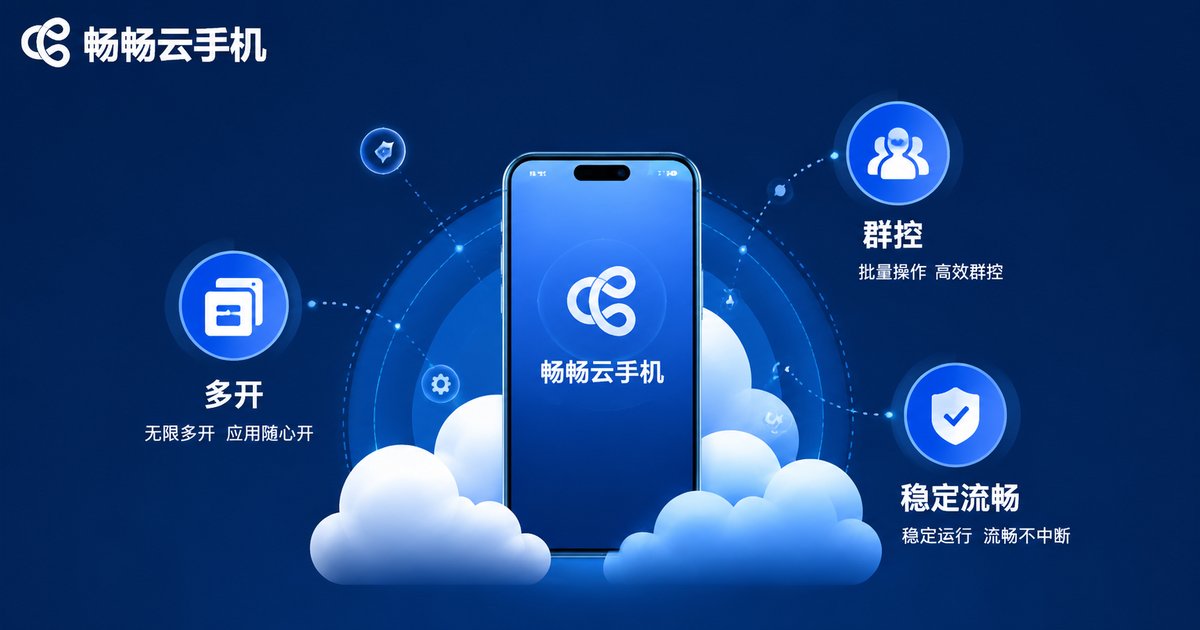
Meanwhile, CCPhone is deployed on cloud server clusters with ample performance, delivering smooth and stable screen streaming. It supports common features such as multi-instance and group control. Whether for game idle farming, app multi-instance, or everyday use, it lets a low-end local device perform far beyond its own hardware.
FAQ
Q: Does a cloud phone have minimum requirements for the local phone?
Almost none. As long as the device can install the client, play videos normally, and maintain a stable network connection, it can use a cloud phone—even models several years old.
Q: Will small local RAM affect cloud phone smoothness?
Barely. The computing happens in the cloud; the local device only handles display and input transmission. 1-2GB of available memory is enough.
Q: Will a cloud phone lag on 4G?
4G works smoothly with good signal. If you notice lag, switch to a more stable Wi-Fi or lower the quality preset.
Q: Does a cloud phone take up a lot of local storage?
No. You only install a lightweight client locally; apps and games are installed in the cloud and do not consume local storage.
Q: Can an iPhone use a cloud phone?
Yes. The client supports both Android and iOS devices, so an iPhone can also act as the remote control to access a cloud Android system.


