
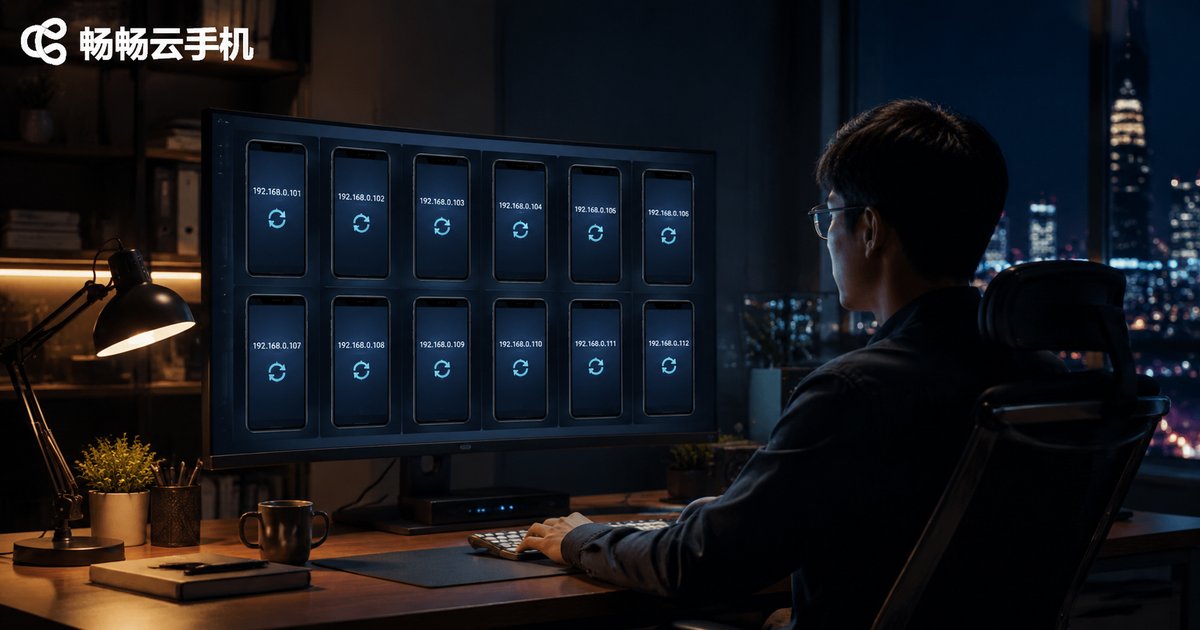
How to Change IP Address on a Cloud Phone: Key Operations for Network Isolation and Account Anti-Association
Why Do Cloud Phones Need IP Address Changes?
In multi-account operations, the IP address is one of the core signals that platform risk-control systems use to detect account association. If multiple accounts consistently access a platform from the same IP address, the system can easily conclude that they belong to the same operator, triggering penalties such as reduced reach, frequent verification challenges, or even account bans.
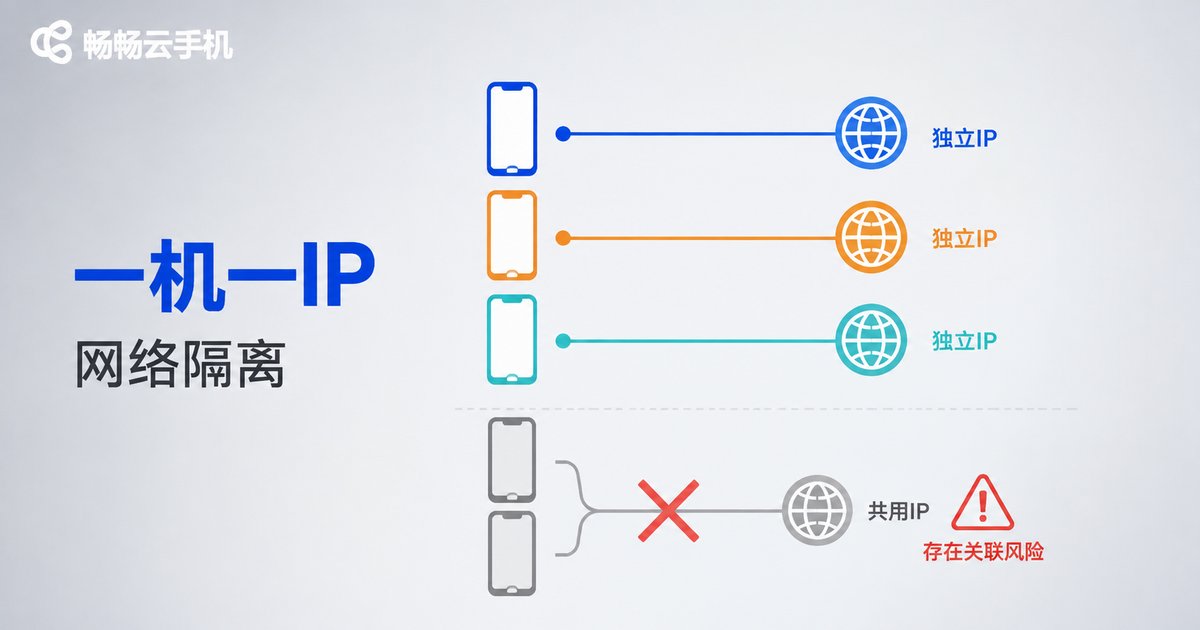
Cloud phones run on remote servers, which makes their network configuration far more flexible than that of physical devices. By assigning different IP addresses to different cloud phone instances, you can achieve true network isolation, giving each account an independent network identity — a critical component of any account anti-association strategy.
How IP Addresses Relate to Account Association
Platforms detect account association by combining signals from multiple dimensions, and the IP address is one of the easiest to check:
- IP consistency: multiple accounts logging in from the same IP is the most direct evidence of association
- IP quality: IP ranges heavily used by many accounts are more likely to be flagged as high-risk
- IP location jumps: frequent cross-region IP switching can also trigger risk control
Simply changing the IP is therefore not enough. You also need to ensure the stability and cleanliness of each IP, so that every account's network environment looks like a real, independent user.
Step-by-Step: Changing a Cloud Phone's IP Address
Using ccloudphone as an example, the core idea is to assign an independent network exit to each cloud phone. The operation can be broken down into the following steps:
- Open the management console: log in to the ccloudphone console and locate the cloud phone instance you want to configure.
- Find the network settings: in the instance settings, locate the network or IP-related configuration entry.
- Change or reassign the IP: depending on your business needs, assign a new IP address to the instance, or restart the instance to obtain a new network exit.
- Verify the change: open an IP lookup page inside the cloud phone and confirm that the current exit IP has changed.
- Keep an IP assignment log: record the mapping between accounts and IP addresses to avoid accidentally reusing an IP later.
Best Practices for Network Isolation
Changing the IP is only the first step. To build a complete anti-association system, you need isolation across multiple dimensions:
| Isolation Dimension | Key Operation | Notes |
|---|---|---|
| Network | Bind a unique IP to each cloud phone | Avoid sharing one exit among multiple accounts |
| Device | One dedicated instance per cloud phone | Avoid frequently switching accounts on the same instance |
| Environment | Independent app data and cache | Clean or reset the device environment regularly |
| Behavior | Differentiated operation habits | Avoid performing identical actions on all accounts at the same time |
Among these, one device, one IP is the most fundamental and effective principle: one cloud phone, one account, one independent IP — once bound, try not to change them casually.
Common Application Scenarios
Cross-border e-commerce: multi-store management requires each store account to maintain an independent network environment, preventing the platform from linking stores and imposing sales restrictions or bans.
Social media matrix operations: when publishing content across multiple accounts, independent IPs significantly reduce the risk of batch penalties across the whole matrix.
App development and testing: verifying how an app behaves under network environments in different regions requires flexible IP switching.
Why Choose ccloudphone
ccloudphone provides a cloud-based real-device environment with flexible multi-instance management. In multi-account scenarios, you can configure an independent network exit for each cloud phone and combine it with device environment isolation to build a complete account anti-association system. Running in the cloud consumes no local resources, and you can manage your cloud phone instances anytime, anywhere through the web console or client.
FAQ
Q: Is my account absolutely safe after changing the IP?
No. The IP is only one dimension of anti-association. You also need isolation of device fingerprints, account profiles, and operation behaviors to build complete protection.
Q: Is changing the IP more frequently better?
No. Frequently jumping between IPs may itself trigger risk control. The ideal state is a stable, dedicated IP bound to each account for the long term, mimicking the habits of a real user.
Q: Does changing a cloud phone's IP require restarting the instance?
It depends on the implementation. Some configurations only take effect after a restart, so it is recommended to make changes during off-peak hours.
Q: Can multiple cloud phones share one IP?
Not recommended. Sharing an IP directly creates an association signal. For multi-account operations, stick to one device per IP whenever possible.


