
What Is Cloud Phone Group Control? How Batch Cloud Device Management Works
What Is Cloud Phone Group Control?
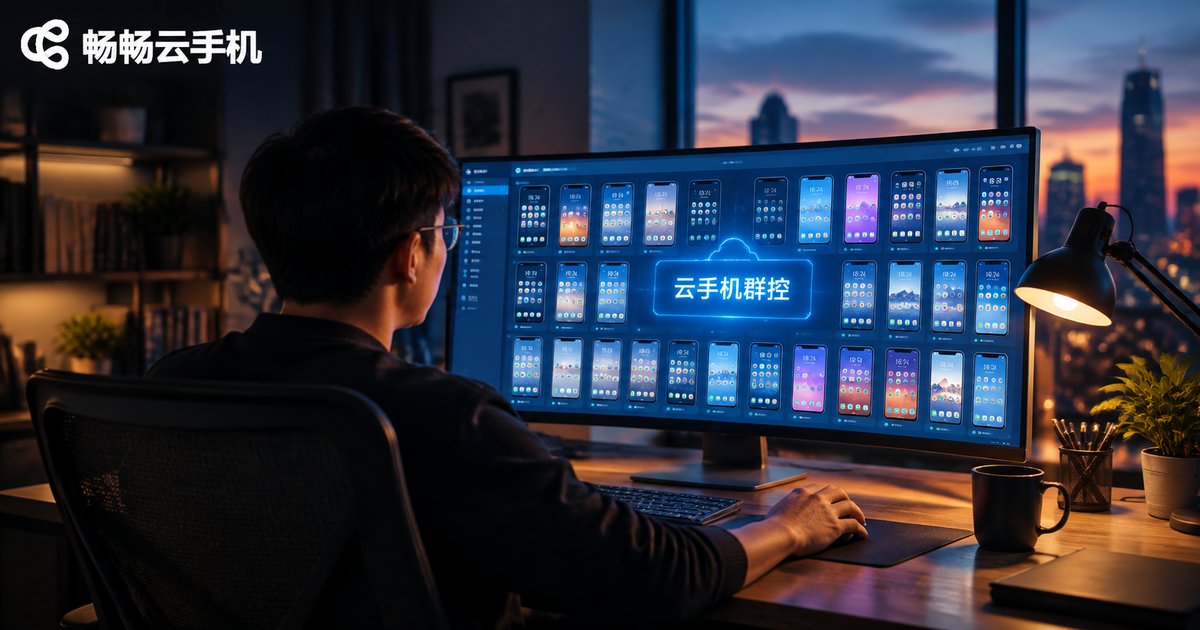
Cloud phone group control refers to managing dozens, hundreds, or even thousands of cloud phones simultaneously from a single control panel. A cloud phone is a virtual Android device running on remote servers — it does not rely on any physical handset. Group control takes this one step further by centralizing the operation of all devices, enabling one-click commands, synchronized execution, and batch maintenance.
Think of it this way: running 100 phones used to mean buying 100 handsets, racking them up, and staffing them around the clock. Today, you simply log into a group-control dashboard — all devices reside in the cloud, and a few clicks manage them all. That is the efficiency leap of batch cloud device management.
How It Works: A Three-Layer Architecture
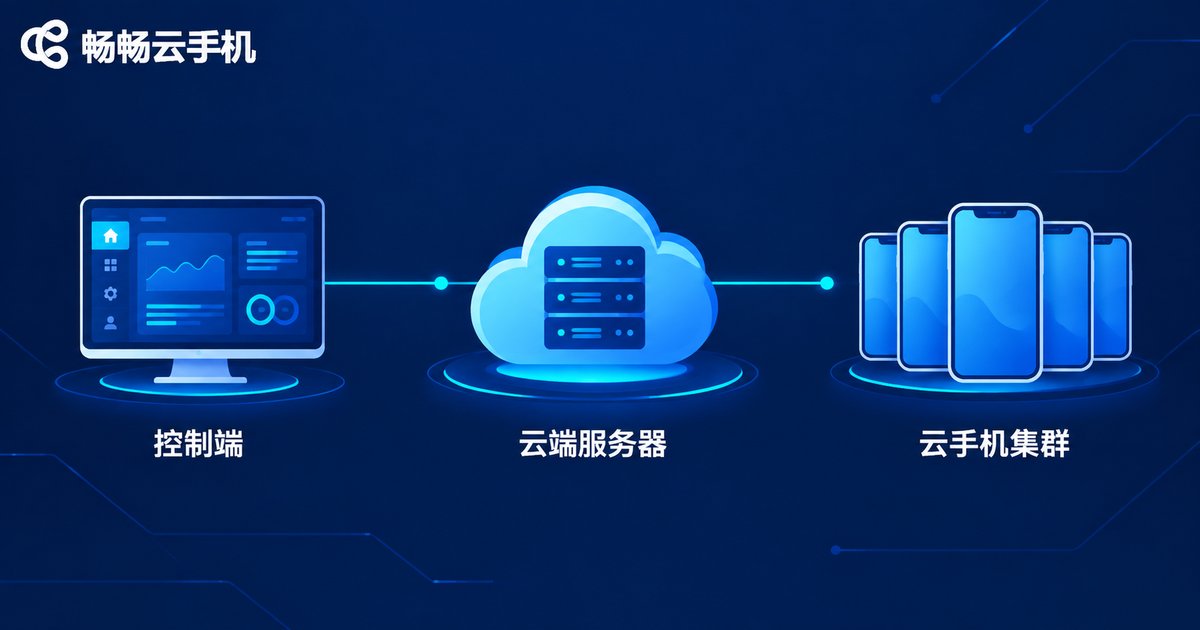
Cloud phone group control may look magical, but its principle can be broken down into three layers:
Layer 1 — Device layer: cloud virtualization. The provider slices ARM servers in a data center into isolated virtual Android instances. Each cloud phone has its own system environment and its own app data, just like a truly standalone handset.
Layer 2 — Transport layer: command delivery and screen streaming. When you tap to open an app on the control panel, the command travels over the network to the target cloud phone instantly; the phone executes it and streams the screen back to your interface as video, typically within milliseconds, so it feels like operating a local phone.
Layer 3 — Control layer: the group-control scheduler. This is the brain of the system. It orchestrates hundreds or thousands of cloud phones, supporting batch grouping, synchronized touch, script automation, and scheduled tasks — you can mirror one device's actions to all devices, or assign different jobs to different groups.
In short: group control = cloud-virtualized devices + network command delivery + a central scheduler. Together, they make it possible for one person to manage thousands of phones.
Cloud Phone Group Control vs. Physical Device Farms
Before cloud phones, batch management relied on physical device racks — dozens or hundreds of real handsets wired together for control. The differences are significant:
| Aspect | Cloud Phone Group Control | Physical Device Farm |
|---|---|---|
| Device form | Virtual devices in the cloud, scale up or down anytime | Physical handsets, must be purchased and racked |
| Upfront cost | Pay as you go, controllable | High spend on devices, racks and space |
| Maintenance | No hardware wear, unified cloud upgrades | Overheating, aging and disconnects need manual fixes |
| Scaling speed | Add devices in minutes | Procurement and shipping take weeks |
| Management | Centralized web or desktop console | Depends on USB hubs and control cables |
Typical Use Cases
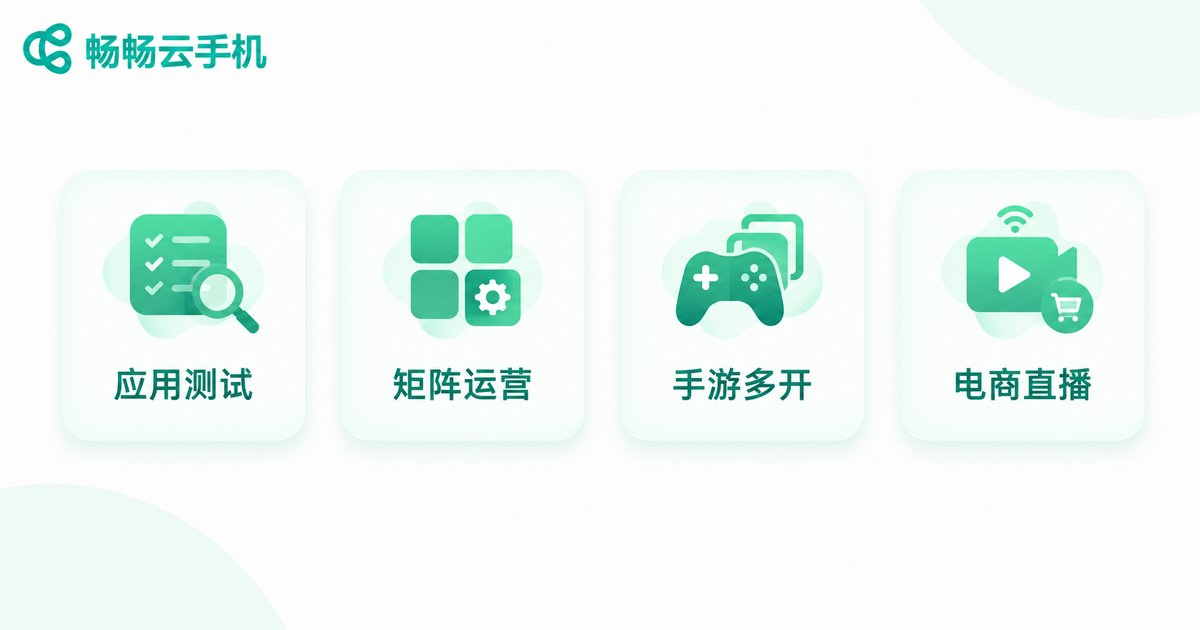
1. Batch app testing. Before a new release, development teams must verify compatibility across many devices. With group control, you can push an installation package to every cloud phone at once and run test cases in sync, multiplying efficiency.
2. Account matrix operations. Teams managing multiple accounts can let each cloud phone run one account independently via grouping, with unified monitoring and batch publishing — no more switching devices back and forth.
3. Mobile gaming multi-instance. Gaming studios commonly run many game instances simultaneously, handling daily tasks and resource farming around the clock in the cloud, without loading local PCs.
4. E-commerce and livestream support. Batch-managing store-watching devices or livestream-interaction devices also becomes far cheaper with group control.
How to Choose a Group Control Cloud Phone Service
When evaluating a service, focus on four things: device stability (long sessions without disconnects), completeness of group-control features (batch actions, grouping, script support), streaming smoothness (low latency screen mirroring), and ease of batch management.
If you want an out-of-the-box solution, consider Changchang Cloud Phone (ccloudphone). It offers stable, smooth cloud Android devices with multi-instance and batch management support, accessible directly from a browser or mobile app — no server room to build, no hardware to maintain. Sign up and get started quickly; check the official Changchang Cloud Phone website for plans and features to match your needs.
FAQ
Q: Do I need to buy many physical phones for group control?
No. Cloud phones run on remote servers — you only need an account and a control panel, and device counts can be scaled up or down on demand.
Q: Will group control be laggy?
Lag mainly depends on your network and the provider's server quality. With a service that has nearby nodes and ample bandwidth, such as Changchang Cloud Phone, daily operations and screen streaming stay smooth.
Q: Is data on a cloud phone shared with my real phone?
No. Each cloud phone is an isolated system environment with separate app data — one reason it suits batch operations so well.
Q: Can I use group control without writing scripts?
Yes. Batch installation, synchronized taps, and group management are all visual, low-barrier operations; script automation is an advanced feature you can learn later if needed.


