
How to Choose a Cloud Phone Group Control System? 2026 Comparison of Automation Solutions for Managing 100+ Devices
Why 100+ Cloud Phones Demand Group Control
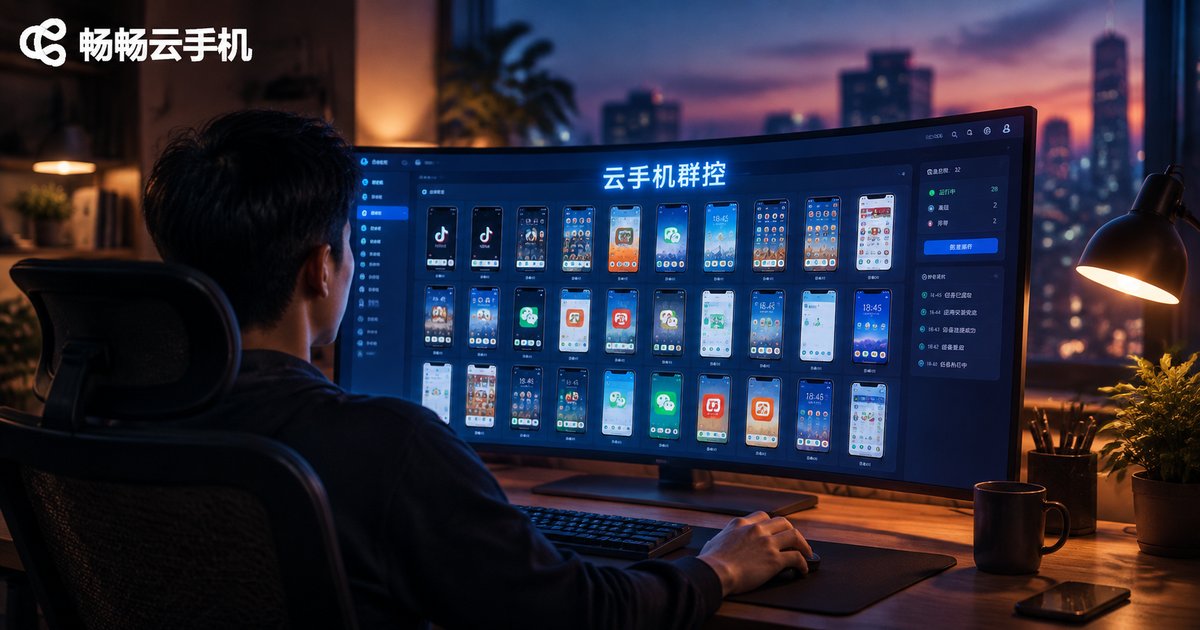
Imagine managing 100 cloud phones where every device must launch an app, check in, browse, and like. Manually, at three minutes per device, a single round takes more than five hours—and omissions and mistakes are inevitable. The value of group control is handing repetitive work to the system: configure or record once, then hundreds of devices execute in sync, cutting labor cost by an order of magnitude.
By 2026, cloud phone performance and stability have improved dramatically, and the buying question has shifted from whether group control works at all to which solution works best. This article breaks that decision down.
First, Understand the Three Core Capabilities of Group Control
No matter how vendors package the concept, a capable group control system covers three things:
1. Batch distribution: push app installs, settings changes, and file imports to all devices or to selected groups in one click;
2. Synchronized execution: actions performed on one master device replicate in real time across dozens or hundreds of others, like copy-paste;
3. Task orchestration: scheduled tasks and workflow scripts keep devices running unattended, exactly as planned.
The more completely these are covered, the more room you have for automation later.
Step One: Define What You Actually Need Group Control For
Different workloads demand very different capabilities, so find yours first:
· Multi-instance gaming and daily task farming: prioritize stable uptime and synchronized operations; script complexity matters less;
· App matrix operations and content distribution: you need group-based management and differentiated actions, ideally with custom scripting;
· Bulk testing and data collection: large device counts and complex flows make API integration and log reporting essential.
Choosing a system before defining your scenario is the fastest way to pay for features you will never use.
Comparing the Three Mainstream Automation Routes in 2026
Today there are three main technical routes for batch-managing cloud phones:
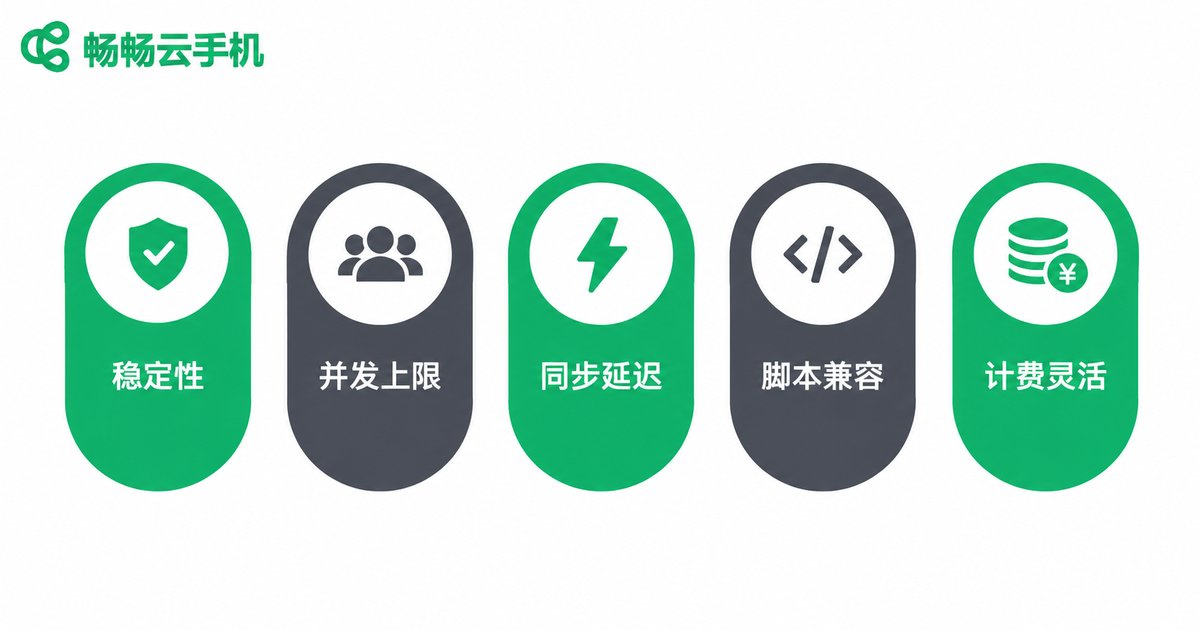
Route 1: Built-in group sync. Select multiple devices in the cloud phone console and operate them in batch. Zero learning curve—ideal for beginners and small teams—though operation patterns are relatively fixed.
Route 2: Script automation. Record or write scripts so devices complete more complex flows automatically. Flexibility rises noticeably, and so does the learning curve.
Route 3: API/RPA integration. Connect cloud phones to your own programs or RPA tools for fully custom scheduling and monitoring—built for tech teams operating at scale.
| Dimension | Built-in Sync | Script Automation | API/RPA Integration |
|---|---|---|---|
| Learning curve | Low, works out of the box | Medium, script basics needed | High, development required |
| Best scale | Tens to 100+ devices | 100+ devices | Several hundred or more |
| Flexibility | Fixed templates | Custom workflows | Fully custom |
| Effort | Near zero | Front-loaded, saves later | Ongoing maintenance |
| Best for | Beginners, small teams | Intermediate users | Engineering teams |
Five Hard Metrics for Evaluating Any Group Control System
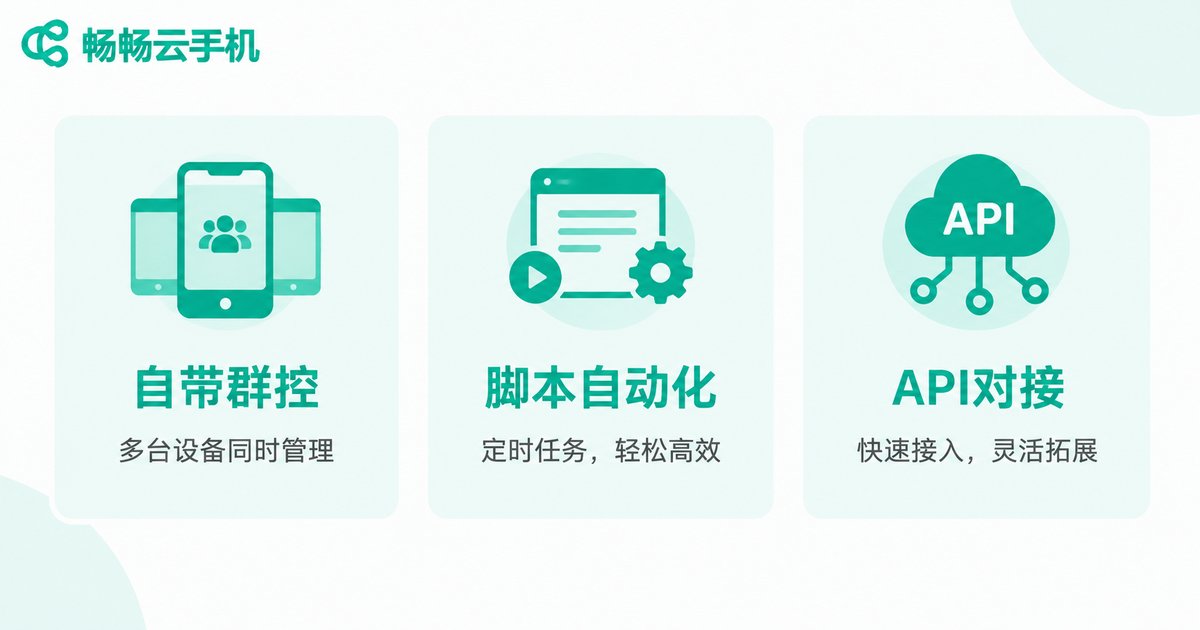
Once you have picked a route, filter specific products against these five metrics and you will rarely go wrong:
1. Stability: device drop-off rates and abnormal restart frequency directly determine task success rates;
2. Concurrency ceiling: how many devices one account can control simultaneously—and whether that covers your scale six months from now;
3. Sync latency: how long a master action takes to replicate; lower latency means higher overall throughput;
4. Script compatibility: support for mainstream automation tools, and the cost of migrating scripts you already have;
5. Billing model: per device, per hour, or bundled—and how flexible scaling up or down is.
Our Suggestion: Put Changchang Cloud Phone on Your Shortlist
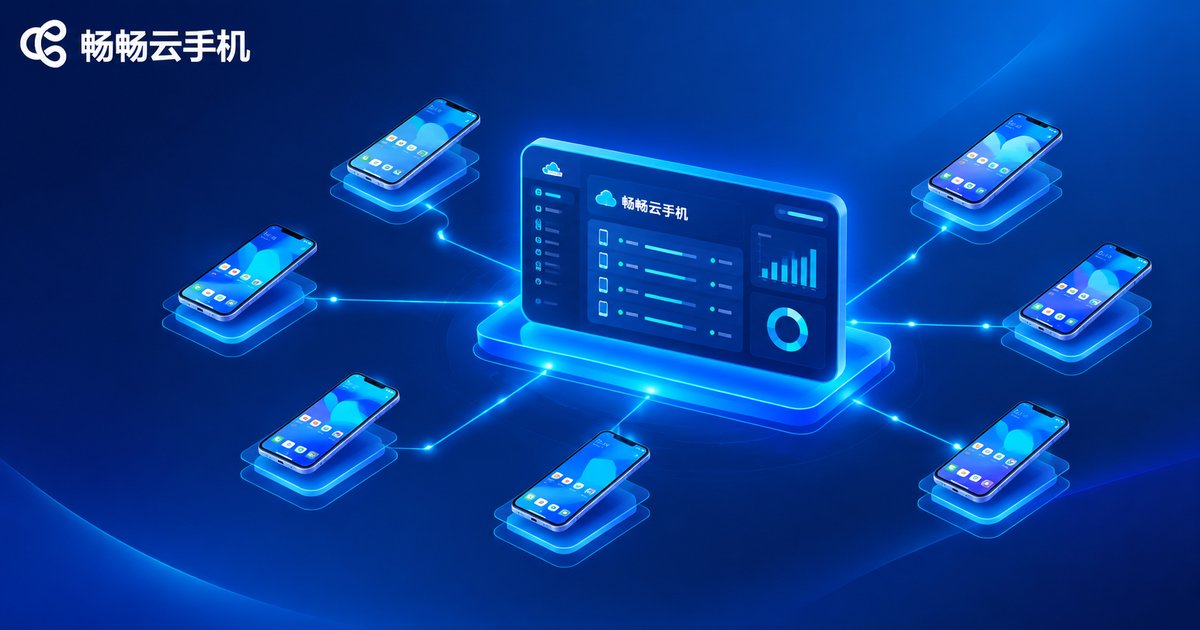
If you would rather not spend weeks on vendor research, start your trials with Changchang Cloud Phone (ccloudphone). It provides Android devices running entirely in the cloud, operable from both phone and computer, with device counts that scale up or down on demand—a natural fit for batch management. The prudent approach: start with a handful of devices, test its group sync and script compatibility against your real workflow, then expand to a hundred or more once you are satisfied. For the latest feature list and package details, refer to the official ccloudphone website.
FAQ
Q: Will group control get my accounts banned?
A: Platform risk control mainly flags abnormal behavior. Keep operation frequencies natural, avoid having large numbers of devices execute identical actions in the same second, and choose a stable, clean cloud environment to significantly reduce the risk.
Q: How many cloud phones can one computer control?
A: Cloud phones run in the cloud; your local computer only sends commands. The bottleneck is network bandwidth and platform concurrency limits, not your PC specs. A typical home broadband line can comfortably handle 100+ devices.
Q: Can I use group control without coding skills?
A: Yes. Built-in sync control is essentially zero-threshold—select devices and operate in batch. Script automation also offers recording-based tools that beginners can pick up by following tutorials.
Q: What does managing 100+ cloud phones cost per month?
A: Cost depends mainly on device count and package duration, and pricing varies widely across vendors. Run a small-scale trial first to validate your workflow, then scale according to real needs instead of over-committing upfront.


