

What's the Most Cost-Effective Cloud Phone for Game Grinding? 2026 Multi-Instance AFK & Anti-Ban Comparison
Why Cloud Phones Became the Standard for Game Grinding in 2026
Mobile game grinding means earning in-game resources—gold, gear, materials—through repetitive tasks like daily quests, dungeon farming, and multi-account nurturing, then converting them into real income. Whether you're a solo player making side money or a studio running accounts at scale, two keywords dominate: multi-instance and AFK farming.
In the past, grinders relied on PC-based Android emulators or stacks of spare physical phones. Emulators are limited by your PC's specs, and their signatures are easily flagged by game risk-control systems; spare phones are expensive, run hot, and are a nightmare to manage. A cloud phone moves the entire device to cloud servers—your local screen is just a window, while the cloud runs 24/7 without interruption. That's why cloud phones have become the mainstream choice for grinders.
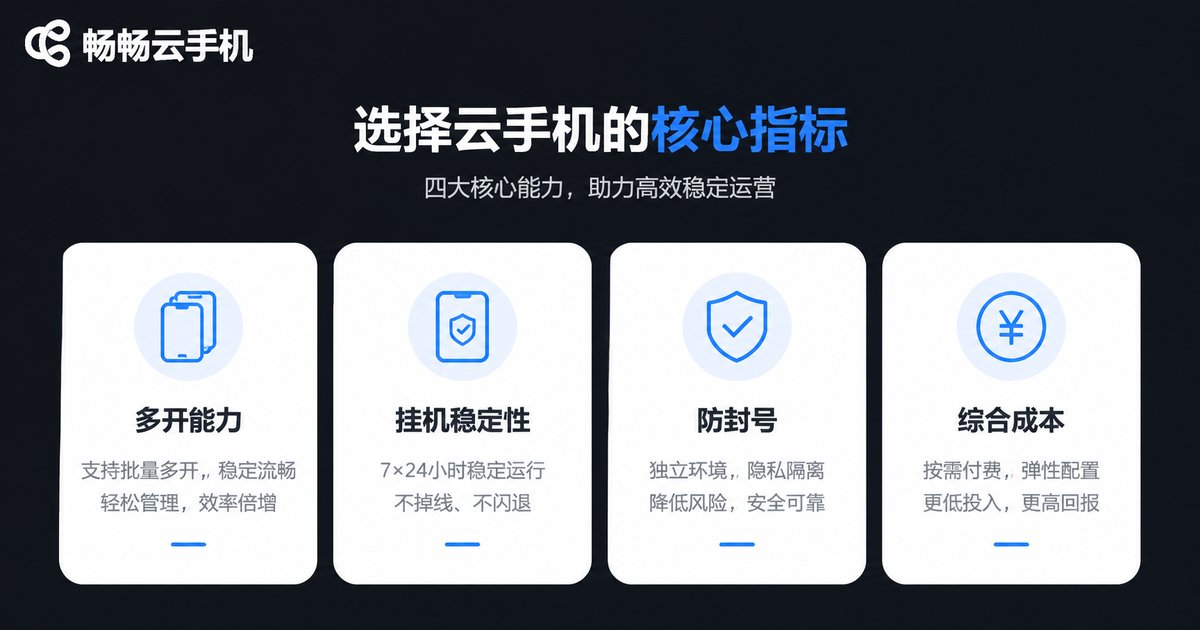
Four Core Metrics for Choosing a Grinding Cloud Phone
There are plenty of cloud phone products out there, but only four metrics truly determine your grinding income:
1. Multi-instance capability: Whether you can run multiple stable, fully independent instances determines how large your account matrix can grow.
2. AFK stability: True 24/7 uptime, fast reconnection, and smooth performance directly affect your passive income.
3. Anti-ban protection: Each instance should have independent device information (IMEI, model, system parameters)—the key to avoiding "multiple accounts on one device" detection.
4. Total cost: Not just the monthly fee—factor in electricity, hardware depreciation, management time, and ban losses.
Head-to-Head: Emulators vs. Spare Phones vs. Cloud Phones
We put the three mainstream grinding solutions side by side, and the result is clear:
| Dimension | Android Emulator | Spare Physical Phones | Cloud Phone |
|---|---|---|---|
| Multi-instance scale | Limited by PC specs | One device per account, cost scales linearly | Multiple independent instances on demand |
| 24/7 AFK | PC must stay on, power-hungry | Overheating, fast hardware wear | Runs in the cloud, zero local burden |
| Device independence | Emulator signatures easily detected | Real but costly | Independent device info per instance |
| Management cost | Medium | High (charging, cooling, repairs) | Low (unified web/app management) |
| Total cost | Electricity + PC depreciation | Highest hardware cost | Subscription-based, best value |
The conclusion is clear: cloud phones lead across multi-instance scale, AFK stability, and anti-ban protection—while delivering the lowest total cost. That's why more solo players and studios are switching in 2026.

The Key to Anti-Ban: Device Fingerprint Independence
Many players assume bans come from cheating, but a huge share actually comes from multiple-accounts-on-one-device detection. Games read device data such as IMEI, MAC address, model, and OS version. Once multiple accounts share the same device fingerprint, risk-control systems may flag or even mass-ban them.
The core advantage of a cloud phone: every instance carries independent device information, so the game server sees multiple distinct, real-looking phones. Combined with sensible account-nurturing pacing, you can keep ban risk to a minimum.
Why We Recommend CCPhone
Among the many cloud phone products, we recommend CCPhone (ChangChang Cloud Phone) for three reasons:
1. Independent device information: Every instance has its own device parameters, making multi-account matrices much safer.
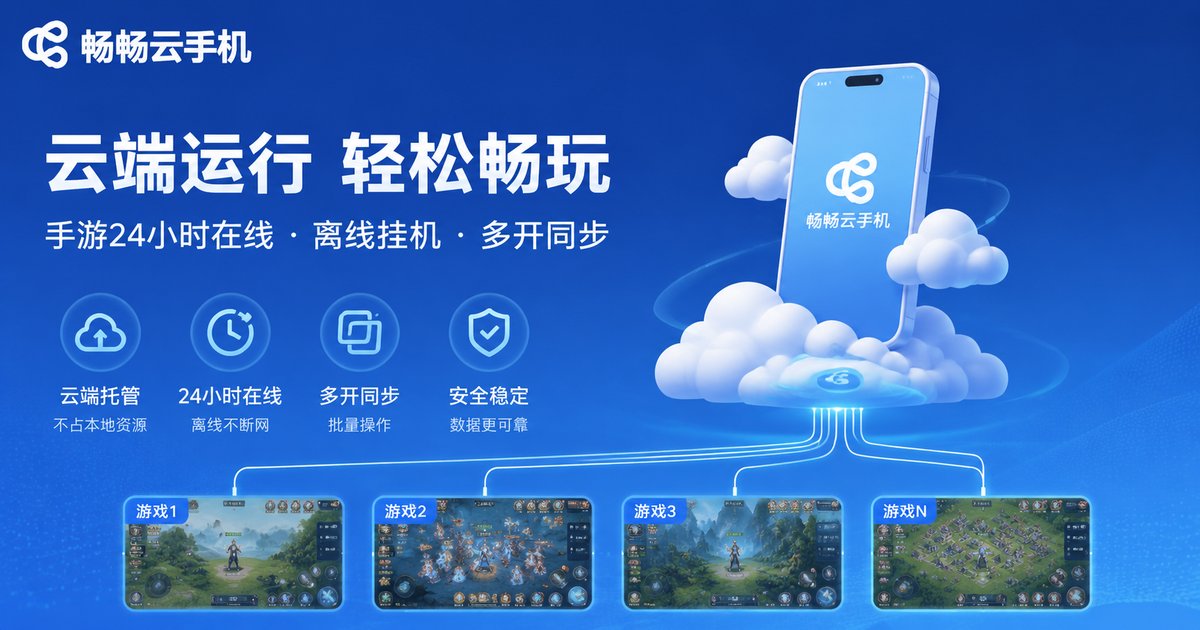
2. Stable 24/7 cloud operation: Zero local resource usage—turn off your phone and PC, and the cloud keeps grinding.
3. Flexible multi-instance plans: From small-scale setups for solo players to studio-grade account matrices, you can scale as needed. Check the official website for current plans and pricing.
We suggest starting with 1–2 instances to validate your workflow, then scaling up once everything runs smoothly—so every dollar goes where it matters.
Practical Tips for Multi-Instance AFK Grinding
Tools are just the foundation—how you use them matters just as much:
Stagger your operations: Don't run identical tasks on all accounts at the same time; offset schedules look more like real players.
Ease into it: Nurture new accounts with normal gameplay for a few days before ramping up grinding intensity.
Daily check-ins: Spend a few minutes each day reviewing instance status and handling anomalies promptly.
Spread your assets: Don't concentrate gold and materials in a single account—reduce the damage of any single ban.
FAQ
Q: Will I get banned for grinding on a cloud phone?
Cloud phones are legitimate cloud device services; ban risk mainly comes from in-game behavior itself. Independent device information plus sensible operating habits keep risk to a minimum.
Q: How many instances can one cloud phone run?
It depends on your plan and cloud configuration—check the official website for details. We recommend scaling up gradually based on game load and budget.
Q: Does AFK grinding on a cloud phone drain my battery?
Barely. The cloud phone runs on remote servers; your local device is just a viewing window, so power consumption is negligible.
Q: Should beginners go straight to multi-instance?
Not recommended. Start with 1–2 instances to learn the game mechanics and cloud phone operations, then scale up gradually.
Q: If I switch games, can I keep using the same cloud phone?
Absolutely. A cloud phone is a complete Android device—just install the new game on your instances, no extra investment needed.


