
How to Fix a US Native IP for Google Play App Downloads on Cloud Phones?
The Pain Point of Downloading US Apps: Why is Your IP Always Changing?
When trying to download US-exclusive apps from Google Play, many users often encounter the "This item is not available in your country" message. This is usually because the network node IP being used is not fixed, or a broadcast IP (non-native IP) is being used. Google Play's risk control system is highly sensitive; once it detects frequent IP address changes or a mismatch with the account's registration location, it will restrict downloads or even ban the account.
To completely solve this problem, the key is to obtain and fix a US native IP.
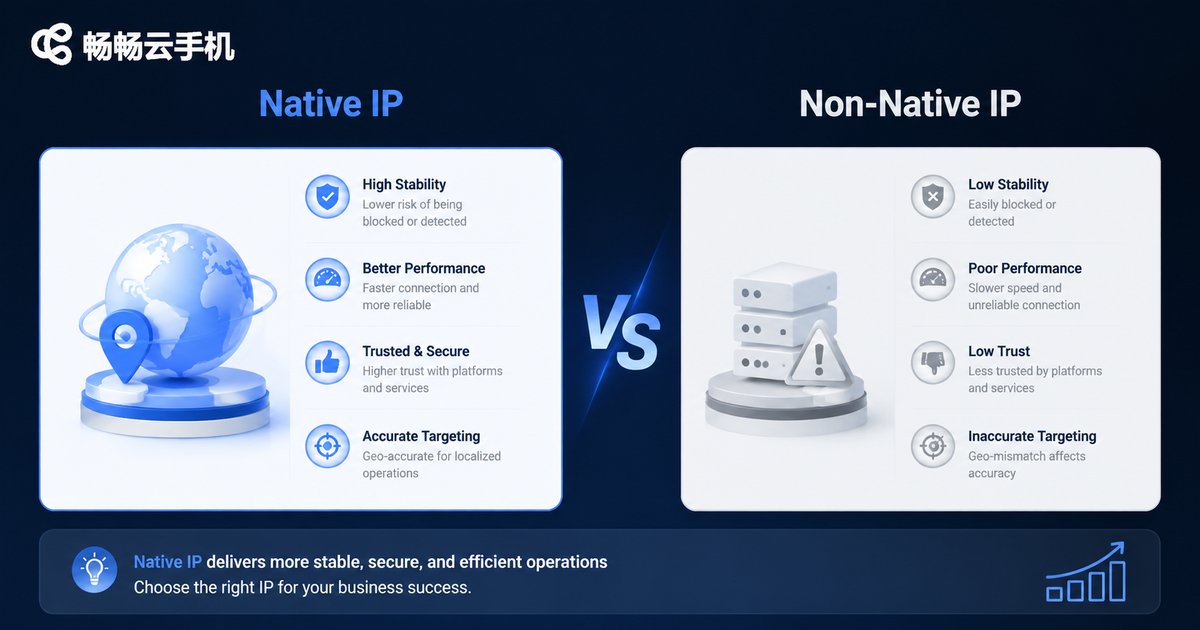
The Difference Between Native IP and Non-Native IP
Understanding the concept of a native IP is the first step to solving the download problem.
| Comparison | Native IP | Non-Native IP (Broadcast IP) |
|---|---|---|
| Location | IP registration location matches the server's physical location (US) | IP registration location does not match the actual usage location |
| Google Play Recognition | Recognized as a real local US user | Easily intercepted by the risk control system |
| Stability | Extremely high, fixed for a long time | Low, frequently changes or shared |
Cloud Phone: The Perfect Solution for Fixing a US Native IP
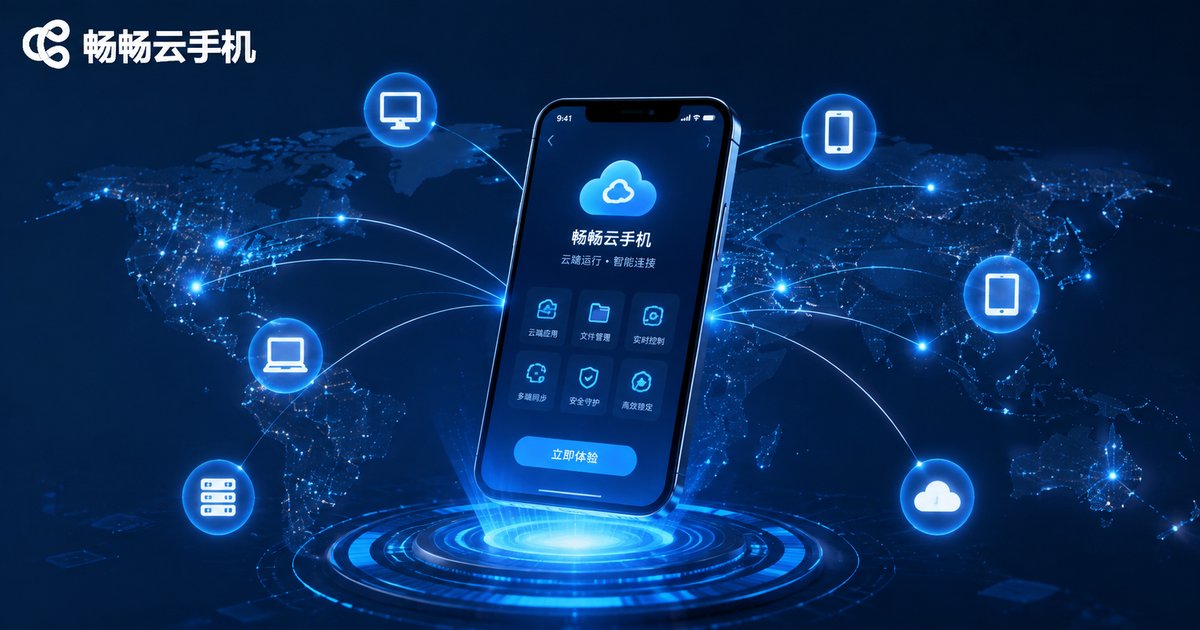
Traditional network acceleration tools often provide shared, changing IPs, which cannot meet the strict requirements of Google Play. However, a cloud phone provides a completely new solution. A cloud phone is essentially a real Android phone running on a cloud server, and its network environment is fixed.
By using a cloud phone, you can get an exclusive network environment located in the US. This means that all operations performed within the cloud phone, including accessing Google Play, will be recognized as local US operations, completely solving the download failure problem caused by IP changes.
Why Recommend ccloudphone?
Among many cloud phone services, ccloudphone is the ideal choice for downloading US apps. It provides a pure native IP environment located in US data centers, ensuring that every network request comes from a real US local source. Without complex network configurations, you can open ccloudphone and directly access the US Google Play, enjoying an experience completely identical to a local US user.
ccloudphone not only solves the IP fixing problem but also provides high-performance hardware configurations, ensuring that large US games and apps can run smoothly.
How to Download US Apps on ccloudphone?
Downloading US apps using ccloudphone is very simple, requiring only a few steps:
1. Activate Service: Choose ccloudphone and activate the service.
2. Connect Device: Connect to your cloud phone in the client.
3. Open Google Play: Find the Google Play Store on the cloud phone desktop and open it.
4. Search and Download: Directly search for the US app you need and click install. Since the IP is already a fixed US native IP, there is no need to worry about regional restrictions.
Frequently Asked Questions
Q: Do I need to bind a US credit card to download US apps using ccloudphone?
A: Downloading free US apps does not require binding a credit card. If you need to purchase paid apps, you can use gift cards to top up on Google Play without needing a physical credit card.
Q: Will the network environment of the cloud phone change at any time?
A: No. ccloudphone provides a fixed network environment, ensuring that you log in with the same US native IP every time, preventing the account from triggering risk control.
Q: Besides downloading apps, what else can I do with a cloud phone?
A: A cloud phone can run US games online 24/7, farm resources, and manage overseas social media accounts, making it very suitable for users with overseas network needs.


