
Cloud Phone Won't Turn On? Common Error Codes & Quick Recovery Guide
Why Won't the Cloud Phone Turn On?
When using a cloud phone, you may occasionally encounter situations where it fails to start properly. This is usually not due to hardware damage, but rather caused by network fluctuations, insufficient instance resources, or system update delays. Understanding the underlying causes can help us recover quickly.
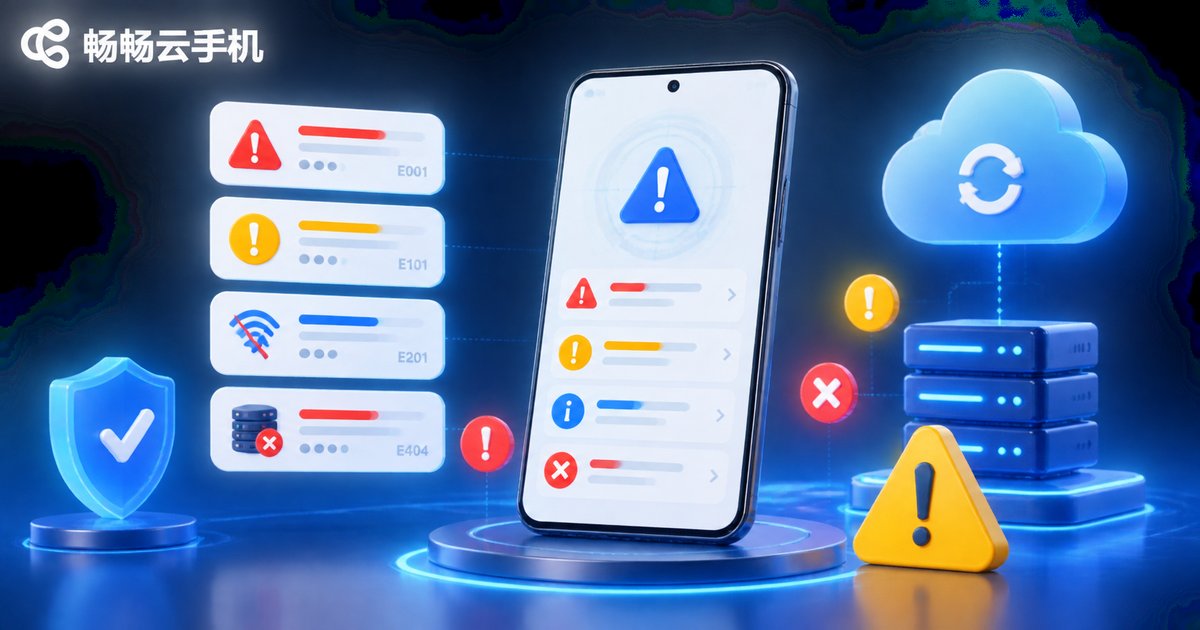
Common Error Codes Explained
When a cloud phone fails to boot, the system usually returns an error code. Here are the most common codes and their meanings:
| Error Code | Meaning | Common Cause |
|---|---|---|
| Err_404_Instance | Instance Not Found | Subscription expired or instance deleted |
| Err_503_Timeout | Connection Timeout | Unstable local network or node congestion |
| Err_500_Boot | System Boot Failure | Corrupted system files or update error |
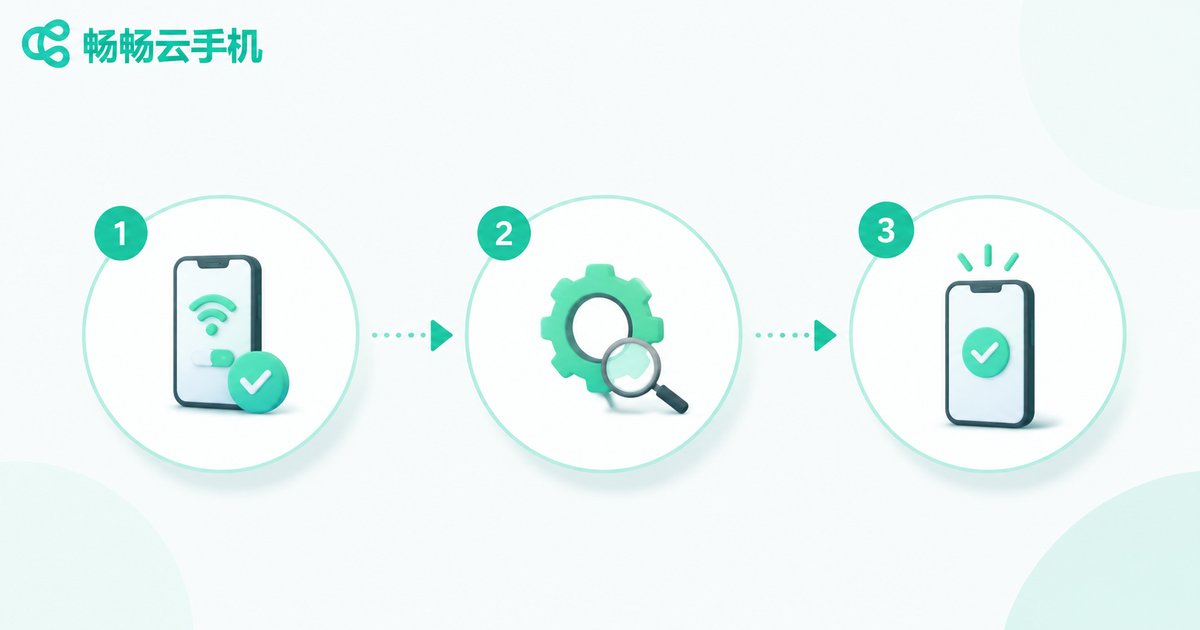
Quick Recovery Guide: 3 Steps
If your cloud phone won't turn on, follow these steps to troubleshoot:
Step 1: Check Local Network & Account Status
Ensure your network connection is normal and confirm your account subscription hasn't expired. Often, a simple network switch can resolve the issue.
Step 2: Restart the Cloud Phone Instance
Find the corresponding instance in the console and click "Restart" instead of "Start". A forced restart can clear stuck processes.
Step 3: Contact Technical Support
If the above steps fail, record the error code and contact customer service. Choosing a reliable provider is crucial.
Choose ccloudphone to Say Goodbye to Downtime
Frequent failures often stem from unstable infrastructure. We highly recommend using ccloudphone, which utilizes an enterprise-grade server architecture to provide high availability. Whether for multi-instance AFK tasks or daily use, ccloudphone ensures stable instance operation, significantly reducing the probability of boot failures.
Frequently Asked Questions
Q: What should I do if the cloud phone is stuck on the boot screen?
This is usually caused by a stuck system update. It is recommended to perform a "Force Restart" or "Factory Reset" in the console (ensure you back up your data first).
Q: How to fix connection timeout (Err_503) with ccloudphone?
ccloudphone features multi-node automatic switching. You can try switching the connection node in the client, which usually restores it instantly.
Q: Will restarting cause data loss in the cloud phone?
A normal instance restart will not cause any data loss. However, a "Factory Reset" will wipe all data, so proceed with caution.


