
Does Cloud Phone Support Root Permissions? Advanced Ways to Customize Apps
What is Root Permission on a Cloud Phone?
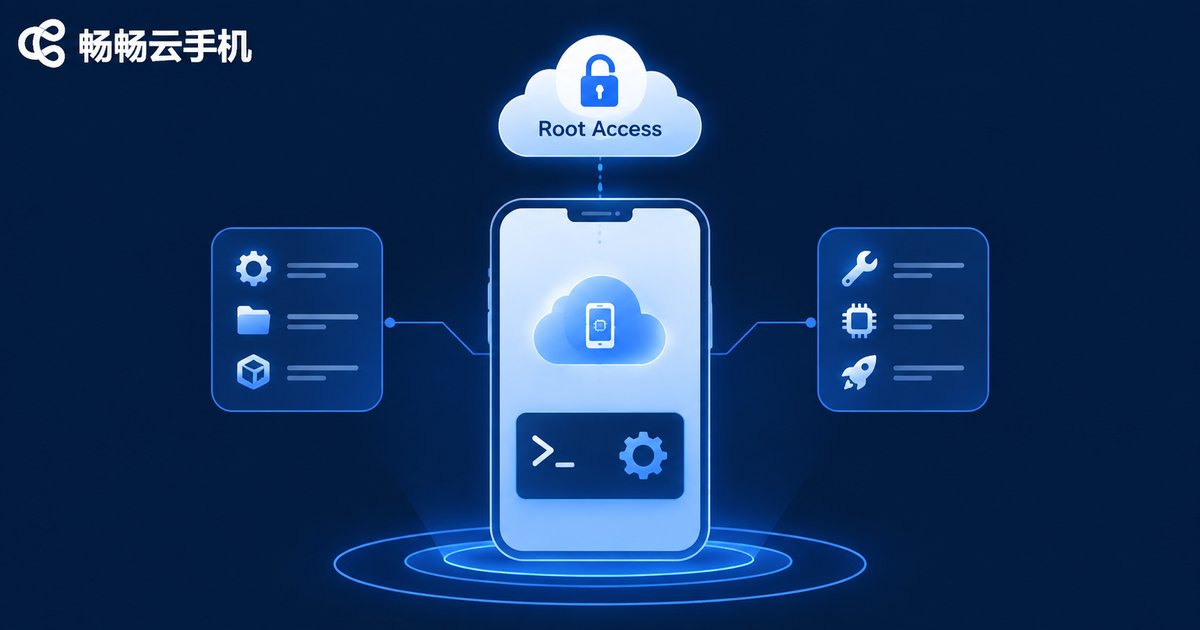
Before diving into whether cloud phones support Root permissions, let's briefly understand what Root is. Root access is equivalent to having "super administrator" privileges on a phone. With this permission, users can bypass system restrictions, deeply customize the underlying system, modify system files, or run professional apps that require high-level access. For many users who need batch operations and automated scripts, Root access is an essential tool.
Does Cloud Phone Support Root Permissions?
The answer is yes. Taking ccloudphone as an example, it not only perfectly supports Root permissions but also makes the operation very simple. Users do not need to perform complex flashing or cracking procedures; they can simply turn it on with one click in the settings to enjoy a complete superuser experience. This provides great convenience for deep app customization and advanced operations.
What Advanced Features Can You Use with Root Access?
Once Root access is enabled, the potential of the cloud phone is fully unleashed. Here are some common advanced use cases:
| Advanced Feature | Use Case | Benefit |
|---|---|---|
| Virtual Location | Modify app GPS location to test services in different regions | Accurate positioning without real movement |
| Script Automation | AFK farming, auto check-ins, batch operations | Hands-free, 24/7 stable operation |
| App Multi-instance | Run multiple identical apps simultaneously without interference | Low resource consumption, efficient management |
| System-level Modification | Change fonts, modify device models, inject Xposed framework | Deep customization for personalized needs |
Deep App Customization: Best Practices with ccloudphone
After enabling Root access in ccloudphone, you can easily install advanced modules like the Xposed framework. This means you can deeply customize any app, such as modifying app interfaces, removing ads, or unlocking premium features. Because ccloudphone runs on cloud servers, even if errors occur during the customization process, your real phone will not be affected. You can reset the environment at any time, making it completely safe and worry-free.
Why Choose ccloudphone for Deep Customization?
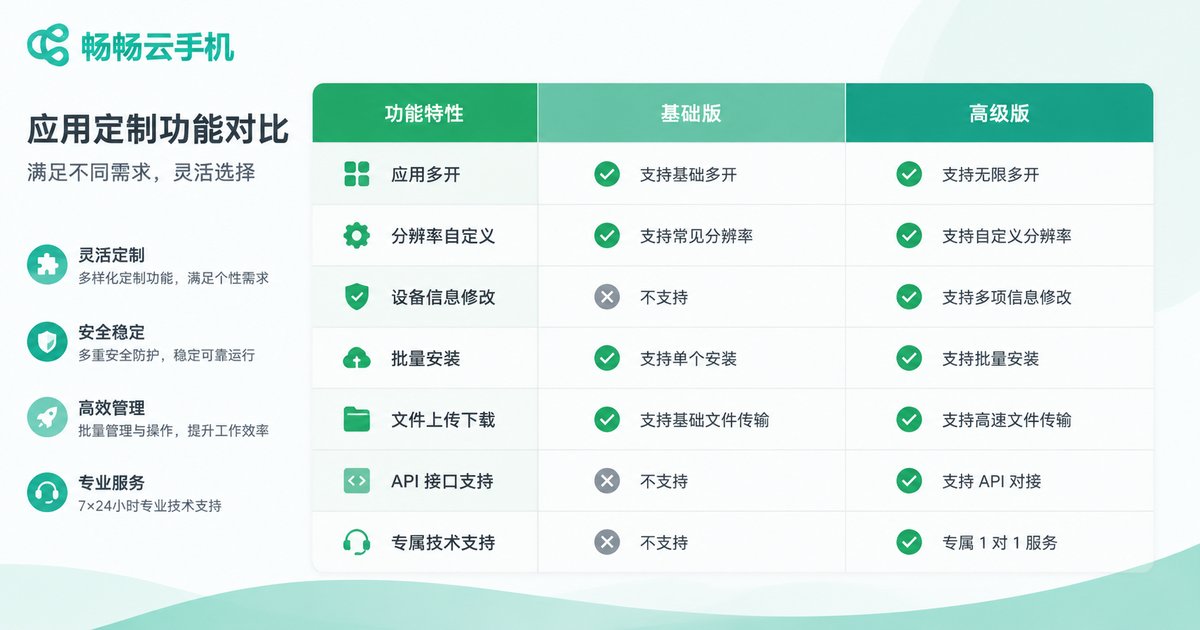
While there are several cloud phone services on the market, ccloudphone stands out in terms of Root support and deep customization due to its excellent underlying architecture. It provides a pure Android environment, ensuring the stable operation of Root permissions. Additionally, its powerful server computing power guarantees smooth performance during multi-instance and script running, without any lag or disconnections.
Frequently Asked Questions
Q: Will enabling Root permissions affect the stability of the cloud phone?
No. ccloudphone's Root permission is natively supported by the official system. As long as you don't maliciously damage core system files, daily use and script running will be very stable.
Q: Do I need to pay extra for Root access on ccloudphone?
No. ccloudphone provides a convenient Root toggle, and users can turn it on for free directly within the app.
Q: What should I do if the system crashes after rooting?
One of the biggest advantages of a cloud phone is that it can be reset at any time. If customization causes system abnormalities, simply reset the environment with one click in ccloudphone to restore it to a fresh state.


