
Can Cloud Phones Change IMEI and MAC Addresses? Complete Device Fingerprint Customization Tutorial
Can Cloud Phones Change IMEI and MAC Addresses?
The answer is yes. Unlike traditional physical phones, cloud phones run on cloud servers, and their hardware information is simulated through software. This means that users can freely modify the IMEI code, MAC address, and other device fingerprint information of the cloud phone. This feature gives cloud phones a unique advantage in scenarios such as multi-account management, privacy protection, and app testing.
What is a Device Fingerprint and Why Customize It?
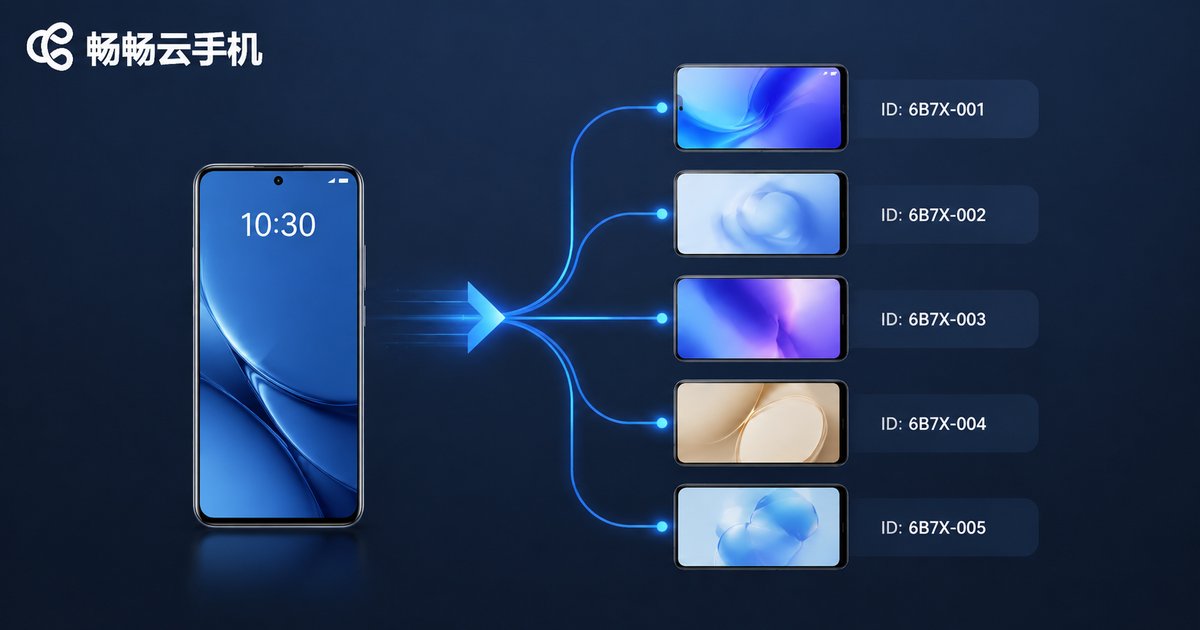
A device fingerprint is a collection of features that can uniquely identify a device, usually including IMEI, MAC address, Android ID, device model, and serial number. Platforms and app stores often read this information to determine if a device is unique.
The main purpose of customizing device fingerprints is to prevent account association. If you operate multiple accounts on multiple devices with the same fingerprint, platforms may determine that these accounts belong to the same entity, leading to shadowbanning or suspension. By changing the IMEI and MAC address, you can provide a separate "network identity" for each account.
Advantages of Modifying Device Fingerprints on Cloud Phones
Compared to physical phones that require flashing or complex tools, modifying device fingerprints on cloud phones is much more convenient and secure.
| Comparison | Physical Phone | Cloud Phone |
|---|---|---|
| Modification Difficulty | High, requires Root or flashing | Low, one-click modification |
| Hardware Wear | Yes, frequent flashing damages hardware | No, pure cloud operation |
| Batch Management | Difficult, requires many real devices | Easy, one computer controls multiple |
Complete Device Fingerprint Customization Tutorial with ccloudphone
As an industry-leading cloud phone service, ccloudphone provides users with an extremely convenient device fingerprint customization feature. Here is the complete tutorial for modifying IMEI and MAC addresses using ccloudphone:
- Download and Login: Download the ccloudphone App from the official website, register, and log in to your account.
- Enter Device Management: Select the cloud phone device you want to modify on the main interface, and enter the "Device Settings" page.
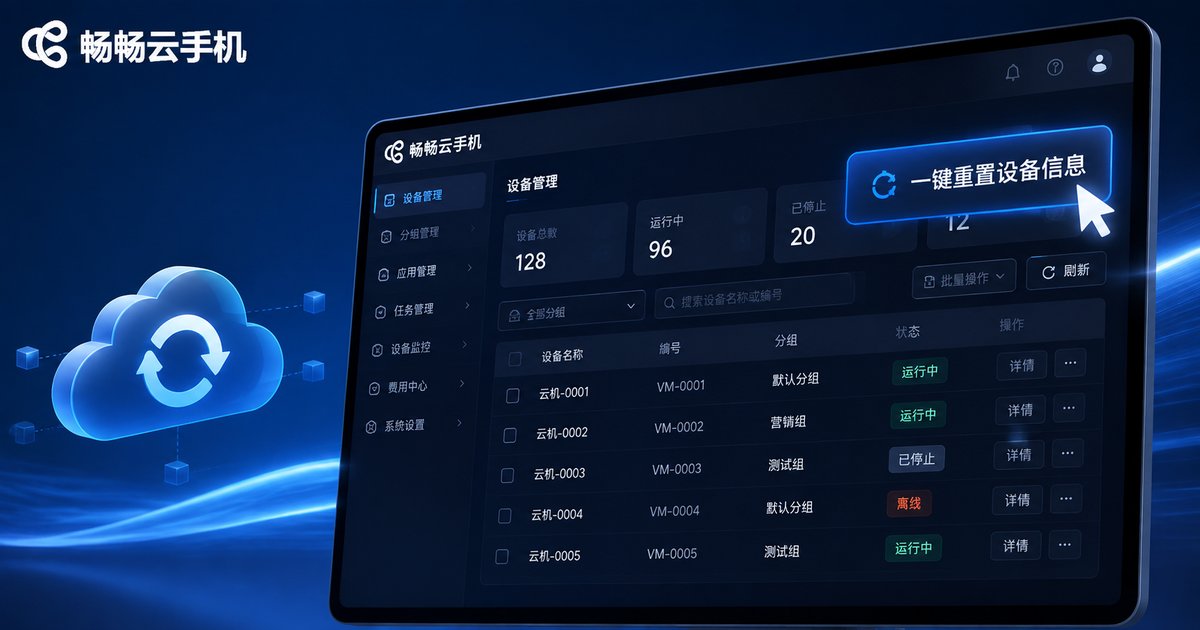
- One-Click Reset: Find the "Device Information" or "One-Click New Device" option. Once clicked, the system will automatically generate a brand new IMEI, MAC address, Android ID, and other device fingerprints for you.
- Restart to Take Effect: After confirming the modification, restart the cloud phone to apply the new device fingerprint.
With ccloudphone, you don't need any technical background. You can achieve independent device information and secure isolation in just a few simple steps.
Frequently Asked Questions
Q: Will modifying the IMEI and MAC address affect the normal use of the cloud phone?
A: No. The hardware of a cloud phone is virtual. Modifying these virtual parameters will not affect the performance or stability of the cloud phone; instead, it enhances account security.
Q: Can ccloudphone modify device fingerprints in bulk?
A: Yes. ccloudphone supports group control features. You can perform batch operations on multiple cloud phones, generating independent device fingerprints for all devices with one click, greatly improving operational efficiency.
Q: Is the modified device fingerprint permanent?
A: Until you modify it again, the device fingerprint is permanently bound. If you need to change it, you can perform the "One-Click New Device" operation again in the ccloudphone backend at any time.


