
How Do Cloud Phones Run Multiple Instances of the Same Game? Hardware Resource Allocation and Performance Optimization Strategies
What Is Game Multi-Instancing, and Why Is It Hard on Local Devices?
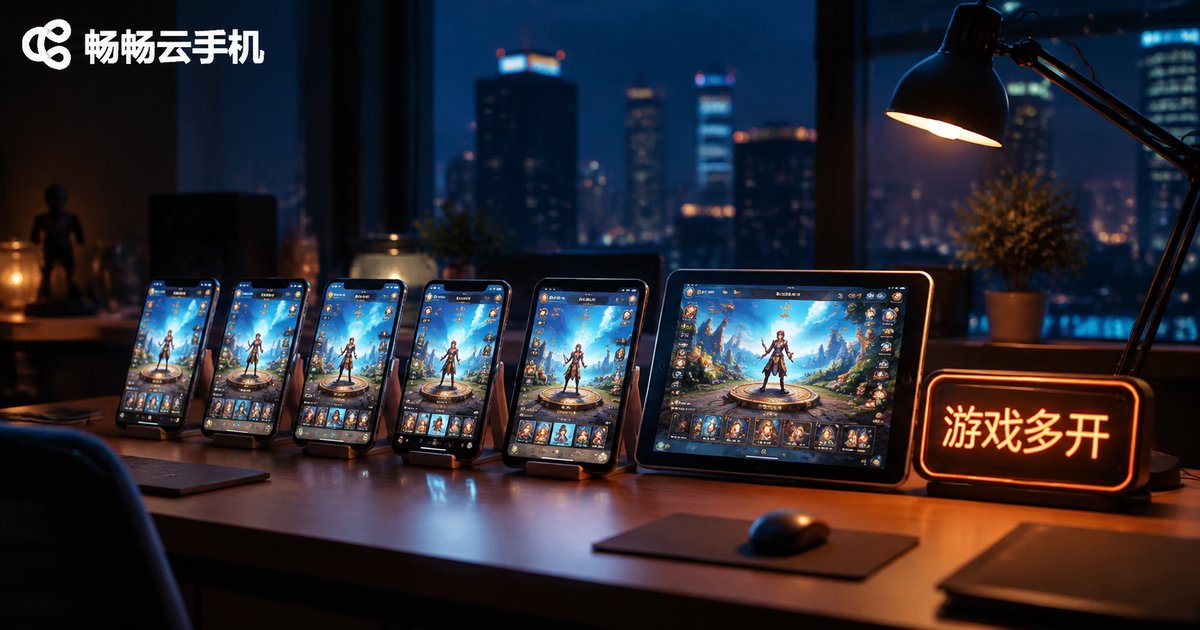
Game multi-instancing means running multiple instances of the same game at the same time, each logged into a different account. Game studios farming accounts in batches, guild managers handling multiple characters, and players funneling resources from alt accounts to their main—all depend on it.
On local devices, however, multi-instancing has always been a struggle. A single phone can usually run only one game instance; built-in app-cloning features support very few copies and often cause lag. PC emulators can multi-instance, but they lean heavily on local hardware—the more instances you open, the worse everything runs.
How Cloud Phones Enable Multi-Instancing
A cloud phone is essentially an Android system running on ARM servers in a data center. Through server virtualization, one physical server is divided into multiple independent cloud phones. Each cloud phone has its own Android environment, its own storage space, and its own device profile (model, serial number, and so on).
That means the same game can be installed on each cloud phone separately, each logged into a different account—true multi-instancing. Your local device only needs an app or a browser to view and control the screens.

How Hardware Resources Are Allocated: CPU, Memory, and Storage
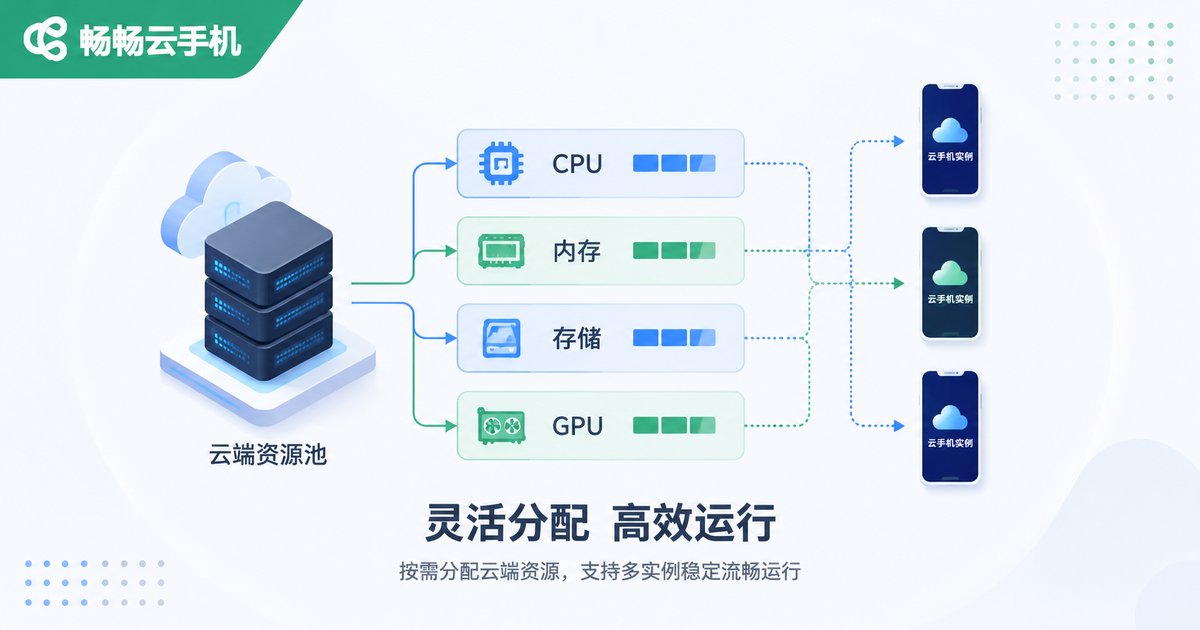
The smoothness of multi-instancing depends on the hardware resources allocated to each cloud phone instance. Platforms typically allocate resources by instance tier, with instances kept isolated from one another:
| Resource | Allocation | Impact on Multi-Instancing |
|---|---|---|
| CPU | Fixed vCPU cores per instance | More cores, smoother game logic |
| Memory | Independently allocated, no contention | Insufficient memory causes crashes |
| Storage | Independent storage space | Determines how many games fit |
| GPU | GPU virtualization, rendering on demand | Affects graphics quality and frame rate |
The principle for choosing a tier is simple: match resources to the game type. Idle and turn-based games run fine on standard tiers; large MMORPGs or high-graphics titles call for higher-tier instances. It is better to run fewer instances smoothly than many instances with lag.
Performance Optimization Strategies: Keep Every Instance Smooth
Beyond picking the right tier, good daily habits matter just as much:
1. Lower graphics quality and frame rate. In multi-instance scenarios, smoothness beats visual flair. Setting graphics to medium-low and disabling extra effects significantly reduces the load on each instance.
2. Make good use of group control. Group control lets one master device operate multiple cloud phones in sync—one tap or swipe is executed everywhere at once, eliminating repetitive work.
3. Stagger your tasks. Spread high-load activities such as dungeons and events across different time slots to avoid pushing every instance to full load at the same time.
4. Restart instances regularly. Caches accumulate over long sessions; scheduled batch restarts keep instances light and responsive.

Network Advantages and Around-the-Clock Idle Farming
Cloud phone instances run inside data centers with stable, low-latency networks—far better suited to long online sessions than home connections. Even better, cloud phones run in the cloud 24 hours a day: even if you close the local app or shut down your computer, the game keeps running. For grind-heavy gameplay, this means genuine around-the-clock hosting—you can check in whenever you like.
CCloudPhone: A Worry-Free Choice for Multi-Instancing
If you are looking for a cloud phone service built for multi-instance scenarios, take a look at CCloudPhone. It runs on cloud servers and connects through a simple app, supports multiple cloud phones online at the same time, and comes with group control and other batch management features—well suited for game multi-instancing, account matrices, and idle farming. All computing happens in the cloud, so your local device carries almost zero load. Even an aging phone can comfortably manage an entire “cloud server room”.
FAQ
Q: What is the difference between cloud phone multi-instancing and emulator multi-instancing?
A: Emulator multi-instancing depends on your local PC hardware and gets laggier the more instances you open. Cloud phones do all the computing on remote servers—your local device only displays the screen—so local resources are barely used, and the device environment is much closer to a real phone.
Q: How many games can one cloud phone run at once?
A: One cloud phone instance is like one independent phone; it is best to focus on a single game for smooth performance. “Multi-instancing” is achieved by using multiple cloud phone instances at the same time.
Q: Does multi-instancing require a lot of local bandwidth?
A: No. Cloud phone screens are streamed to your device as video, and each instance uses limited bandwidth. An ordinary home network can handle multiple instances at once.
Q: Will the game disconnect if I close the local app?
A: No. Cloud phones keep running in the cloud. Even after you exit the local app, the game stays online—which is exactly what makes idle farming possible.


