
How to Use Cloud Phones for Amazon Multi-Account Operations: Anti-Association and Hijacker Monitoring in Practice
Why Anti-Association Matters in Amazon Multi-Account Operations
Most Amazon sellers know that the platform, in principle, allows one seller account per entity. In practice, however, many teams need to run multiple accounts for brand matrices, category diversification, or risk backup. The problem is that Amazon has a mature association-detection system: once it determines that multiple accounts belong to the same operator, it can trigger reviews, throttling, or even mass account suspension, wiping out years of work overnight.
Association is judged by far more than registration details. Login IPs, device fingerprints, operating habits, and listing similarity all count. Among these, the device environment is the most overlooked and most error-prone factor—many sellers casually switch between multiple accounts on the same phone or computer, which is a leading cause of association.
How Cloud Phones Solve Association at the Device Level
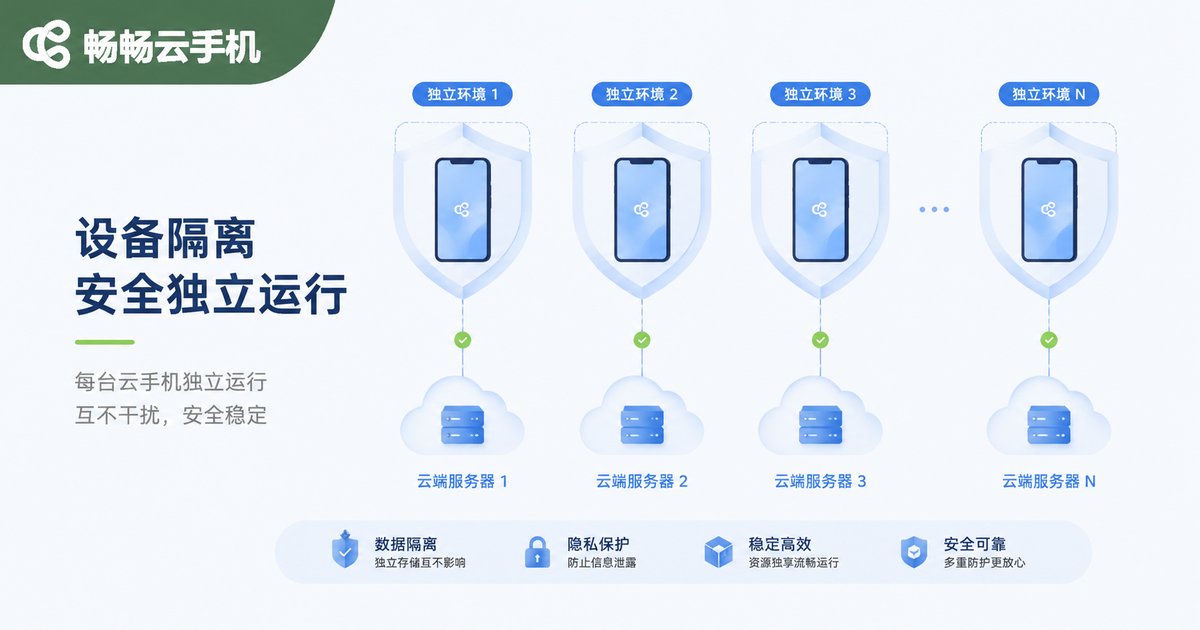
A cloud phone is essentially a real Android device instance running on cloud servers. Each cloud phone has its own device parameters, including model, system version, and device identifiers, working like physically isolated independent phones. For Amazon multi-account operations, the core values are threefold:
One device per account, fully isolated environments. Each account is bound to a dedicated cloud phone, so login environments, caches, and cookies never interfere with each other, cutting the association chain at the device-fingerprint level.
Pair with dedicated IPs for complete isolation. The cloud phone covers the device dimension; adding a fixed, dedicated network exit for each instance creates dual device-plus-network isolation—a complete anti-association setup.
Consistent login environment, anywhere. Whether you are at the office, at home, or traveling, you always log into the same cloud device, avoiding risk-control flags caused by frequently changing login environments.
A Practical Multi-Account Workflow
Based on our team's experience and that of many sellers, a solid cloud-phone workflow looks like this:
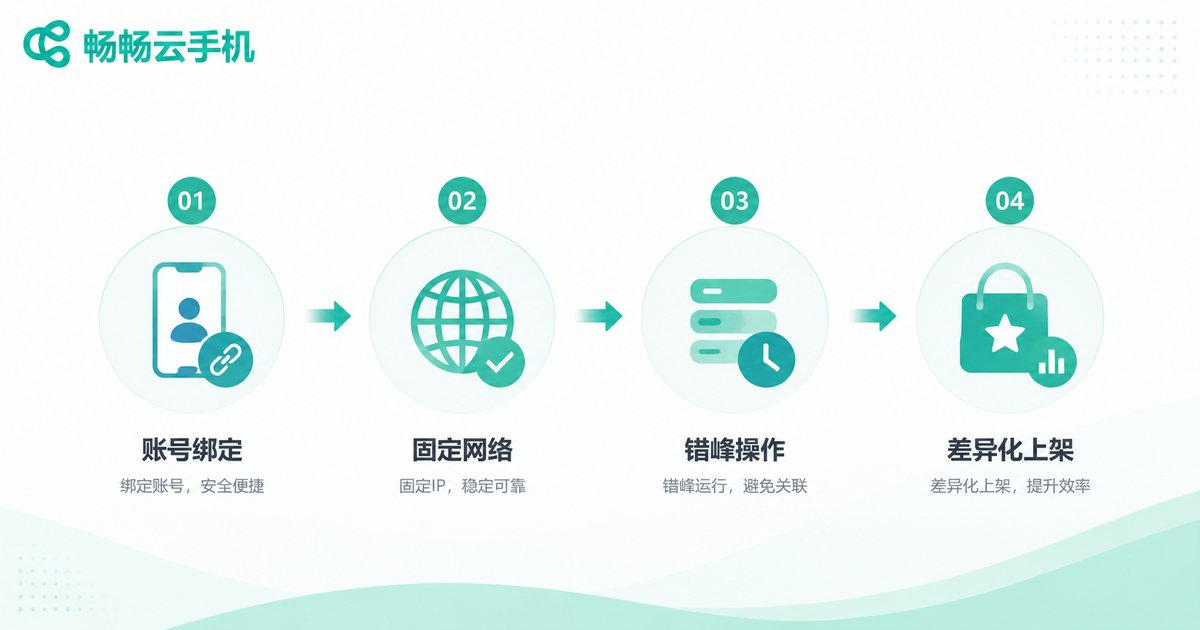
Step 1: Bind each account to one device. Register new accounts, pass reviews, and handle daily logins all on the same dedicated cloud phone—never switch devices midway.
Step 2: Keep the network environment fixed. Pair each cloud phone with a dedicated network exit, keeping registration and operation locations consistent to avoid IP jumps.
Step 3: Stagger operating rhythms. Spread activity across accounts; never perform highly similar actions on multiple accounts within the same minute.
Step 4: Differentiate data and products. Use distinct payment details, product lines, and listing copy and images across accounts to reduce content-level association signals.
Hijacker Monitoring: Let a Cloud Phone Watch 24/7
Hijackers are one of the most frustrating problems in Amazon operations: you build a listing painstakingly, someone attaches a low-priced offer to it overnight, steals the Buy Box, and cuts your sales in half. The traditional approach—manually refreshing pages on a schedule—is time-consuming and always misses things.
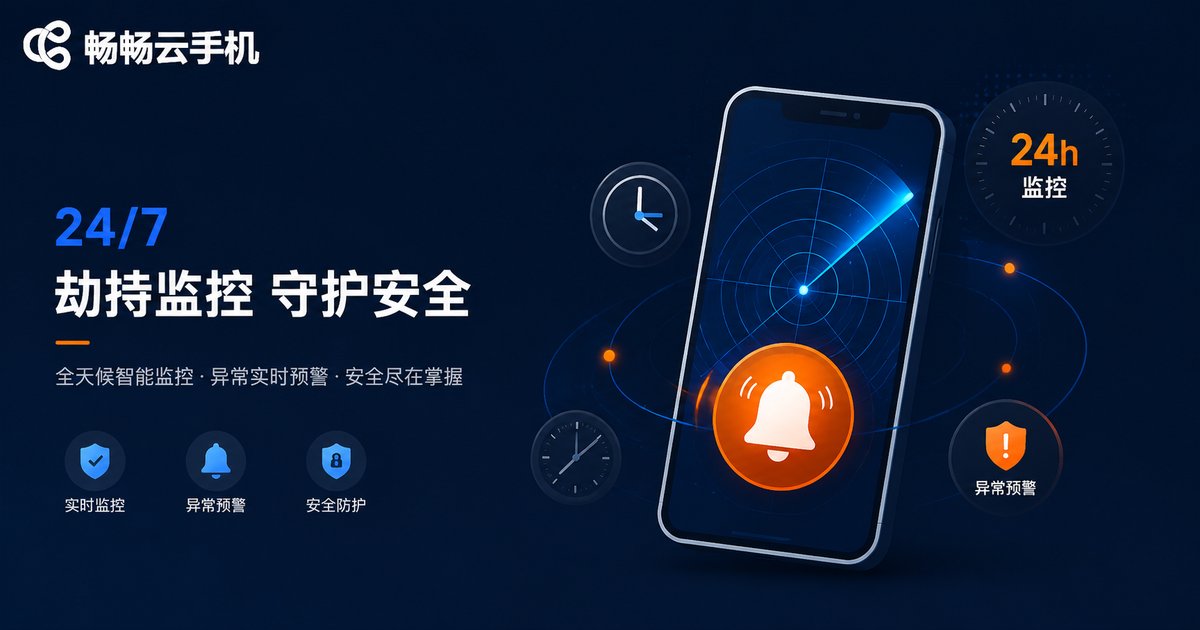
The value of a cloud phone here is direct: it stays online 24/7. Deploy monitoring apps or automation scripts on your cloud phone to keep watch over core listings:
· Detect hijackers in real time: get alerted the moment a new seller attaches to your listing;
· Track price changes: stay on top of hijacker repricing and Buy Box grabs;
· Respond fast: once alerted, send warning letters, adjust prices, or file complaints right on the same cloud phone—response speed determines how much you lose.
Compared with local phones, cloud phones do not occupy your own devices, never shut down unexpectedly, and do not depend on your personal network, delivering clearly better continuity and stability for monitoring.
Traditional Setup vs. Cloud Phone Setup
| Dimension | Multiple Physical Phones | Cloud Phone Setup |
|---|---|---|
| Device cost | High—many phones to buy | Low—open cloud instances on demand |
| Environment isolation | Physical but hard to manage | Independent parameters per instance |
| 24/7 online | Devices must stay powered on | Runs continuously in the cloud |
| Management efficiency | One by one, slow | Batch management supported |
| Remote collaboration | Carry devices with you | Log in from any terminal |
Why We Recommend CCPhone
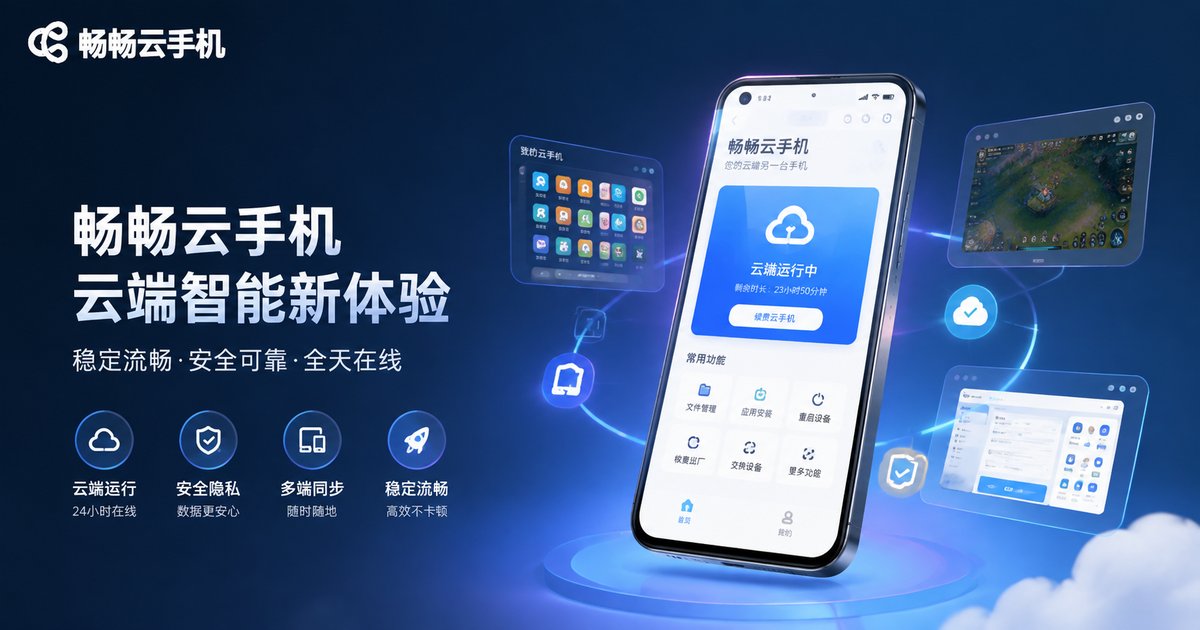
After trying several cloud phones, our team now primarily uses CCPhone (畅畅云手机). For Amazon multi-account operations, it fits well in several ways:
· Independent device environments: each cloud phone is a separate Android instance with distinct device parameters, meeting the one-device-one-account requirement;
· Stable uptime: it runs continuously in the cloud, so monitoring apps can stay online long-term without dropping;
· Batch management: manage multiple cloud phones from a single interface—a huge efficiency win as your account count grows;
· Access anywhere: connect from a phone or computer, making team collaboration easy.
For current plans and pricing, check the official CCPhone website and choose a configuration that matches your number of accounts.
FAQ
Q: Does using a cloud phone guarantee no association?
Cloud phones solve the device-environment piece. Association is multi-factor; you also need dedicated IPs, differentiated registration details, and distinct products and operating habits to minimize risk.
Q: Can I install the Amazon Seller app on a cloud phone?
Yes. A cloud phone is a full Android environment—seller apps and monitoring tools install and run normally, with an experience close to a real device.
Q: Can one cloud phone host multiple accounts?
Not recommended. The core anti-association principle is one device per account; mixing accounts on a single cloud phone recreates the original problem.
Q: Does hijacker monitoring require keeping the cloud phone on?
The cloud phone runs in the cloud and does not occupy your local device. Just keep the instance online with the monitoring app running in the background—that is the biggest advantage of cloud phones for monitoring.
Q: Should beginners jump straight into multiple accounts?
We recommend stabilizing your first account and learning the platform rules first. Multiple accounts are an amplifier—when your operations are not solid, they amplify risk rather than profit.


