

How to Improve E-commerce Customer Service Efficiency with a Cloud Phone: Quick Replies and Multi-Session Management
For e-commerce customer service agents, the most draining part of the day is not the overtime but the endless stream of messages: switching between several store accounts, answering the same questions about shipping, discounts, and returns dozens of times, and watching customers wander off to competitors whenever replies come too slowly. The way out comes down to two moves: make repetitive replies faster with quick replies, and make scattered conversations orderly with multi-session management. This article shares a practical playbook, and shows how a cloud phone helps you actually execute it.
Two Metrics That Define Service Efficiency
Customer service performance boils down to two numbers: first response time and message miss rate. The faster the first reply, the higher the chance a visitor converts; every missed message is a potentially lost order. A layered quick-reply library solves the speed problem, while disciplined multi-session management solves the chaos problem. Combine the two and efficiency takes a real step up.
Why a Cloud Phone Is a Natural Fit for Service Teams
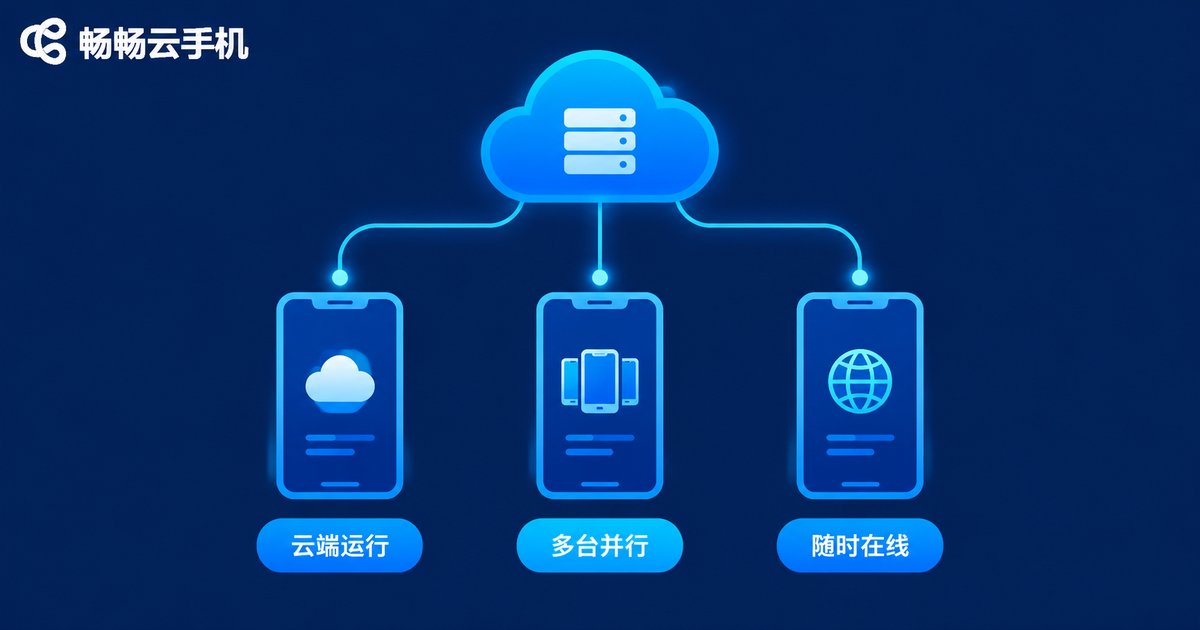
A cloud phone is best understood as a smartphone that runs in the cloud: your store and chat apps are installed on a cloud instance, taking up no storage on your personal device and never depending on one phone staying powered on. As long as you have a computer or a phone at hand, signing in to ccloudphone puts your workspace in front of you.
For service scenarios this brings three immediate benefits: accounts stay online around the clock, so customer messages never pile up overnight because a device was switched off; you can run several instances in parallel, letting one agent look after multiple store accounts at once; and work stays separated from personal devices, so shift handovers no longer mean passing a physical phone around.
Quick Replies: Build a Layered Script Library
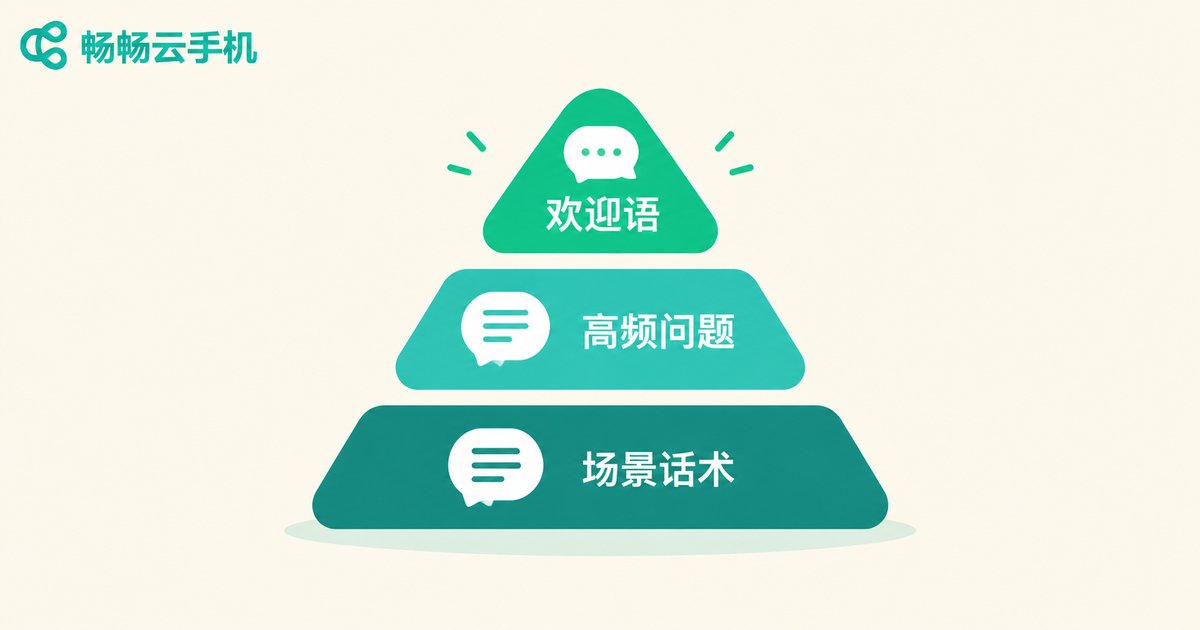
Most quick-reply setups fail because every script lives in one long list that takes forever to search. Split yours into three layers by frequency of use:
Layer 1: Greetings. Sent the moment a visitor opens a chat, covering a warm hello, current shipping times, and any ongoing promotion, so key information arrives before the customer even asks.
Layer 2: Standard answers to frequent questions. Turn the usual suspects — when will it ship, which courier, can you lower the price, which size should I pick — into one-tap answers, with images or links attached where useful.
Layer 3: Scenario scripts. For payment reminders, bargaining, after-sales issues, and logistics exceptions, write in a three-part structure: empathize first, then offer a solution, then suggest the next action.
| Question type | Pattern | Handling strategy |
|---|---|---|
| Shipping and logistics | Highest volume | Standard answer plus tracking link, one tap |
| Product questions | Directly affects conversion | Answer with images, proactively suggest suitable items |
| Bargaining and payment nudges | The final push | Empathize, offer a small perk, respond within five minutes |
| Returns and after-sales | Emotionally charged | De-escalate first, follow the process, escalate to a specialist if needed |
Review the library once a week: move newly appearing questions into layer two, rewrite scripts with low engagement in a more conversational tone, and re-verify volatile details such as shipping fees and delivery times. A script library is a living asset, not a document you write once and forget.
Multi-Session Management: Group, Prioritize, Set a Rhythm
When conversations pile up, the biggest risk is tapping into every chat without finishing any of them. Three habits fix that:
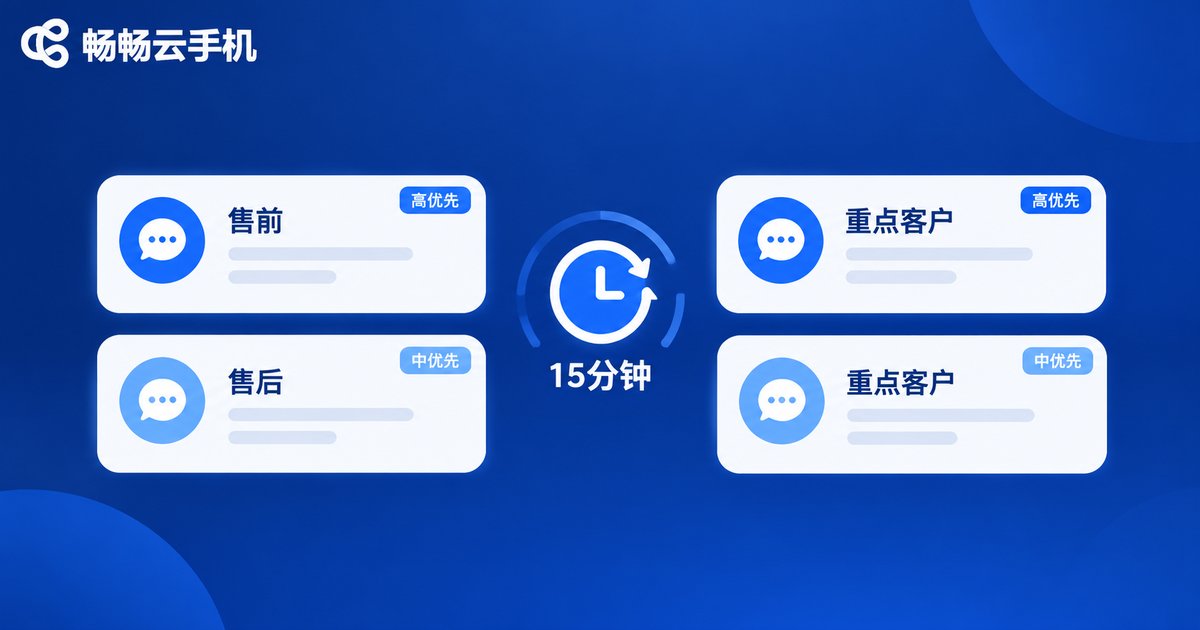
1. Group conversations. Sort chats into pre-sales, after-sales, and key customers, then handle each group in batches to cut the mental cost of constant switching.
2. Prioritize. Reply first to nearly-closed deals (questions about size or shipping) and emotionally charged chats (urgent follow-ups, complaints); casual browsers can wait for a batch reply.
3. Set a rhythm. Work in time boxes: clear the inbox every 15 minutes, flag anything that needs longer handling, and pick those flags up first in the next round instead of burning time inside a single conversation.
Multiple Stores in Parallel: One Account per Cloud Phone
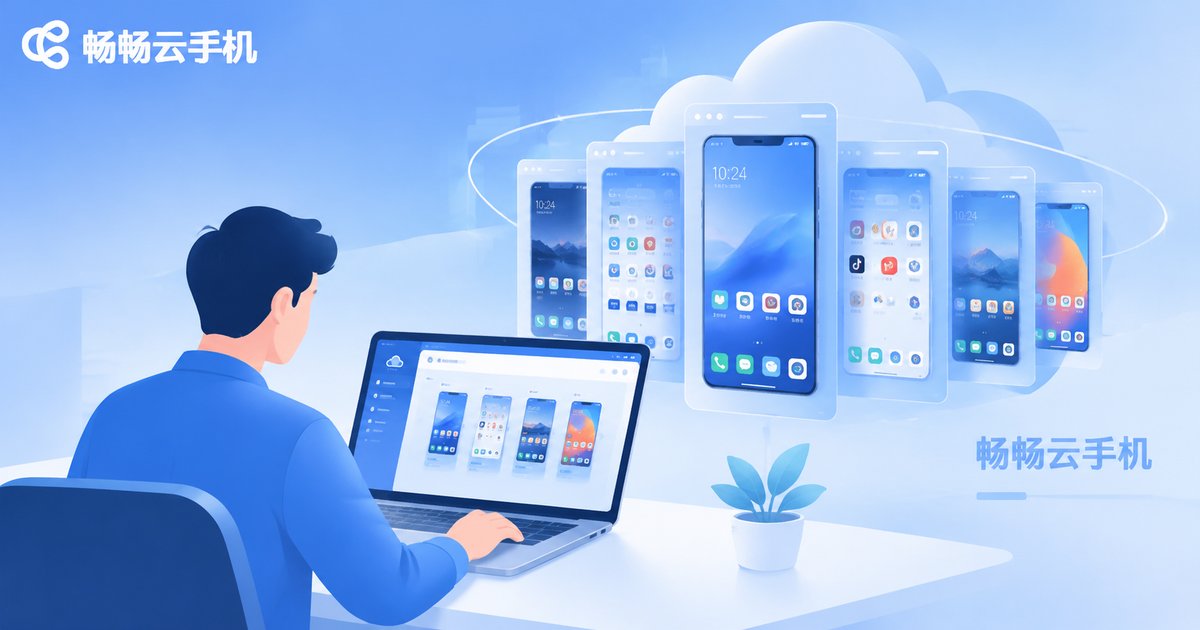
If one agent covers several stores or platforms, the most reliable structure is one account on one cloud phone: each store's service app runs in its own isolated instance, with no cross-account mix-ups and none of the repeated logging in and out. Assign cloud phones to agents by store for daily shifts, spin up extra instances for big promotions, and release them when the event ends. Personal phones are used only for internal team communication, and at handover you simply transfer access to the cloud phones — unread messages and notes stay exactly where they were, so the next shift picks up seamlessly.
Putting the Playbook into Practice with ccloudphone
As for tooling, ccloudphone (畅畅云手机) turns this playbook into a daily routine: store service apps run in the cloud and stay online, agents sign in from a computer or their own phone to handle conversations, multiple instances run side by side for different store accounts, and capacity can be adjusted for promotions and holiday shifts without buying extra hardware.
For team leads there is a hidden bonus: new agents become productive on day one. The script library lives in the cloud, session groups come pre-configured, and service quality no longer depends on any single person's typing speed or memory.
A Workday Workflow You Can Copy
String the methods together and a service day looks like this: 9:00 — shift start, sign in to your cloud phones and clear overnight messages in batches by group; 9:30-12:00 — morning block, run a 15-minute clearing cycle and prioritize high-intent pre-sales chats; 14:00 — midday review, add the morning's new questions to the script library; 14:00-18:00 — afternoon block, focus on payment reminders and after-sales while flagging follow-ups; 18:00 — handover, complete the shift handover inside the cloud phone so unread messages and notes carry over to the evening team.
Stick with it for a week or two and the change is easy to feel: faster replies, fewer missed messages, and promotion days that no longer depend on raw typing speed.
FAQ
Q: Is it safe to log into store service accounts on a cloud phone?
A cloud phone is an isolated cloud environment, and account data stays in the cloud rather than on personal devices. Enable account verification, avoid sharing passwords, and follow each platform's account usage rules.
Q: How many conversations can one cloud phone handle?
That depends on your own processing pace. Map one cloud phone to one store account; with grouping and time boxes in place, one agent comfortably handling two to four cloud phones is a realistic target.
Q: Do I need technical skills to use ccloudphone?
No. A cloud phone works much like a regular phone: installing apps, signing in, and messaging all follow the familiar flow, with no technical background required.
Q: Do I still need work apps on my personal phone?
No. Keep all work accounts inside the cloud phones and use your personal phone only to access ccloudphone, so work and personal life stay out of each other's way.


