

Cloud Phone Network Solutions for Cross-Border Business: Connection Stability and Compliance Reminders
Why Cross-Border Business Must Take Network Stability Seriously
Anyone running cross-border e-commerce, overseas social media operations, or global app promotion knows the feeling: when the network stutters, the whole business panics. Accounts dropping offline, messages failing to send, livestreams freezing mid-session — these seemingly minor issues can mean declining account weight, lost customers, and even bans. What makes cross-border business unique is that users, platforms, and operation teams sit in different network environments, so one unstable link affects the entire chain.
Cloud phones take a different approach: they move the phone to the cloud. Your business actually runs on high-performance devices in cloud data centers, while your local computer or phone is just a remote control. As a result, stability depends far more on the quality of the cloud environment than on local network fluctuations. That is exactly why more and more cross-border teams are adopting cloud phone solutions.
Four Core Values of Cloud Phones for Cross-Border Business
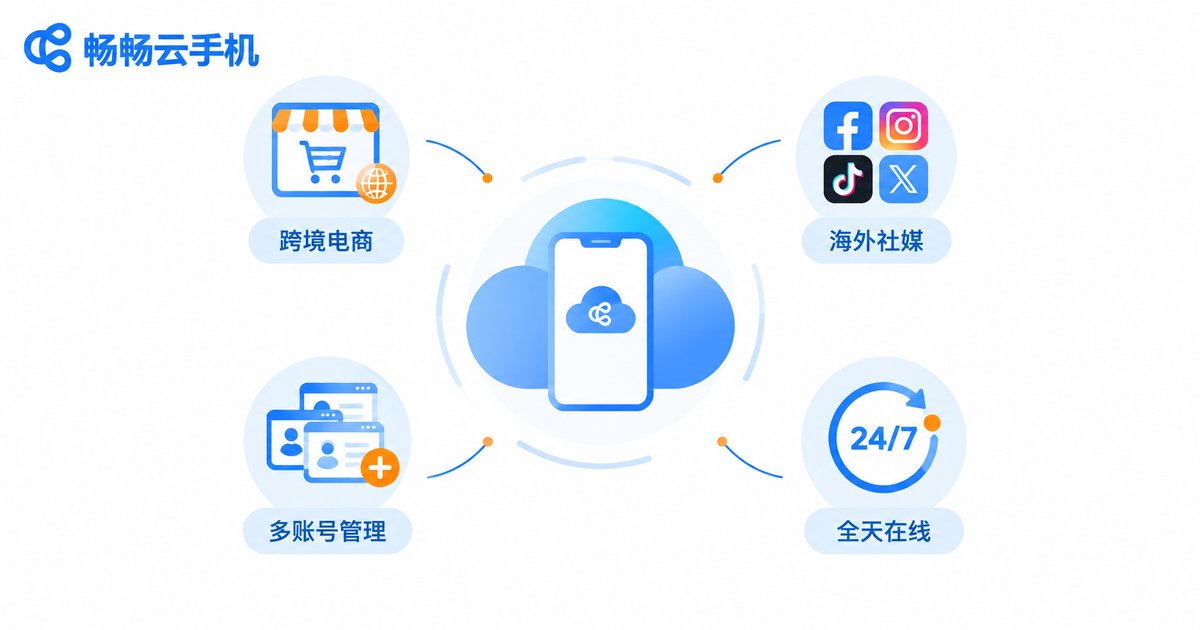
Cloud phone services such as ccloudphone attract cross-border professionals for four main reasons:
1. Cloud-based environment, free from local limits: Cloud phones run in cloud data centers and do not rely on local hardware, so even an old laptop can smoothly manage overseas operations.
2. Independent multi-account operation: Each cloud phone is a separate device environment, ideal for matrix-style operations across multiple stores and accounts, reducing association risks between accounts.
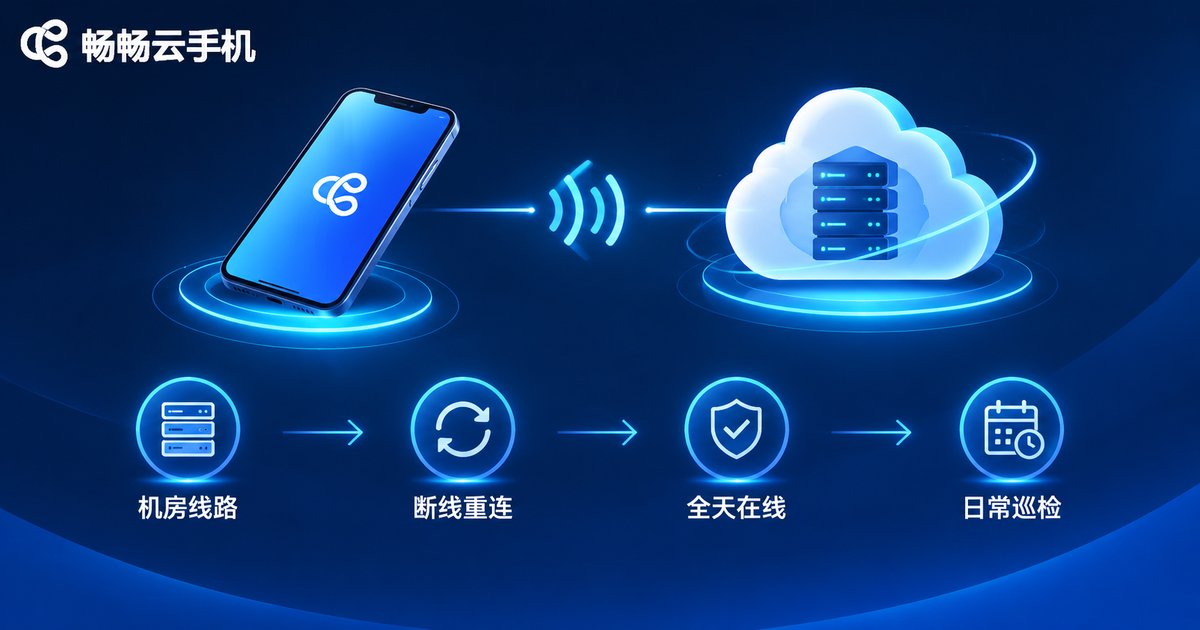
3. Online around the clock: Tasks execute in the cloud. Shutting down your local computer or losing your connection does not stop cloud tasks — auto-replies, scheduled posting, and data sync keep running.
4. Data stored in the cloud: Business data lives in the cloud, so switching devices never loses progress and team handovers become much easier.
Four Key Factors That Affect Connection Stability
To keep cross-border operations stable, first understand where things can go wrong:
| Factor | Impact | How to Optimize |
|---|---|---|
| Local network quality | Local fluctuations cause control delays and laggy streaming | Use a wired connection or stable Wi-Fi; avoid heavy downloads during peak hours |
| Data center routes | Link quality between the data center and target platforms determines access speed | Choose providers with optimized routes and reliable infrastructure |
| Server load | Overloaded servers slow down cloud phone response | Check the provider's resource allocation and user reputation |
| Client version | Outdated apps may cause connection compatibility issues | Keep the client updated and enable automatic reconnection |
Four Steps to Build a Stable Cross-Border Network Setup
Step 1: Map out your needs. Determine how many cloud phones you need, which markets you serve, and which apps you run. Configure on demand to avoid waste.
Step 2: Optimize your local access. Use a stable wired connection for daily operations, position your router wisely, and schedule critical work outside network peak hours.
Step 3: Distribute tasks wisely. Put long-running jobs such as auto-posting and scheduled publishing in the cloud, and reserve manual work for decisions that truly need human judgment.
Step 4: Run daily checks. Review the online status and task completion of every cloud phone at a fixed time each day, and reconnect promptly when something looks off — catching small issues before they become big losses.
Physical Devices vs. Cloud Phones
Many teams hesitate before making the switch: should they keep buying physical devices or move to cloud phones? This comparison makes it clear:
| Dimension | Physical Devices | Cloud Phones |
|---|---|---|
| Hardware cost | Requires purchasing multiple phones, high investment | Activate on demand, no hardware needed |
| Uptime | Depends on local power and network | Online around the clock in the cloud |
| Multi-account management | Scattered devices, high management cost | Manage all devices from one dashboard |
| Data security | Lost or damaged devices mean lost data | Data stored in the cloud, available anytime |
| Network fluctuation impact | Local outage stops the business | Cloud tasks keep running during local outages |
Compliance Reminders: Five Lines Cross-Border Business Should Never Cross
Beyond stability, compliance is the bottom line for long-term cross-border business. When using cloud phones for cross-border operations, keep the following in mind:
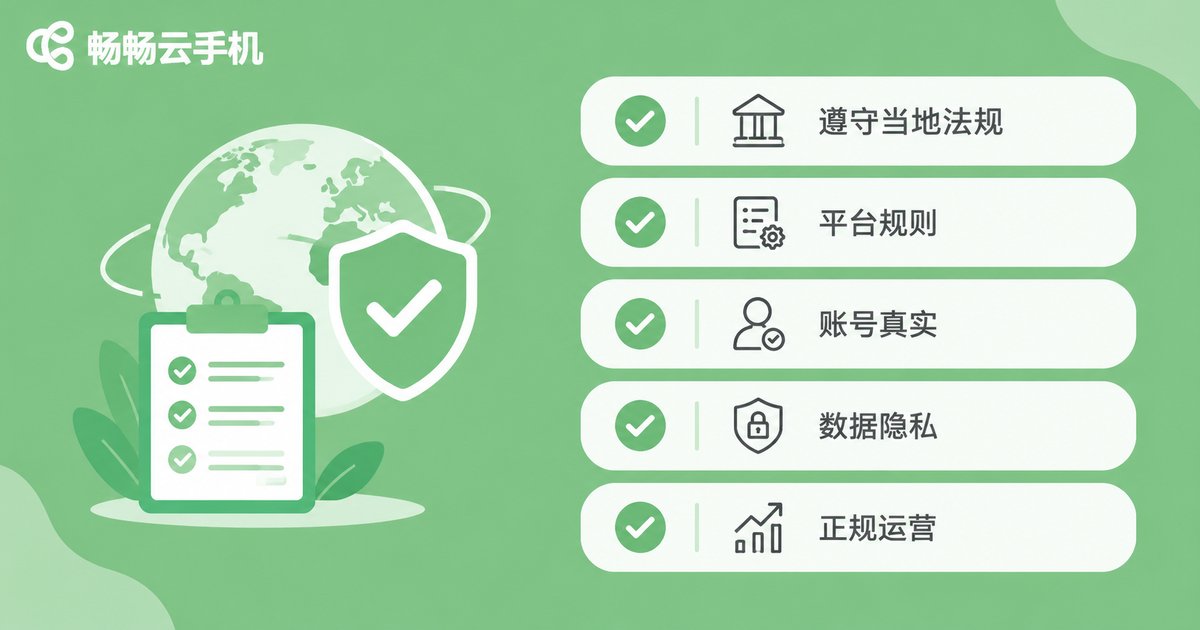
1. Follow target-market laws and regulations. Different countries and regions have different rules on internet business and cross-border data flows. Understand local e-commerce, advertising, and data protection requirements before you start.
2. Follow platform rules. E-commerce and social media platforms set clear standards for account registration and marketing behavior. Fake orders, false advertising, and bulk registration of non-compliant accounts can all lead to bans.
3. Keep account information authentic. Register and operate accounts with real, verifiable credentials, and avoid buying accounts of unknown origin.
4. Take data privacy seriously. When handling overseas user data, comply with privacy regulations such as GDPR and standardize how data is collected, stored, and used.
5. Operate through legitimate channels. Cloud phones are tools for improving operational efficiency. Use them legally and compliantly, and never for any illegal or fraudulent purposes.
ccloudphone: A Reliable Partner for Stable Cross-Border Operations
Among the many cloud phone products available, ccloudphone is built for users who need multiple devices and long uptime: independent cloud devices, multi-instance management, and cloud data sync. Combined with a stable cloud runtime environment, it helps cross-border teams focus on the business itself instead of device maintenance. If you are looking for a stable, hassle-free environment for cross-border operations, visit the ccloudphone official website to learn more and choose a configuration that matches your business scale.

Frequently Asked Questions
Q: Does a poor local network affect cloud phones for cross-border business?
To some extent, yes. Although cloud phone workloads run in the cloud, your control commands still travel through the local network. Use a stable wired connection for daily operations; when the local network fluctuates, the cloud phone reconnects automatically and cloud tasks remain unaffected.
Q: Do cloud phone tasks keep running after I shut down my local computer?
Yes. Cloud phones run on cloud servers, and your local device is only a remote control. After shutdown or disconnection, cloud tasks continue executing, and you can log back in anytime to resume management.
Q: What compliance requirements apply to using cloud phones for cross-border business?
Key requirements include following target-market laws and regulations, obeying each platform's account and marketing rules, using authentic account credentials, protecting user data privacy, and avoiding violations such as fake orders or fraud.
Q: How can multi-account operations reduce association risks?
Give each account its own independent cloud phone environment — one device per account, operated separately. Avoid sharing one environment across multiple accounts, and keep each account's profile and behavior authentic and natural.
Q: Which cross-border scenarios suit ccloudphone?
It suits cross-border e-commerce multi-store operations, overseas social media matrix management, and global app testing and standby tasks — any scenario that needs multiple devices, long uptime, and independent environments.


