
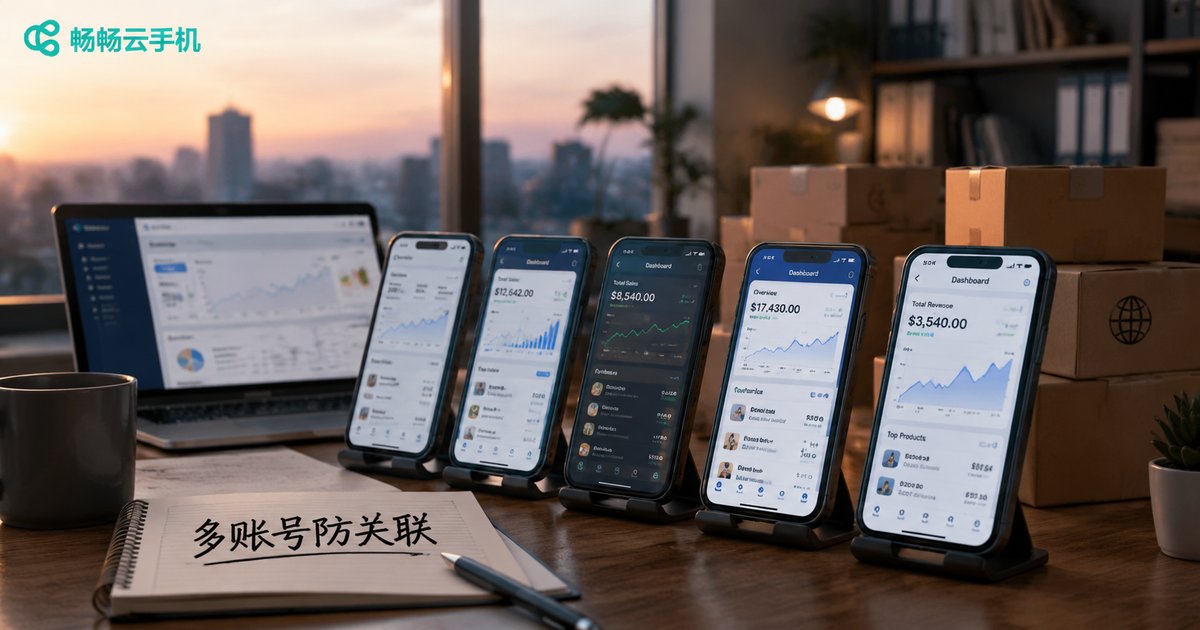
Cross-Border E-Commerce Multi-Account Guide: How Cloud Phones + Dedicated IPs Achieve 100% Device Isolation
Why Are Multiple Accounts Flagged as 'Associated'?
Every cross-border e-commerce seller eventually encounters the term 'account association.' Whether you sell on Amazon, TikTok Shop, Shopee, or Temu, all major platforms strictly limit the number of stores one entity can register. Once a platform determines that multiple accounts belong to the same operator, consequences range from reduced visibility and delisting to complete suspension of all linked accounts—years of work gone overnight.
Many sellers assume that changing the registration email or the payout account solves everything. In reality, as soon as multiple accounts log in from the same device and the same network, the platform's backend data has already quietly linked them together. To truly prevent association, you must address the root cause: the device environment.
What Exactly Does Platform Risk Control Detect?
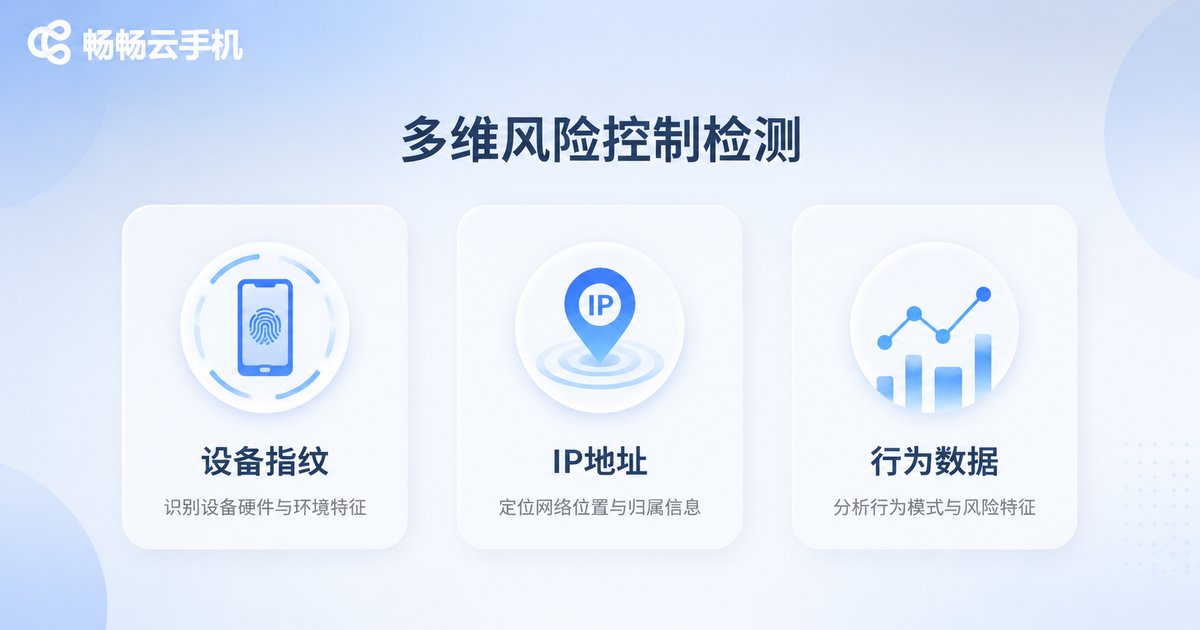
Before preventing association, you need to understand how platforms detect it. Mainstream e-commerce risk-control systems collect data across three dimensions:
| Detection Dimension | What It Covers | Association Risk |
|---|---|---|
| Device fingerprint | IMEI, device model, OS version, screen parameters, sensor data, etc. | Multiple accounts on the same device means direct association |
| IP address | Login IP, IP geolocation, datacenter IP flags, shared subnet records | Multiple accounts sharing one IP is highly suspicious |
| Behavioral data | Activity time patterns, browsing paths, listing habits, etc. | Identical behavior patterns serve as supporting evidence |
Among these, device fingerprints and IP addresses are the hardest evidence. When these two overlap, platforms can almost certainly conclude that the same person is behind multiple accounts.
Three Fatal Flaws of Traditional Multi-Account Methods
Before cloud phones became popular, sellers tried all kinds of workarounds, each with obvious weaknesses:
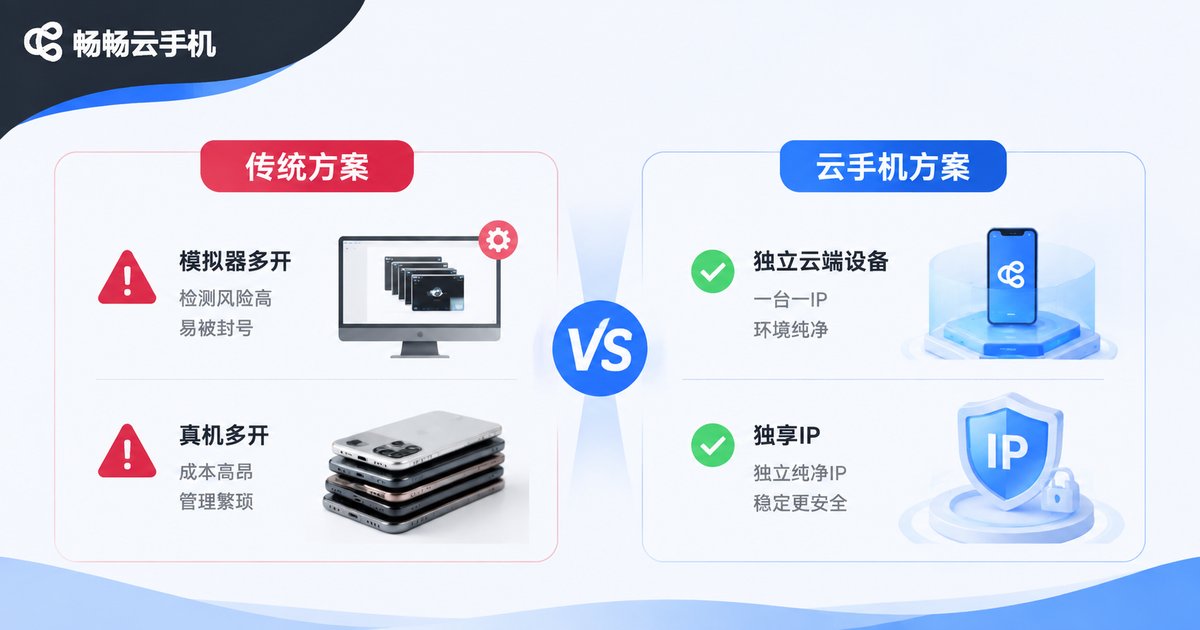
1. Running multiple emulators: Emulators share nearly identical device fingerprints, and their underlying parameters are almost the same. Risk-control systems can identify them in batches, making them a prime target.
2. Buying stacks of physical phones: High cost, bulky setup, chaotic management—and no matter how many phones you own, if they all connect to the same Wi-Fi, the IP association problem remains unsolved.
3. Changing only the IP: Some sellers assign different networks to each device but ignore the fact that the device fingerprint is the more critical factor. This treats the symptoms, not the disease.
How Cloud Phones Achieve 100% Device Environment Isolation
A cloud phone is essentially a real Android device instance running on cloud servers. Unlike an emulator that 'pretends' to be a device, each cloud phone instance is a complete, independent Android runtime environment with built-in isolation:
Independent device identity: Each instance has its own IMEI, serial number, and device model. In the eyes of the platform, it is a brand-new phone that has never appeared before.
Independent system parameters: OS version, screen resolution, sensor data, and other underlying parameters are all separate, so batch duplication never occurs.
Independent data space: App data, caches, and account information are fully isolated. A problem with one instance never affects the others.
Dedicated IP: The Other Half of the Anti-Association Puzzle
Device isolation answers the question 'who am I,' while a dedicated IP answers 'where am I.' Even if every cloud phone has a completely different fingerprint, if they all access the platform through the same IP address, the risk-control system will still be suspicious.
The ideal setup is one cloud phone instance bound to one dedicated static IP, with the IP location matching the store's registration region. This way, every account forms a complete, stable, non-overlapping 'independent chain' from device to network. What the platform sees is simply several unrelated, ordinary sellers.
Practical Tips for the Cloud Phone + Dedicated IP Setup
When building an isolated multi-account environment, follow these principles:
One account, one device, one IP: Assign each store account a fixed cloud phone instance and a dedicated IP. Keep it stable long-term and avoid frequent changes.
Maintain environmental consistency: Keep the IP location, time zone, and language settings consistent with the store's target market. Avoid contradictions like 'the seller is in the US but the device is in Germany.'
Vary operational behavior: Stagger the listing times and activity rhythms of different accounts to avoid highly similar behavior patterns.
Check the environment regularly: Make it a habit to verify that the IP has not changed and that device parameters are normal. Prevention beats remediation.
Why We Recommend ChangChang Cloud Phone (ccloudphone)
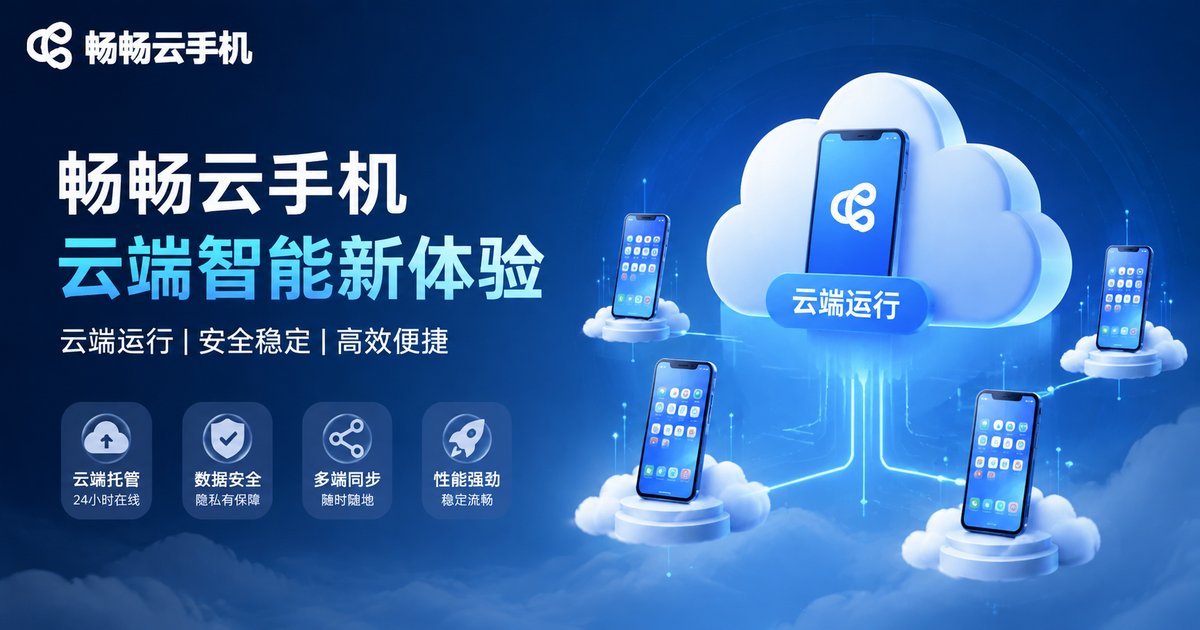
Among the many cloud phone products available, ChangChang Cloud Phone (ccloudphone) is designed for multi-account operation scenarios. It provides real Android cloud device instances, supports unified group management of multiple instances, gives each instance independent device parameters, and can be paired with dedicated IPs—helping cross-border sellers achieve account isolation at the device environment level.
For sellers managing multiple stores at once, ChangChang Cloud Phone makes 'one person, many stores' simple and safe. There is no need to purchase piles of physical phones, and the risk of emulators being flagged in batches becomes a thing of the past.
FAQ
Q: What is the difference between a cloud phone and an emulator?
A cloud phone is a real Android device instance in the cloud with a unique device fingerprint. An emulator is a locally simulated virtual environment with nearly identical underlying parameters, easily identified in batches by platforms.
Q: Can I use a cloud phone without a dedicated IP?
Not recommended. Device isolation and IP isolation are both indispensable. Solving only one still leaves the other as evidence for association.
Q: Can one cloud phone instance host multiple accounts?
Not recommended. The golden rule of anti-association is 'one account, one device, one IP.' Sharing one instance among multiple accounts reintroduces the risk of device fingerprint association.
Q: Are cloud phones laggy?
Cloud phones run on cloud servers, so performance depends on server configuration and network quality. Mainstream services deliver smooth, stable performance for everyday store operations.
Q: Can a cloud phone save an account that has already been associated?
Cloud phones prevent association rather than lift existing penalties. The best practice is to set up an isolated environment from day one and stop problems before they start.


