
Cloud Phone Data Charges Explained: How Streaming Quality and Idle Time Affect Data Usage
Where Does Cloud Phone Data Actually Go?
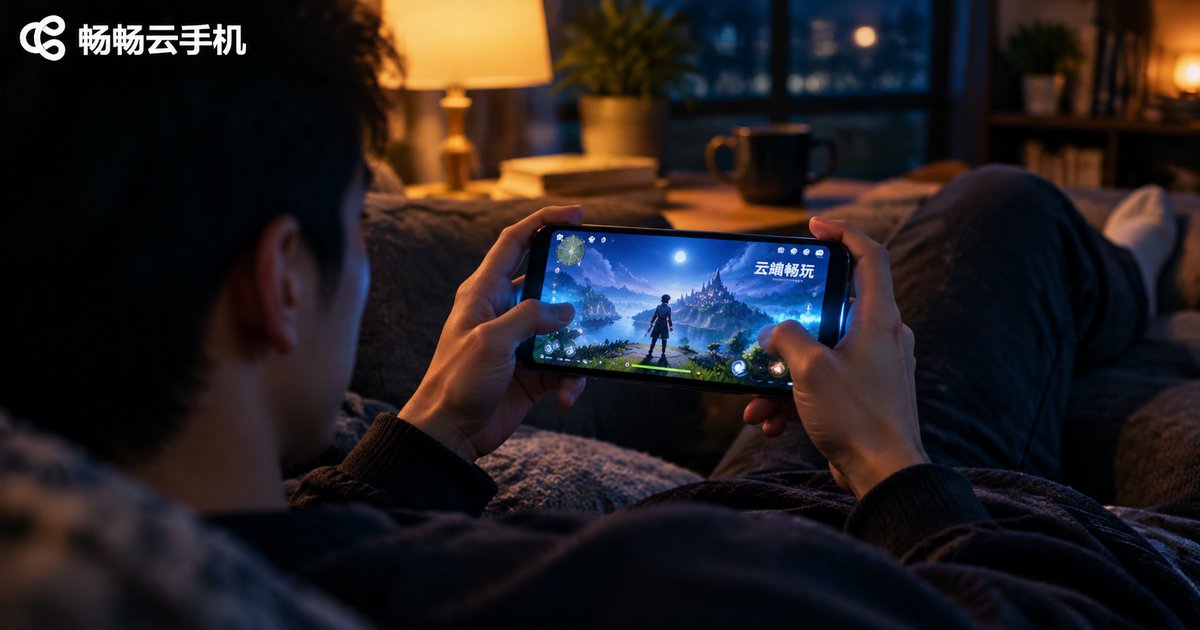
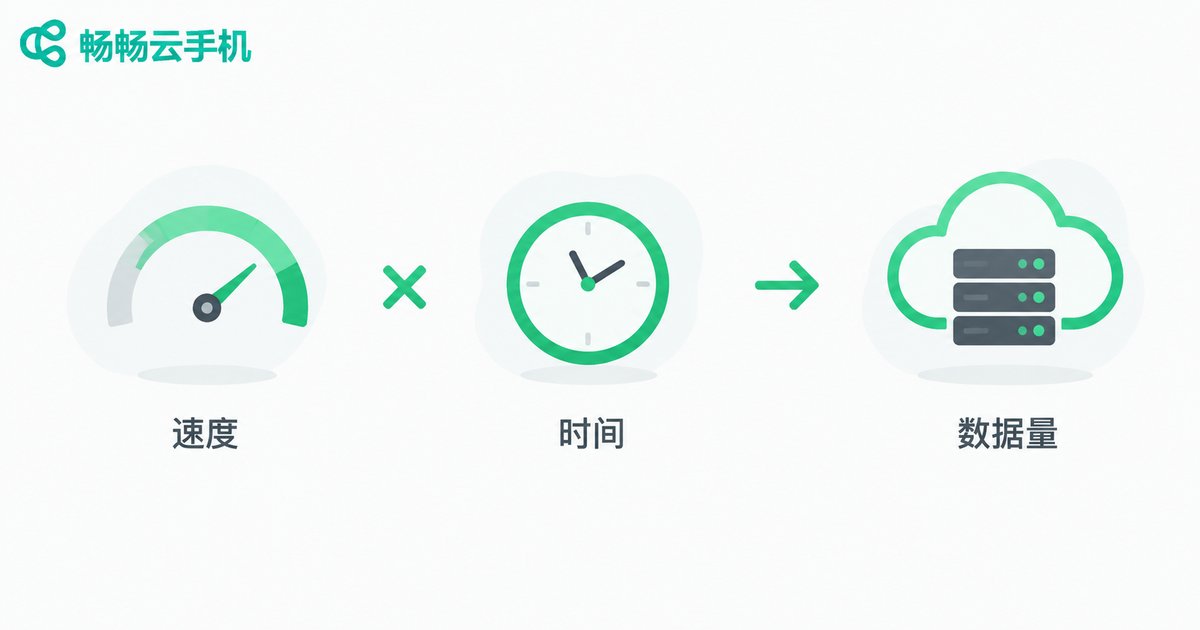
Many people assume a cloud phone burns data just like a regular phone—the longer you use it, the more you pay. In reality, a cloud phone runs in a remote data center, and everything you see and every tap you make travels over the network as a live video stream. In short: data usage ≈ video streaming + control commands, with video streaming accounting for more than 95% of the total.
In other words, what really consumes data is not how long your cloud device runs, but how long you watch the screen and at what quality. Control those two factors, and you control your data bill.
One Formula to Estimate Your Data Usage
Streaming data can be estimated with a simple formula:
Data per hour (GB) ≈ bitrate (Mbps) × 0.45
For example, watching a stream at 4 Mbps consumes roughly 1.8 GB per hour, or about 0.9 GB in half an hour. Control commands, login heartbeats and other tiny packets add only a few MB per hour—negligible by comparison.
So before blaming your cloud phone for eating data, ask yourself: how many hours did I spend watching the stream in high quality this month?
Streaming Quality: The Biggest Variable
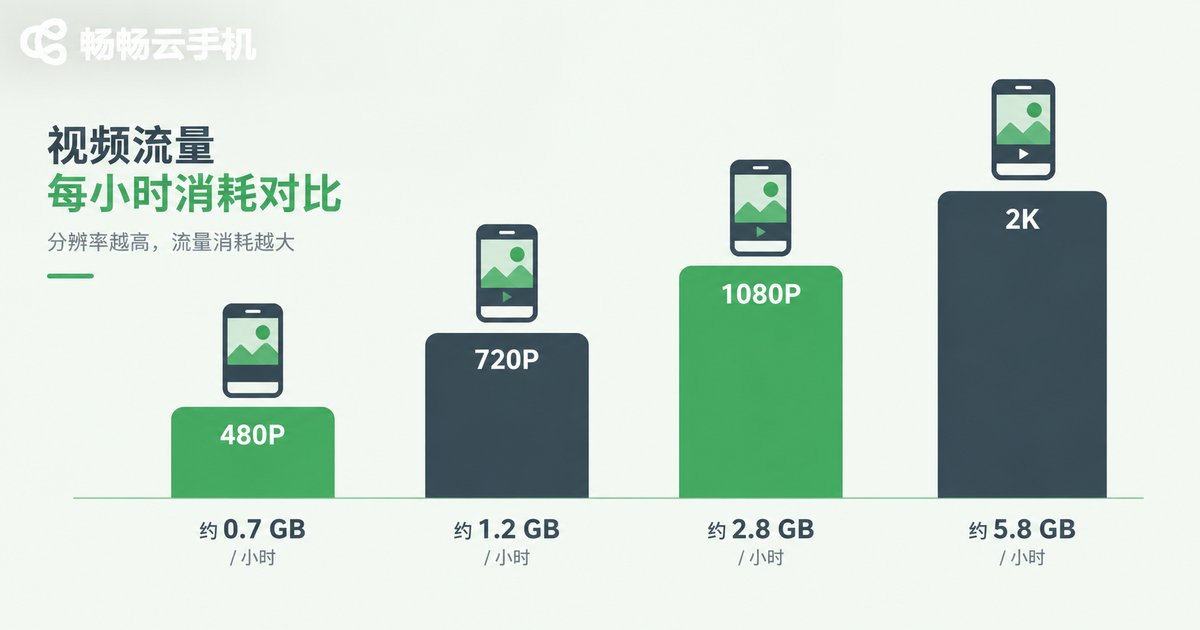
Quality determines bitrate, and bitrate determines how much data flows every second. The table below shows estimated consumption while actively watching the stream:
| Quality | Bitrate | Data per hour (watching) | Best for |
|---|---|---|---|
| Smooth 480P | 0.8–1.5 Mbps | ~0.4–0.7 GB | Checking idle progress on mobile data |
| HD 720P | 2–3 Mbps | ~0.9–1.4 GB | Daily control and task management |
| FHD 1080P | 4–6 Mbps | ~1.8–2.7 GB | Livestreams, precise control |
| 2K | 8–12 Mbps | ~3.6–5.4 GB | Maximum visual clarity |
As you can see, switching from 480P to 1080P triples or even quadruples data consumption. If you often stream over mobile data, lowering the default quality by one notch can save several GB every month.
Idle Time: Not Watching Means Almost Zero Data
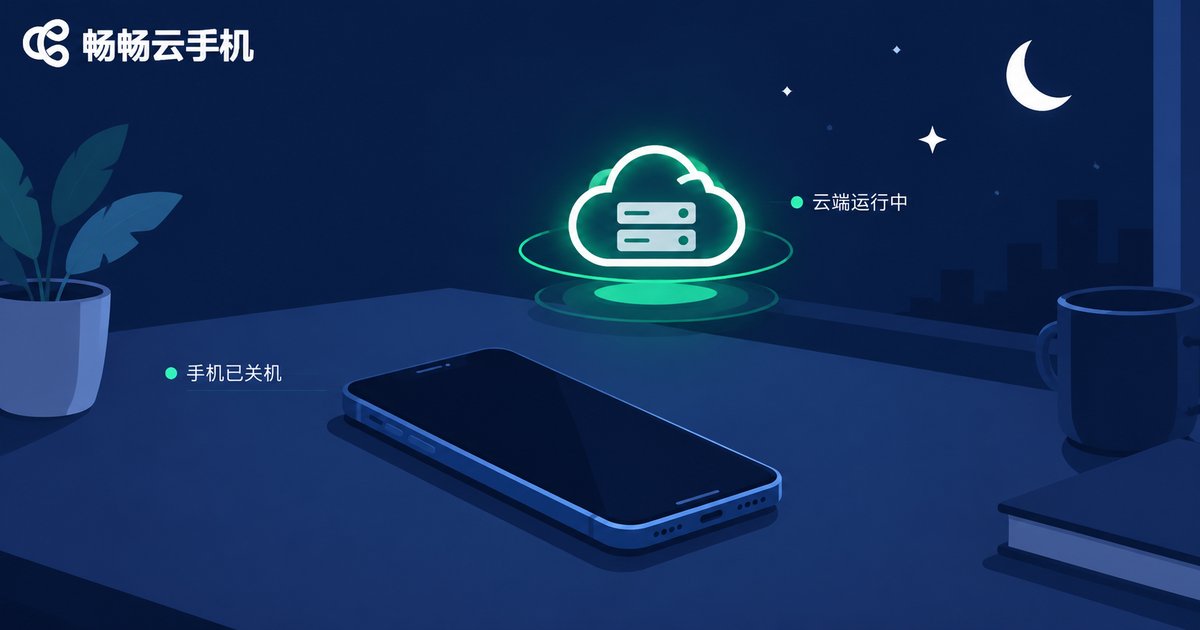
This is the most misunderstood point of all: an idle cloud phone does not keep consuming streaming data.
Games and apps on a cloud phone run on servers in the data center—idle farming, multi-instance running and scheduled tasks all happen in the cloud. Once you close the streaming view by locking your screen, switching apps or exiting the client:
· Cloud tasks keep running and your game stays online;
· The video stream stops, cutting streaming data to nearly zero;
· Only keep-alive heartbeats and status sync remain—usually just a few MB per hour.
Do the math: leaving a cloud phone idle overnight (about 8 hours) without watching typically costs less than 50 MB, while keeping a 1080P stream open for 8 hours burns around 15 GB—a gap of more than 300 times. This is the core advantage of cloud phones: tasks run in the cloud, data stays on your phone.
Five Tips to Minimize Your Data Costs
1. Wi-Fi first: Stream over Wi-Fi at home or in the office, and save mobile data for emergencies outdoors.
2. Match quality to your network: Use Smooth or HD mode on mobile data and switch back to FHD on Wi-Fi. Quality can be changed at any time without affecting cloud tasks.
3. Close the stream when idling: Once your tasks are running, exit the streaming view instead of leaving a high-quality stream playing in your pocket all night.
4. Stop watching devices one by one: When managing multiple cloud phones, prefer batch operations to shorten the time spent viewing each screen—the less you watch, the less you stream.
5. Choose the right tool and plan: Pick a cloud phone that supports multi-instance idle running, such as CCloud Phone, so all heavy tasks run in the cloud; if your monthly streaming volume is genuinely large, a high-data mobile plan from your carrier can lower the cost per GB.
FAQ
Q: How much data does an idle cloud phone use overnight?
A: With the stream closed, an 8-hour night typically costs only a few dozen MB of heartbeats and sync data. With a 1080P stream left open, it can reach around 15 GB. Closing the stream is the key to saving data.
Q: Does lowering the streaming quality affect my cloud tasks?
A: No. Quality only changes the clarity of the video you see locally. Games and apps in the cloud keep running in their original state, so progress and rewards are unaffected.
Q: Does the cloud phone platform charge extra for data?
A: Generally, cloud phone services charge for the cloud device itself, while streaming traffic goes over your own network and is billed by your carrier. The two are separate; check your provider's terms for details.
Q: Why is there still a little data usage while idling?
A: A small amount is normal—keep-alive heartbeats, push messages and status sync all need tiny packets. If usage looks abnormally high, check whether the stream is truly closed or whether an app in the cloud is downloading updates.
Q: Is Wi-Fi streaming completely worry-free?
A: Wi-Fi streaming does not use mobile data, but several people streaming in high quality at once can saturate home broadband and cause lag—lower the bitrate if needed.


