
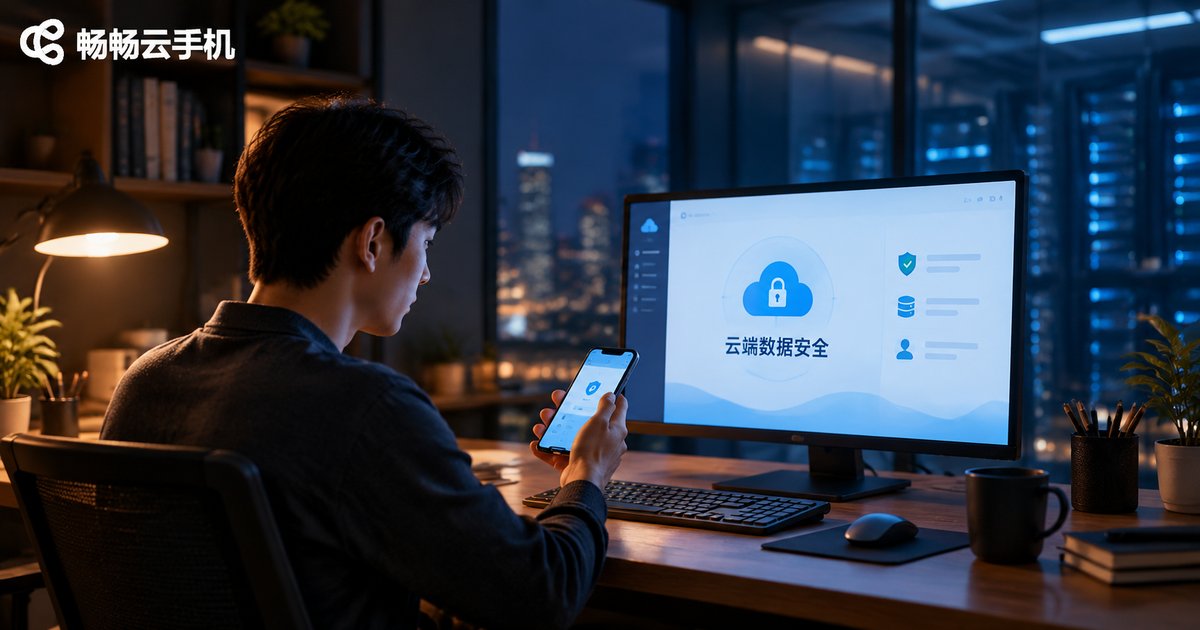
Is Cloud Phone Data Safe in the Cloud? A Checklist for Transmission Encryption, Storage Isolation, and Operation Auditing
Where Does Your Cloud Phone Data Actually Live?
First-time cloud phone users often wonder: the device is not in my hands, so my chat histories, account credentials, and game data all sit on remote servers. Are they safe? Could someone else see them? Could they be lost?
In reality, cloud phone security works much like online banking or cloud drives—as long as the provider protects data across transmission, storage, and administration, keeping data in the cloud can be safer than keeping it on a phone that might be lost or damaged. The key is knowing how to judge whether a provider truly implements these protections.
This article turns those standards into an actionable checklist covering three links—transmission encryption, storage isolation, and operation auditing—so you can choose a cloud phone service with confidence.
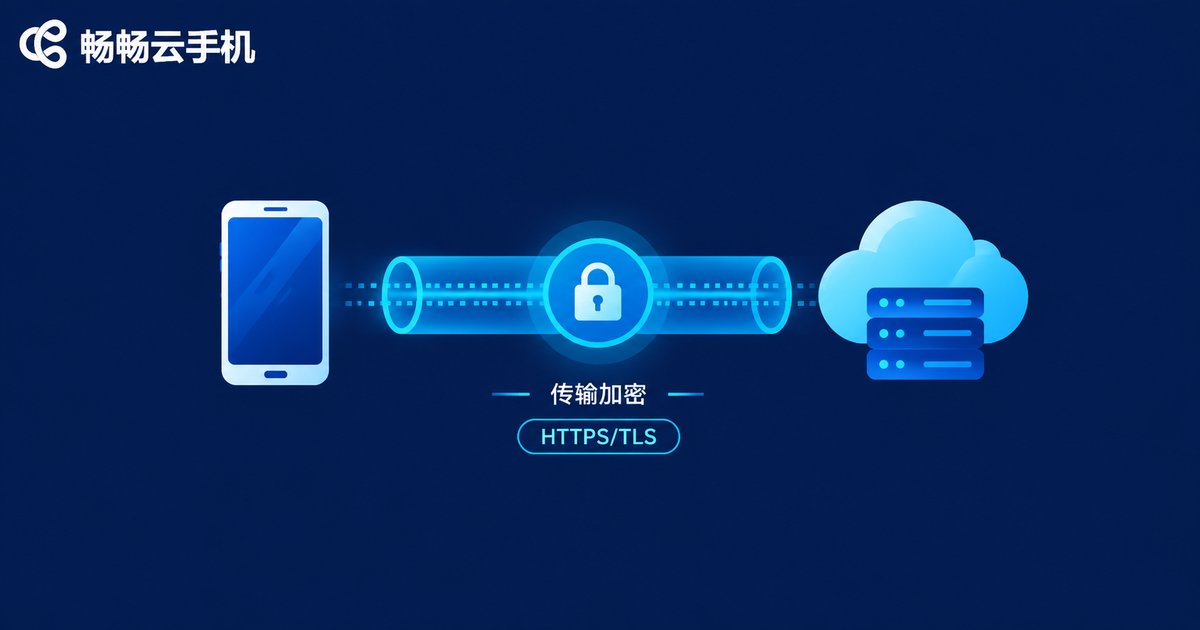
Checkpoint 1: Transmission Encryption—Is Data “Locked” While Traveling?
Every action you take on a cloud phone travels over the network to a remote server, and the screen and data come back the same way. That journey is where data is most vulnerable to eavesdropping.
What to check:
1. Encrypted connections throughout (HTTPS/TLS); both the app and web versions should be encrypted by default, with no manual setup.
2. Separate protection for login credentials; passwords must be encrypted during sign-in and never sent in plain text.
3. Encryption enforced rather than optional; if a provider allows unencrypted connections, its security bar is too low.
A quick self-check: look for web addresses beginning with https and the padlock icon that mainstream browsers display for encrypted connections.
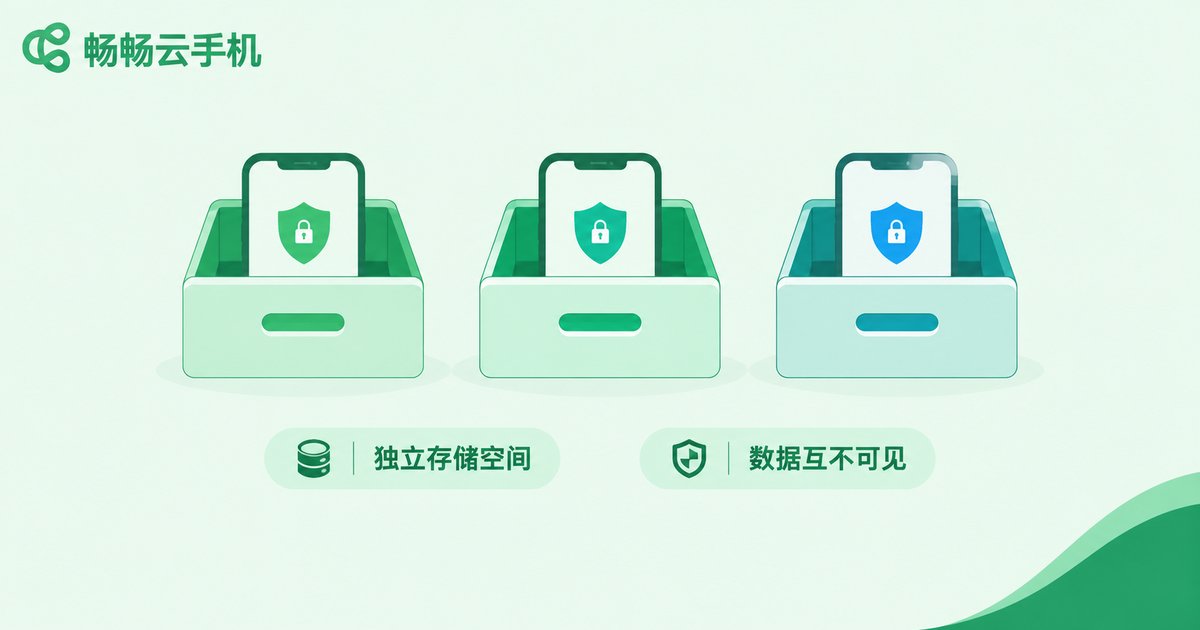
Checkpoint 2: Storage Isolation—Is Your Data Kept Apart from Others?
Cloud phones serve many users from shared physical servers, so the quality of isolation directly determines whether other users on the same hardware can ever touch your data.
What to check:
1. Independent storage for each cloud phone, invisible to other devices.
2. Thorough data destruction after cancellation or expiration, rather than simply releasing the space to the next user.
3. Clear statements about where data is stored and how it is backed up; with a backup mechanism, data can be recovered even if a single server fails.
| Item | Good isolation | Poor isolation |
|---|---|---|
| Storage space | Independent per device | Shared among users |
| Data destruction | Erased after cancellation | Loosely overwritten or not at all |
| Backup | Backed up and recoverable | No backup policy stated |
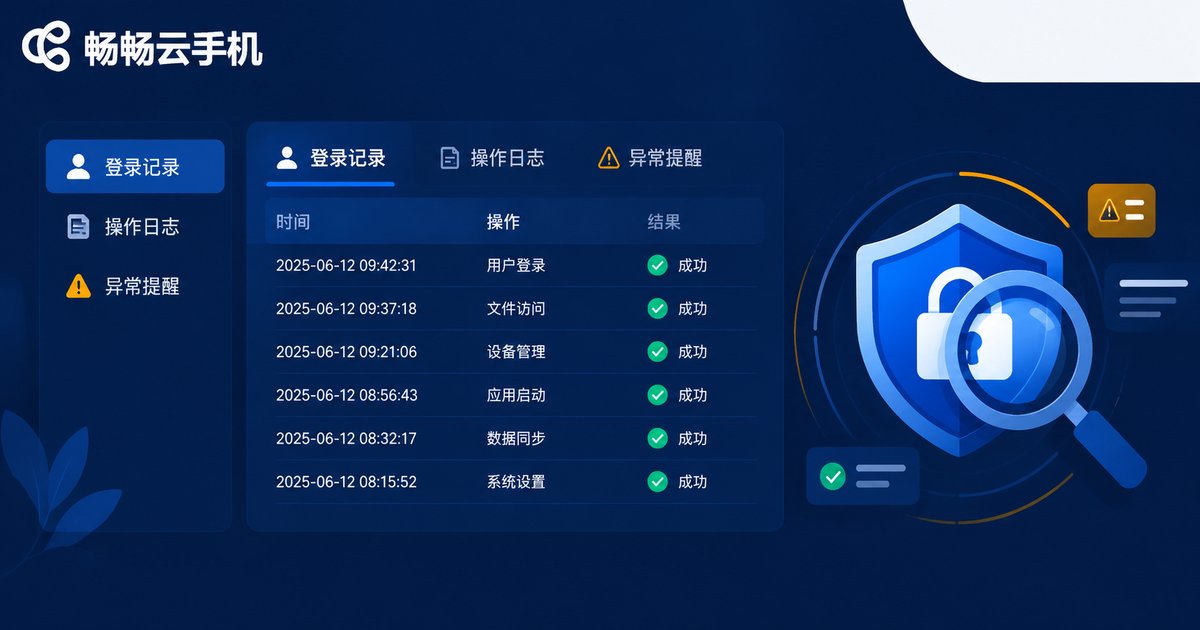
Checkpoint 3: Operation Auditing—Who Touched Your Data, and When?
Encryption and isolation guard against outside threats; audit logging guards against inside ones. Are the provider's own staff—or teammates you authorized—accessing your data properly?
What to check:
1. Reviewable login records: time, location, and device for every sign-in.
2. Logs for critical operations, such as data deletion or device resets, so actions can be traced.
3. Alerts for abnormal logins: you should be notified promptly when your account is accessed from an unfamiliar device.
If you use cloud phones for work or manage multiple accounts, enable two-step verification and review login records regularly to stop risks before they happen.
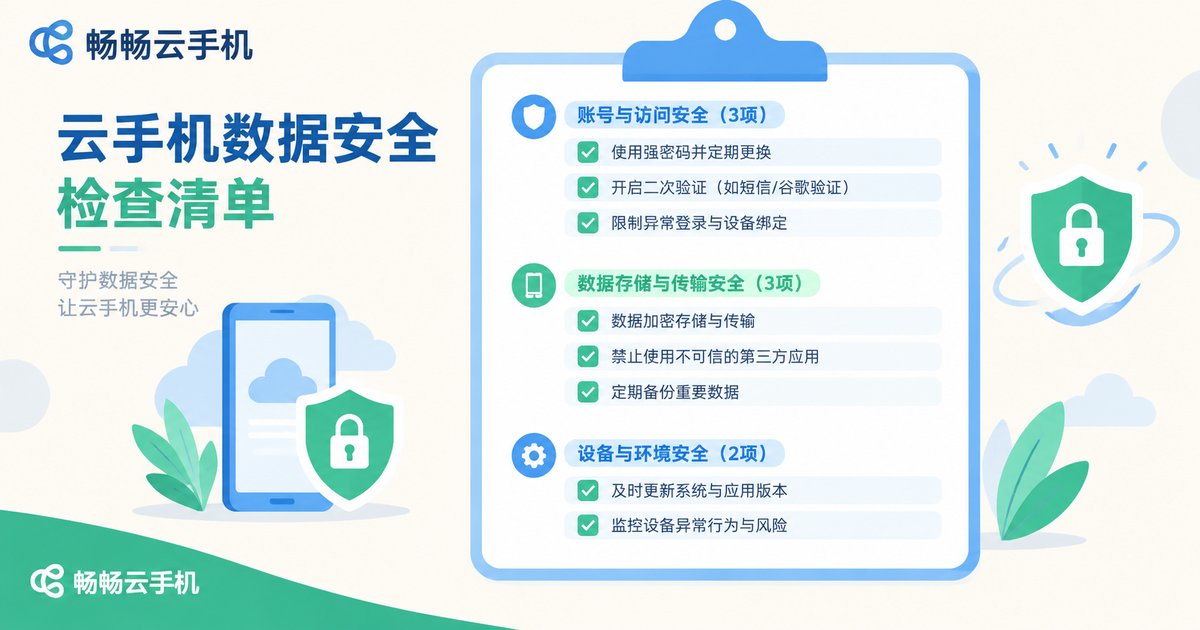
The Cloud Phone Data Security Checklist at a Glance
| Link | Check item | Pass standard |
|---|---|---|
| Transmission | Encrypted connection | HTTPS/TLS throughout, on by default |
| Transmission | Credential protection | Passwords encrypted, never plain text |
| Storage | Space independence | Independent storage per device |
| Storage | Data destruction | Thoroughly erased after cancellation |
| Storage | Backup policy | Backed up and recoverable |
| Auditing | Login records | Time and device reviewable |
| Auditing | Operation logs | Critical actions leave traces |
| Auditing | Anomaly alerts | Unfamiliar logins trigger notices |
How to Use This Checklist When Choosing a Provider
Treat the checklist as interview questions and compare each item against the provider's official documentation and support answers. Anything vague, evasive, or unexplained deserves a question mark.
Take ChangChang Cloud Phone (ccloudphone) as an example: start by reviewing its statements on encrypted transmission and storage protection on the official website, then after signing up, test the login verification and device management features yourself and confirm every checklist item. A reliable provider is never afraid of detailed questions—the more you ask, the clearer the answers, and the safer your data.
One final reminder: cloud phone security is a joint effort between the provider and the user. The provider handles encryption and isolation; you handle strong passwords, two-step verification, and never lending your account to strangers. When both sides do their part, data in the cloud is genuinely safe.
FAQ
Q: After a cloud phone shuts down, is my data still there?
Yes. Shutting down only stops the device from running; data stored in the cloud is retained and available the next time you power on. Retention periods follow the provider's stated policy.
Q: Could provider staff peek at my cloud phone?
Well-run providers constrain internal access through permission management and operation logs—exactly what the auditing checkpoint is for. Choosing a provider with reviewable login records and operation logs greatly reduces this risk.
Q: Is data isolated between multiple cloud phones?
Normally, each cloud phone is an independent space invisible to the others. Confirm the isolation scheme with the provider before registering.
Q: How can I verify that transmission is truly encrypted?
On the web, check for https and the padlock icon; for apps, confirm with the official website or support that connections are encrypted end to end.


