
Security Risks of ADB and Root Access on Cloud Phones: Which Operations Must Run in an Isolated Environment
ADB and Root: Double-Edged Swords on Cloud Phones
Beyond multi-account management and AFK gaming, many advanced users choose cloud phones for two capabilities above all: ADB access and Root permissions. With them you can run deep automation, modify system behavior, and manage apps in bulk. But the greater the power, the greater the risk — one careless operation can mean data loss, account restrictions, or a completely unusable instance. This article helps you sort out which operations are high-risk and must be performed in an isolated environment.
First, Understand What ADB and Root Can Do
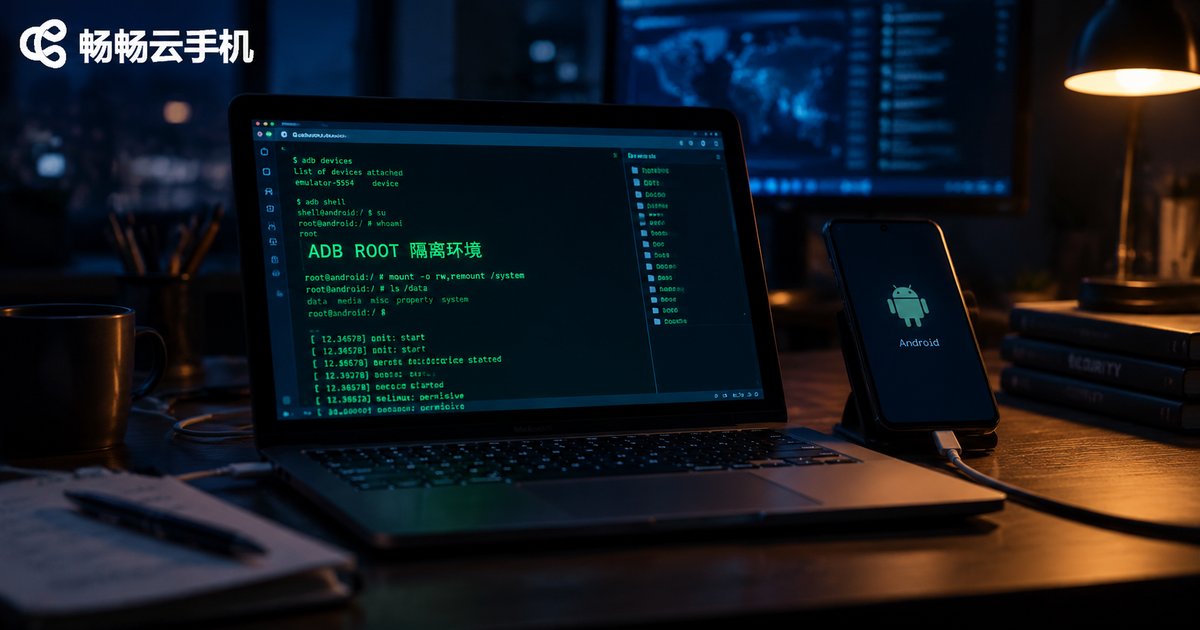
ADB (Android Debug Bridge) is the official Android debugging bridge. Through the command line you can install and uninstall apps, transfer files, run shell commands, and simulate taps and swipes. When a cloud phone opens ADB, it means you can control the device remotely from your computer with scripts.
Root permission is the highest administrator privilege of the Android system. With Root you can remove preinstalled apps, modify system files, and use automation tools and plugins that require deep-level access.
In short: ADB lets you control the phone from the outside, while Root gives you the highest authority inside the phone. Combined, they let you do almost anything to an Android device — including irreversible, destructive operations.
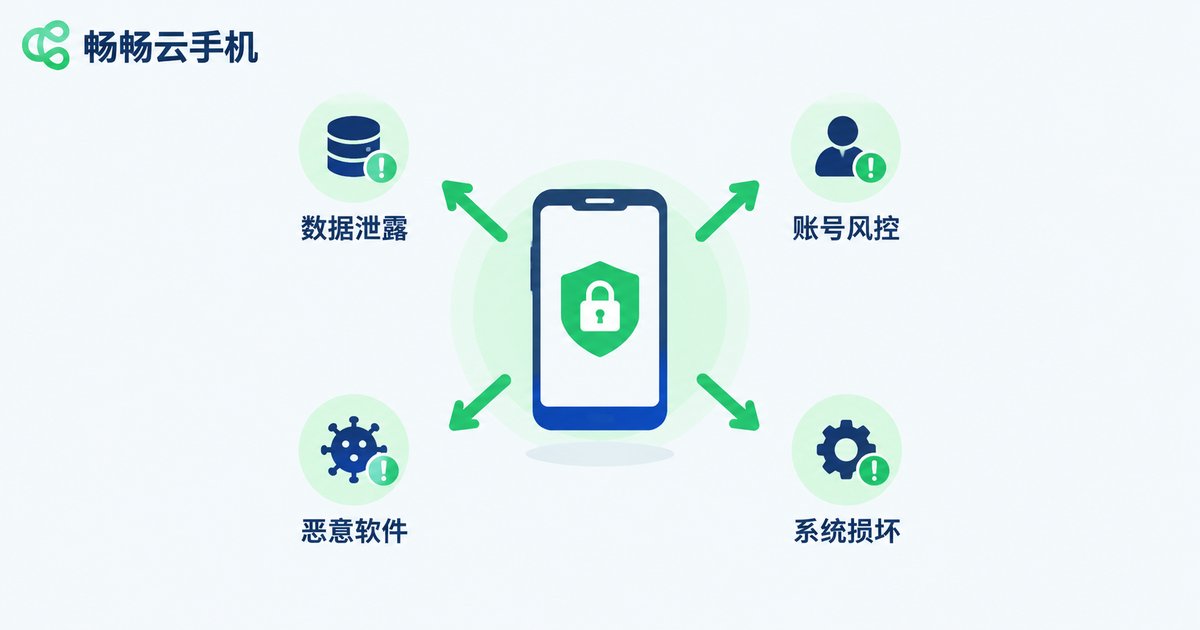
The Four Major Security Risks Behind Open Permissions
1. Data leakage. Once an ADB port is exposed without proper authentication, any program that can reach it may read device data. In a Rooted environment, a malicious app holding the highest privileges can silently read chat history, contacts, and even keyboard input.
2. Account risk control. Root and deep system modifications change the device fingerprint. Some apps — especially games and financial apps — detect Root status and emulator traits, flag the environment as abnormal, and trigger bans or login restrictions.
3. Malware and viruses. Installing APKs from unknown sources in a Rooted environment is like handing over the administrator key. Mining trojans, subscription-fraud plugins, and ad hijackers do many times more damage with Root privileges.
4. Irreversible system damage. Accidentally deleting system partition files or misconfiguring system settings such as build.prop can cause repeated crashes or a failure to boot. A physical phone can be rescued by flashing firmware; a damaged cloud phone instance usually has to be rebuilt.
Which Operations Must Be Done in an Isolated Environment?
An isolated environment is a cloud phone completely separated from your daily main instance: an independent device fingerprint, an independent account system, and the freedom to delete and rebuild it at any time. The following high-risk operations should never be performed directly on your main instance:
| High-Risk Operation | Main Risk | Isolation Needed? |
|---|---|---|
| Installing and testing APKs from unknown sources | Malware, data theft | Must isolate |
| Modifying system files (e.g., build.prop) | System crash, boot failure | Must isolate |
| Bulk registration or farming of new accounts | Linked risk control, implicating main accounts | Must isolate |
| Running high-privilege automation scripts | Misfires, account risk control | Recommended |
| Debugging game plugins and device-modification tools | Bans, polluted device environment | Must isolate |
| Everyday AFK gaming and normal app usage | Very low risk | Not needed |
The rule of thumb is simple: if this operation fails, can you accept it taking your main instance down with it? If not, move it to an isolated environment.
The Right Way to Use an Isolated Environment
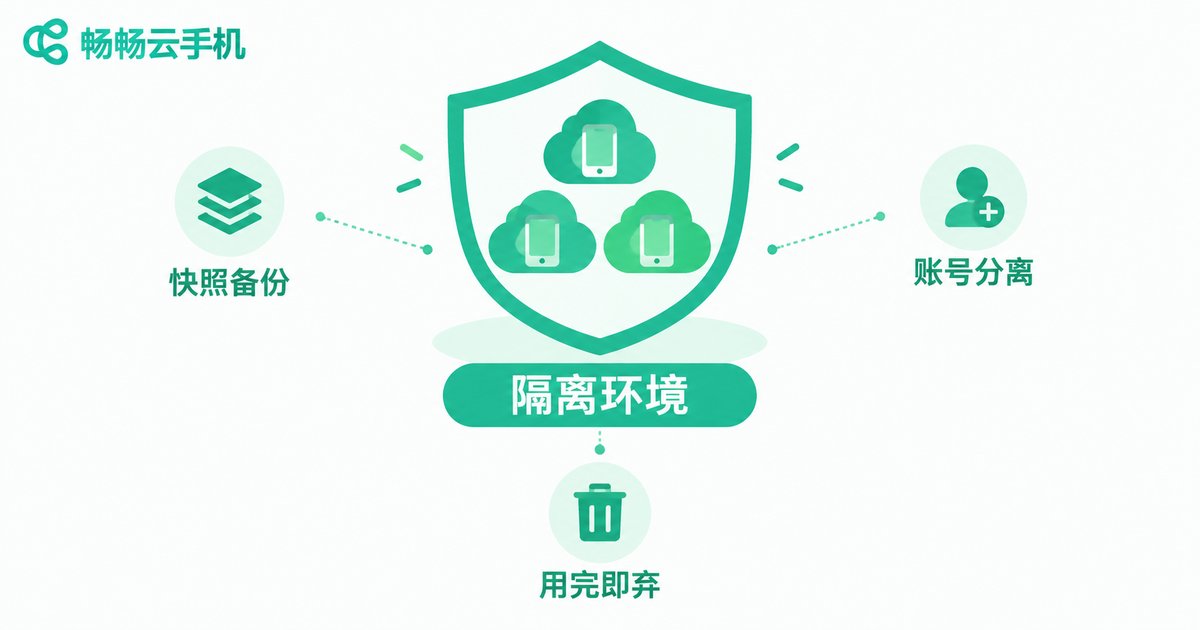
Step 1: Snapshot backups. Before any destructive operation, take a snapshot or backup of the instance so you can roll back with one click instead of starting from scratch.
Step 2: Account separation. Only log into test accounts in the isolated instance — never your main game accounts or apps involving money. Keep testing and production completely separate.
Step 3: Network and data isolation. For scraping or batch tasks, configure an independent network exit for the isolated instance so multiple tasks do not share one IP and drag each other down.
Step 4: Dispose after use. If an instance has been contaminated (unknown APKs installed, system files modified), the safest move is to delete and rebuild it rather than clean it up and keep using it.
Build a Low-Cost Isolated Environment with ChangChang Cloud Phone
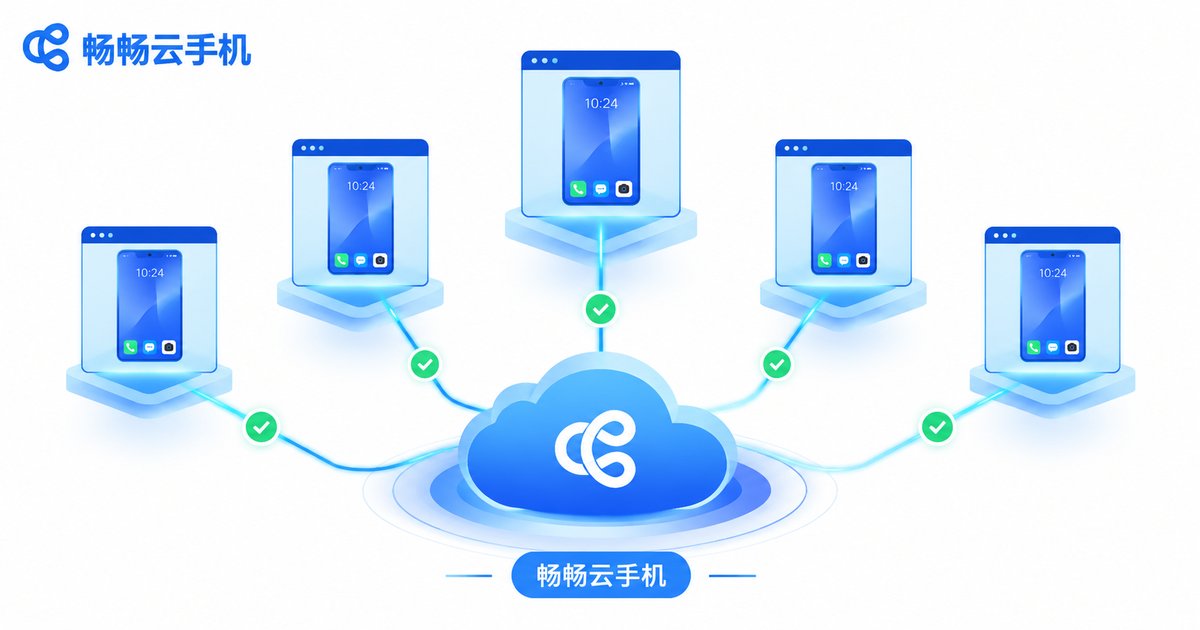
This is where cloud phones beat physical phones: the cost of an isolated environment is nearly zero. With ChangChang Cloud Phone (ccloudphone), you can spin up a dedicated instance for high-risk operations — each cloud phone is an independent Android environment with isolated device information, so a problem in one instance does not affect the others. Combined with multi-instance management and batch operation capabilities, you can simply release the instance after testing and open a fresh one — far easier than keeping a spare physical phone around.
Keep your main instance clean: no Root, no unknown APKs, only verified apps. Push every experimental operation into an isolated instance. Even if the isolated environment breaks, your core assets stay safe.
FAQ
Q: Does opening ADB on a cloud phone always mean it is insecure?
No. ADB itself is an official debugging tool. The risk comes from how it is used: exposed ports, connections from untrusted devices, or untrusted scripts. On a trusted network, connecting only to your own computer, the risk is controllable.
Q: Will my accounts definitely get banned after Root?
Not necessarily. It depends on each app's own risk-control policy. Games and financial apps are more sensitive to Root; utility apps usually do not check. The safe approach: do not Root instances that hold important accounts, and put Root needs on a separate instance.
Q: What exactly counts as an isolated environment? Can a second physical phone work?
Yes, but at a higher cost. A spare physical phone can serve the same purpose, but buying and maintaining one is expensive and it cannot be rebuilt instantly. Cloud phone instances can be switched on demand and deleted and recreated freely — a far cheaper isolation solution.
Q: What is the difference between a snapshot and a backup?
A snapshot records the complete system state at a moment in time and rolls back quickly — ideal as insurance before an operation. A backup leans toward long-term data storage. Before any high-risk operation, have at least one of the two.
Q: What is the safest way to handle an isolated instance after testing?
If you installed APKs from unknown sources or modified system files, delete and rebuild the instance instead of cleaning it up and reusing it. Rebuilding a cloud phone costs almost nothing — disposable usage is the safest habit.


