
Cloud Phone Data Recovery Explained: Prevention Matters More Than Rescue
Where does cloud phone data actually live?
Many people think of a cloud phone as just another handset, but it actually runs on servers in the cloud. The desktop you see, the apps you install, the accounts you log into, the screenshots and chat histories you save — all of it sits in a storage space on the cloud. The device in your hand is only a remote viewing window.
That leads to two direct consequences. First, a cloud phone cannot be dropped or soaked, so hardware damage will not wipe your data. Second, once the cloud instance is reset or released by the system, nothing remains locally for you to salvage. Cloud phone data security largely depends on what you did or did not do on the cloud side.
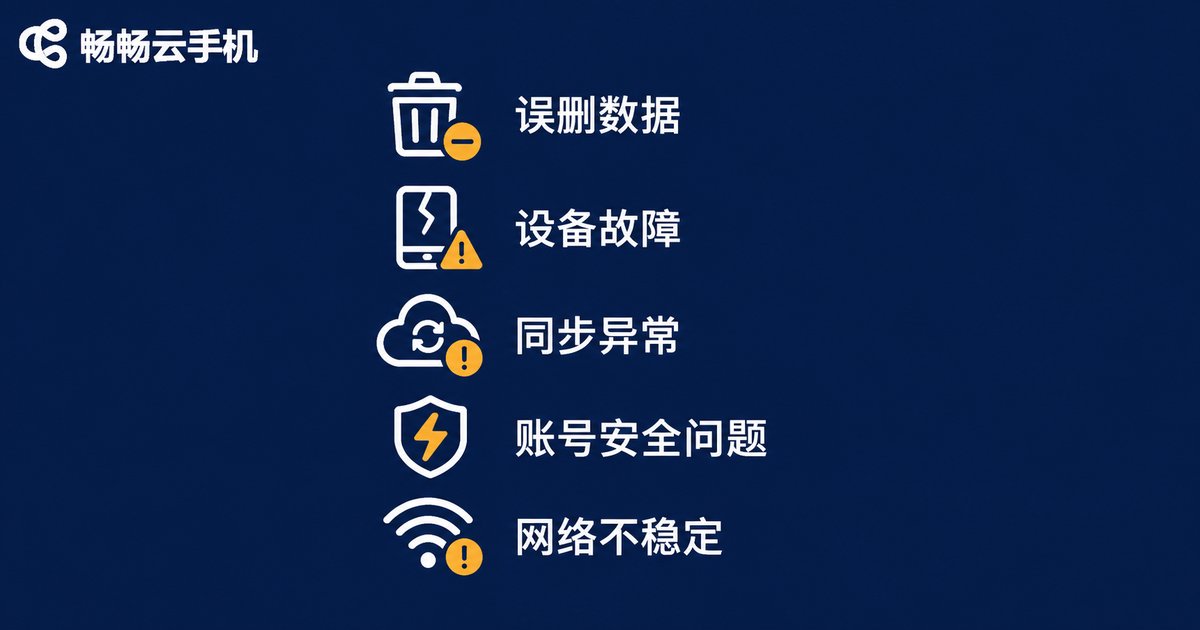
Five common causes of data loss
1. Accidentally deleting an app or clearing its data. Tapping clear data by mistake is the most common issue. Once an app is uninstalled, its chat history, login state, and local cache usually disappear with it, and the cloud does not always offer a recycle bin grace period the way some phone systems do.
2. Resetting or reinstalling the cloud phone instance. Restoring factory settings is a habit for many users when troubleshooting. This action is usually irreversible: everything inside the instance is wiped and only the initial system state remains.
3. The instance expiring and being released. Cloud phones are rented resources. When the service period ends, the instance is reclaimed and the data is released with it. This is the easiest risk to overlook and the hardest to undo.
4. Account anomalies or shared access. Sharing one account, leaked passwords, or logins from unexpected locations can all lead to content being changed or deleted, and afterwards it is very hard to tell who touched what and when.
5. Sync interruptions causing version mix-ups. Some apps rely on cloud sync. When the network drops at a critical moment, older data may overwrite newer data, which looks exactly like data vanishing into thin air.
Recovery odds, scenario by scenario
The short answer first: cloud phone data is generally much harder to recover than local phone data. When a local phone loses data, you still have a chance through storage media, system backups, or app caches. Cloud phone data is managed by the provider's storage system, and users typically have no direct access to the underlying storage or any way to scan and recover it themselves.
| Loss scenario | Recovery odds | Notes |
|---|---|---|
| Deleting a single file or screenshot | Medium | Try the app side if it has cloud albums or version history |
| Uninstalling an app and losing records | Low | Depends on whether the app account is linked to a separate cloud backup |
| Resetting the cloud phone instance | Very low | Instance state is overwritten; usually you can only rebuild the environment |
| Instance expired and released | Extremely low | After resource reclamation, data is basically unrecoverable |
| Account theft or accidental deletion | Uncertain | Depends on platform activity logs and security features; act fast |
In other words, rather than betting on whether data can be recovered, put your energy into whether it can be lost at all.
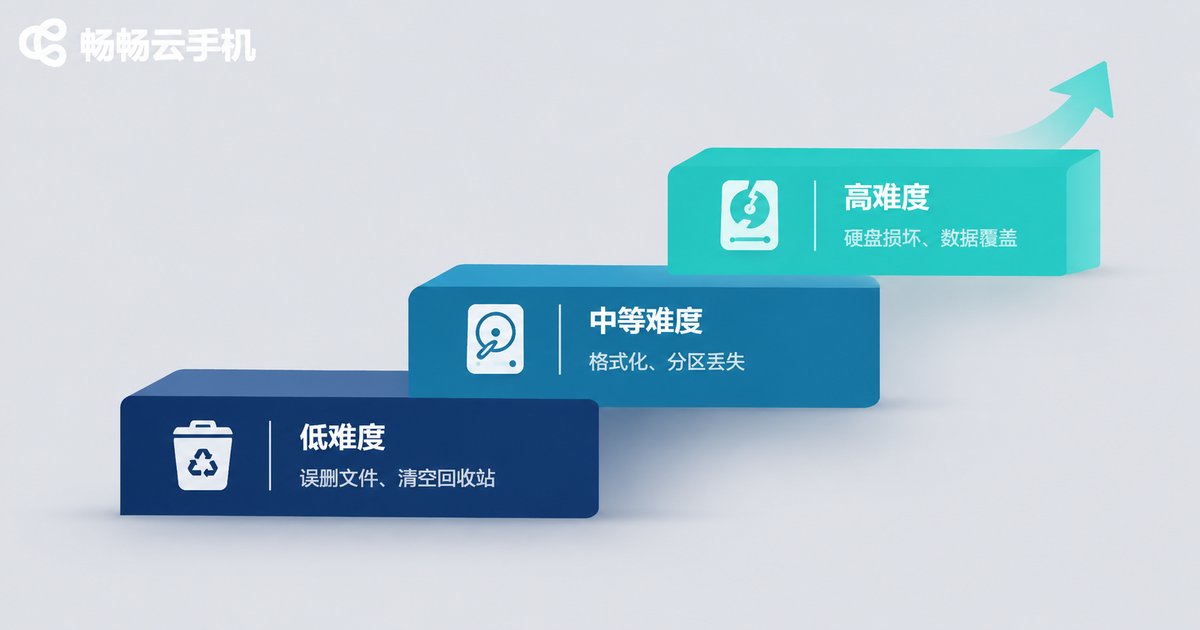
Four defenses that beat rescue
Defense one: export important content to local storage. Make it a habit to export account credentials, key documents, and important chat screenshots to your own computer or phone on a regular schedule. The cloud is a runtime environment, not your only warehouse.
Defense two: use the cloud accounts built into your apps. Many apps support account-level sync, so as long as you sign in with the same account, your content survives a device change or reinstall. Doing this upfront is a second layer of insurance.
Defense three: set a reminder for the expiration date. Mark the renewal date in your calendar, or plan a long-term instance in advance, so you are never caught off guard by an expiry-driven reset.
Defense four: tighten up access permissions. When an account is shared, define clearly who is responsible for what, rotate passwords regularly, and avoid signing in through unknown third-party tools. This reduces both human error and intrusion risk.
Managing cloud-side data with ccloudphone
ccloudphone keeps Android devices running continuously in the cloud. You can connect from a desktop or a phone at any time, and multiple cloud phones can be managed together under one account. Apps and data are stored in the cloud and do not consume your local phone storage or battery, which suits scenarios that need to stay online for long periods.
It is important to understand its role: ccloudphone provides a stable always-on runtime environment, not an automatic safety net for your data. What really determines data safety is whether you export key content, whether you bind a second layer through app accounts, and whether you handle expiry and permission issues in time. Build those habits and your cloud device becomes a genuinely worry-free tool.
Frequently asked questions
Q: If data on a cloud phone has been deleted, can it still be recovered?
It depends on the situation. If the content is synced through an app account, signing back into the app usually restores it. If the instance was reset or released, users generally have no way to reverse it, which is exactly why backup habits matter so much.
Q: Is a cloud phone safer than a local phone?
The risk profiles differ. A local phone can be lost, dropped, or broken. A cloud phone cannot suffer hardware damage, but it is vulnerable to accidental operations, expiry-driven release, and unauthorized account use. Keeping an extra copy of important data in both places is the prudent approach.
Q: How often should I back up?
It depends on how important the content is. For material that changes daily, export once a week. Account details and configuration information change rarely, so export immediately after any significant change.
Q: How do we avoid accidental deletion when several people share one cloud phone?
Aim for one instance per person, or at least define clear roles and operating rules. Enable account security verification, rotate passwords regularly, and check login records immediately if anything looks wrong.
Q: Is prevention really more important than rescue?
In the cloud phone context, yes. Recovery options are limited and uncertain, while backups, permission management, and expiry reminders cost very little yet block the vast majority of data risks.


