
Cloud Phone Data Leak Prevention Checklist: Passwords, Verification Codes and Sharing Permissions
How Many Valuable Accounts Are Hiding in Your Cloud Phone?
Many users run game accounts, social accounts, and entire account farms on cloud phones around the clock. Behind these accounts is serious investment: months of grinding, linked payment methods, accumulated friends and resources. Once leaked, the loss often far exceeds the value of the phone itself. Cloud phone data lives in the cloud, so security depends not on the device but on your habits. This checklist turns the three most vulnerable areas—passwords, verification codes, and sharing permissions—into habits you can apply immediately to keep leak risks to a minimum.
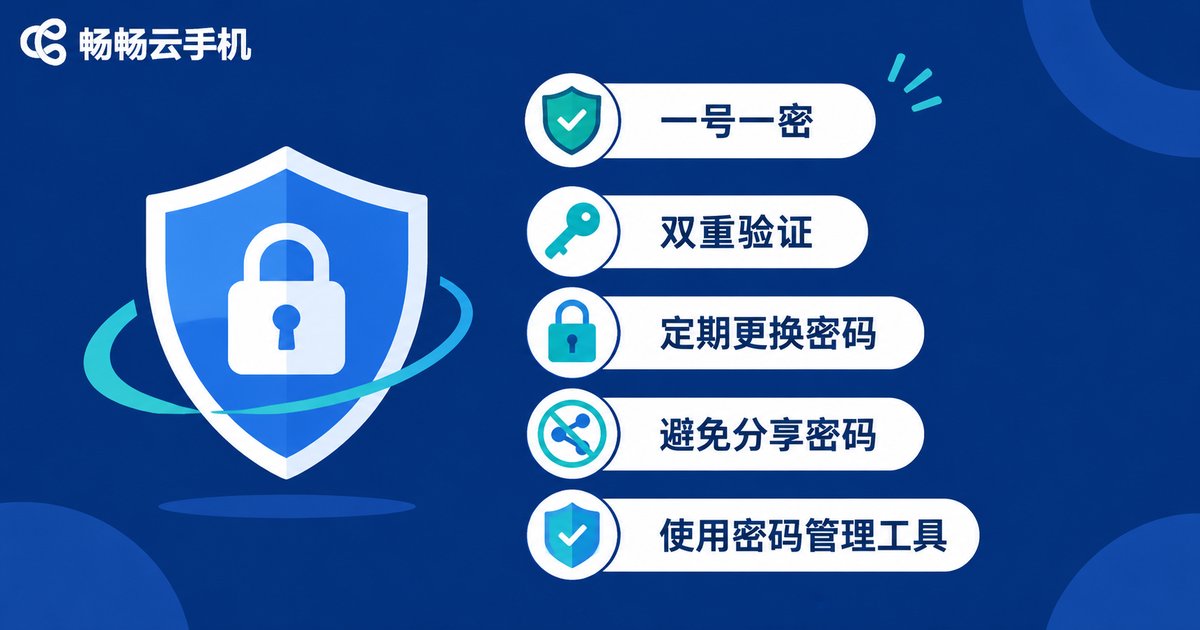
Password Management: Five Habits You Must Build
Passwords are the first gate to your accounts—and the most neglected one. Check how many of these five you already follow:
1. One account, one password. Never share passwords across game, social, and email accounts. One breached platform taking down every account is the most common chain leak.
2. Length beats complexity. Instead of a hard-to-remember short password, build a long one from a phrase only you would know. Twelve characters is the baseline.
3. Turn on two-factor authentication for key accounts. Anything involving payments, trading, or real value needs a second layer—then a leaked password alone gets nobody in.
4. Rotate critical passwords regularly. Change your main account passwords every three months, especially any account you have ever let someone else log into.
5. Never store passwords in plain text. Sending credentials to a friend to “help remember” is like copying your house key and leaving it in a public drawer.
| Risky habit | Safe habit |
|---|---|
| One password for everything | One password per account |
| Passwords saved in chat history | Kept in memory or an encrypted notebook |
| Passwords never changed | Regular rotation for key accounts |
| Single-layer protection | Two-factor authentication enabled |
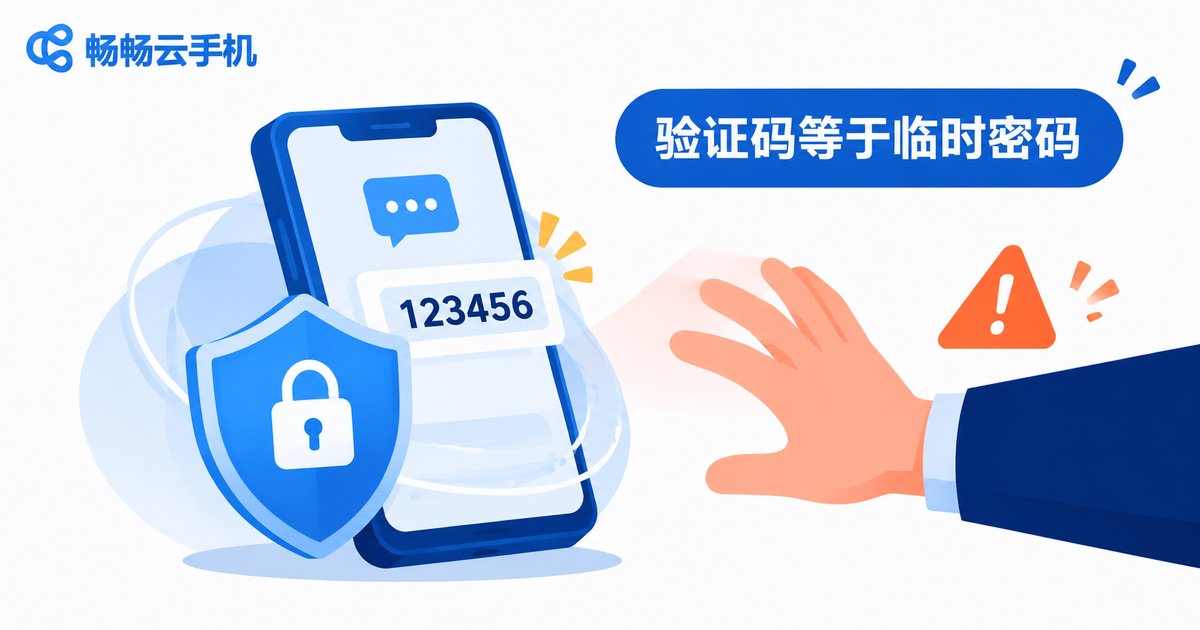
Verification Codes: The Last Gate to Your Account
A verification code works exactly like a temporary password—whoever holds the code can log into your account. Remember three iron rules:
First, distrust any “customer service” that asks for codes. Legitimate platforms never request SMS codes by phone call or private message. If someone asks for one—no matter how plausible the reason—do not share it.
Second, inspect screenshots before posting. When you share screenshots in groups to ask for help or show off results, verification code messages often appear in frame. Crop or cover them first.
Third, delete after use. Once a code received on your cloud phone has served its purpose, delete the message to shrink the window of exposure.
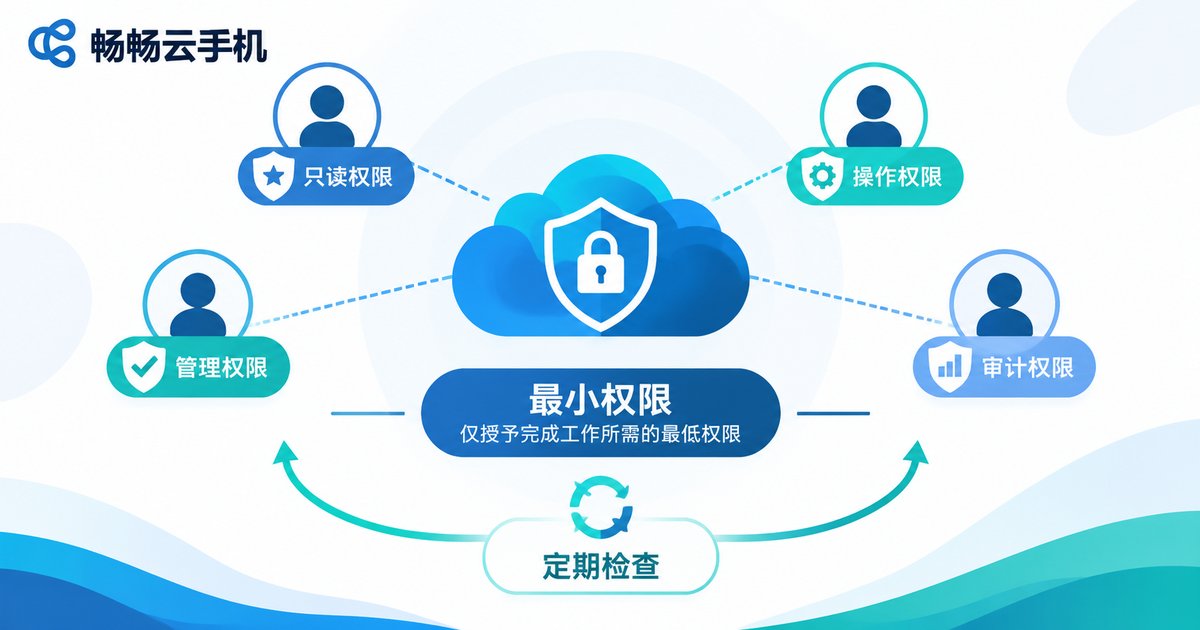
Sharing Permissions: Who Can Touch Your Cloud Phone?
Hiring boosters, sharing accounts with friends, handing devices to studios—these are everyday cloud phone scenarios and hotspots for leaks. The core principle is least privilege: if login access is enough, never grant payment access; if short-term borrowing works, never share long-term.
Put it into practice like this:
1. Give every share an expiry date. Agree on a return time when lending an account, and change the password the moment it arrives.
2. Review logged-in devices monthly. Go through each platform’s logged-in device list and kick out anything unfamiliar.
3. Handle sensitive operations yourself. Never delegate phone number rebinding or payment password changes to anyone else.
4. Handover means password change. The first thing to do when a boosting deal or collaboration ends: change the password and revoke unnecessary authorizations.
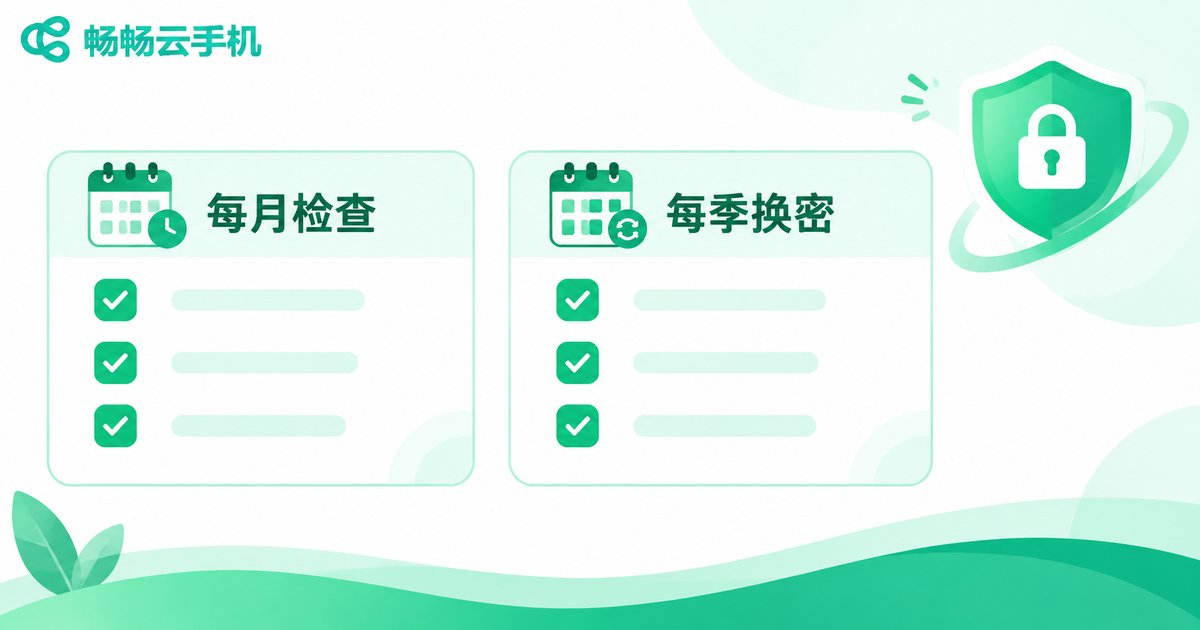
One Table for Your Routine Leak-Prevention Check
Turn the habits above into a fixed rhythm with this schedule:
| Check item | Frequency | Action |
|---|---|---|
| Review logged-in devices | Monthly | Remove unknown devices |
| Rotate key account passwords | Quarterly | Change and confirm 2FA is on |
| Clear verification code messages | After each code | Delete once used |
| Reclaim shared accounts | When each share ends | Change password, revoke access |
| Review authorized apps | Quarterly | Revoke unused authorizations |

Make Good Security Habits Easier with ccloudphone
Good habits work best with the right tool. ccloudphone provides each user with an independent cloud device environment: accounts and data are stored in the cloud and isolated from your local phone—so even if your physical device is lost or temporarily lent out, the account environment inside your cloud phone stays protected.
Combine the checklist with your cloud phone routine: run key accounts in dedicated cloud devices, delete verification codes right after use, and set clear time limits whenever you share an account. Visit the official ccloudphone website to learn more about the product.
FAQ
Q: Can other people see the accounts inside my cloud phone?
Under normal circumstances, only you can log into your cloud device. Risks come mainly from leaked passwords or codes, or careless account sharing. Following this checklist keeps the risk very low.
Q: Is it safe to give out only part of a verification code?
Not recommended. Either do not share the code at all, or provide it only through a trusted official process. Some codes can still be used to log in or recover an account—there is no such thing as a “half code being safer.”
Q: How do I protect my account when hiring a booster?
Grant only the minimum access needed to log in, agree on clear start and end dates, and once it ends, change the password immediately and review the device list and authorization records.
Q: What if complex passwords are too hard to remember?
Combine a phrase with numbers and symbols—for example, the initials of a sentence only you know plus a few key digits. It stays long and memorable, far more practical than random gibberish.


