
How to Do Data Isolation on Cloud Phones: Account, File, and Environment Separation Tips
Why Cloud Phones Need Data Isolation
Many people treat a cloud phone simply as a multi-instance tool: five or six accounts logged in on one device, files downloaded into one mixed pile, and identical usage habits across the board. It looks convenient, but the risks are high. If one account gets flagged by a platform, the others may be linked and penalized together; caches, clipboard data, and authorization records from one environment can quietly leak into another. For reliable multi-account operations, the first step is not running more instances — it is isolation: keeping every account separate at the account, file, and environment levels.
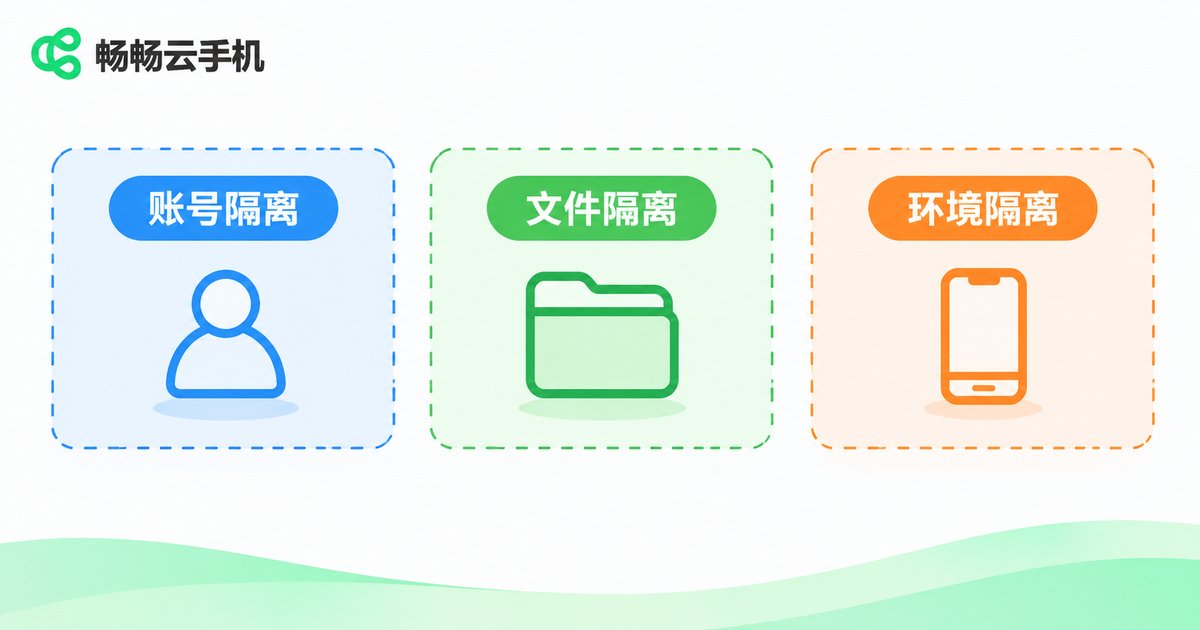
Account Isolation: One Account per Device, Separate Bindings
The core rule of account isolation is one type of account per cloud phone. Keep work accounts, personal accounts, and store accounts on separate cloud phone instances and never log in across them. Practical tips:
1. Assign each cloud phone a fixed purpose and note it down, so you never mix them up from memory;
2. Use different passwords and binding details for each account, and never chain all accounts to one phone number or email;
3. Avoid frequent account switching inside one cloud phone — frequent switching is itself a high-risk signal.
File Isolation: Separate Downloads, Albums, and Clipboards
Files are the most overlooked isolation point. If assets, installers, and chat records pile up in the same cloud phone, they get mixed up easily and can carry information from one account to the next. Recommendations:
1. Keep each cloud phone's download folder and album strictly limited to that account's content;
2. Store assets locally or in cloud storage first, organized in per-account folders, and upload only to the device that needs them;
3. Clear caches, clipboards, and browsing history regularly, especially before switching accounts or retiring an environment.
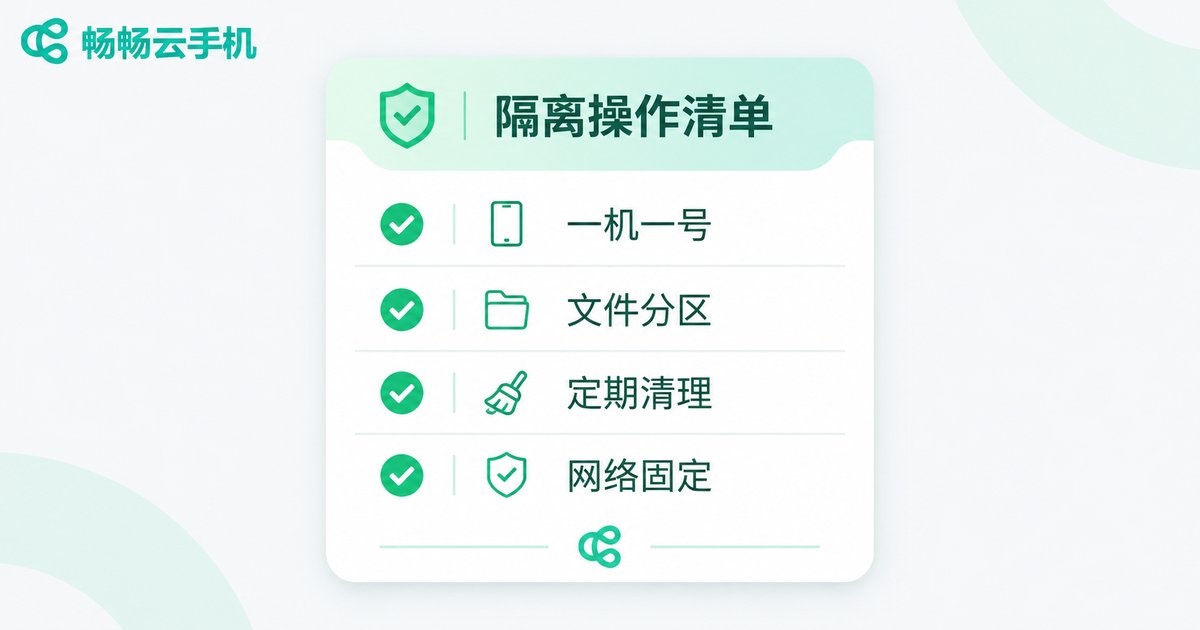
Environment Isolation: Make Each Cloud Phone Feel Like a Fresh, Independent Phone
Platforms detect links between accounts not only through the network but also through device parameters, behavior patterns, and environment consistency. Environment isolation comes down to three things:
1. Stable parameters: once a cloud phone's device model and system settings are set, avoid changing them frequently;
2. Natural behavior: let a new environment act like a normal user for a few days before performing sensitive actions such as registration or posting;
3. Fixed network: keep each account on a consistent network environment and avoid frequent jumps.
Three Isolation Layers at a Glance
| Layer | Key Practice | Common Mistake |
|---|---|---|
| Account | One account per device, separate bindings | Mixed logins, shared bindings |
| Files | Separate storage, regular cleanup | Mixed assets, ignored caches |
| Environment | Stable parameters, natural behavior, fixed network | Frequent changes, rushing new accounts |
Putting Isolation into Practice with ChangChang Cloud Phone
Every cloud phone from ChangChang Cloud Phone (ccloudphone) is an independent Android environment. Accounts, apps, and files are stored separately in the cloud without interfering with each other. You can run as many cloud phones as your business needs, one purpose per device: one for your store, one for content, another purely for testing. Since data lives in the cloud and your local device only views and controls it, losing or replacing your physical phone does not affect the accounts and files inside your cloud phones. When one environment needs a fresh start, simply reset that single cloud phone to get a clean, independent space while all other instances remain untouched. Visit the ChangChang Cloud Phone official website for more details on features and plans.
FAQ
Q: Does logging into two accounts on one cloud phone count as isolation?
No. Within the same environment, caches, login states, and device information are shared. The safe approach is one account per device.
Q: Is my data still there after the cloud phone shuts down?
Yes. ChangChang Cloud Phone stores data in the cloud. When you enter the same cloud phone next time, apps and files remain exactly as they were.
Q: Will the cloud phone environment change if I log in from a different local device?
No. The environment parameters live in the cloud, independent of your local device, so switching phones does not alter the cloud phone's environment.
Q: How many cloud phones should I run?
It depends on your workload. Start small, make sure your isolation workflow works, then scale up gradually so you are not overwhelmed.


