

How to Backup Cloud Phone Data to Local? 3 Migration Solutions to Prevent Account Loss
Why Do You Need to Backup Cloud Phone Data to Local?
With the widespread use of cloud phones, more and more users store important applications, game accounts, and files in the cloud. However, to prevent data loss caused by account anomalies, device changes, or cloud data cleanup, it is necessary to regularly backup cloud phone data to local storage. Mastering the correct data migration solutions can provide double protection for your digital assets.
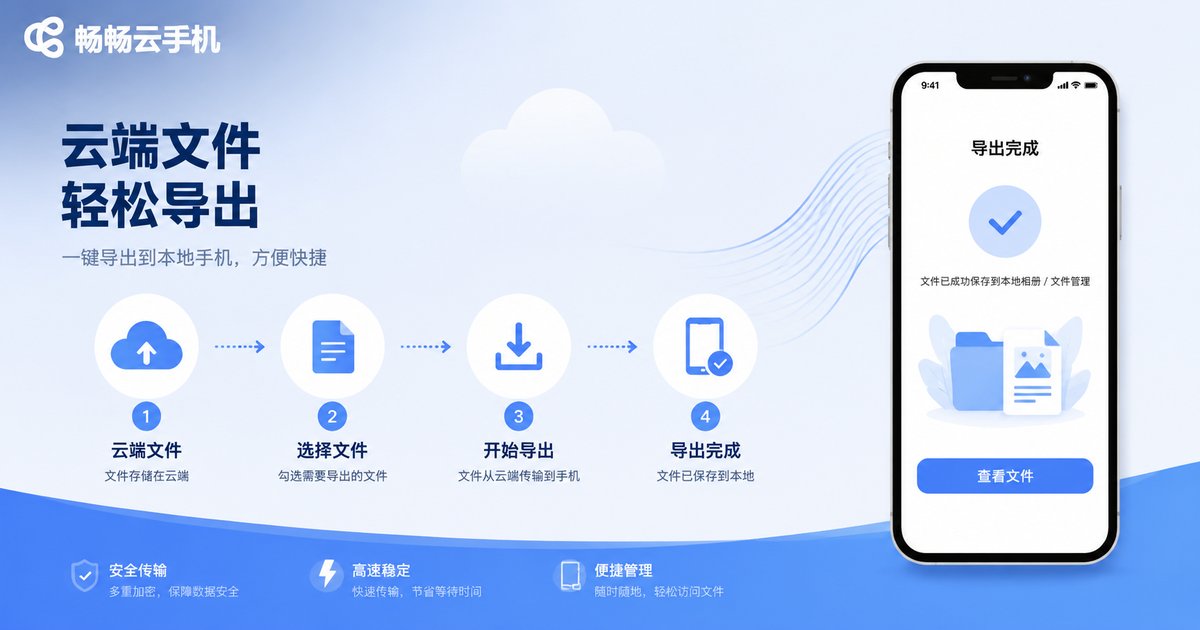
Solution 1: Directly Export Important Files via File Manager
For ordinary files such as photos, documents, or installation packages stored locally on the cloud phone, the most direct backup method is file manager export. You can log in to the cloud phone, open the built-in file manager app, select the files you need to backup, and transfer them to your physical phone or computer via the share or download function. This method is suitable for quick backup of small files and is simple and intuitive.
Solution 2: Use Cloud Disk Tools for Data Sync and Download
If the data volume is large, it is recommended to use cloud disk sync for migration. You can install a common network disk app inside the cloud phone and upload the data you need to backup to the network disk. After the upload is complete, log in to the same network disk account on your physical phone or computer and download the files to local storage. This method is not only safe but also not limited by file size, making it an ideal choice for batch migration.
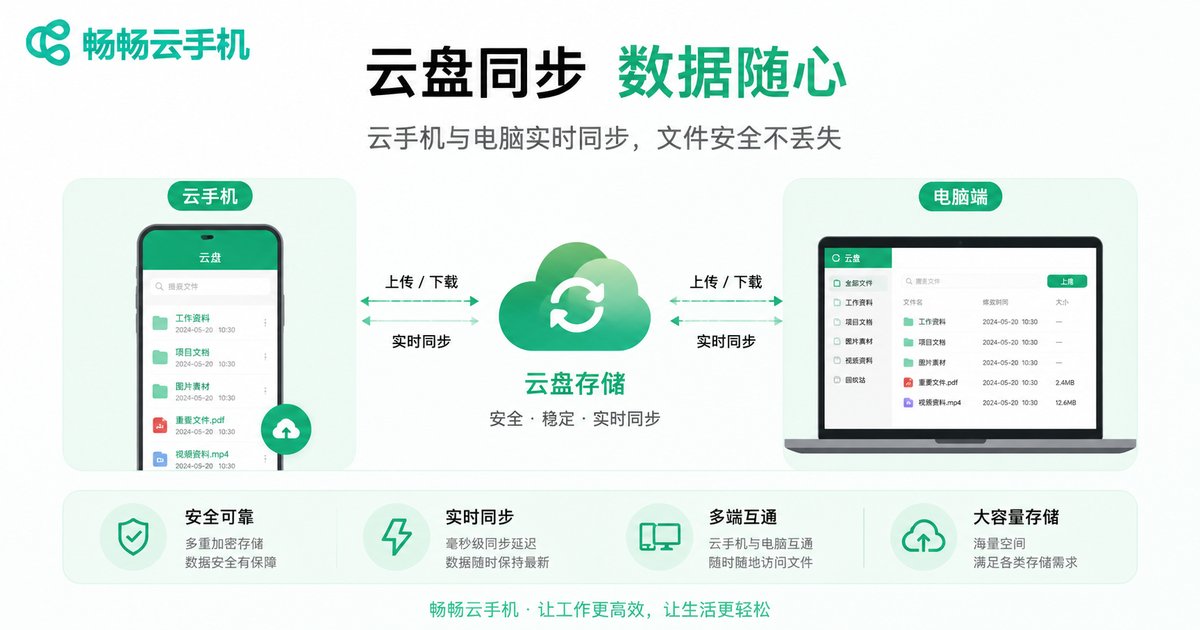
Solution 3: Account Binding and Local Archive Export
For gamers, the biggest fear is losing account progress. To prevent account loss, the most effective solution is account binding and archive export. First, ensure your game account is bound to an official platform or third-party account system; second, if the game supports local archive export, you can download the archive file to local storage using Solution 1 or Solution 2. This way, even if the cloud environment is reset, your account progress can still be restored.
Comparison of Three Data Backup Solutions
| Solution | Applicable Scenario | Pros | Cons |
|---|---|---|---|
| File Manager Export | Small amount of photos, docs | Direct operation, fast | Not suitable for large files |
| Cloud Disk Sync | Large batch data backup | No size limit, safe | Depends on network speed |
| Account Binding & Archive Export | Game account loss prevention | Ensures account progress safety | Requires game support for export |
ccloudphone: Providing a Safe and Stable Data Environment
A stable and reliable cloud phone platform is the foundation for data backup and migration. ccloudphone is dedicated to providing users with a smooth and secure cloud running environment. With ccloudphone, you can easily manage cloud applications and files. Combined with the above backup solutions, your digital assets are completely safe. Whether for daily AFK (away from keyboard) or data storage, ccloudphone provides professional guarantees.
FAQ
Q: Will the data on ccloudphone be automatically cleaned up?
A: ccloudphone provides a stable data storage environment for users. As long as you are within the normal usage period, your cloud data will be properly retained. However, for absolute safety, regular local backups are recommended.
Q: What should I do if my game account is lost?
A: If you have already bound your account according to Solution 3, you can directly log in to the bound account on a new device or cloud to restore your progress. If it is not bound, recovery is difficult, so be sure to bind and backup in advance.
Q: What if the files backed up to local cannot be opened?
A: Please check whether the files are encrypted or protected in the cloud phone, and ensure that the files are in a readable format before exporting. If they are database files, they need to be opened with the corresponding application.


