
Stop Struggling with App Compatibility! Cloud Phone Offers One-Click Switching Across Multiple Android Versions
Why Does App Compatibility Always Cause Headaches?
In daily use or development testing, we often encounter a frustrating problem: apps crashing, failing to install, or malfunctioning. This is usually due to the severe fragmentation of Android versions, with different devices running different versions of Android. Developers need to test repeatedly, while regular users might not be able to use certain apps normally because their phone's system is too old or too new. The traditional solution is to prepare multiple physical phones with different systems, which is not only expensive but also cumbersome to manage.
Cloud Phone: The Ultimate Tool to Break System Version Barriers
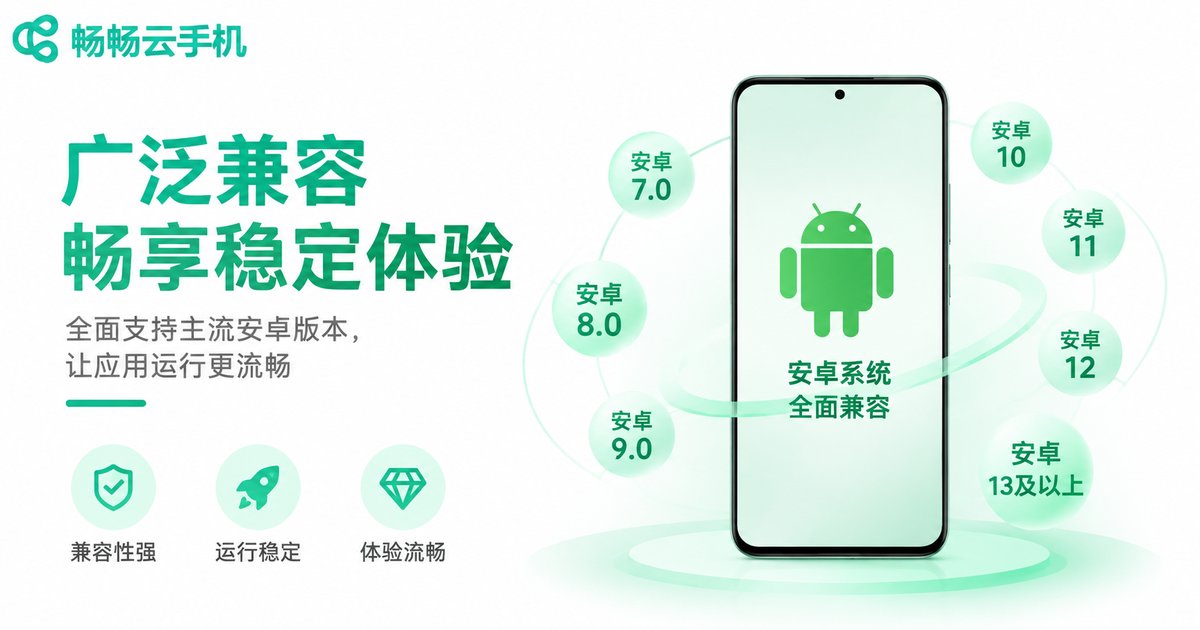
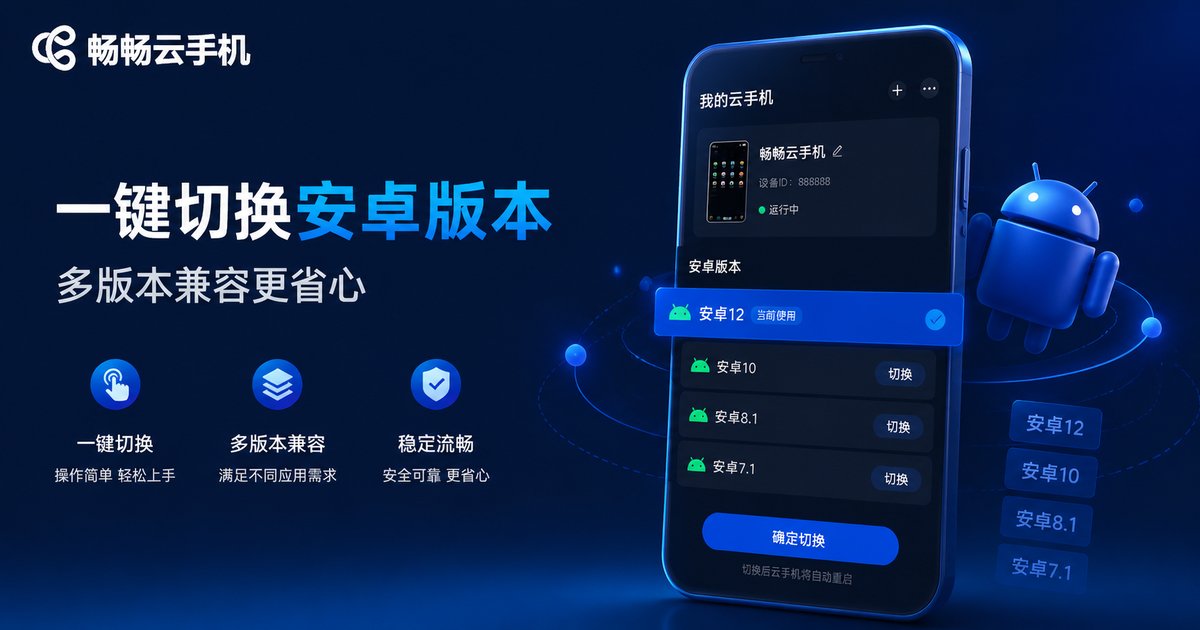
The emergence of cloud phone technology provides a perfect solution to this problem. Through cloud virtualization technology, cloud phones can offer a pure Android runtime environment. Most importantly, it supports one-click switching across multiple Android versions. Whether you need to test legacy compatibility on Android 7.0 or the latest features on Android 13.0, a simple operation in the backend allows you to instantly switch system environments without restarting or changing devices.
| Comparison | Traditional Physical Phones | Cloud Phones |
|---|---|---|
| System Version Switching | Requires multiple devices, high cost | One-click switch, instant |
| Testing Efficiency | Low, requires frequent plugging/unplugging | High, manage multiple cloud phones simultaneously |
| Compatibility Coverage | Limited to available devices | Supports all mainstream Android versions |
ccloudphone: Easily Manage Multi-Version Compatibility Testing
Among numerous cloud phone services, ccloudphone stands out with its stable performance and convenient operation. It not only provides a smooth cloud control experience but also comes with a rich selection of Android system versions for users to choose from. Whether app developers conducting multi-environment compatibility tests or regular users wanting to experience specific apps under different system versions, ccloudphone offers great convenience.
FAQ
Q: How long does it take to switch Android versions using a cloud phone?
Using ccloudphone to switch system versions usually takes just a few seconds to complete the environment configuration, achieving instant switching.
Q: Can cloud phones run different system versions at the same time?
Yes. You can allocate multiple cloud phone instances to run different Android versions separately, enabling parallel testing and management.
Q: Is ccloudphone suitable for individual developers?
Absolutely. ccloudphone offers flexible configuration options, allowing individual developers to access multi-version testing environments at a very low cost.


