
How to Choose Cloud Phone Specs: Single-Instance, Multi-Instance, Idle Running and Office Scenarios
The short answer: more specs is not the same as better specs
The most common mistake when choosing cloud phone specs is treating CPU cores and memory as the only numbers that matter. In practice, how well a cloud phone performs depends on what you are going to do with it. An instance used for idle running may stay perfectly stable on 2 cores and 3GB, while an instance used for high-definition remote office work can still feel sluggish on 8 cores, because the bottleneck there is network latency and image compression, not the CPU.
So before you spend anything, take two minutes to work out which type of user you are. That is far more useful than comparing spec sheets over and over.
Step one: identify your scenario
Almost every cloud phone use case falls into one of four categories:
1. Light single-instance use — running just one app, for example testing an application, logging into a secondary account, or checking how an app looks in another region.
2. Multi-instance operations — managing anything from a handful to dozens of accounts for content matrices, store operations or multiple game characters.
3. Long idle running — an app that must stay online 24/7 to run tasks, scripts, data collection or long game sessions.
4. Mobile office work — treating the cloud phone as a remote Android device you connect to at any time to move files and use business apps.
Single-instance use: good enough is genuinely enough
Single-instance use is the lightest scenario. One app and one account means fewer running processes and naturally lower memory usage.
As a reference: 2 CPU cores + 3GB memory + 32GB storage covers most needs, including social apps, productivity tools, ordinary mobile games and app testing.
The three things really worth caring about here are whether the Android version is recent enough (some apps have hard version requirements), whether the network route is stable, and whether storage is sufficient for apps and cache. Spending your budget on these three beats upgrading from 2 cores to 8 cores.
Multi-instance use: concurrency is the real variable
When running multiple instances, many people make the same mistake: giving every single instance a top-tier spec. Ten high-spec instances then saturate the total pool, drag each other down, and stutter becomes more obvious rather than less.
The right approach is enough per instance × number of instances ≈ total resources, while prioritising isolation between instances — independent device parameters and independent account environments, so one instance cannot drag down another.
| Concurrency | Per instance | Total resource reference | Typical use |
|---|---|---|---|
| 3–5 instances | 2 cores / 3GB | Around 8 cores, 16GB | Small teams, side projects |
| 8–10 instances | 2 cores / 4GB | Around 20 cores, 40GB | Content matrices, store operations |
| 20+ instances | 2 cores / 4GB, grouped scheduling | Scale in batches, launch in phases | Studios, large-scale operations |
Also remember that the more instances you run, the more noticeable the momentary load becomes when many of them start apps or come online at the same moment. Grouping instances and staggering start times makes the experience noticeably more stable.
Idle running: staying online matters more than raw power
People who run tasks around the clock often overlook one fact: idle running is not about peak performance but about stability over long periods. A 2-core instance that runs fine for 72 hours beats an 8-core instance that crashes every hour.
When choosing specs for idle running, focus on these points:
· Cloud-resident operation: does the device keep running in the cloud, instead of depending on your local phone or PC staying powered on?
· Reconnection behaviour: can it recover automatically after network jitter, and can tasks resume?
· Memory headroom: idle apps accumulate cache over time, so leave about 1GB above the single-instance baseline.
· Storage space: logs and cache build up for weeks, so 32GB is a safer starting point.
A sensible idle-running configuration is therefore usually 2 cores + 4GB memory + 32GB storage, with the extra budget going towards longer runtime rather than more cores.
Office work: clarity, latency and data handling decide the experience
If the cloud phone is your mobile office tool, the criteria completely change — what you want is the feeling of using a real phone.
Three indicators matter: display clarity (reading documents and spreadsheets on a low-resolution stream is exhausting), input latency (waiting half a second after every tap halves your efficiency), and file and data flow (can you move files smoothly between local and cloud, and is the account environment isolated?).
For this scenario, aim for 4 cores + 6GB memory or more, and prefer a service with stable routes and high-definition streaming. There is another underrated benefit: data lives in the cloud, so your local device is only a display and control terminal, and switching devices does not require rebuilding the environment.
Configuration comparison across the four scenarios
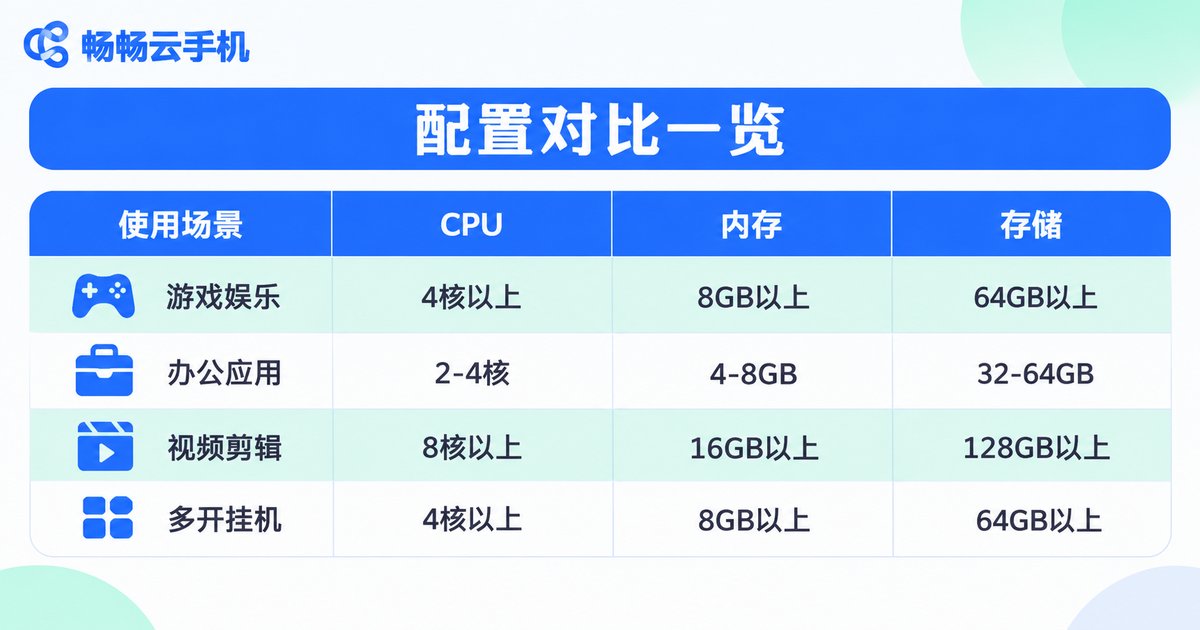
| Scenario | CPU | Memory | Storage | What matters most |
|---|---|---|---|---|
| Light single-instance | 2 cores | 3GB | 32GB | Android version, network |
| Multi-instance operations | 2 cores per instance | 3–4GB per instance | 32GB per instance | Isolation, scheduling |
| Long idle running | 2 cores | 4GB | 32GB+ | Stability, reconnection |
| Mobile office | 4 cores+ | 6GB+ | 64GB | Clarity, latency, file flow |
Three pitfalls when choosing specs
Pitfall one: looking at total memory instead of per instance. No matter how large the total is, if each instance only gets 1GB, the system will keep killing its processes.
Pitfall two: looking at core count but ignoring architecture compatibility. Android apps are sensitive to chip architecture. Choosing a cloud environment built on real ARM architecture usually means fewer compatibility headaches and no need to fiddle with translation layers.
Pitfall three: ignoring network and bandwidth. Running dozens of instances means streaming dozens of screens at once, which consumes serious bandwidth. No amount of CPU can compensate for a network that cannot keep up.
Why ccloudphone fits these requirements
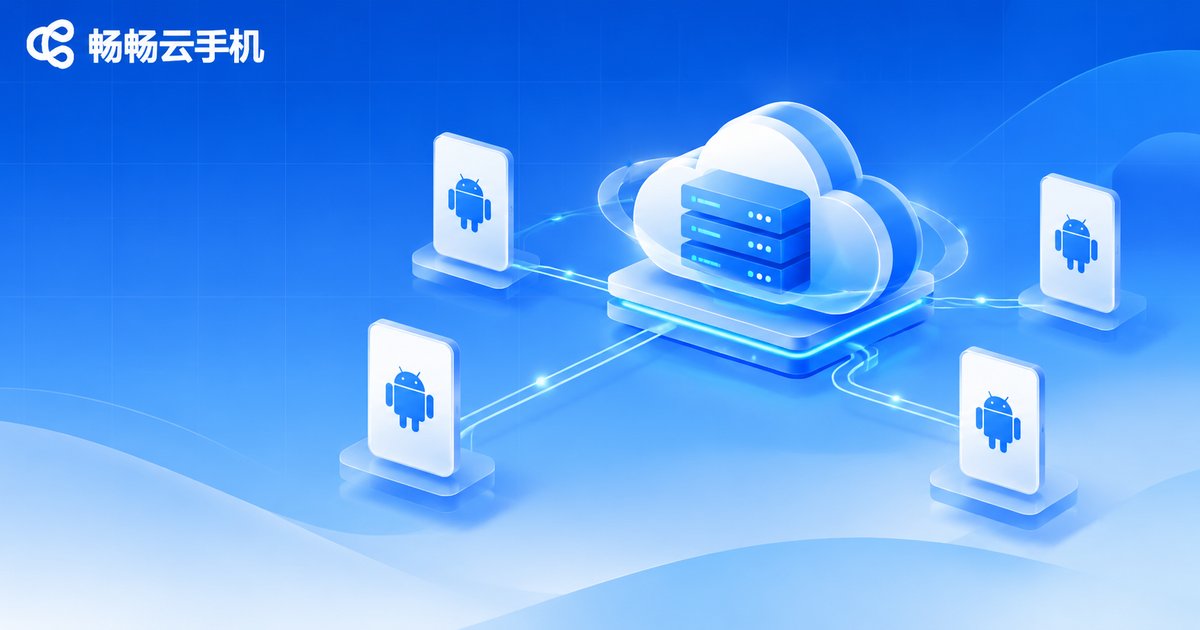
ccloudphone runs the Android system in the cloud, with the local device only handling display and input, which naturally addresses the key points above:
· ARM-based cloud environment, so Android apps run directly with less compatibility work.
· Devices keep running in the cloud, independent of whether your local phone or PC is switched on, which suits long idle sessions.
· Multi-instance management, with each instance having its own independent device environment — ideal for multi-account operations.
· Access via web or desktop client, so in an office setting you can log in from another computer and continue without rebuilding anything.
· Data stored in the cloud, so local devices carry no runtime load and tasks are not interrupted when a local machine shuts down.
In practice, use the comparison table above to identify your scenario first, then check the currently available instance specifications on the official site and scale in batches according to your actual concurrency instead of going straight to the highest tier.
FAQ
Q1: Is 2 cores and 3GB enough for single-instance use?
For most everyday apps and ordinary mobile games, yes. What usually hurts the experience is the network route or the app's own resource consumption, so troubleshooting the network first is more effective.
Q2: For multi-instance use, should I just buy the highest spec?
Not recommended. Multi-instance performance comes from allocating resources sensibly across every instance, not from one instance being extremely powerful. Spreading resources by concurrency and launching in batches is usually more stable and more economical.
Q3: Does idle running need a high-end configuration?
No. Idle running depends on long-term stability and reconnection capability. Leave about 1GB of memory headroom above the single-instance baseline to absorb cache that builds up over time.
Q4: Why does office work need more resources than single-instance use?
Because office work is far more sensitive to image quality and latency. Streaming high-definition screens, scrolling documents and switching between tasks all need more headroom; 4 cores and 6GB or more feels noticeably smoother.
Q5: On a tight budget, should I add memory or cores first?
Add memory first. Most Android apps hit a wall because of process reclamation caused by insufficient memory, not because the CPU is too weak.


