

Cloud Phone Command Dispatch: Broadcast, Targeted, and Orchestrated Granularity Explained
First, Understand What Command Distribution Means
When you run dozens or even hundreds of cloud phones at once, tapping them one by one is impossible. Command distribution is the process of handing a single instruction — open an app, tap a button, run a script — from the console to many cloud phones at the same time.
Distribution granularity defines which devices receive the command and how it executes. Pick the wrong level and you either waste hours or break dozens of accounts together. The three common granularity levels are broadcast, targeted, and orchestrated dispatch. Let's break them down.
Broadcast Dispatch: One Command, Every Device Executes
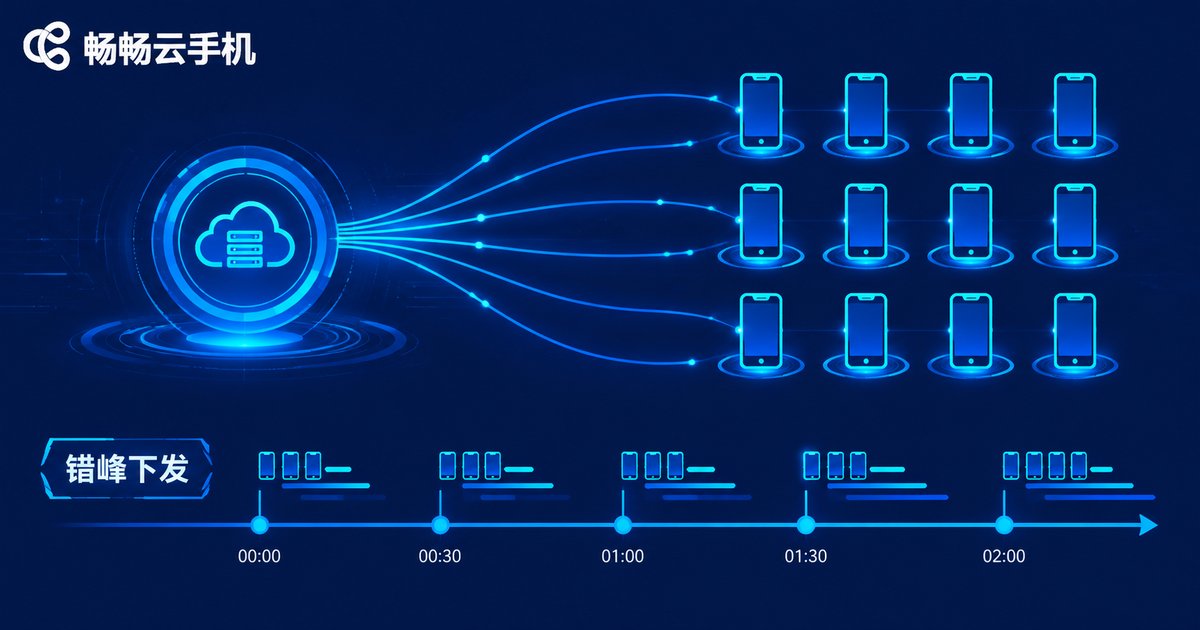
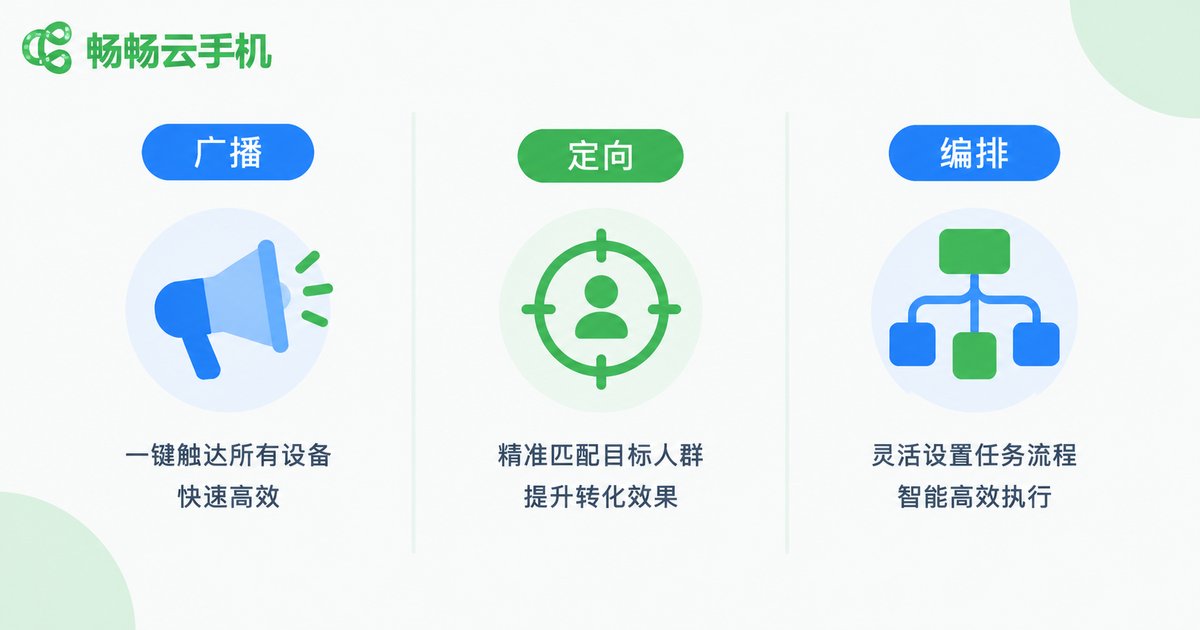
Broadcast is the coarsest level: every online device receives the same command at the same moment. It fits scenarios where all devices must move in lockstep — bulk installing or uninstalling an app, applying a unified setting, scheduled check-ins across all accounts, pushing a script update fleet-wide, or an emergency stop when something goes wrong.
The biggest pitfall is instant concurrency: hundreds of devices firing the same action within the same second can trip risk control on target platforms or saturate your network. The fix is staggered dispatch — turn 'all at once' into 'gradually over a window'. Spreading 500 devices across 10 minutes cuts the risk dramatically.
Targeted Dispatch: Precise Delivery to Devices and Groups
Targeted is the finest level: the command goes only to chosen devices or groups. It builds on a grouping system — organize devices by app type, account purpose, or region and language first, then send differentiated commands to a specific group or device.
Typical use cases: A/B testing, where two groups run two scripts and you compare conversion; matrix operations, where different account pools follow different content strategies; canary releases, where a new script rolls out to 10% of devices before going fleet-wide; and incident handling, where you restart only the misbehaving devices and leave the rest untouched. The core value is risk isolation: a broken strategy in one group never spreads to the whole fleet.
Orchestrated Dispatch: Chain Commands into Automated Pipelines
Broadcast and targeted answer 'who receives this one command'; orchestration answers 'in what order and under what conditions should a series of commands run'. A complete orchestration flow usually contains a trigger (scheduled or event-based), an action sequence (multi-step execution), conditional branches (different paths based on the previous result), retry on failure, and a result callback (status reporting when finished).
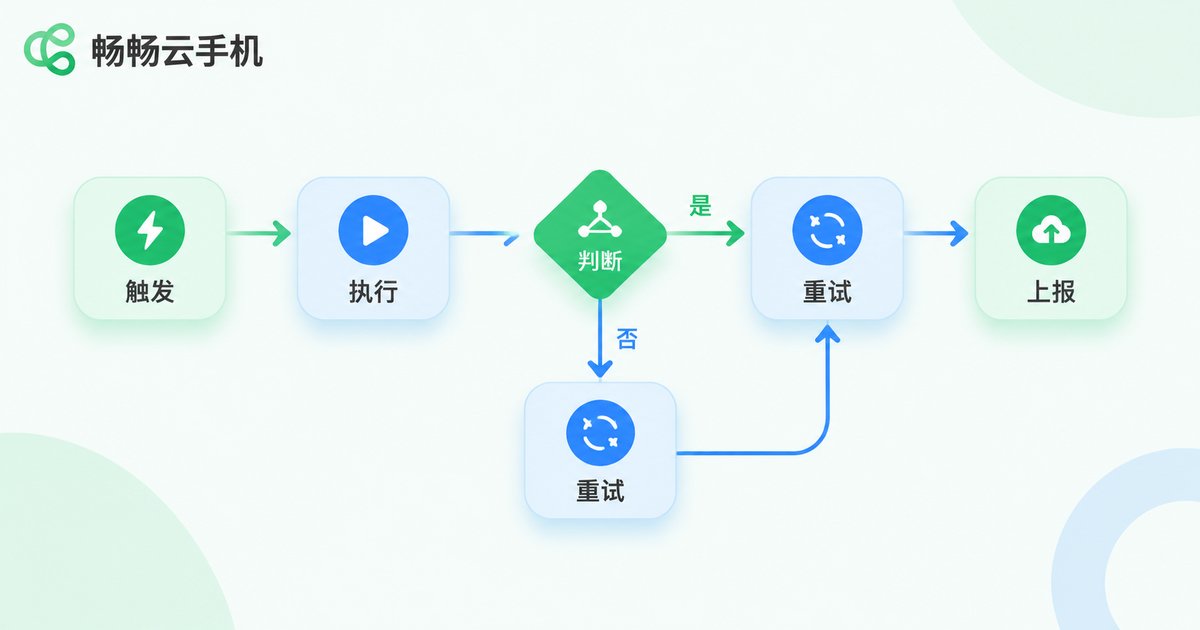
A classic daily account-maintenance pipeline looks like this:
Trigger daily at 09:00
  → Open app, wait for it to load
  → Browse the feed for 3-5 random minutes
  → Like 2 posts, follow 1 account
  → On failure: wait 60s, retry up to 3 times
  → On success: report 'daily task done'
  → Save a screenshot, close the app
The power of orchestration is unattended operation: once the flow is set, devices run on schedule while you watch the dashboard. It is the dividing line between manual grinding and true scale.
Side-by-Side Comparison: Which Granularity to Choose
| Dimension | Broadcast | Targeted | Orchestrated |
|---|---|---|---|
| Coverage | All online devices | Selected devices or groups | Any device combination |
| Typical use | Bulk install, unified check-in, emergency stop | A/B tests, canary release, group strategies | Account warming, publishing pipelines |
| Concurrency | High, must stagger | Controllable | Controllable, schedulable |
| Flexibility | Low, single action | Medium, per-group | High, conditions and retries |
| Risk isolation | Weak, one error hits all | Strong, contained in group | Strong, automatic fallback |
| Learning curve | Lowest | Needs grouping first | Highest, needs flow design |
In one line: broadcast handles uniformity, targeted handles differentiation, orchestration handles process.
Field Advice: Combine All Three
Mature group-control setups rarely rely on a single granularity. The usual playbook: Step 1, validate with targeted dispatch — send the new script to one test group for a day; Step 2, roll out with broadcast — stagger-dispatch to the full fleet once verified; Step 3, run daily work through orchestration — turn repetitive routines into scheduled pipelines; Step 4, keep broadcast as the emergency brake — one command stops everything when anomalies appear.
Three more field rules: stagger every bulk action, never let hundreds of devices move in the same second; require a receipt for every command so failures trace back to specific devices; capture screenshots before critical operations so you always have an audit trail.
Putting It to Work on ccloudphone
Group control depends on devices that behave consistently, and that is exactly where cloud phones shine: devices run in cloud data centers with stable networks and clean environments, unaffected by local reboots or home-network flakiness, while your local machine only handles the dashboard.
On ccloudphone you can create cloud phones in batches and manage them in groups, putting broadcast, targeted, and orchestrated strategies to work for game multi-boxing, short-video matrices, and batch account maintenance — all running long-term in the cloud without consuming local resources. See the official site ccloudphone for the latest features and plans.
FAQ
Q: Will broadcasting to hundreds of devices freeze them all?
Replace 'all at once' with staggered execution by adding random delays per device, and throttle per-device action frequency to avoid triggering platform risk control.
Q: Do I need tons of groups for differentiated operations?
No. Start with three to five core groups by business dimension (app, account purpose, region), and implement strategy differences through orchestration parameters inside each group instead of endless sub-groups.
Q: Does orchestration require coding skills?
No. The mainstream approach is visual drag-and-drop or templates: chain actions like open-app, browse, like, close. Coding is an advanced option, not a requirement.
Q: What if a device goes offline mid-task?
Configure retry and resume-from-checkpoint in your orchestration: when the device reconnects it continues from the last step instead of starting over; devices that fail repeatedly should be auto-flagged and pulled from the queue for manual review.
Q: Which granularity should a beginner start with?
Start with broadcast — bulk-install one app to get a feel — then practice group-based targeting, and finally move to orchestration. Begin with 5-10 devices and scale up once your flows run smoothly.


