
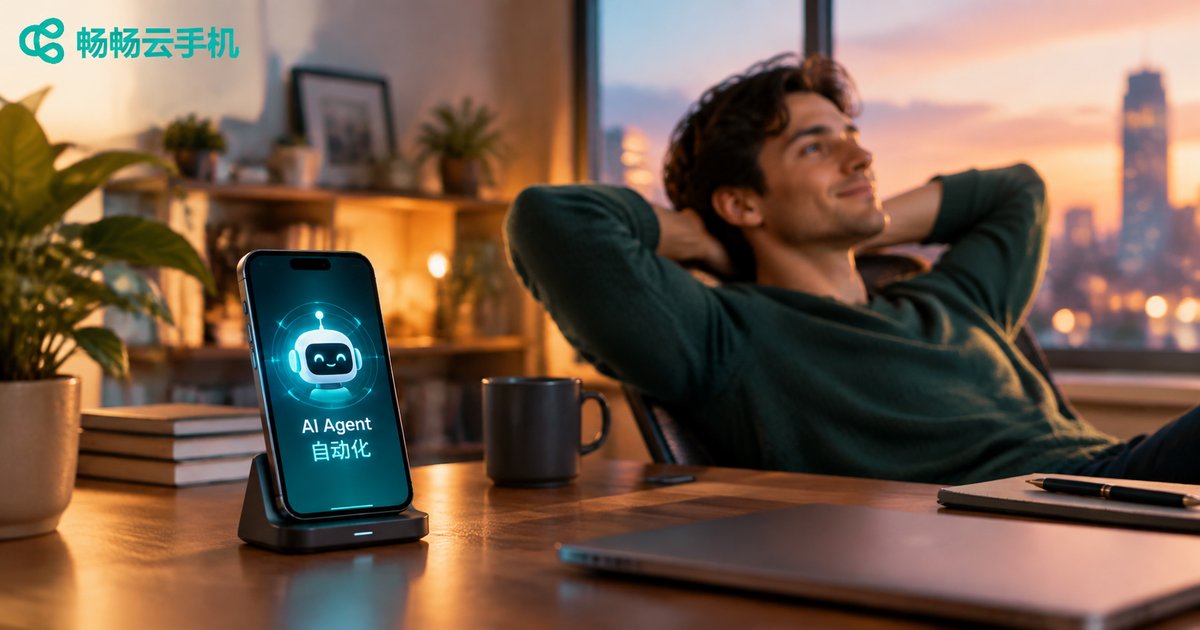
Cloud Phone + AI Agent App Automation: New Mobile Automation Workflows Driven by Large Models
When AI Agents Learn to Use Phones: A Quiet Efficiency Revolution
When people talk about mobile automation, they usually picture rigid macro scripts: record a sequence of taps, then replay it mechanically. Such scripts are brittle—any UI redesign breaks them. Today, the visual understanding and reasoning power of large language models lets an AI Agent see the screen like a human, understand interface semantics, and decide the next action on its own. This is the new playbook of mobile automation driven by large models.
But an AI Agent needs a body that stays online 24/7, scales on demand, and keeps a clean environment. That is exactly what a cloud phone provides: an Android system running in the cloud that consumes none of your local resources and supports multi-instance management—the ideal body for your AI Agent.
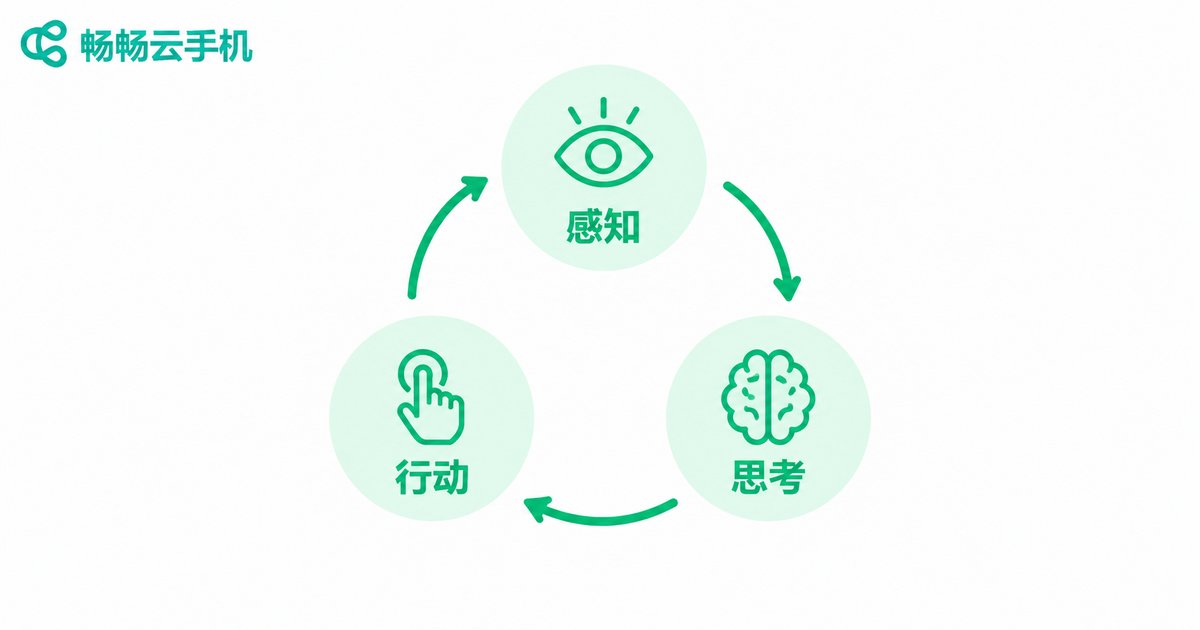
How an AI Agent Operates Apps: The Perceive–Reason–Act Loop
An LLM-driven AI Agent controls a phone through a continuous loop:
1. Perceive: Capture a screenshot of the current screen and feed it to a multimodal model to locate buttons, input fields, and identify which page you are on.
2. Reason: Given the task goal (such as completing a daily check-in for rewards) and the current screen, the model works out the next step: tap, swipe, type, or go back.
3. Act: The Agent triggers the touch action on the cloud phone, takes another screenshot to verify the result, and starts the next cycle.
Compared with fixed scripts, this approach is far more resilient: a popup blocking the way? The Agent recognizes and closes it. A button moved? Semantic understanding still finds it. Task definitions shift from coordinates and steps to plain natural language, so anyone can get started.
Why the Cloud Phone Is the Best Host for AI Agents
An AI Agent is only as reliable as the environment it runs in. Cloud phones fill every gap:
| Requirement | Physical Devices | Cloud Phone |
|---|---|---|
| 24/7 availability | Overheating, power loss, network drops | Always-on in the cloud |
| Parallel accounts | Buy a pile of phones | Batch instances, elastic scaling |
| Remote management | LAN-bound, complex tooling | Dispatch tasks from anywhere |
| Environment isolation | Traces left on personal phones | Isolated cloud environments |
In short: the LLM is the Agent's brain, and the cloud phone is its body. However smart the brain is, it still needs a tireless, replicable body to execute.
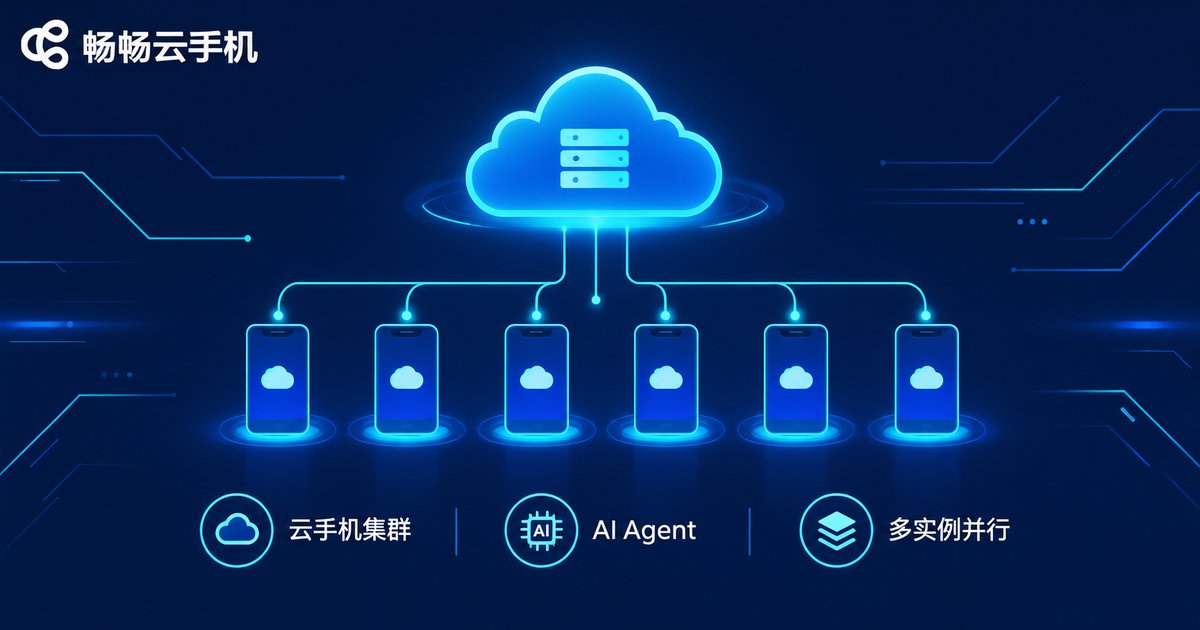
Four Practical Playbooks: From Personal Productivity to Enterprise Automation
Playbook 1: Daily app task delegation. Check-ins, reward claims, and routine browsing tasks run automatically on schedule, freeing your hands completely.
Playbook 2: Batch content matrix operations. Short-video and social accounts need multi-device, multi-account coordination. Cloud phone multi-instance plus AI Agents that auto-publish and auto-reply make it realistic for one person to manage dozens of accounts.
Playbook 3: Game idle farming and resource planning. Hand daily dungeons and resource gathering to Agents; LLMs handle UI changes across game updates far better than fixed scripts.
Playbook 4: Automated app testing. QA teams describe test cases in natural language; AI Agents execute them in parallel across a cloud phone fleet and produce reports, boosting coverage and efficiency at the same time.
Hands-On: A Minimal AI Agent Automation Loop
Here is a simplified Python example showing the minimal screenshot → LLM decision → execute loop (pseudocode; refer to your cloud phone provider's documentation for real interfaces):
import base64, requests

# 1. Grab the current screenshot from the cloud phone
screenshot = cloud_phone.screenshot(instance_id='cc001')

# 2. Send the screenshot and the task goal to a multimodal LLM
prompt = 'You are a phone operator. Goal: open the app and finish the daily check-in.'
action = llm.decide(image=screenshot, prompt=prompt)
# Example response: {'action': 'tap', 'x': 540, 'y': 1680}

# 3. Execute the action on the cloud phone
if action['action'] == 'tap':
    cloud_phone.tap(instance_id='cc001', x=action['x'], y=action['y'])
elif action['action'] == 'swipe':
    cloud_phone.swipe(instance_id='cc001', **action['params'])
elif action['action'] == 'input':
    cloud_phone.input_text(instance_id='cc001', text=action['text'])

# 4. Loop until the Agent decides the task is complete
while not llm.task_done(screenshot):
    run_one_step()
Run this loop on a cloud phone instance and you have a tireless digital employee working around the clock.
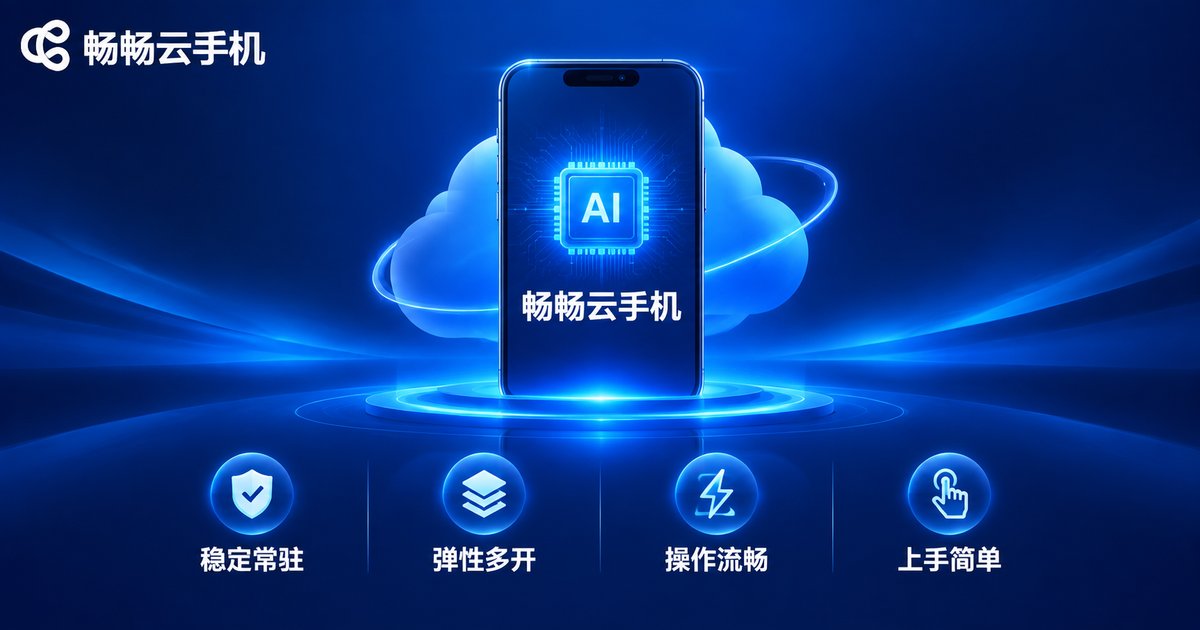
Why Choose ChangChang Cloud Phone (ccloudphone) as Your Agent Platform
Among cloud phone services, ChangChang Cloud Phone (ccloudphone) is particularly friendly to AI Agent enthusiasts:
Stable and always-on: Cloud instances stay online for the long haul, ideal for continuous automation tasks—no fear of local power or network failures.
Elastic multi-instance: Create independent instances on demand; account matrices and parallel tasks stay isolated, and capacity scales as your business grows.
Smooth performance: Deep optimization for Android apps keeps mainstream apps and games running smoothly, which also makes the Agent's visual recognition more accurate.
Easy to start: Manage instances from the web or the client app; even beginners can create their first cloud phone quickly—hand repetitive work to AI first, then scale up step by step.
Whether you are an individual user who wants to automate tedious tasks or a team pursuing large-scale automation, visit the ChangChang Cloud Phone official website (ccloudphone) to learn more, and let large models plus cloud phones become your productivity booster.
FAQ
Q: Is an AI Agent slow at operating apps?
A single decision step usually completes in seconds. For check-ins, publishing, and idle tasks where real-time response is not critical, it is more than enough; with parallel instances, overall efficiency far exceeds manual work.
Q: Do I need to know how to code?
Not necessarily. Many low-code tools already support describing tasks in natural language; if you know Python, cloud phone capabilities enable finer control.
Q: Could the AI Agent misoperate? How do I reduce risk?
Start with a single cloud phone instance and a small-scale trial before scaling up. Explicitly forbid critical actions such as payments and deletions in the task description, and keep operation logs for traceability.
Q: Does my local computer need to stay on?
No. Both the Agent and the apps run on cloud instances; your local machine is just a window for dispatching tasks and checking results, and shutting it down does not affect execution.
Q: How many Agent tasks can one cloud phone run?
Typically one instance maps to one isolated environment, so one main task per instance is the most stable setup. For parallelism, simply run more instances on ChangChang Cloud Phone; they do not interfere with each other.


