

How to Use AI Agents in Cloud Phone Marketing: Building an AIGC Distribution Workflow
Why Every Marketing Team Is Talking About 'Cloud Phone + AI Agent'
Not long ago, content distribution meant one operator juggling a handful of physical phones: writing copy, shooting material, publishing manually, and compiling data by hand. Exhausting — and impossible to scale. Today the equation has changed: cloud phones solve the 'device' problem, while AI Agents solve the 'brainpower' problem. Put a thinking AI Agent inside a cloud phone that stays online 24/7, and AIGC content becomes a true automated pipeline — machines produce the content, machines execute the distribution, and humans focus on review and strategy.
This article explains in plain language what AI Agents can actually do in marketing scenarios, and how to build a complete AIGC distribution workflow step by step.
What Can an AI Agent Do Inside a Cloud Phone?
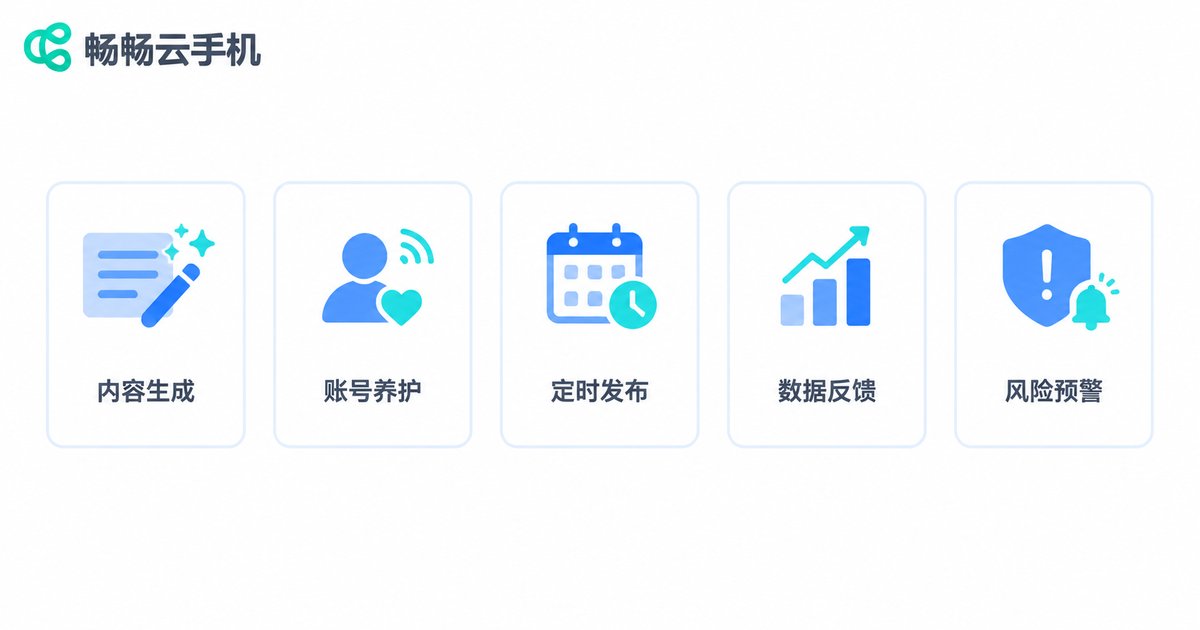
Many people still picture AI Agents as chatbots. But once an Agent is connected to a cloud phone and can operate the device interface directly, it becomes a tireless digital employee that takes over the repetitive work across your marketing pipeline:
1. Content production: generates copy, short-video scripts, and images in bulk based on trending topics and keywords — hundreds of drafts per day is realistic.
2. Account nurturing: mimics human usage patterns, handling logins, browsing, likes, and comments to keep accounts active.
3. Scheduled distribution: publishes the right content to the right accounts at the right time, fully automatically, around the clock.
4. Data feedback: automatically collects views, likes, comments, and conversion data, then compiles daily reports — no more manual screenshots.
5. Risk alerts: detects sensitive words, throttling signals, and abnormal metrics, alerting humans to step in immediately.
Manual Workflow vs. AI Agent + Cloud Phone
| Task | Manual | AI Agent + Cloud Phone |
|---|---|---|
| Content production | 3–5 pieces per person per day | Hundreds of drafts in bulk |
| Account management | A few physical phones per person | Dozens to hundreds of cloud phones per person |
| Publishing | Manual scheduling, easy to miss | Task-list driven, fully automated |
| Data reporting | Manual export and tallying | Auto-collected and summarized |
The AIGC Distribution Pipeline: Five Steps End to End
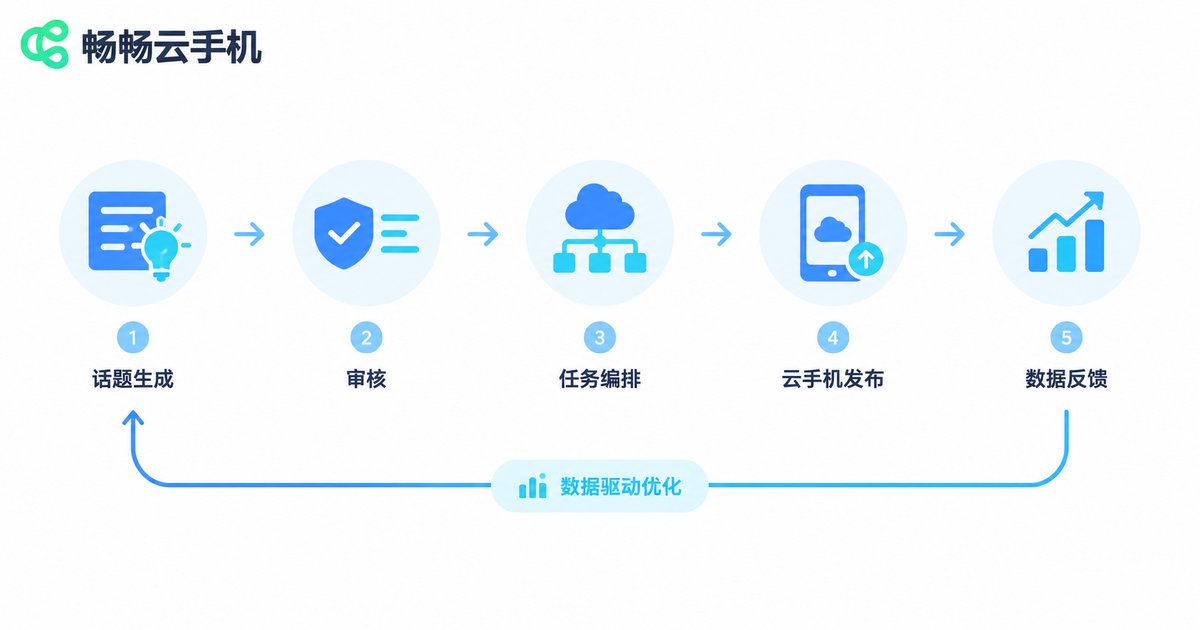
A mature AIGC distribution workflow treats content like a product on an assembly line, with five stages:
Step 1: Topic selection and generation. The Agent produces candidate content in bulk from trending lists, industry keywords, and historical hit data.
Step 2: Review and storage. Humans or rule engines run quality checks and compliance reviews; approved content enters the material library.
Step 3: Task orchestration. Plan which account publishes what, and when — outputting a task list.
Step 4: Automated distribution. Agents on cloud phones execute the publishing actions device by device according to the task list.
Step 5: Data feedback and iteration. Performance data from every account flows back to refine topic selection and prompt templates, making each cycle sharper.
Build Your Own Distribution Workflow in Four Steps
Step 1: Prepare your account matrix and cloud phone environment. Define your platforms and account count, then initialize devices on the cloud phone platform. One account per device, with isolated environments, is the safe default.
Step 2: Plug in AIGC content production. Build prompt template libraries for each platform — spoken scripts, image-text posts — let the AI generate drafts in bulk, and set up a simple checklist for human spot checks.
Step 3: Orchestrate distribution tasks. Describe each distribution action in a task sheet; even a simple config file can get the pipeline running:
{
  'task': 'morning_push',
  'trigger': '09:00',
  'accounts': ['account_01', 'account_02', 'account_03'],
  'content_pool': 'aigc_daily',
  'action': 'publish',
  'report_to': 'ops_group'
}
Step 4: Close the loop with data. Collect performance data at a fixed time every day, flag hits and underperformers, and write the conclusions back into your prompt templates — the pipeline gets smarter with every cycle.
Why the Cloud Phone Is the Best Home for AI Agents
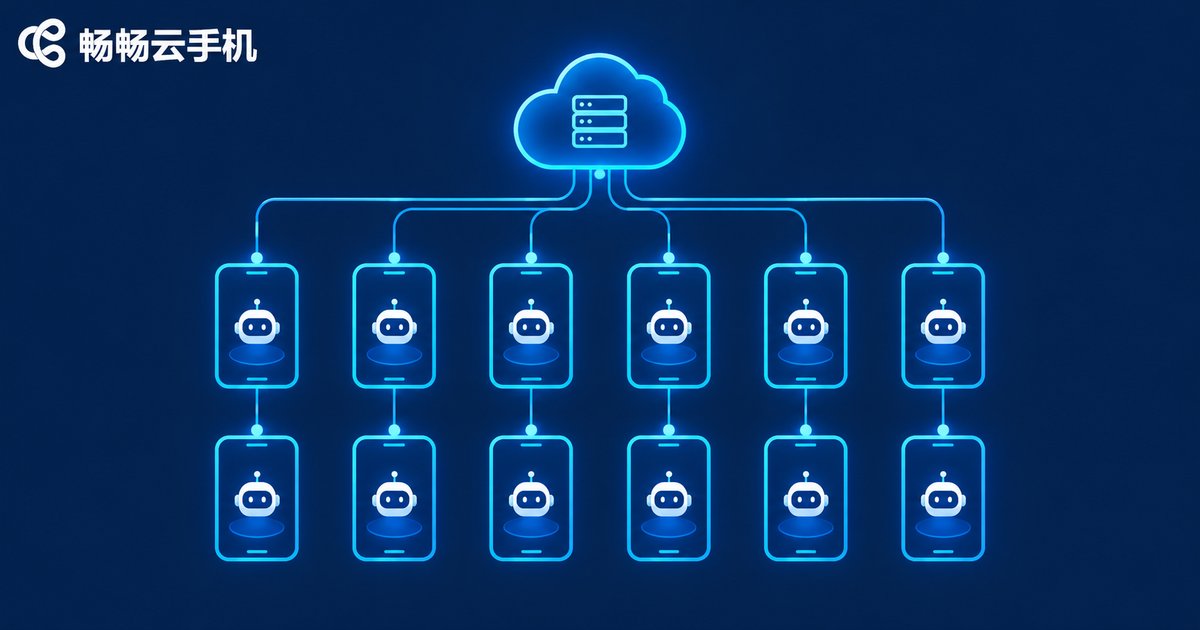
1. Online 24/7: cloud phones run in data centers, so Agents stay on duty no matter whether any local computer is on.
2. Environment isolation: every cloud phone is an independent device environment; multiple accounts never interfere with each other — far simpler than a desk full of cables.
3. Batch control: one command operates every device at once; tasks for hundreds of accounts go out in a single click.
4. Elastic scaling: spin up extra devices for campaigns and peak seasons, release them afterward, and keep costs under control.
5. Zero local load: your local computer is just the 'command center' for reports and reviews — an old machine works fine.
Rollout Advice: Prove It First, Then Scale
Start small: run one complete workflow on 3–5 cloud phones first, validate content quality and data performance, then scale up gradually.
Quality gates: AI-generated content must pass human spot checks, especially brand statements and cited figures.
Respect platform rules: control publishing frequency, differentiate and deduplicate content, and avoid being flagged as spammy marketing accounts.
Build a material library: distill high-converting titles, covers, and script structures into templates — that library is your team's most valuable asset.
Get Started Fast with ChangChang Cloud Phone
Want to try an 'AI Agent + cloud phone' workflow right away? Start with ChangChang Cloud Phone (ccloudphone). It supports multiple cloud phones online simultaneously, batch group control, one-click new device provisioning, and more — all manageable from a web browser, with no fleet of physical phones to buy or maintain. Run your Agent's execution layer on ChangChang Cloud Phone, keep local machines for review and reporting, and your team's productivity steps up immediately.
FAQ
Q: Will automated Agent operations get my accounts banned?
Keep operation frequency moderate, mimic human rhythms, and differentiate your content — the risk is manageable. Let new accounts operate normally for a while before enabling automation, and always keep a human spot-check step.
Q: Can I build this without coding skills?
Yes. Task orchestration can be done with spreadsheets or no-code tools, while the cloud phone's built-in group control handles batch execution. Code is an optional advanced layer.
Q: How many Agents should run on one cloud phone?
One Agent and one account per device is the clean setup — clear responsibilities and easy troubleshooting. When workload grows, add devices rather than piling tasks onto one.
Q: What if AIGC content quality is inconsistent?
Build a prompt template library to lock in proven hit structures, and set a daily human spot-check ratio — say 10% — using data feedback to keep improving the templates.


