
Can Cloud Phones Run Apple's iOS? Cloud Phone Operating Principles Explained
The Short Answer: Mainstream Cloud Phones Cannot Run Real iOS
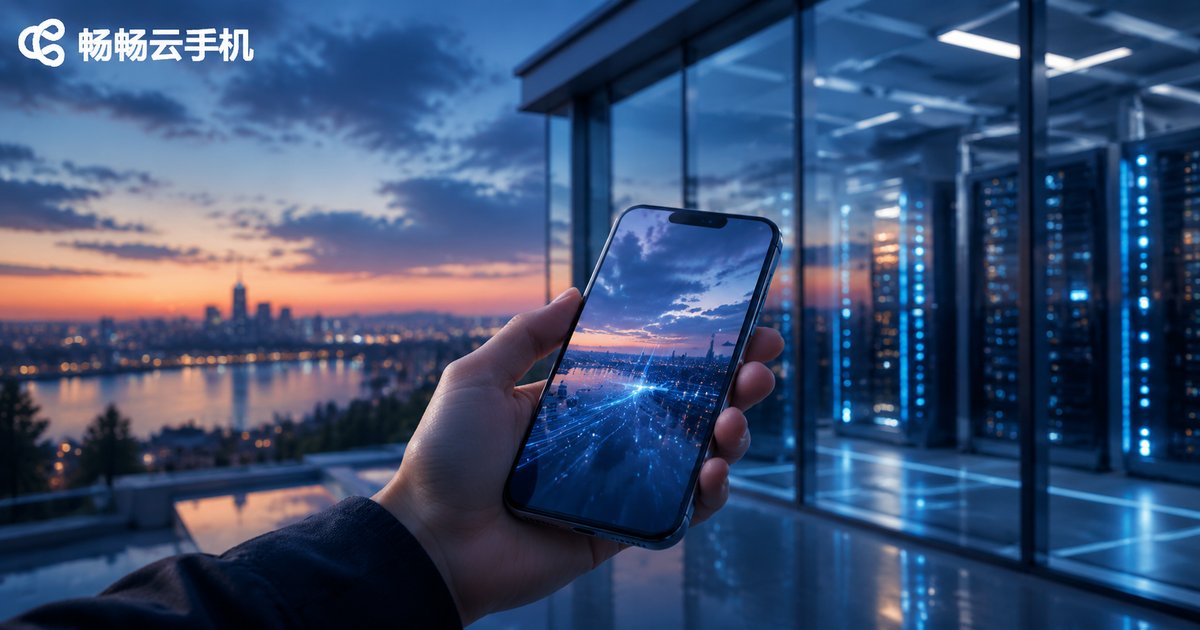
If you've been searching for an 'iOS cloud phone' or 'Apple cloud phone,' here's a clear answer up front: virtually all mainstream cloud phone services run on Android, and no service can legally virtualize a genuine iOS environment in the cloud. This isn't a matter of technology falling short — it's Apple's ecosystem strategy that makes deploying iOS on cloud servers nearly impossible.
That said, your needs aren't necessarily out of reach. Once you understand how cloud phones work, you'll find that Android cloud phones cover the vast majority of use cases, often at lower cost and with greater flexibility.
How Cloud Phones Work: Android Virtualization on ARM Servers
To understand why cloud phones 'prefer' Android, you first need to know how they actually run. In essence, a cloud phone moves an entire smartphone into a remote data center, in three steps:
Step 1: Cloud deployment. Providers deploy large fleets of ARM-based servers in data centers. Because Android was designed for ARM chips from the ground up, servers can run a native Android environment with minimal performance loss.
Step 2: Virtualization. Using virtualization technology, a single physical server is split into multiple independent 'virtual phones,' each with its own system, storage, and device information, fully isolated from one another.
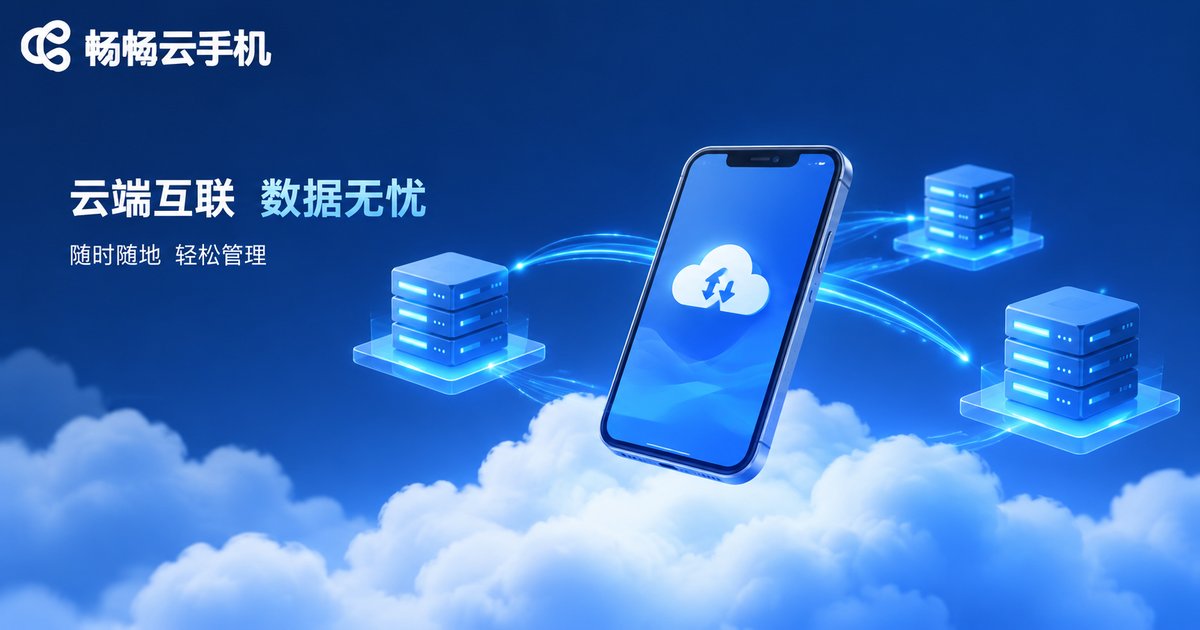
Step 3: Video streaming. What you see on your local screen is a real-time video stream from the cloud phone; every tap and swipe is transmitted over the network and executed remotely. End-to-end latency is typically just tens of milliseconds, making the experience feel close to a physical device.

To make the differences between cloud phones and physical devices easier to see, compare them below:
| Dimension | Cloud Phone | Physical Device |
|---|---|---|
| Where it runs | Remote data center | Local hardware |
| Available OS | Android (mainstream) | Android / iOS |
| Battery & heat | No local resource usage | Heats up and drains battery |
| Multi-instance | Manage many cloud phones at once | Limited by physical devices |
| Data storage | Saved in the cloud, survives device changes | Local storage |
Why Is iOS So Hard to Virtualize in the Cloud?
With the Android cloud phone model in mind, iOS's predicament becomes easy to understand. There are three core reasons:
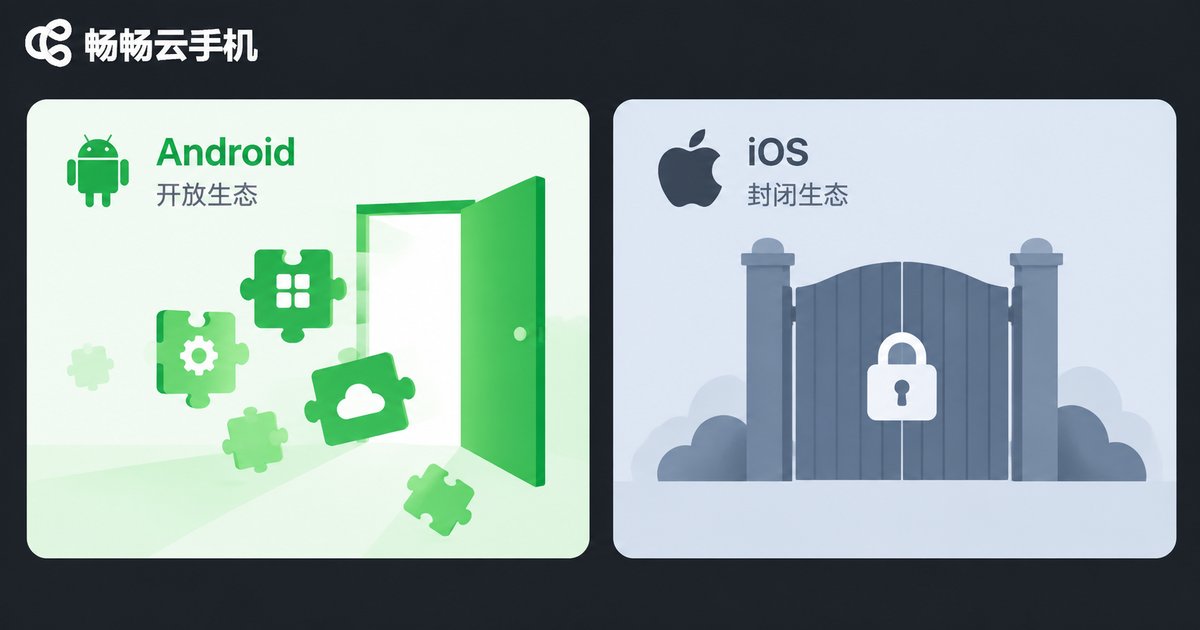
1. A fully closed system. iOS is closed-source, and Apple has never licensed any third party to run it on non-Apple hardware. Android, by contrast, is built on the open-source AOSP project, which any vendor can legally deploy on its own servers — the fundamental reason the cloud phone industry chose Android.
2. Deep hardware binding. Apple's software and hardware are tightly integrated. iOS verifies the hardware environment at startup and only runs properly on Apple's own chips, so ordinary servers simply cannot 'install' it.
3. Legal and licensing restrictions. Apple's agreements explicitly prohibit running system images on unauthorized devices. Any commercial 'iOS virtualization' service carries enormous compliance risk, which is why legitimate vendors stay away.
What Are Those 'Cloud iPhone' Services, Then?
You may have come across services marketed as 'cloud iPhones.' Most of them are not virtualized iOS at all, but real-device hosting: the provider racks up batches of physical iPhones in a server room, and users remotely control those actual devices over the network.
While this does run genuine iOS, the drawbacks are obvious: every unit is a real device, so costs are high, capacity is limited, and scalability is poor — prices are often several times higher than Android cloud phones. For most users, the value simply isn't there.
What Can Android Cloud Phones Do? These Scenarios Are Fully Covered
Even without iOS, Android cloud phones serve a remarkably wide range of use cases:
Game farming and multi-instance: Cloud phones stay online 24/7, so games never disconnect and your local device never heats up, while multiple game accounts can be managed simultaneously.
Multi-account operations: When running multiple social media or e-commerce accounts, each cloud phone has independent device information, keeping accounts unlinked and reducing association risk.
App development and testing: Development teams can spin up batch test environments in the cloud to check how an app behaves across different device profiles — no need to buy racks of physical phones.
Lightening your local device: Heavy apps and games run entirely in the cloud, so your local phone stays cool, saves battery, and frees up storage — even older devices can handle demanding apps smoothly.
How to Choose a Reliable Android Cloud Phone
When picking a cloud phone, focus on four indicators: server nodes and latency (closer nodes mean lower latency), device independence (whether each cloud phone has its own device parameters), network stability (whether long sessions stay connected), and customer support responsiveness.
Take ccloudphone (ChangChang Cloud Phone) as an example. As a professional cloud phone service platform, it delivers a native Android environment on cloud ARM servers, supports 24/7 cloud uptime, multi-device management, and batch operations, with smooth and stable video streaming — well suited to gamers, multi-account operators, and development testing teams. You can find more product details on its official website.
FAQ
Q: Can cloud phones run Apple's iOS?
No. iOS is Apple's closed-source system and has never been licensed for third-party cloud virtualization. Mainstream cloud phones all run Android.
Q: Is there any way to use iOS in the cloud?
Some providers offer 'real-device hosting' style cloud iPhone services — remotely controlling physical iPhones in a server room. But this is essentially hardware rental: costly and poorly scalable.
Q: Is an Android cloud phone very different from a real device?
For everyday use, the gap is small. Cloud phones stream video over the network with slight latency, which barely affects farming, multi-instance, and account management, though it may slightly impact highly competitive real-time games.
Q: Is data in a cloud phone safe?
Reputable providers store data in professional data centers with proper security measures. Choose a provider with legitimate credentials and keep your account credentials safe.
Q: Do I need to install a client to use a cloud phone?
Usually yes. After installing the client on your local device, you can connect to and manage your cloud devices, with an experience largely identical to a real phone.


